
Product video templates for software
These are the animated scenes Wevi builds product videos from. Openers grab attention, feature scenes animate your real captured UI, transitions move between ideas, and endings close on your logo and call to action. Each scene is 3 to 15 seconds and you fill it with your own words, interface, logo and colors.
Opener templates
Open the video and earn the next few seconds: a title, a promise or the product's first look.
Opener · your real UI
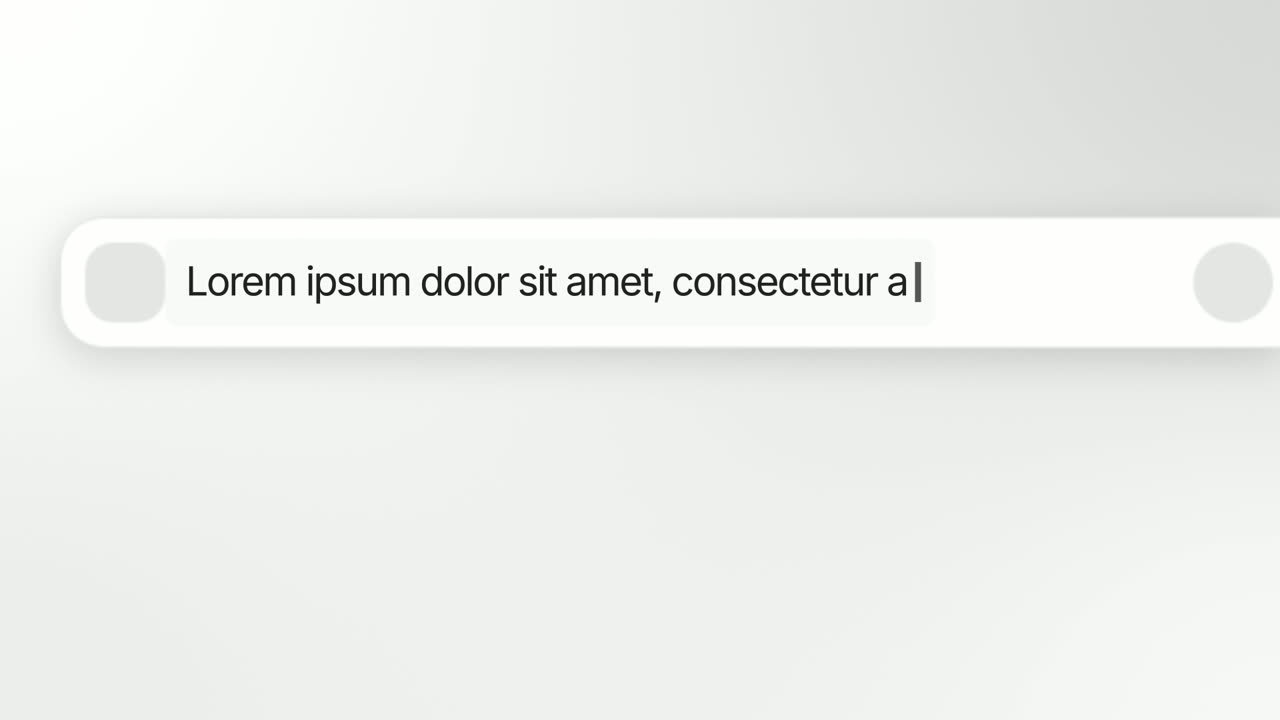
Animated Text Bar
Animated Text Bar is a 3-second scene where your product's real search or prompt bar floats alone on a clean background and one short line types into…
Opener
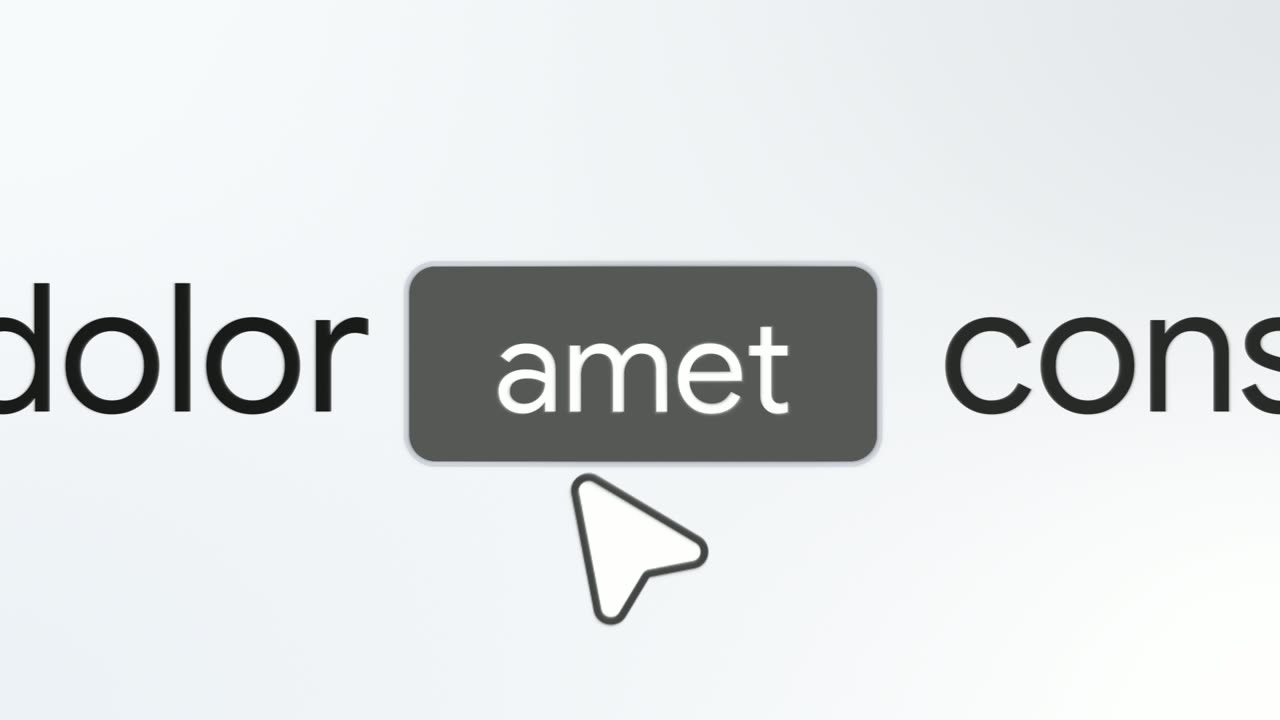
Button Word
Button Word is a 3-second text scene where one short sentence glides in with a single word sitting inside a button, then the camera punches in and a…
Opener
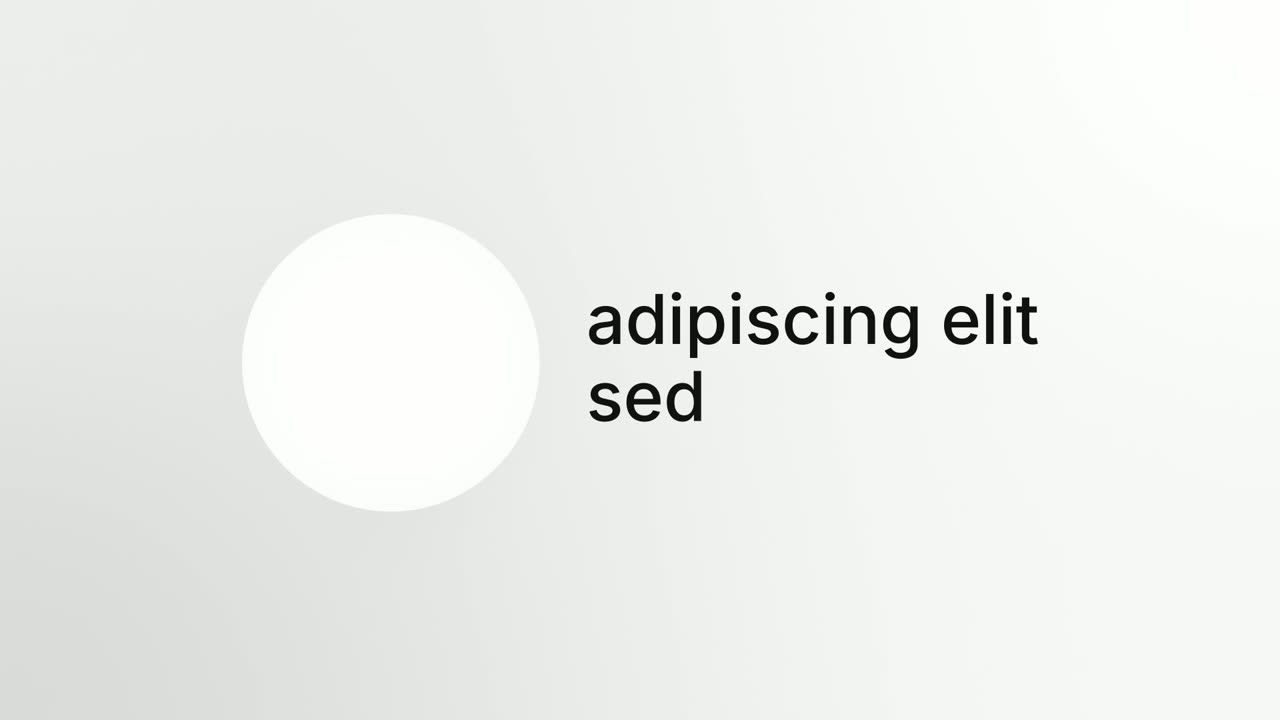
Circle Intro
Circle Intro is a 7-second introduction where a round image sits beside a name while a tagline types underneath, then the circle sweeps across the…
Opener · your real UI
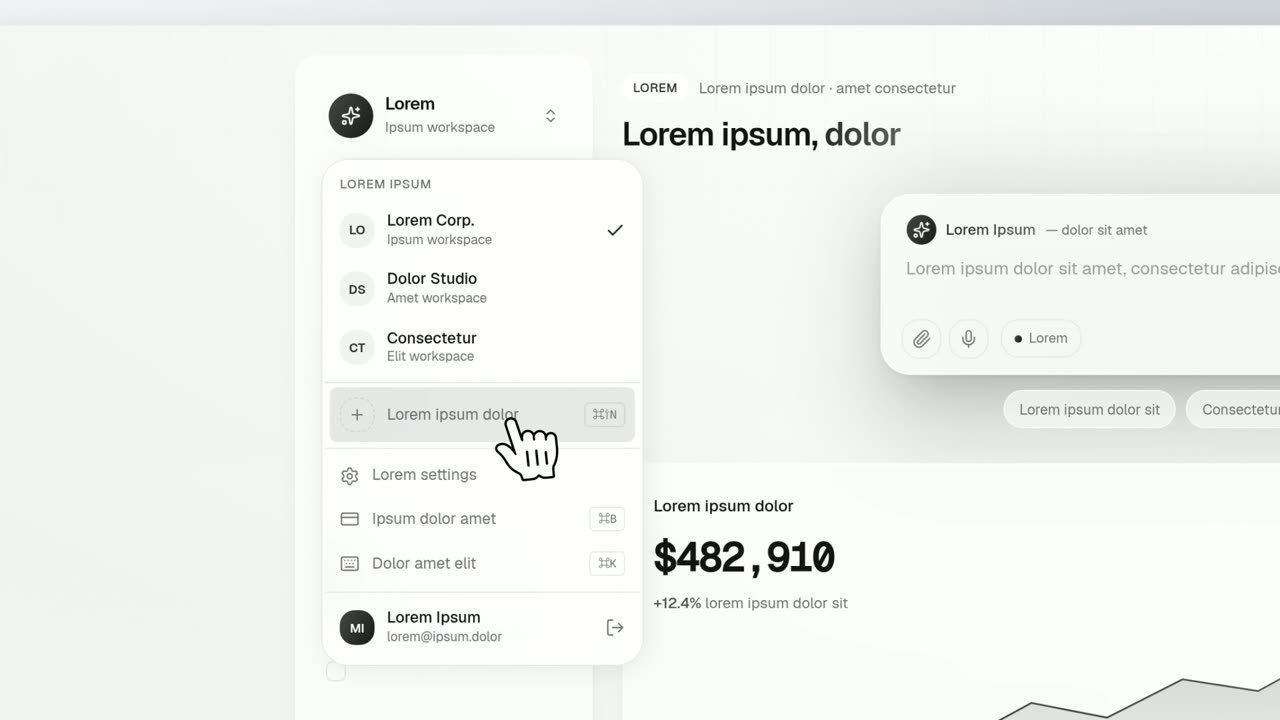
Dropdown Menu
Dropdown Menu is a 4-second scene where a cursor clicks a control on your real product page, its dropdown opens, and the cursor runs down the options…
Opener
Dual Color Title
Dual Color Title is a 2-second text scene where a few plain words drop in one at a time in two tones, with no picture and no interface.
Opener
Glow Sweep
Glow Sweep is a 3-second title scene where a sweep of light draws one short name on a near black screen, burns it bright and carries it away.
Opener · your real UI
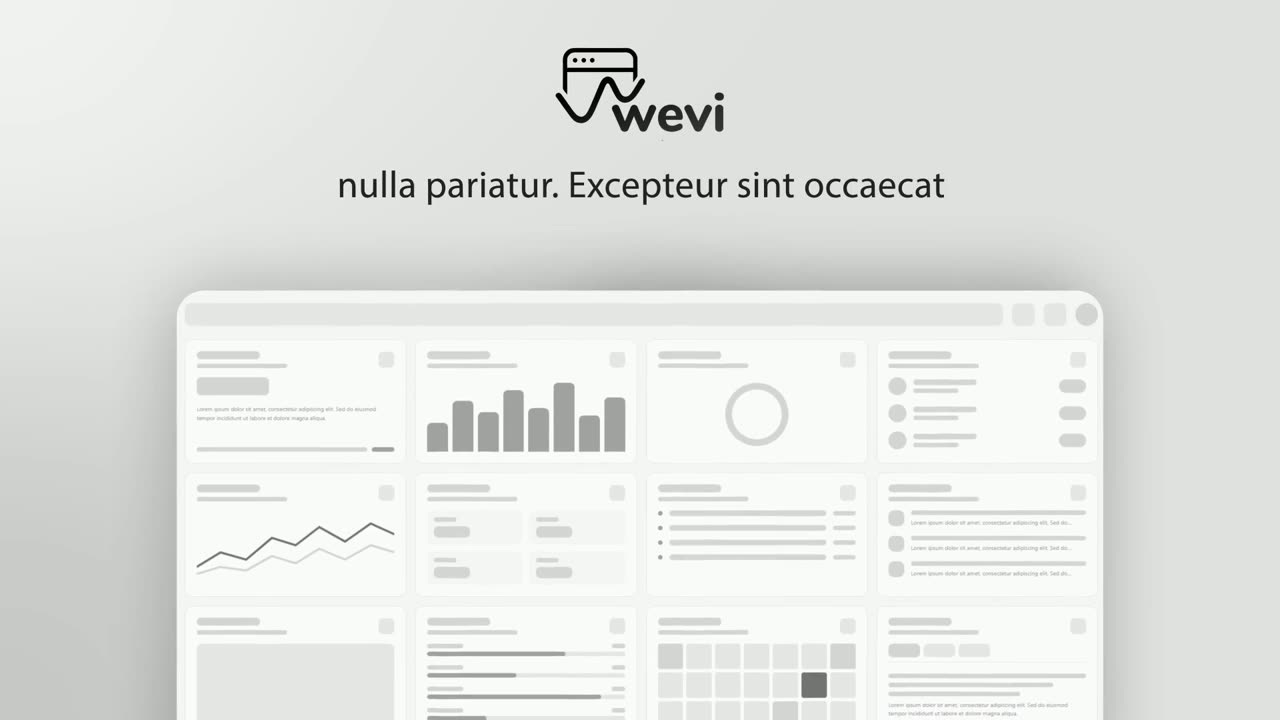
Hero Showcase
Hero Showcase is a 4-second scene that goes from your brand straight into your product: your logo sits in the center with two short headlines, then…
Opener
Hook Text Pop
Hook Text Pop is a 2-second text scene where the first words of a line type themselves out and the rest pop in at once in a highlight color.
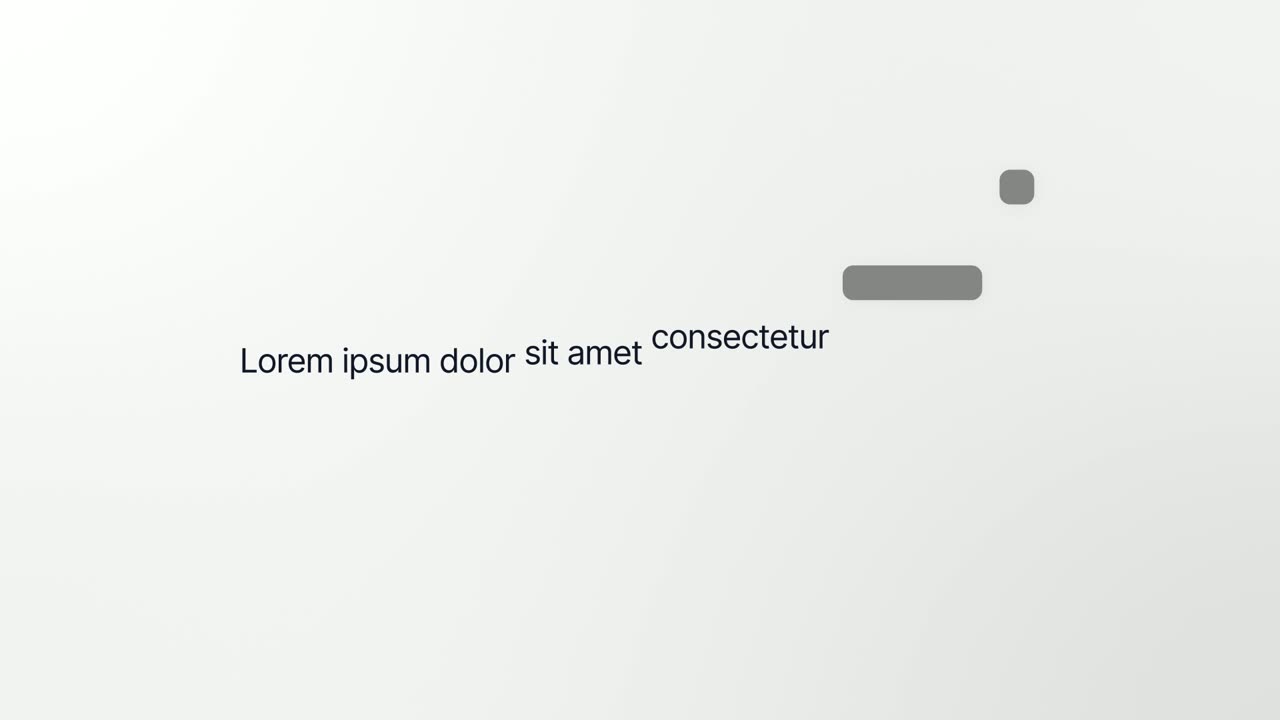
Opener · your real UI
Interface to Words
Interface to Words is a 4-second scene where your real product page breaks apart and five of its components become the words of one bold sentence.
Opener · your real UI
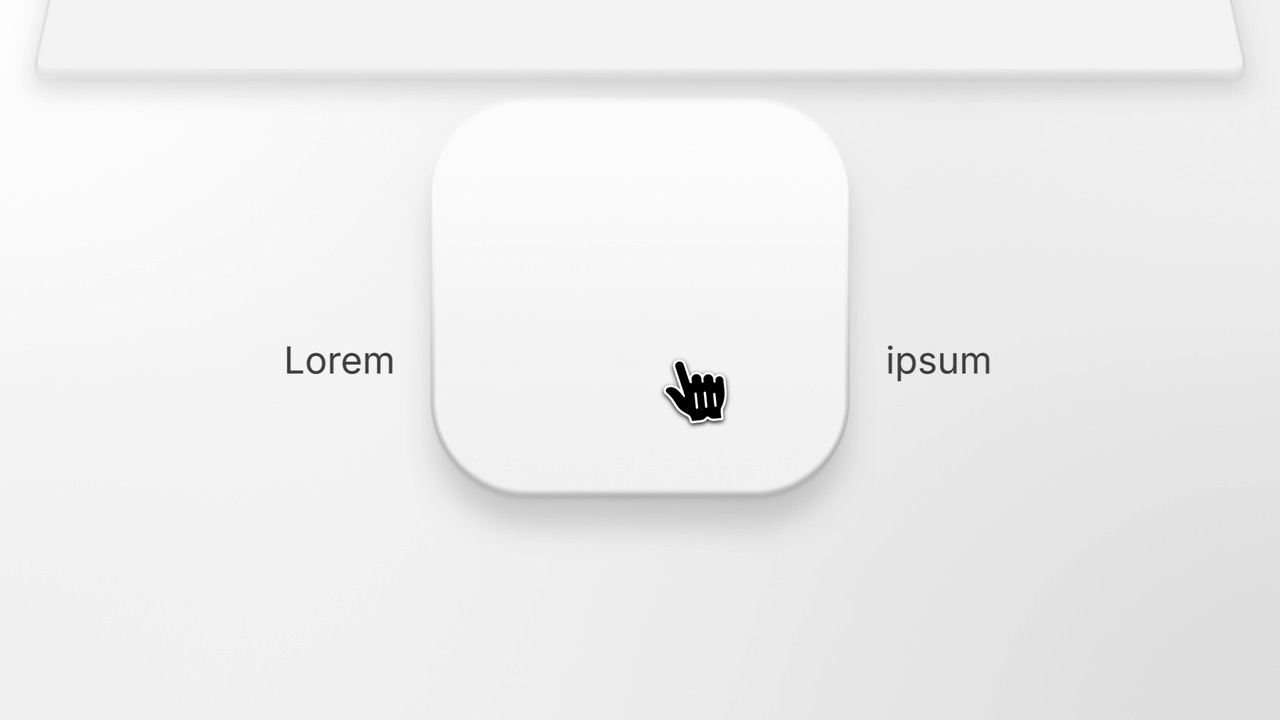
Logo Drag to Page
Logo Drag to Page is a four-second scene that moves from your brand into your product in one hands-on gesture.

Opener
Logo Glint
Logo Glint is a 3-second brand scene where your logo emerges from the dark, a thin light outline glints across it from left to right and a soft light…
Opener · your real UI
Logo Morph
Logo Morph is a 4-second scene where your captured product page fades away while one component lifts off it, glides to the center and morphs into…
Opener
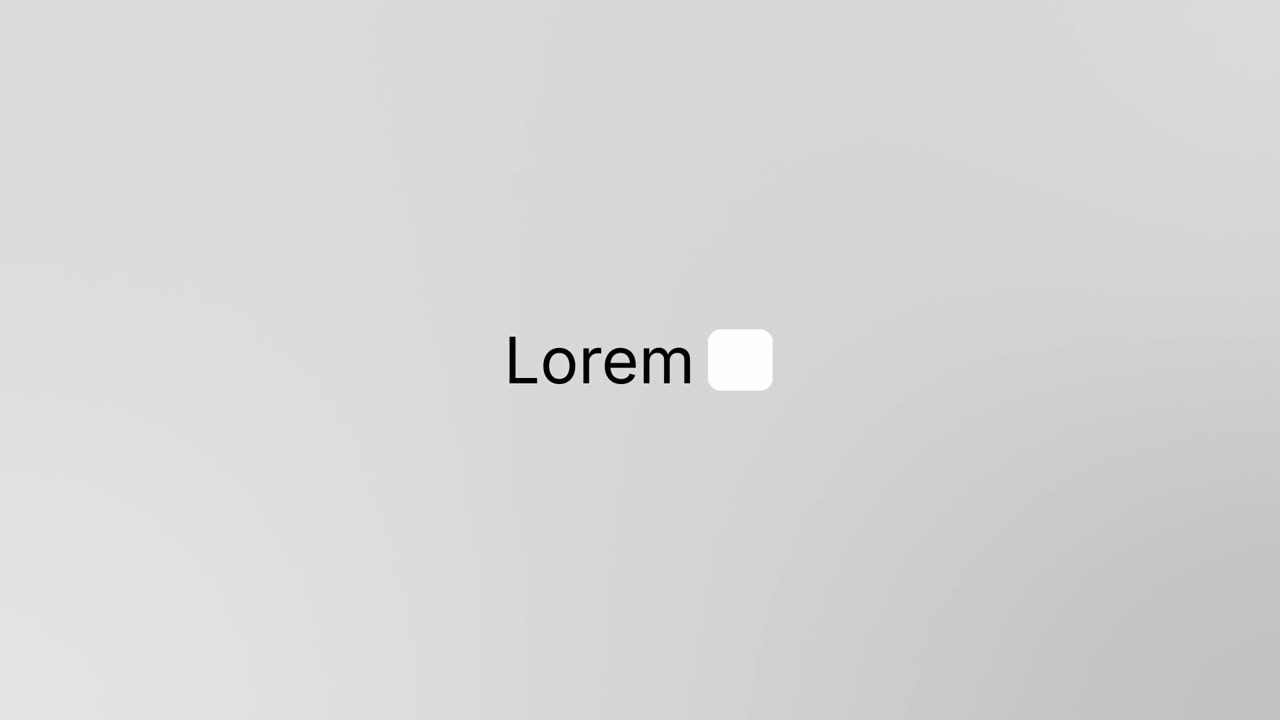
Logo Nudge
Logo Nudge is a 3-second brand scene where your brand name rises and settles, then your logo cuts in beside it and nudges the name over until the…
Opener
Logo Unfold
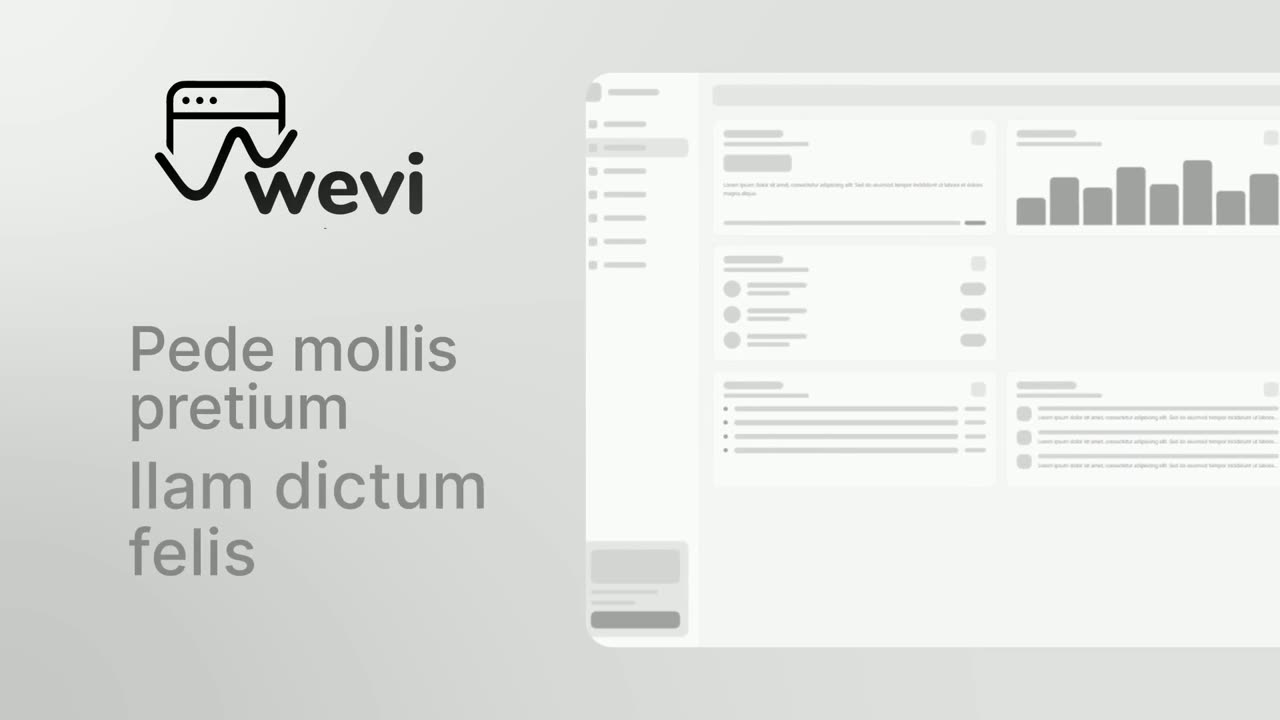
Logo Unfold is a 3-second brand scene where your logo lands first, then glides aside while your brand name comes out from behind it one letter at a…
Opener · your real UI
Opening Platform Reveal
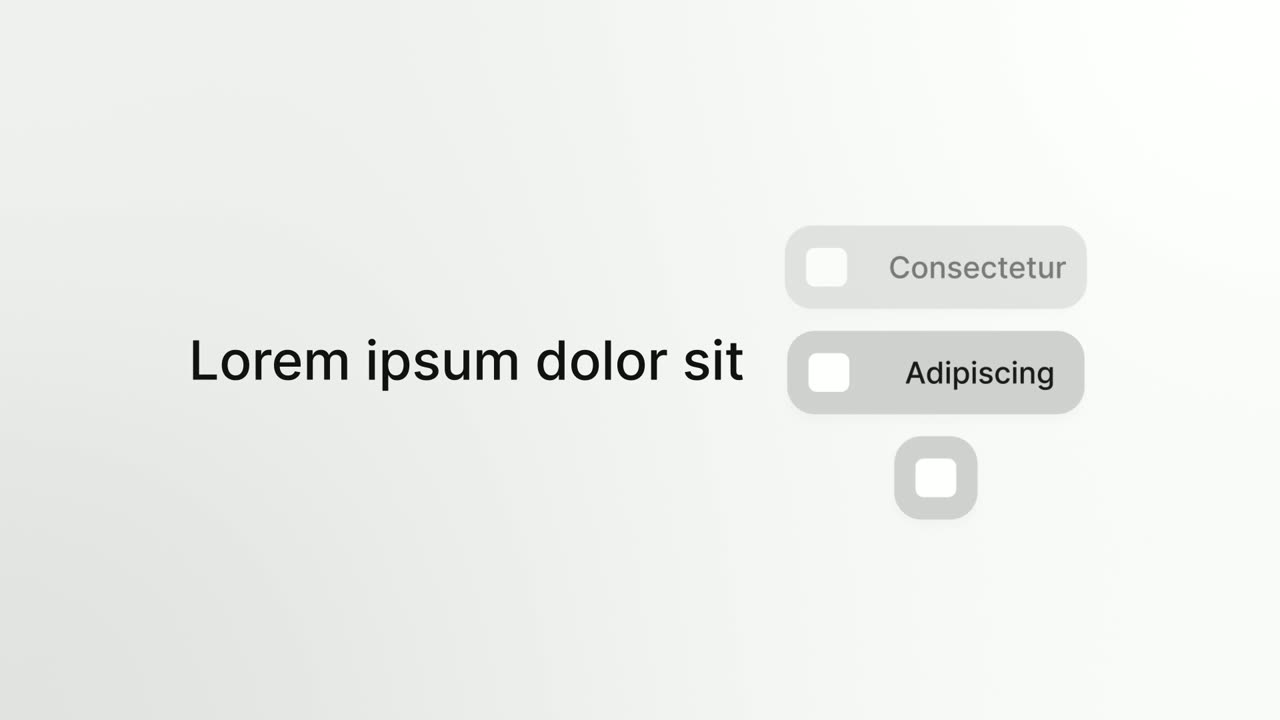
Opening Platform Reveal is a 4-second intro where your logo arrives first, then two short title lines build on one side while your real product…
Opener
Platform Roll
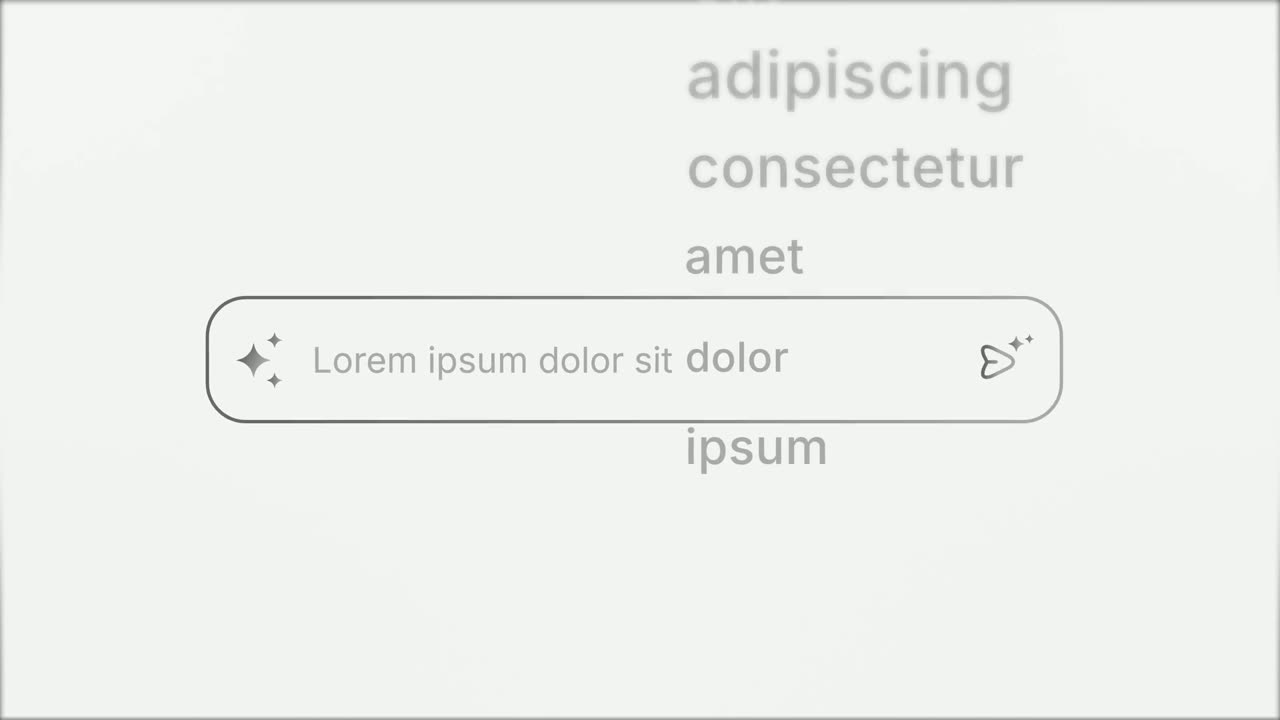
Platform Roll is a 3-second scene where a short headline sits beside a column of pills that roll past one by one, each showing the name and logo of…
Opener
Prompt Input
Prompt Input is a 5-second scene where an icon opens into a prompt box, a request types itself in close up, then the shot goes wide and the end of…
Opener · your real UI
Pull-Back Reveal
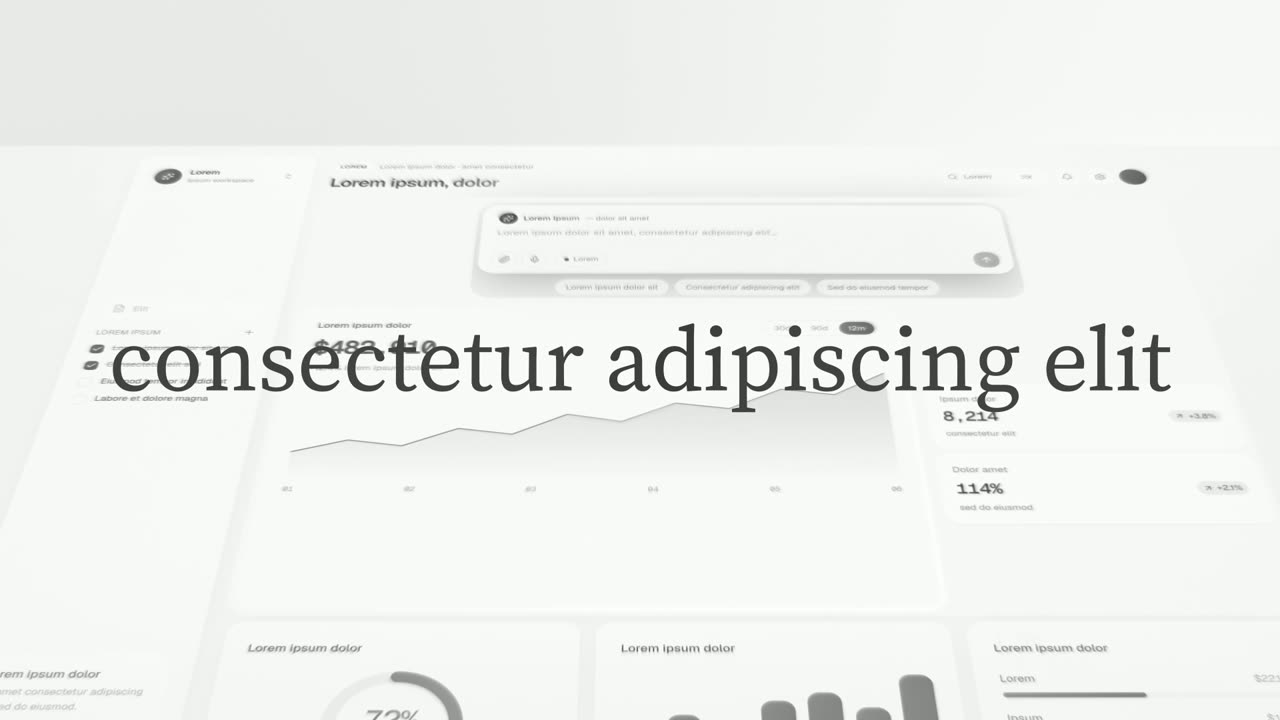
Pull-Back Reveal is a 5-second scene where the first half of a headline types over a close, dim shot of one window of your real product, then the…
Opener · your real UI
Search Reveal
Search Reveal is a 4-second scene where a query types itself big and alone in the middle of the frame, then a whip cut reveals it is being typed into…

Opener · your real UI
Search Spotlight
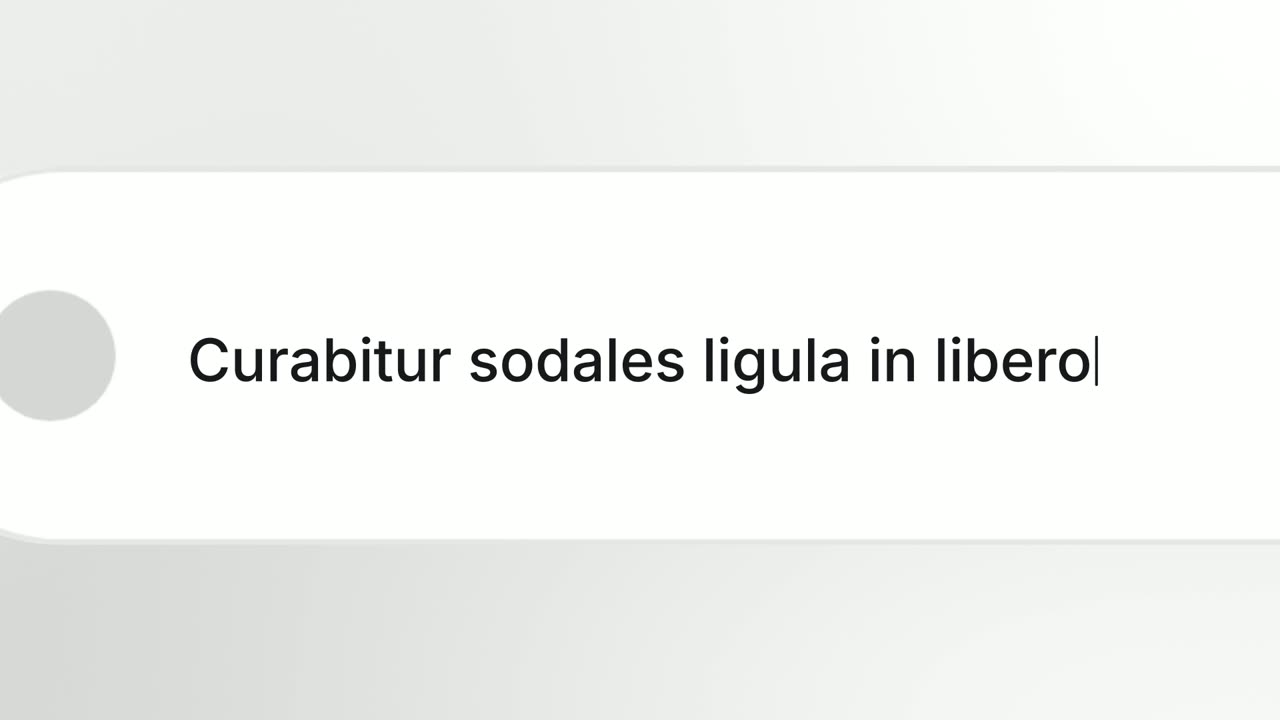
Search Spotlight is a 4-second scene where a query types into your product's real search bar in extreme close up while the camera pushes in, speeding…
Opener
Snap Expand
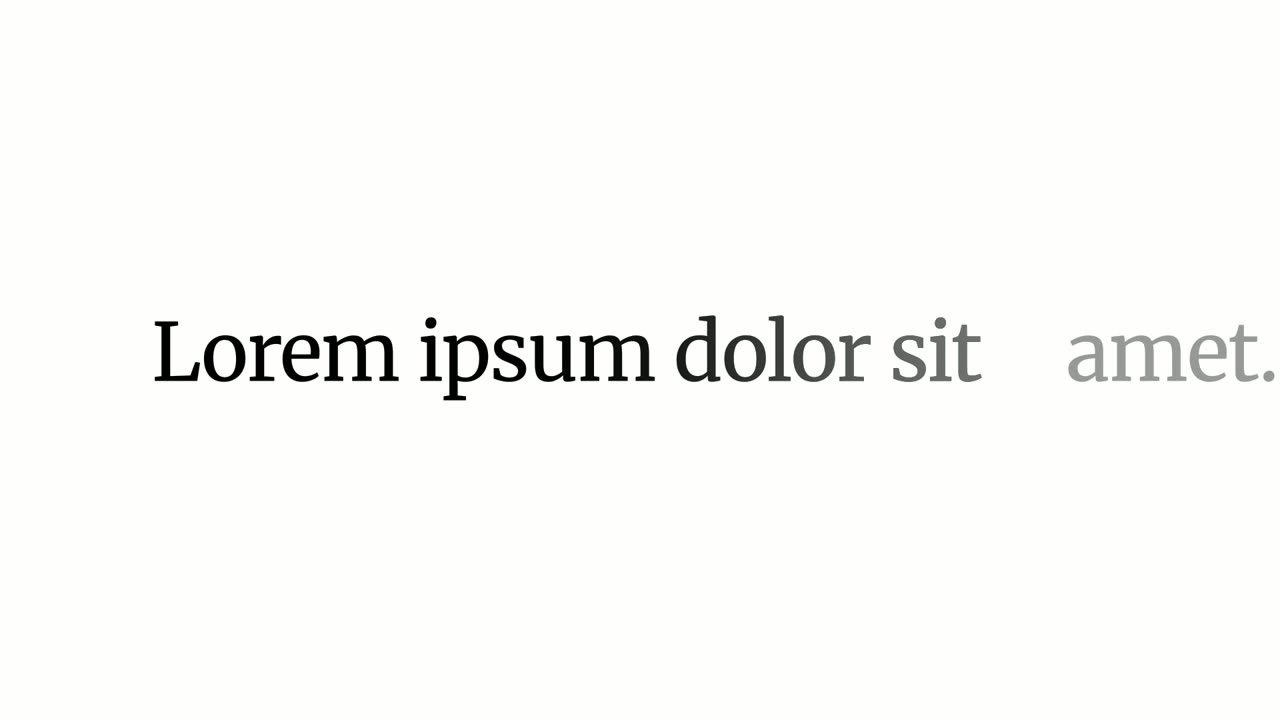
Snap Expand is a 2-second text scene where one word fills the whole screen, then snaps down to size as the rest of the sentence appears around it.
Opener
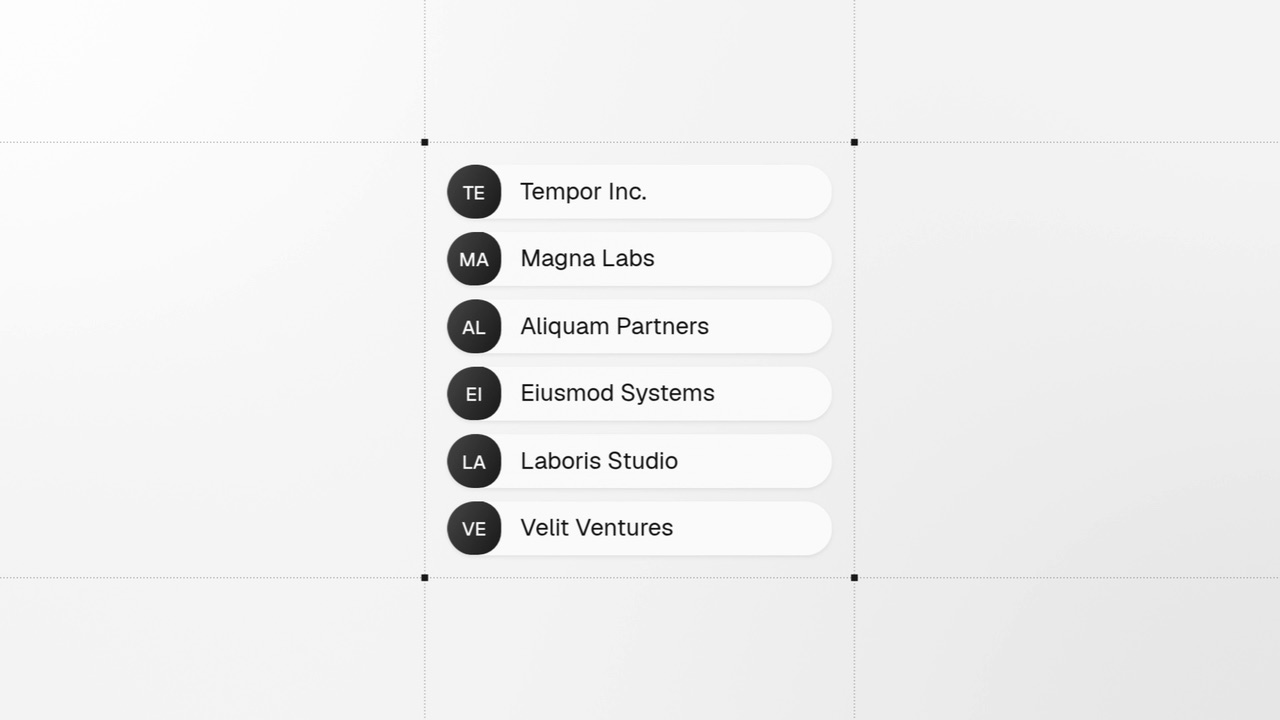
Spotlight Text Block
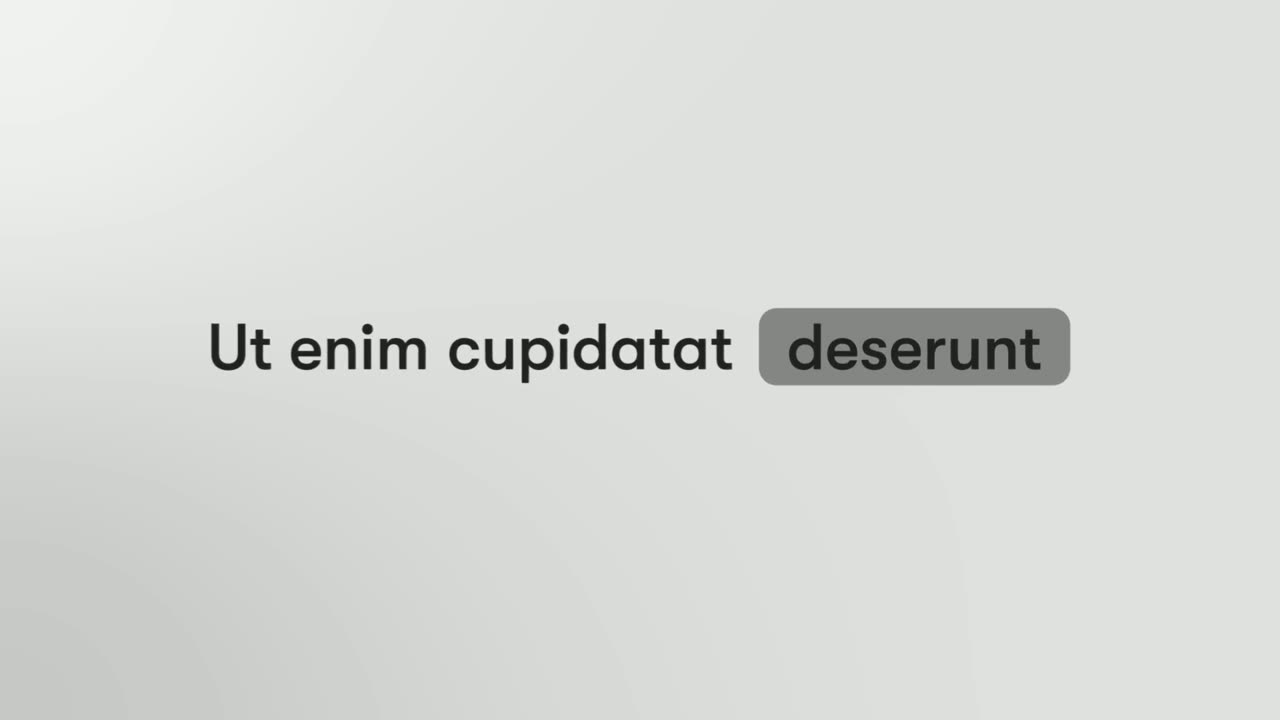
Spotlight Text Block is a 2-second text scene where a few words appear and one of them sits inside a pill, like a status tag in an app.
Opener · your real UI
Stack & Build
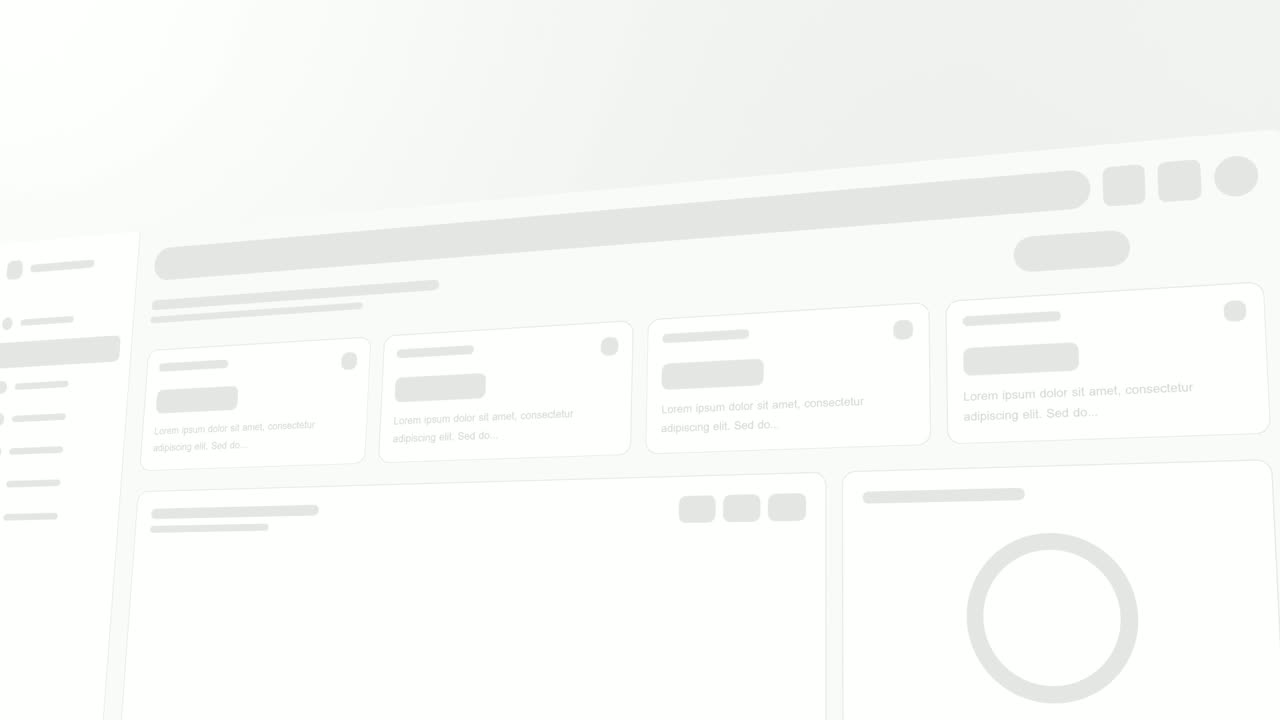
Stack & Build is a four-second scene where a few real pieces of your product sit in a selection frame on a design canvas and fan out into a stack…
Opener · your real UI
Sweep and Reveal
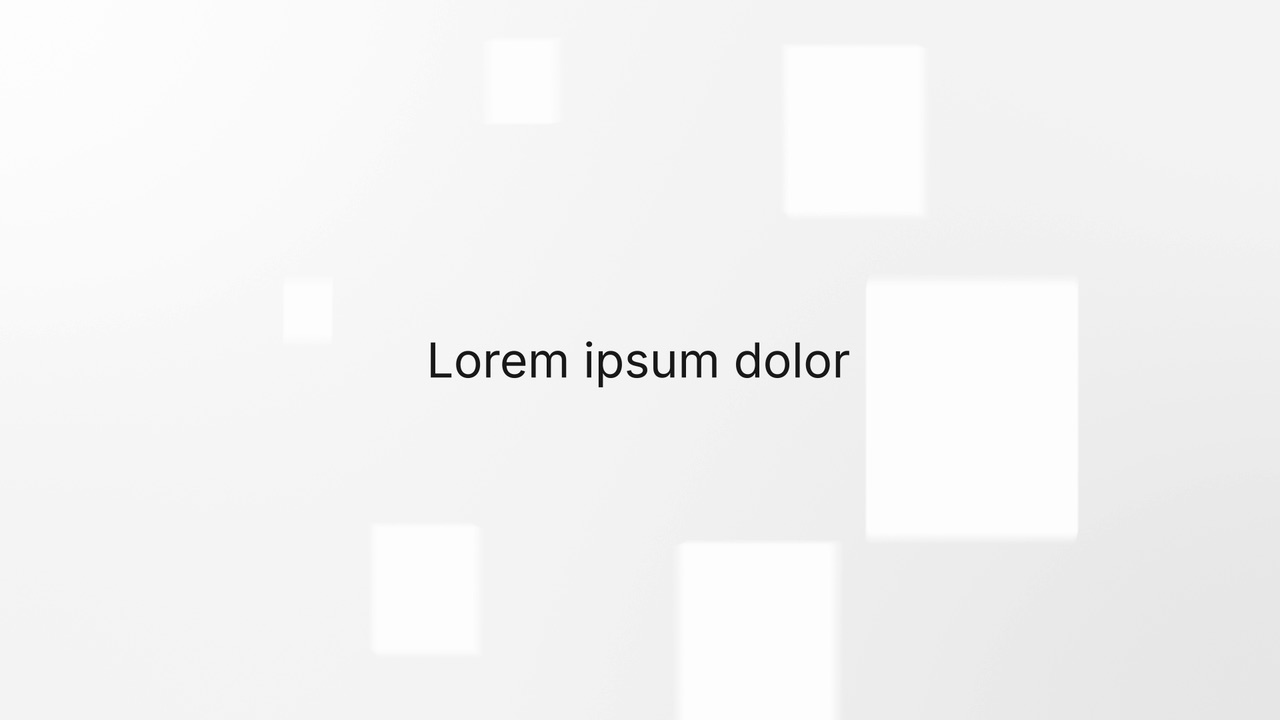
Sweep and Reveal is a 4-second scene where up to seven components of your real product page appear in one gentle, continuous sweep.
Opener · your real UI
Swirl Reveal
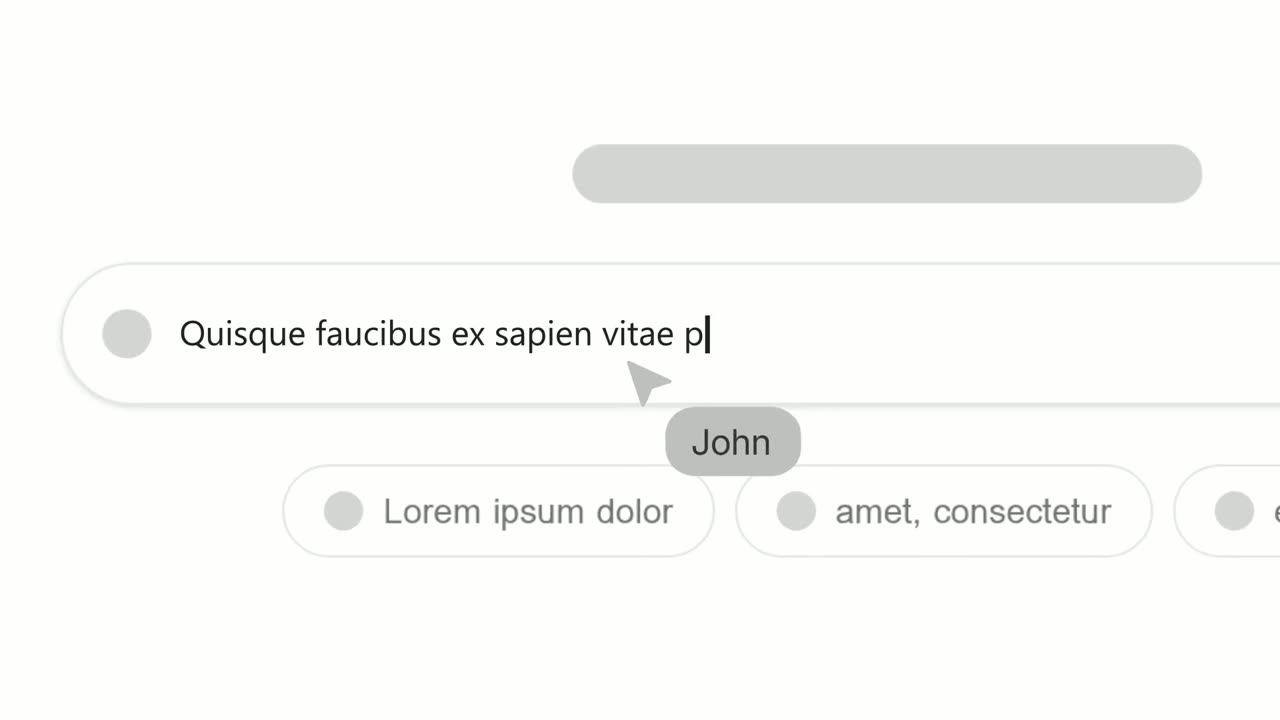
Swirl Reveal is a five-second scene where a short headline rises in, six photo cards of people burst out from behind it onto a turning ring, and then…
Opener · your real UI
Text Typing In
Text Typing In is a 5-second scene where your real product page is on screen, a cursor clicks a field and the camera moves in while real text types…

Opener
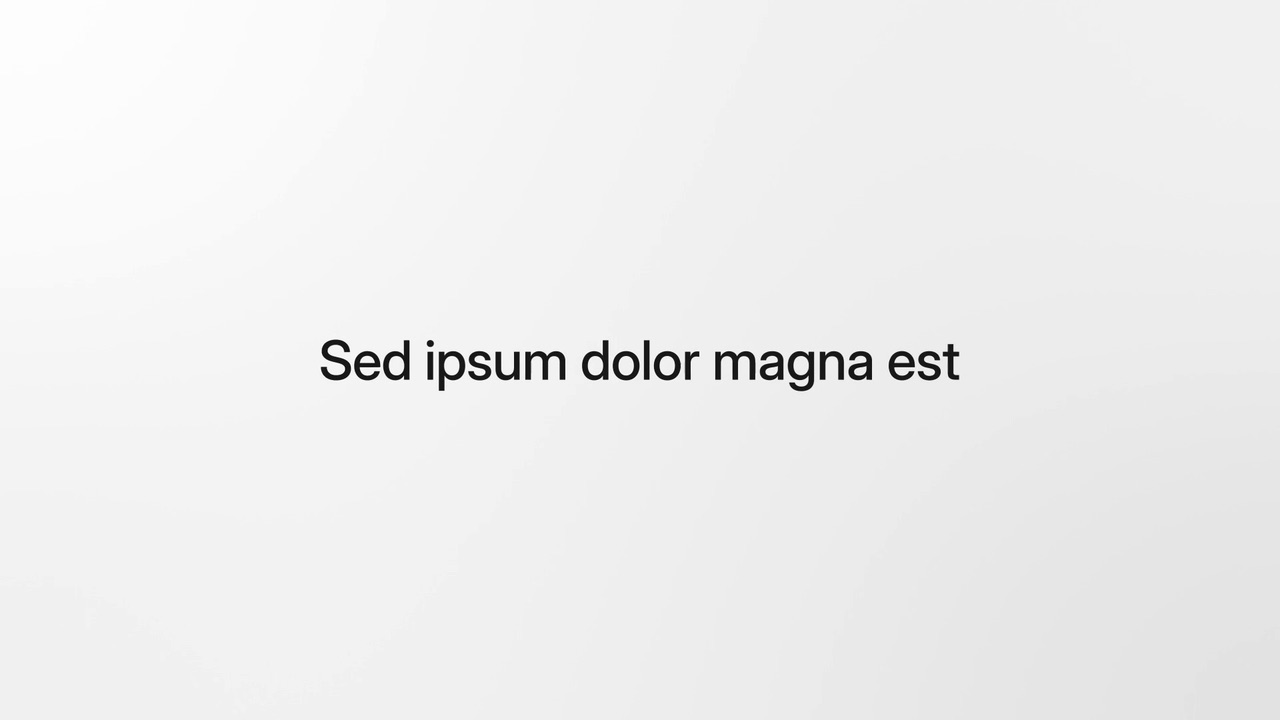
Word Pulse
Word Pulse is a five-second text scene where two to seven single words cut in one after another, big and centered, and each one owns the screen.
Opener
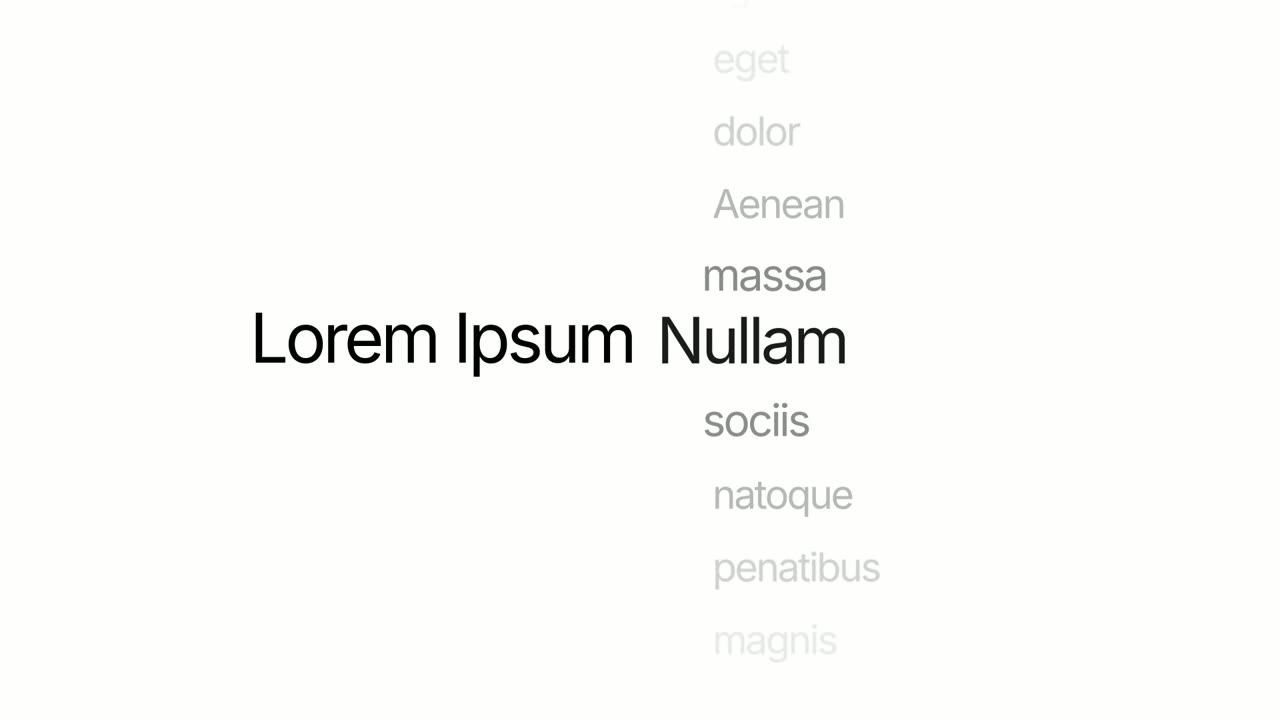
Word Snap
Word Snap is a five-second text scene where one line types in and holds, then breaks apart, its words hopping around the frame in quick, snappy steps…
Opener
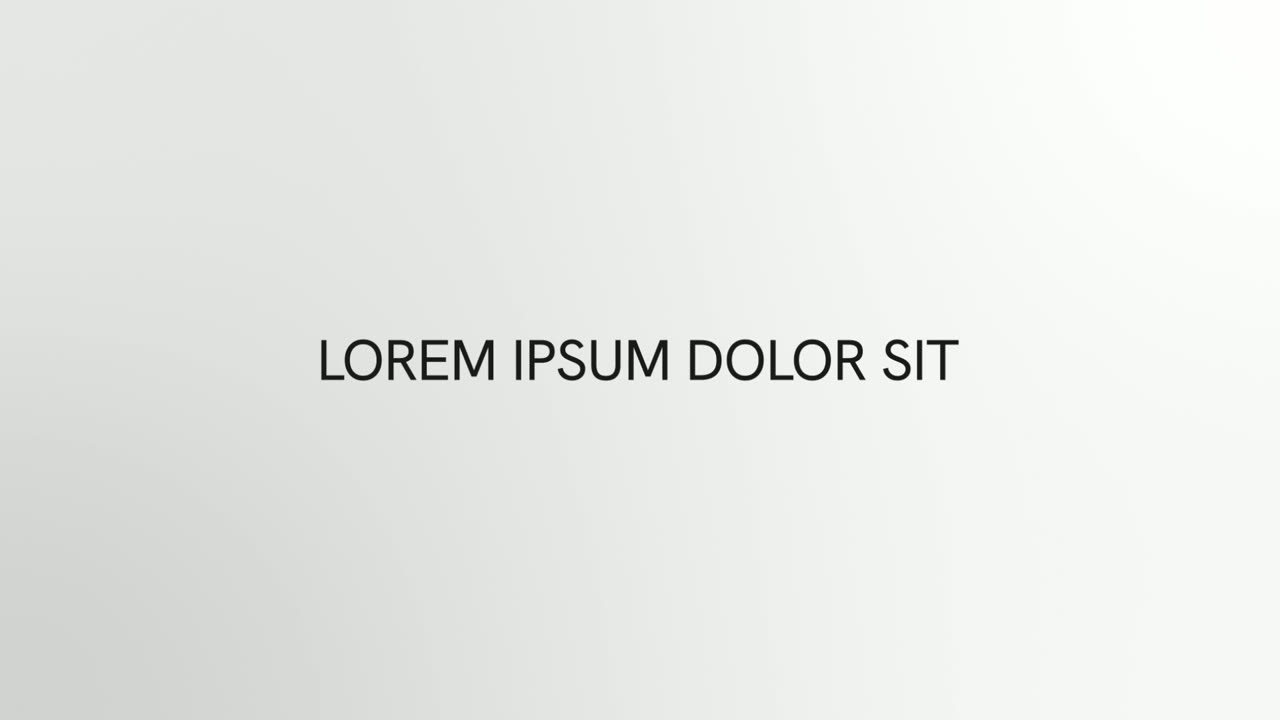
Word Wheel
Word Wheel is a 3-second text scene where a fixed opening holds still while the last word spins like a picker wheel through a list of words and…
Opener
Word Zipper
Word Zipper is a 3-second text scene where one short statement zips together word by word, each word gliding in from above or below, then splits…
Problem templates
Name the pain your product removes before you show the fix.
Problem · your real UI
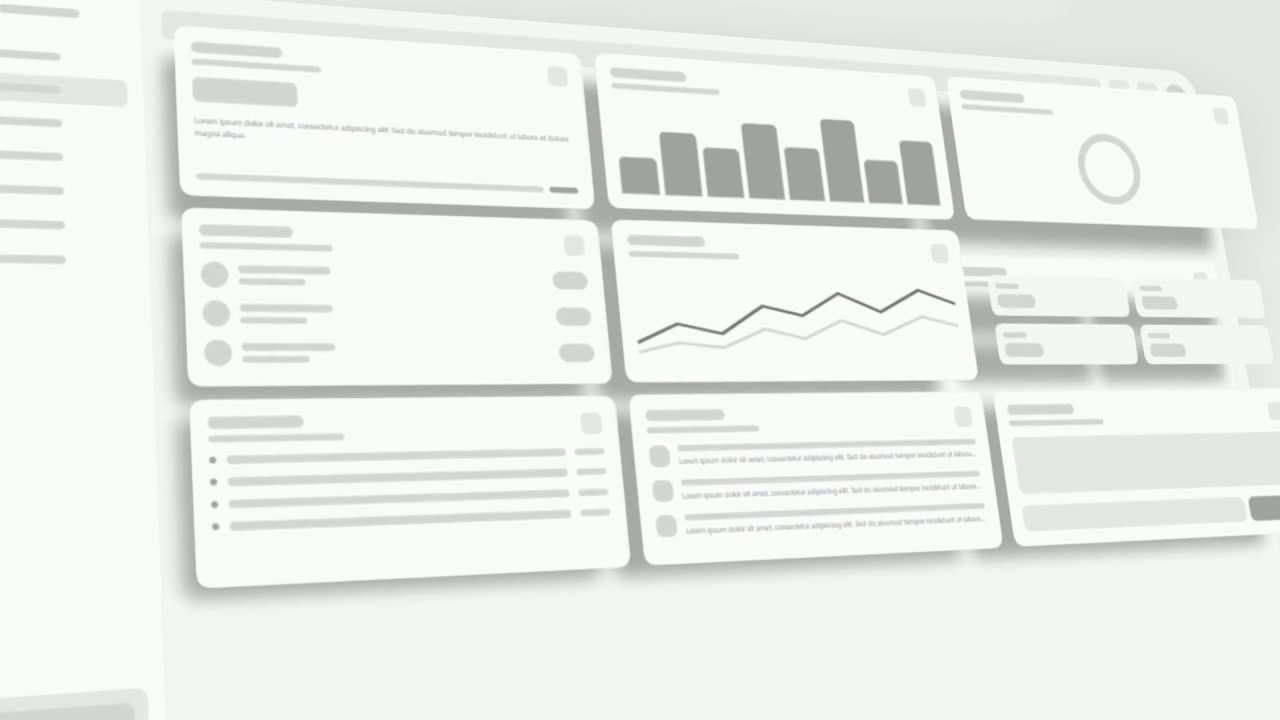
3D UI Hover
3D UI Hover is a 6-second scene where your whole real product page tilts into 3D and the cards and widgets you choose lift off its surface one after…
Problem
App Stack Fly-In
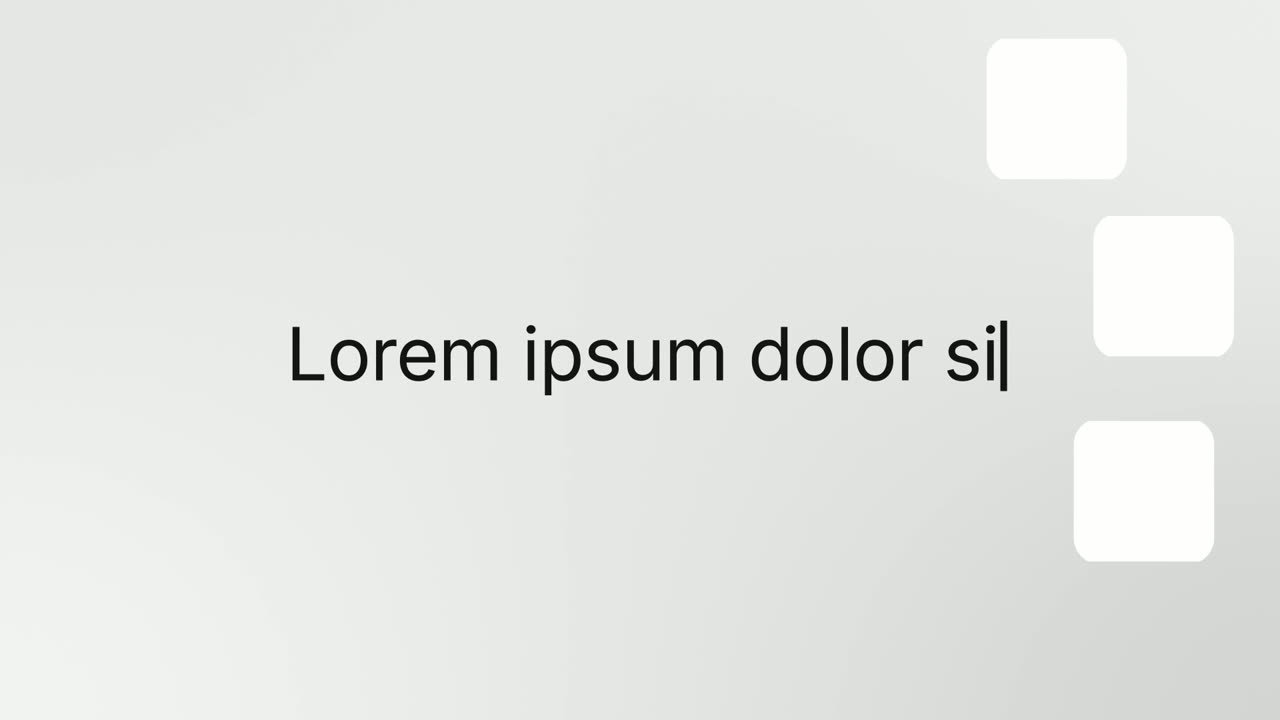
App Stack Fly-In is a 2-second scene where a sentence types in an extreme close up, then the shot pulls back as three app icons fly in and stack…
Problem
Chat Bubble
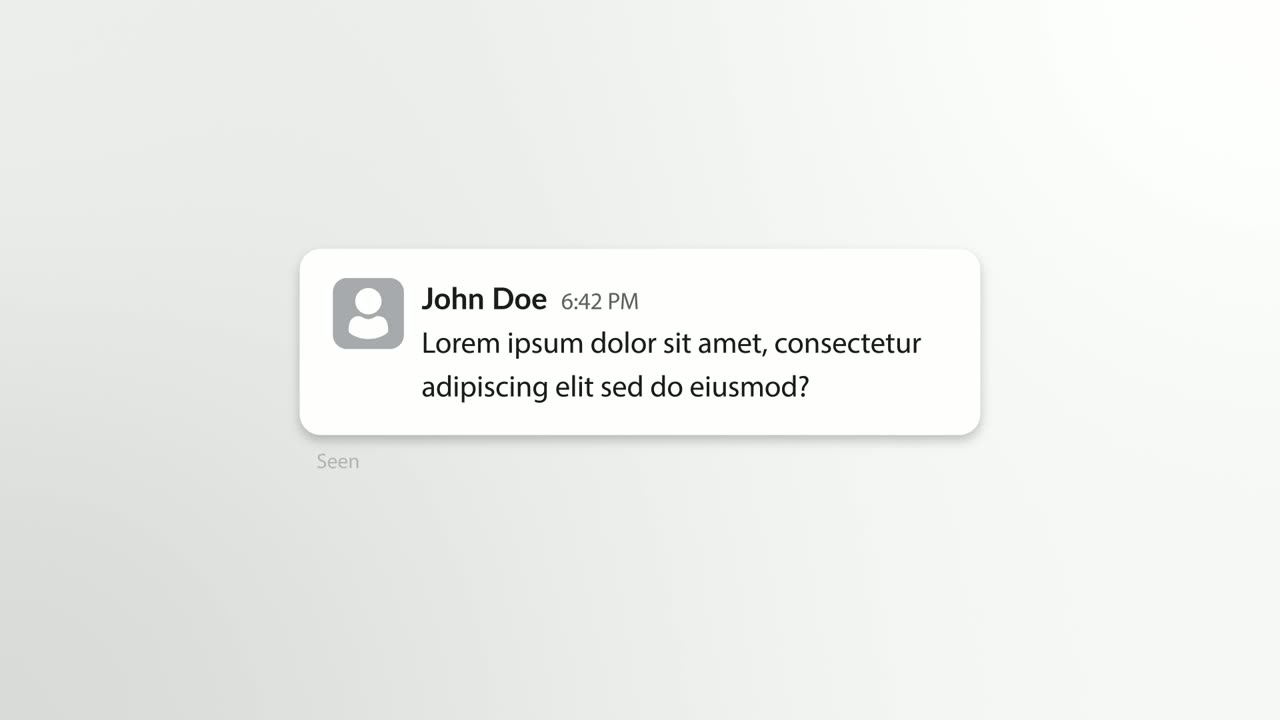
Chat Bubble is a four-second scene where a single chat message types into its bubble beside the sender's avatar.
Feature templates
Show the product doing the work, built from your real interface.
Feature
Agent Terminal
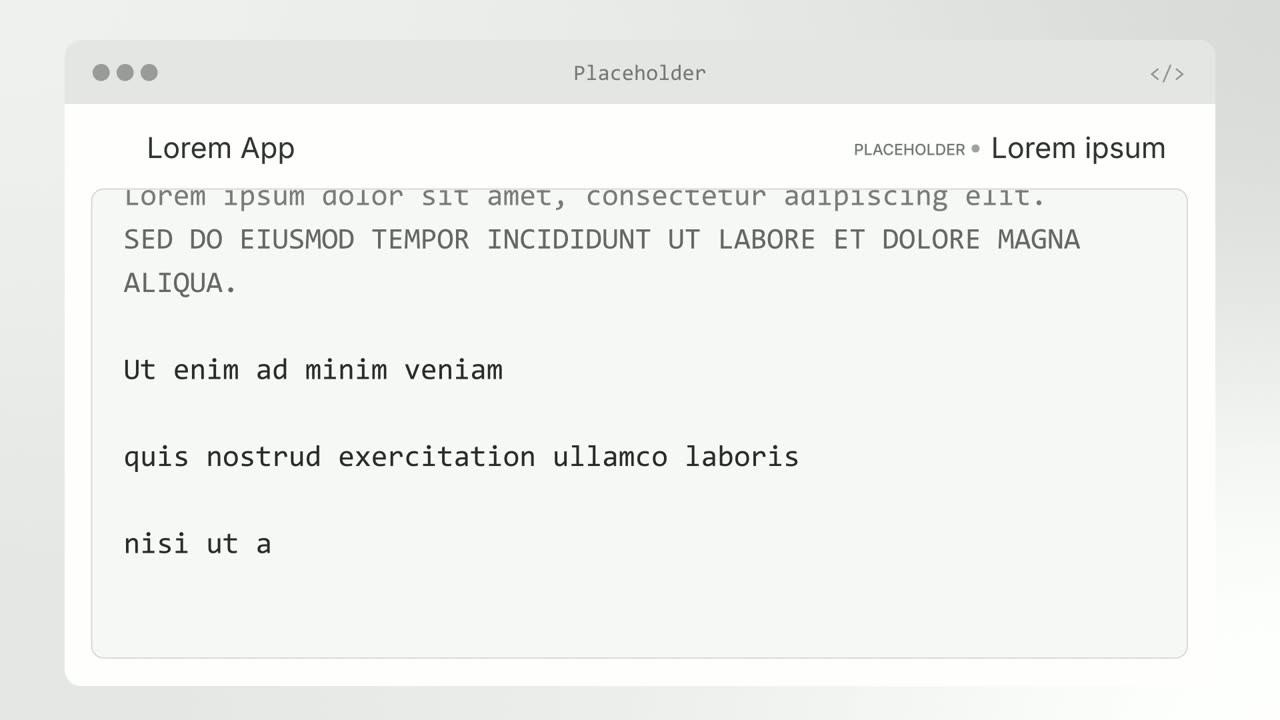
Agent Terminal is a three-second scene in which a command types at a terminal prompt and output streams back: a tool line full of numbers, a headline…
Feature
AI Chat Reply
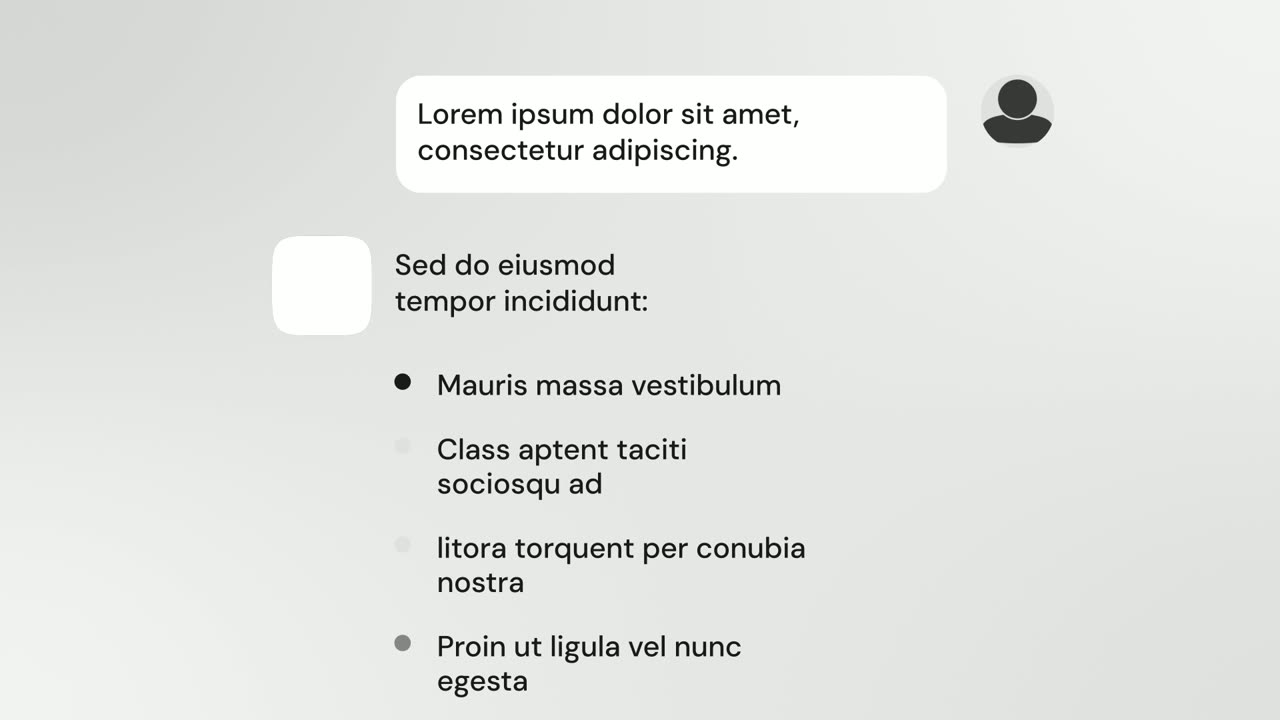
AI Chat Reply is a five-second scene where a customer's message sits at the top, your logo appears, and your AI's reply streams in with a heading, up…
Feature
AI Checklist
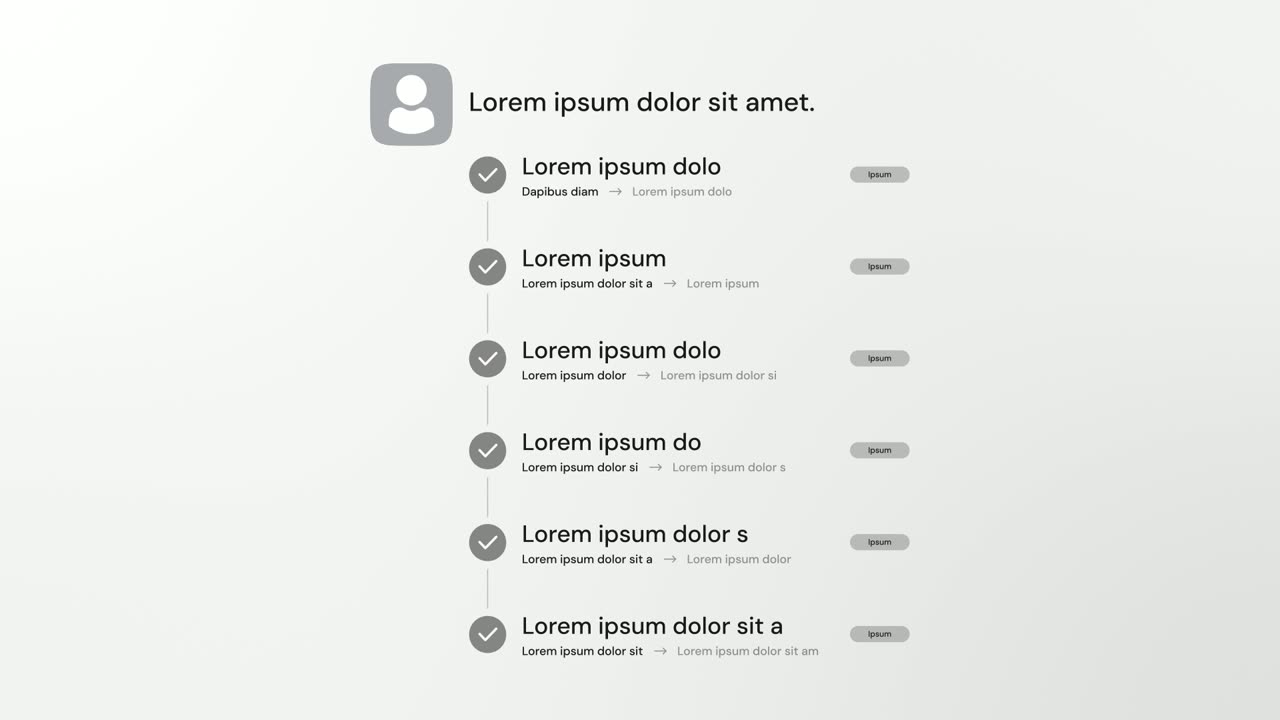
AI Checklist is a five-second scene in which your logo and a one-line reply sit at the top while up to six rows build underneath, each with a check…
Feature
Avatar Stat Line
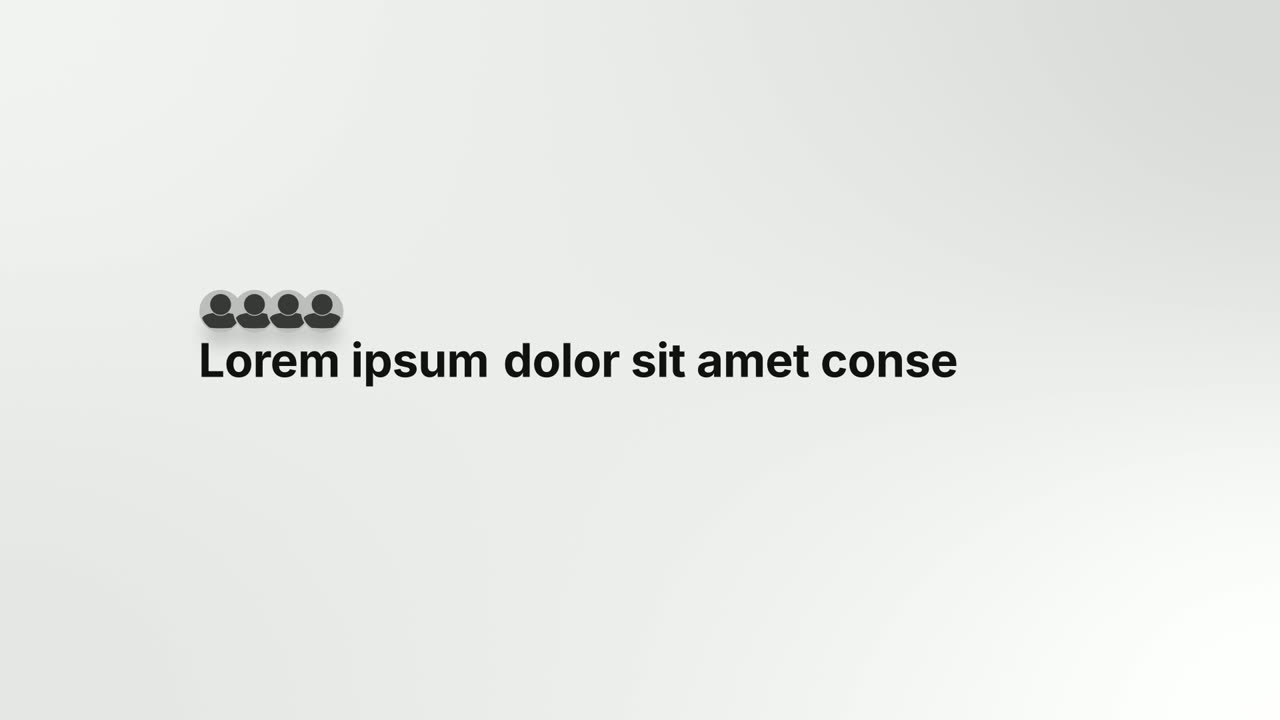
Avatar Stat Line is a three-second scene that builds one short claim about people: a stack of up to five overlapping avatar photos sits above the…
Feature · your real UI
Cascade Land V2
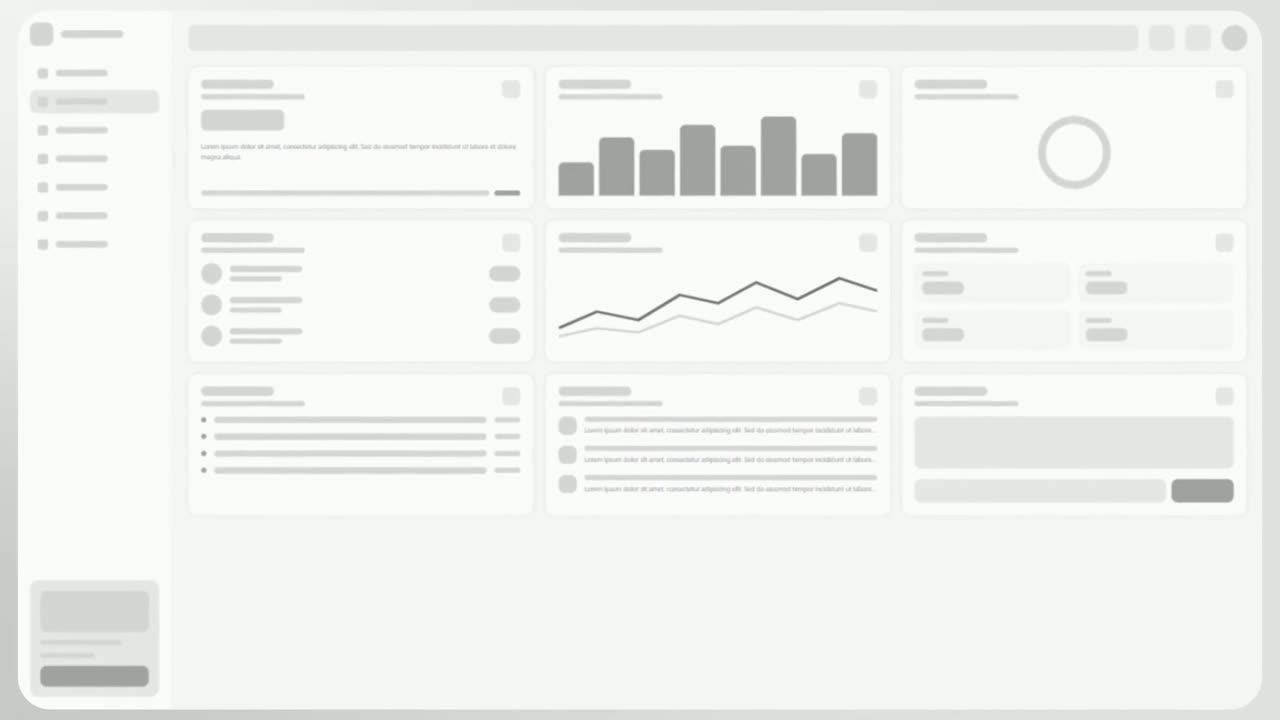
Cascade Land V2 is a high-energy scene where cards captured from your product fly in through a fast 3D camera move, land together as your real page…
Feature
Chat Conversation
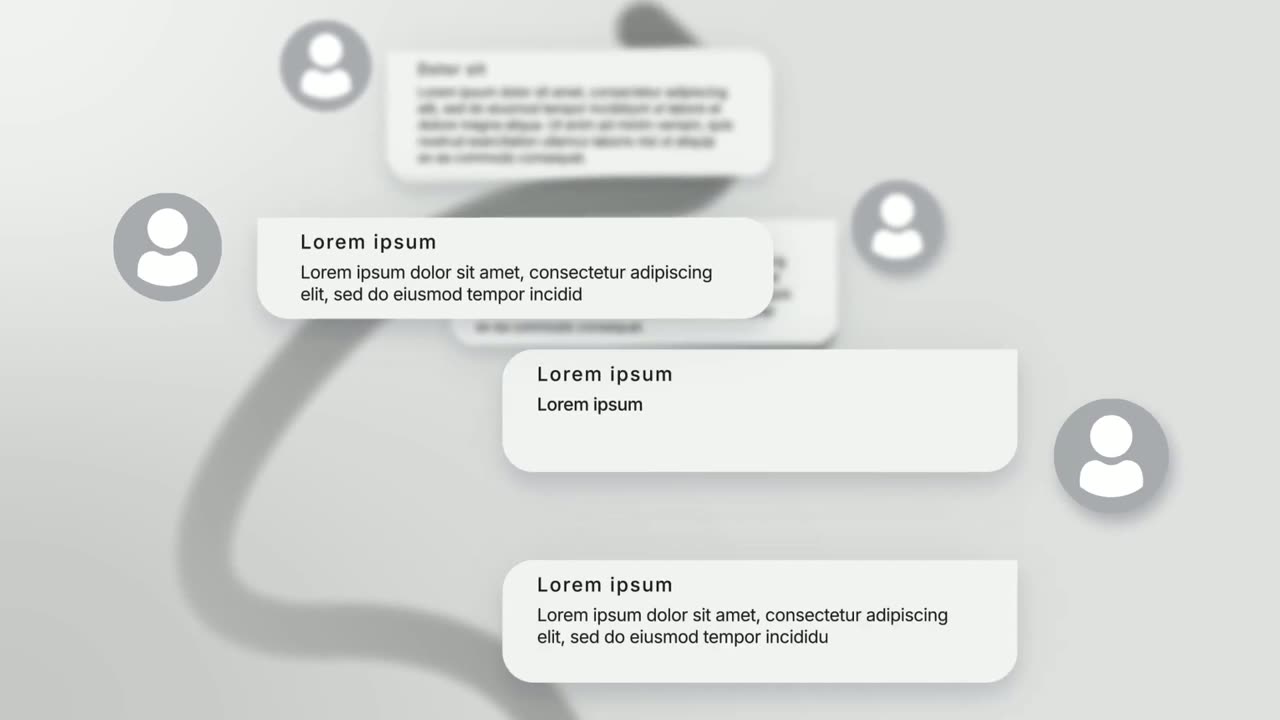
Chat Conversation is a seven-second scene where five chat bubbles appear one after another with names and photos: a customer asks and your brand…
Feature · your real UI
Cinematic Hero
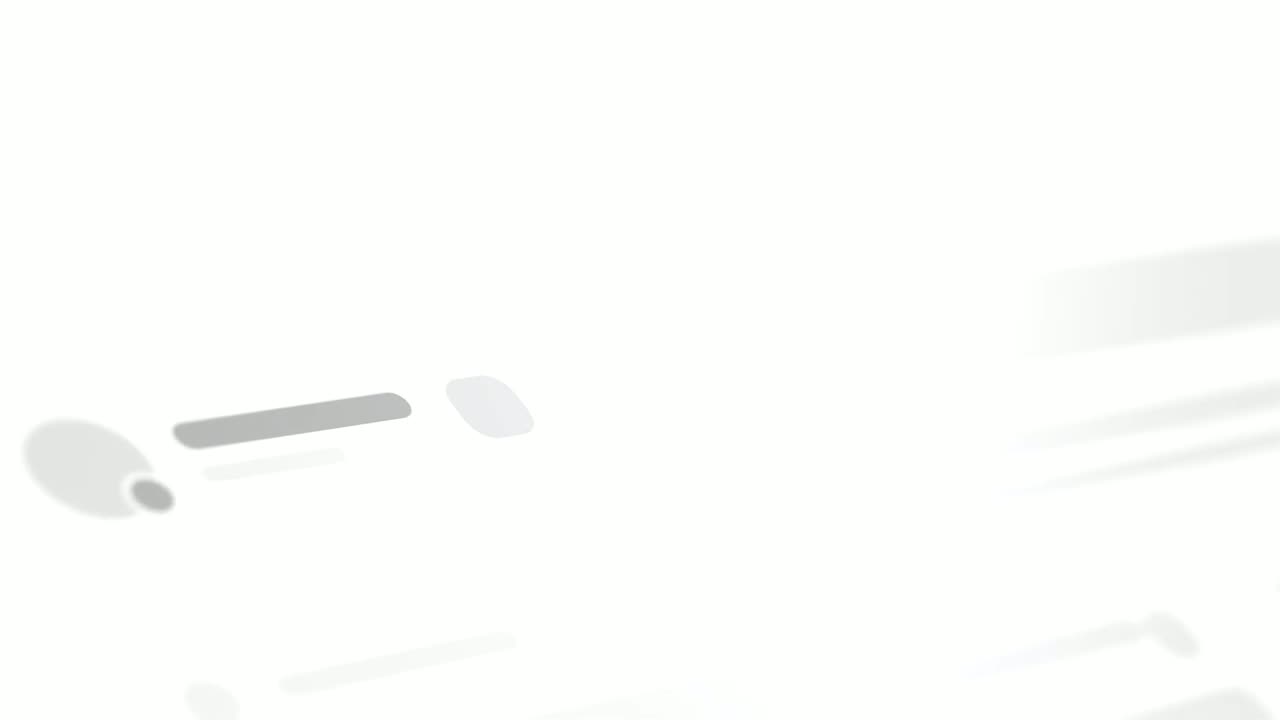
Cinematic Hero is a five-second mood shot where the camera drifts slowly over one corner of your real product page with shallow focus, soft light and…
Feature
Close the Tabs
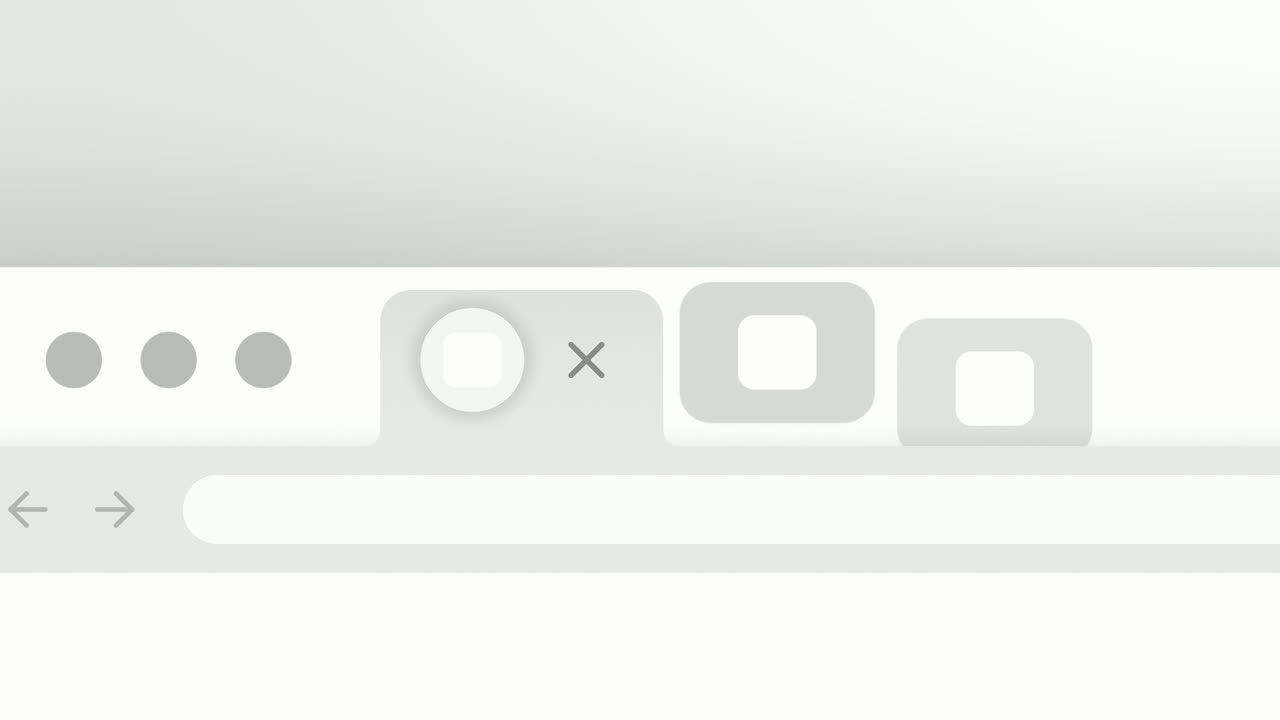
Close the Tabs is a three-second scene where a crowded browser tab strip, full of the tools your audience juggles, slides past and the tabs drop away…
Feature · your real UI
Cursor Comment
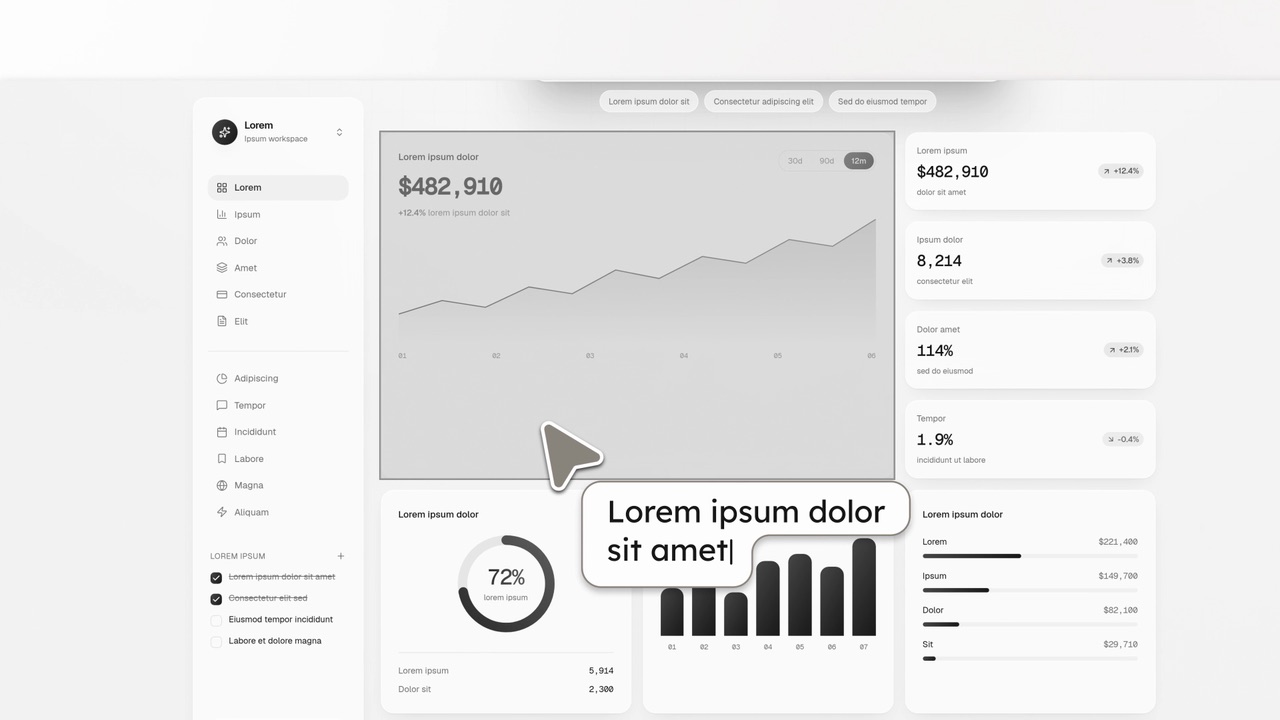
Cursor Comment is a two-second scene where a collaborator's cursor flies in, points at one real component on your product page and leaves a short…
Feature · your real UI
Cursor Connect
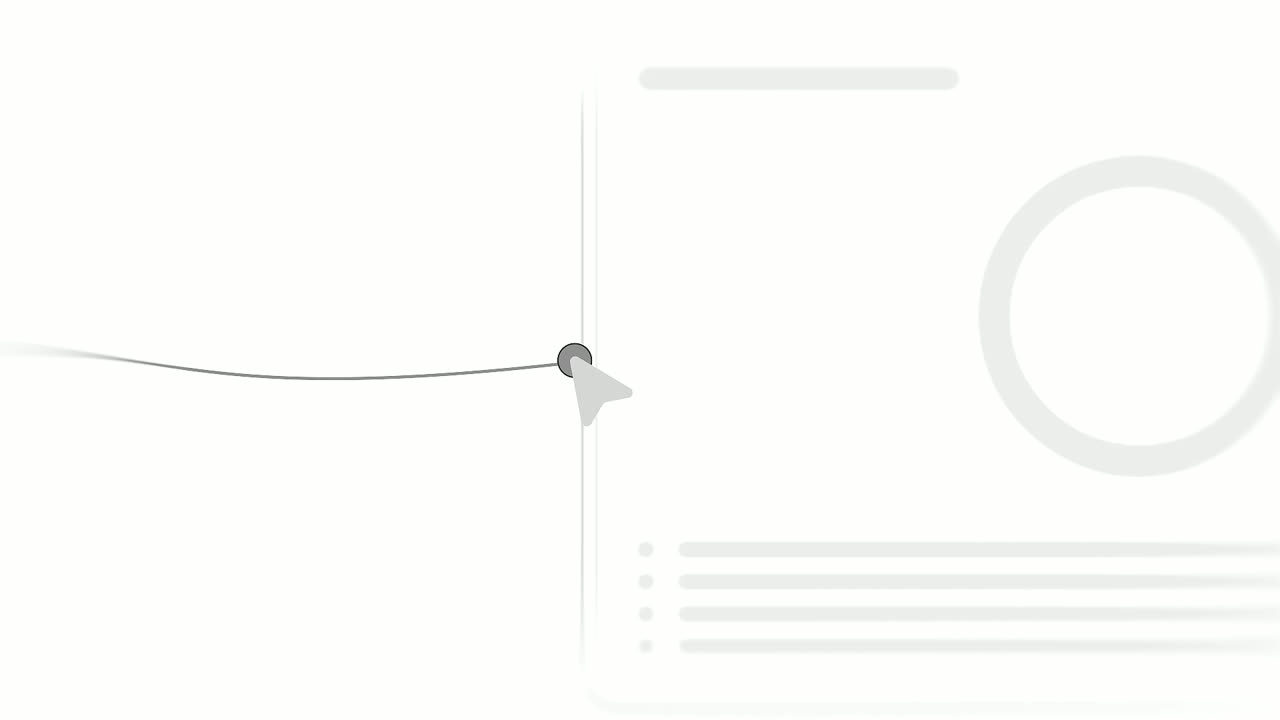
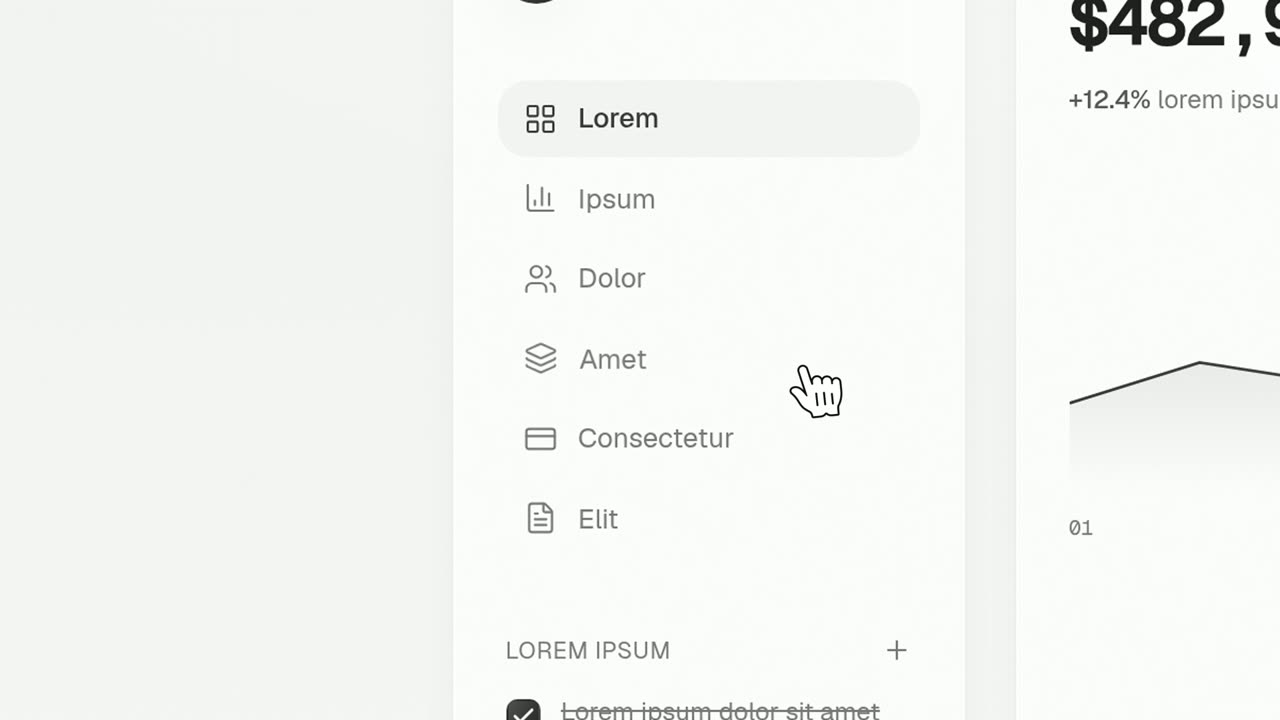
Cursor Connect is a four-second scene where two real pieces of your product sit side by side and a cursor drags a line from the first to the second.
Feature · your real UI
Cursor Press
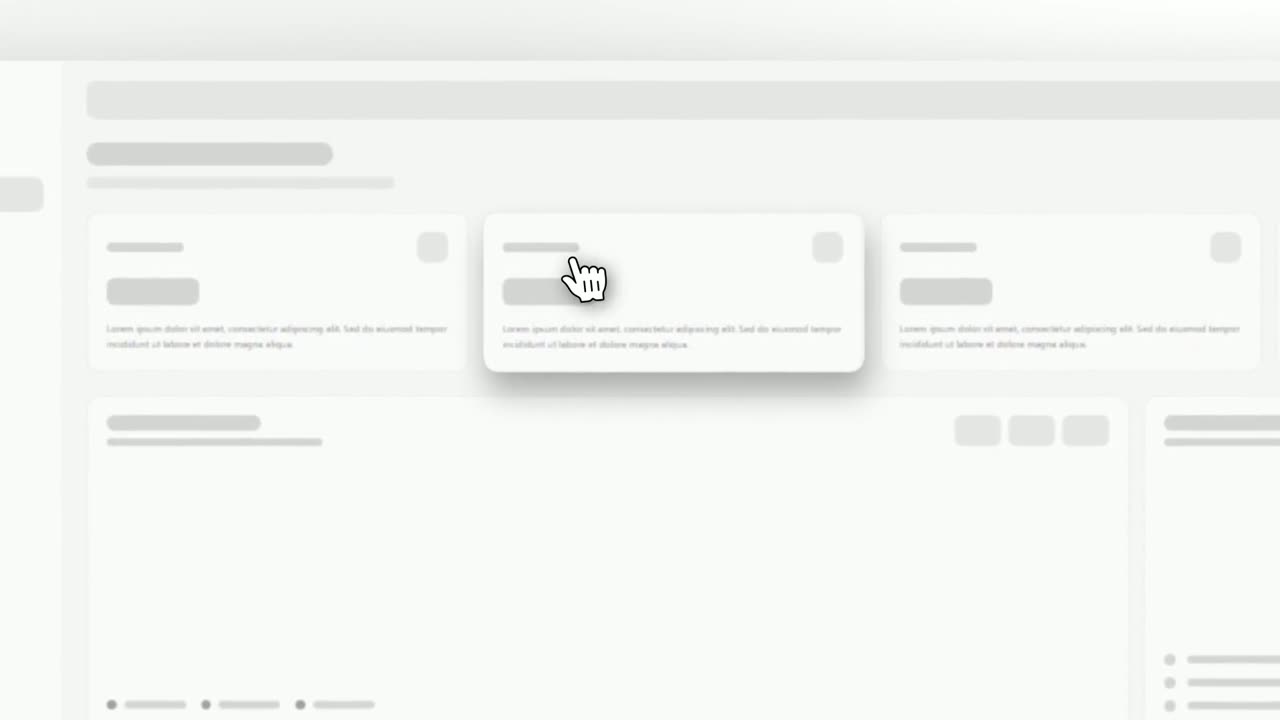
Cursor Press is a three-second close-up where one real button or control from your product sits still and a cursor glides in and presses it.
Feature · your real UI
Cursor Select
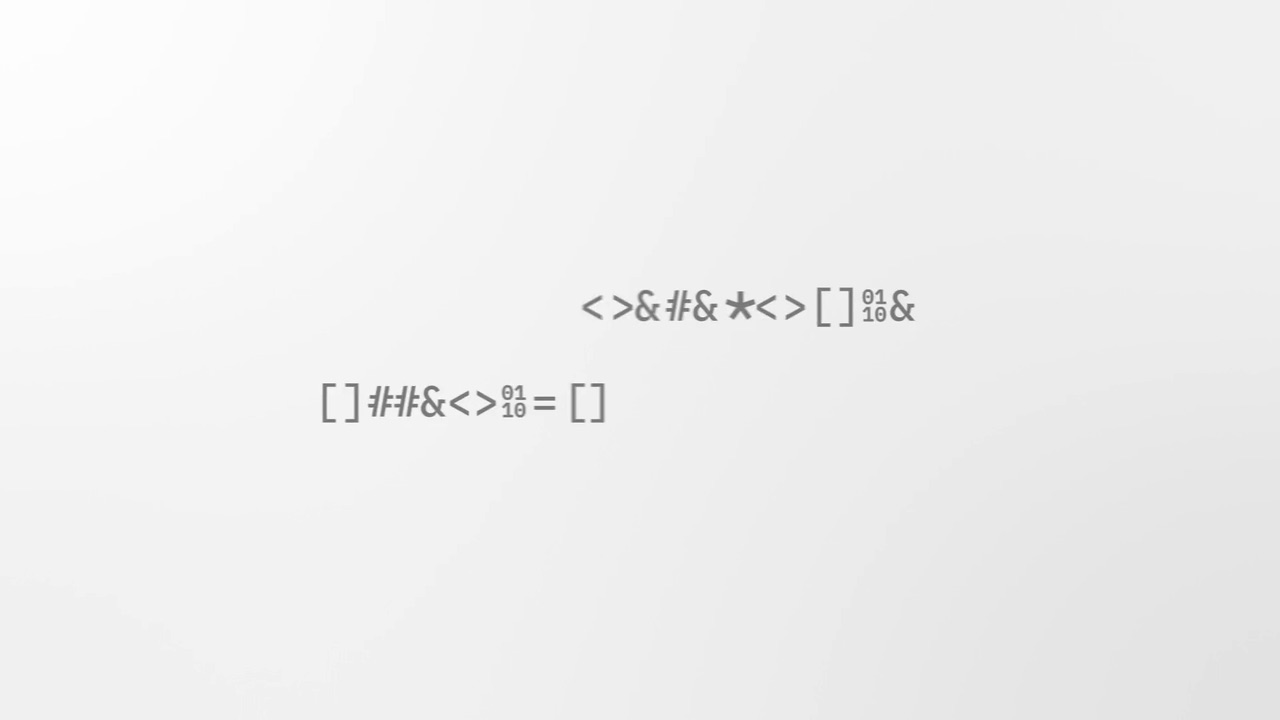
Cursor Select is a five-second scene that opens on your whole product page, moves the camera in on one control, lifts it slightly and has a cursor…
Feature
Decode Drop
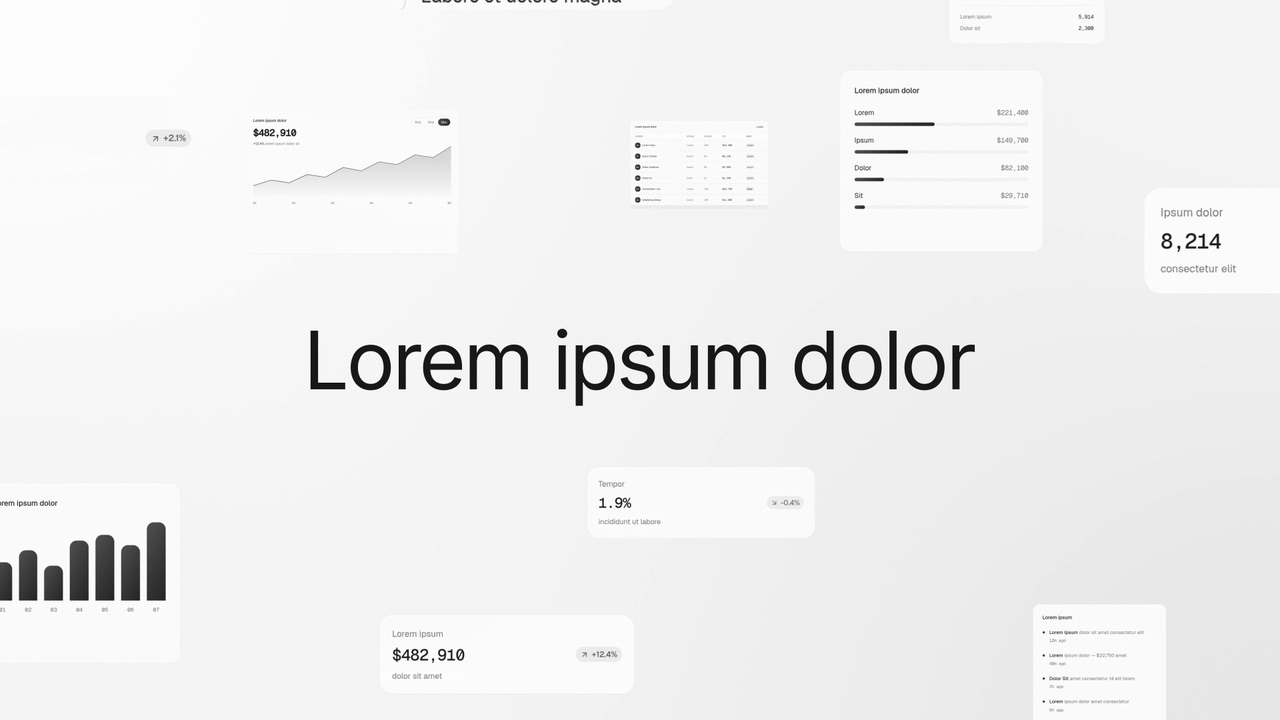
Decode Drop is a four-second text scramble animation: a sentence decodes out of two rows of shifting glyphs, then strips itself down to the one word…
Feature · your real UI
Depth Field
Depth Field is a very short scene where one headline floats in the middle of a deep field of components captured from your product.
Feature · your real UI
Desk Reveal
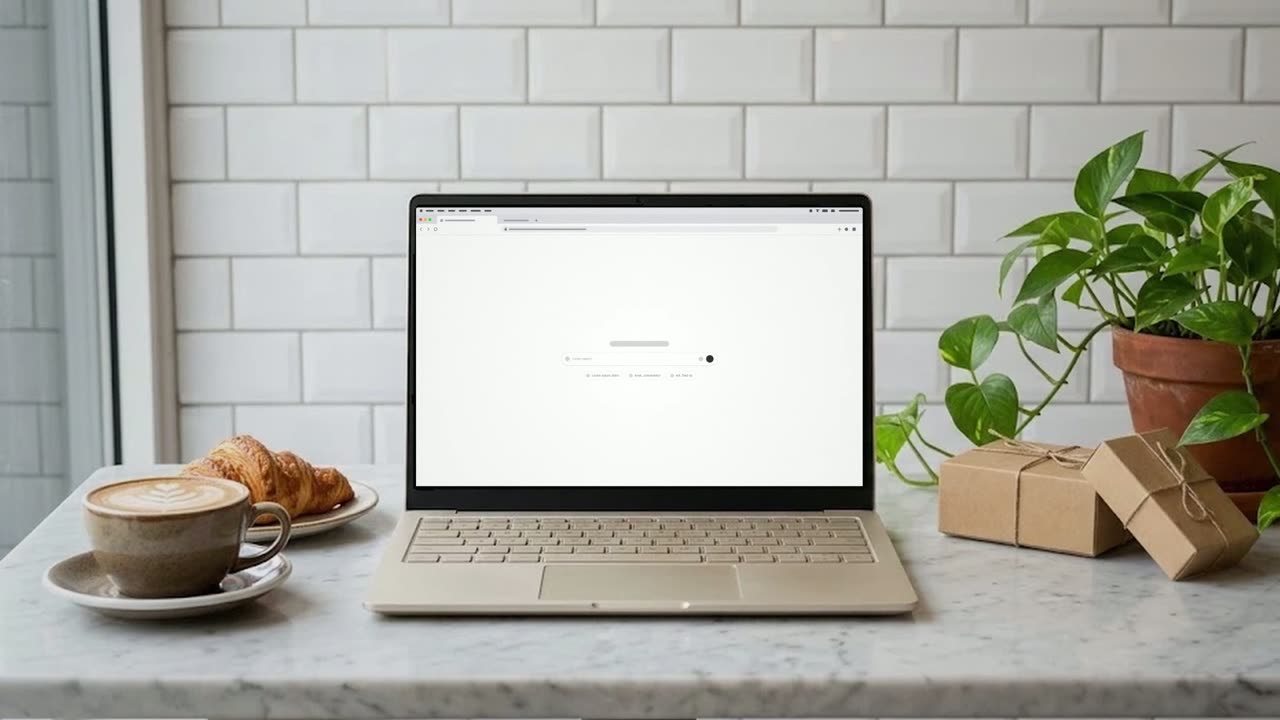
Desk Reveal is a four-second scene where your real product page fills the screen and then the camera pulls back fast to show it on a laptop or…
Feature · your real UI
Drag-and-Drop
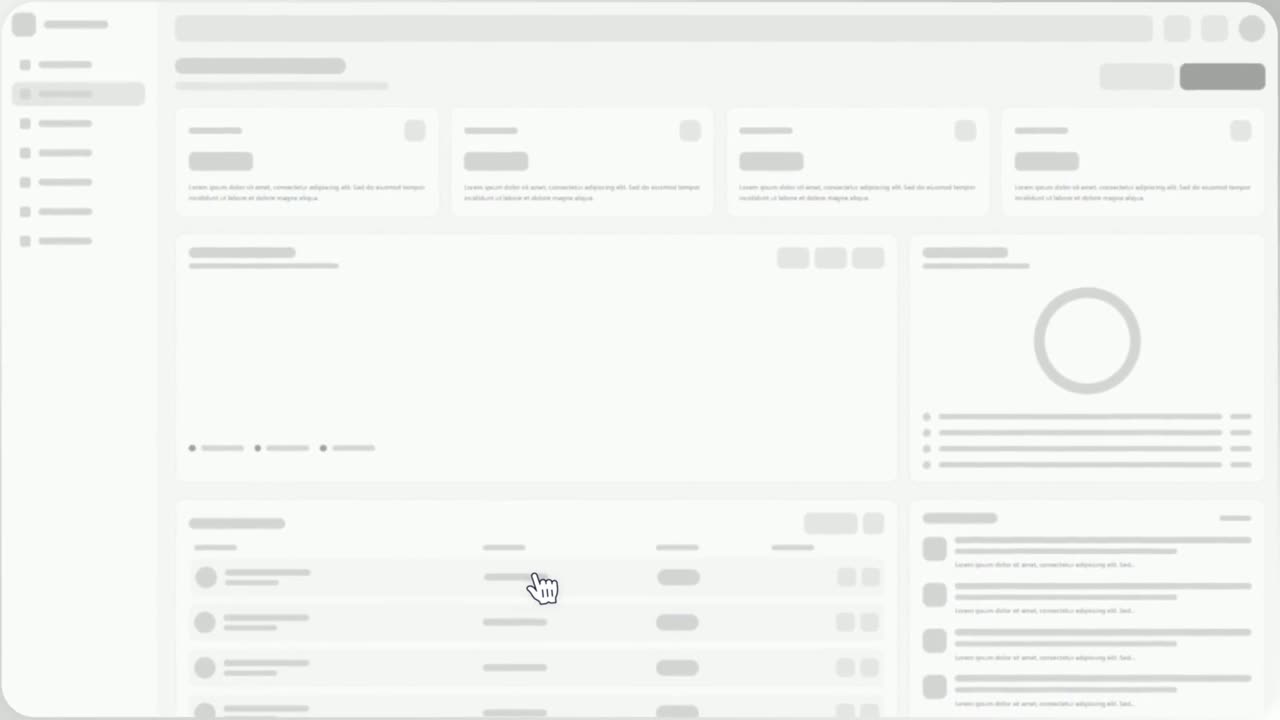
Drag-and-Drop is a three-second scene where a cursor picks up one real component from your product, drags it across the page and drops it into its…
Feature · your real UI
Drop Into Place
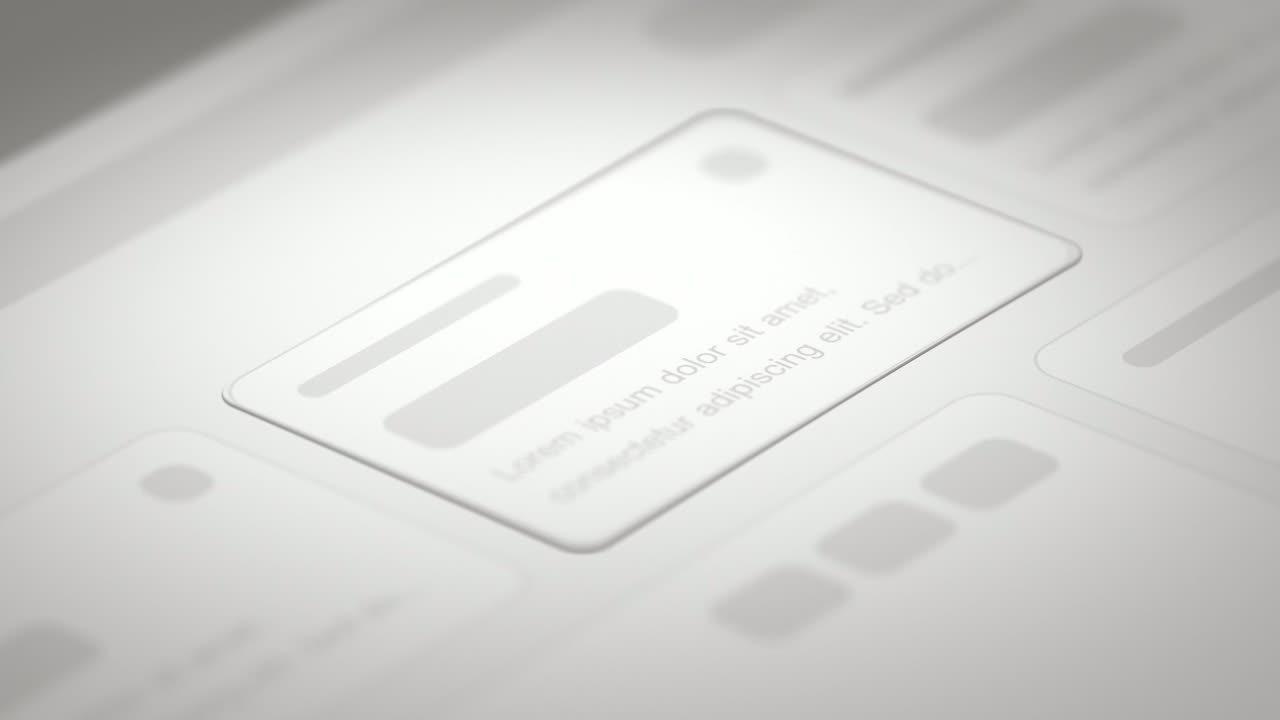
Drop Into Place is a four-second scene where your real page lies back in 3D under a close, cinematic lens and up to eleven of its components come…
Feature
Drum Roll
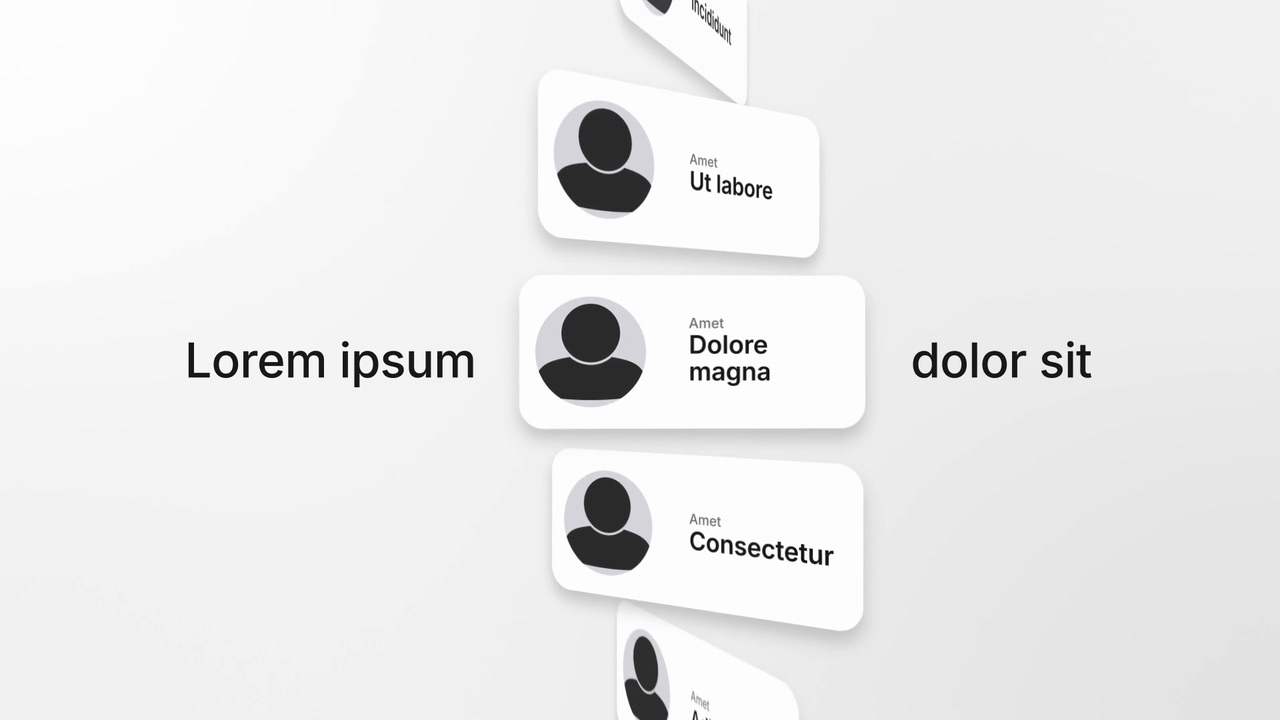
Drum Roll is a five-second scene where a headline opens in the middle and a drum of profile cards spins up in the gap, turning like a slot reel…
Feature
Echo Word
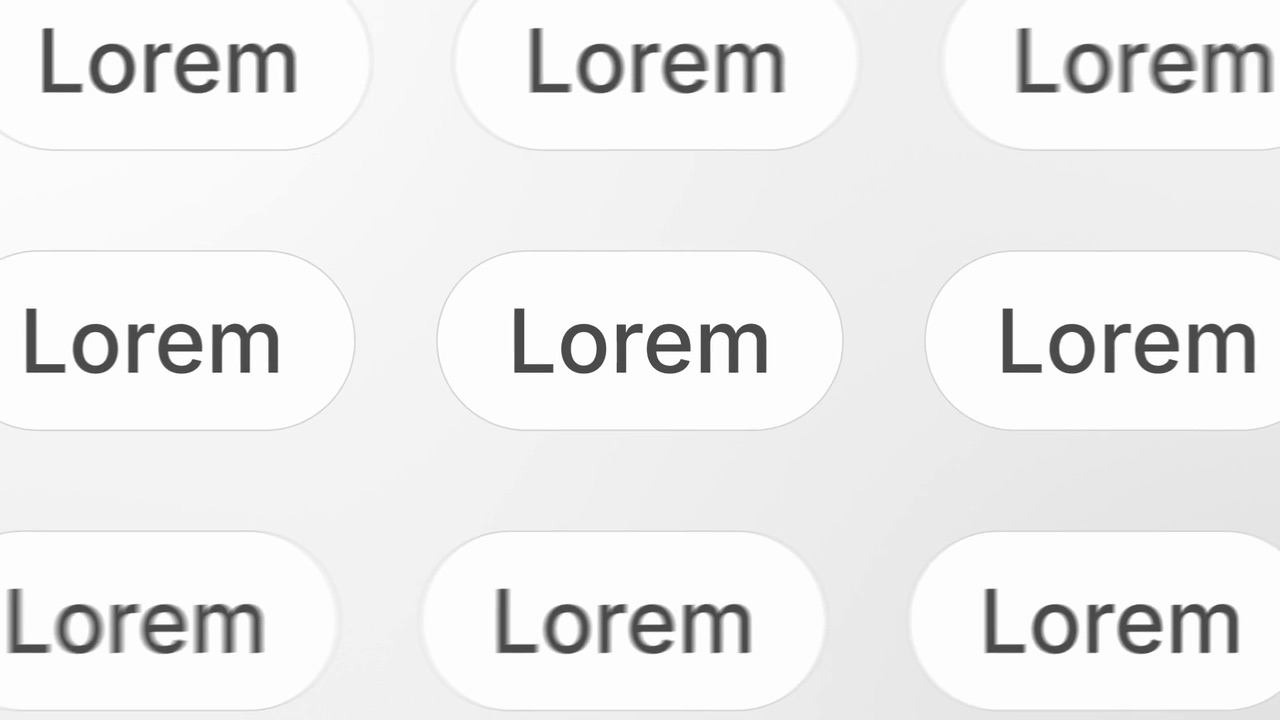
Echo Word is a three-second scene where one pill with a word slides in alone, copies of it fill the frame in rows while the camera pulls back, and…
Feature · your real UI
Expand & Fill
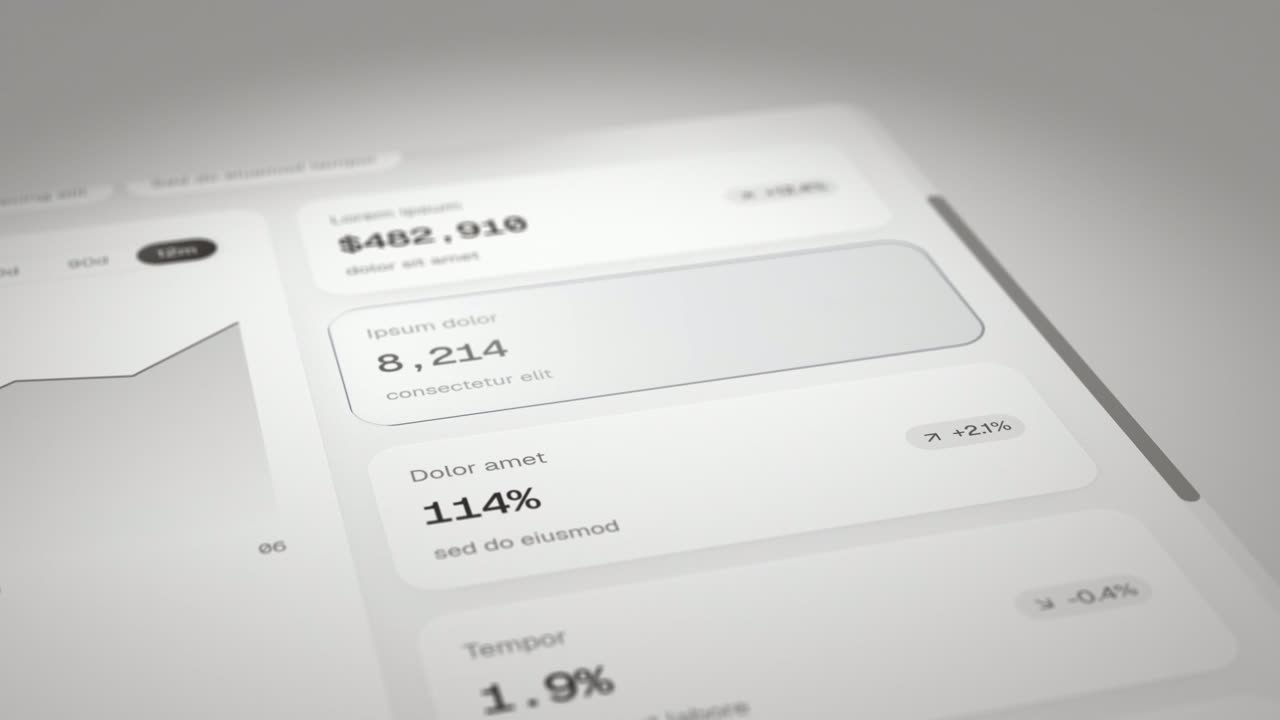
Expand & Fill is a five-second scene where your real page lies back in 3D, an outline grows from a single point in the empty spot where one component…
Feature · your real UI
Feature Callout
Feature Callout is a quick, three-second scene where a few words appear, one real piece of your interface sits in the line as if it were a word, and…
Feature · your real UI
Feature Drop-In
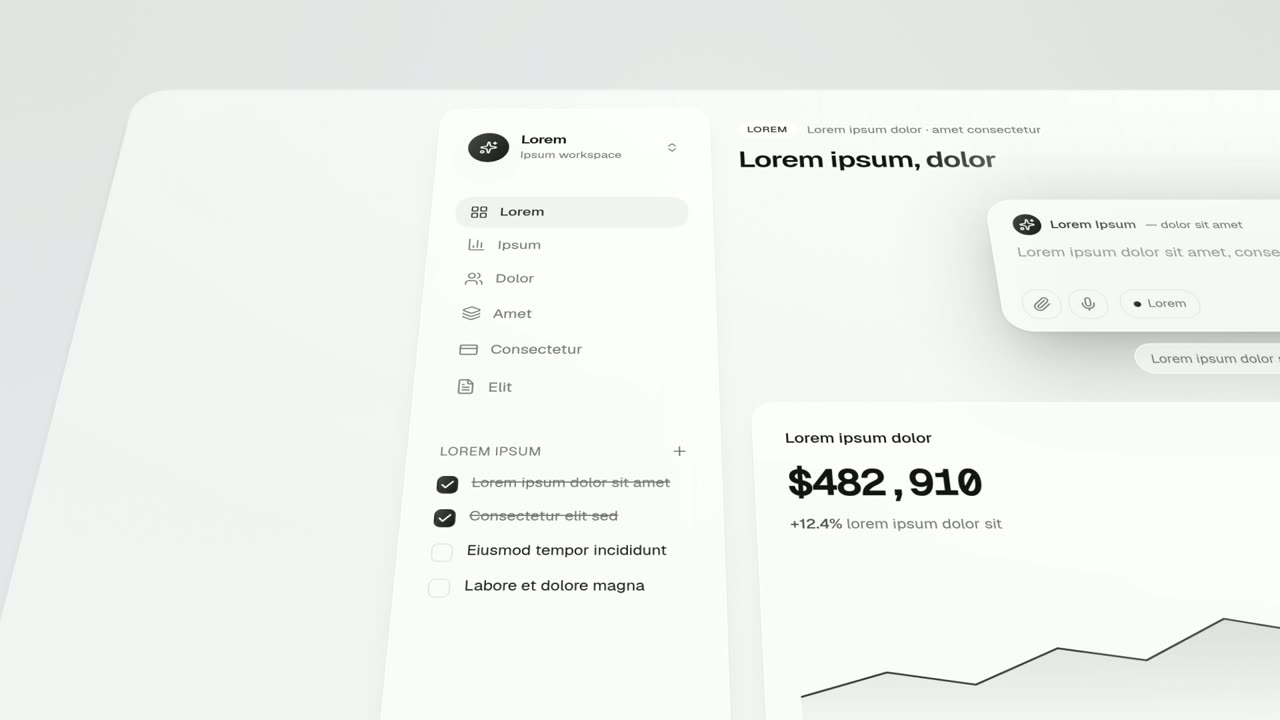
Feature Drop-In is a three-second scene where one real component from your product floats alone, large enough to read, and then the shot cuts to the…
Feature · your real UI
Feature Lineup
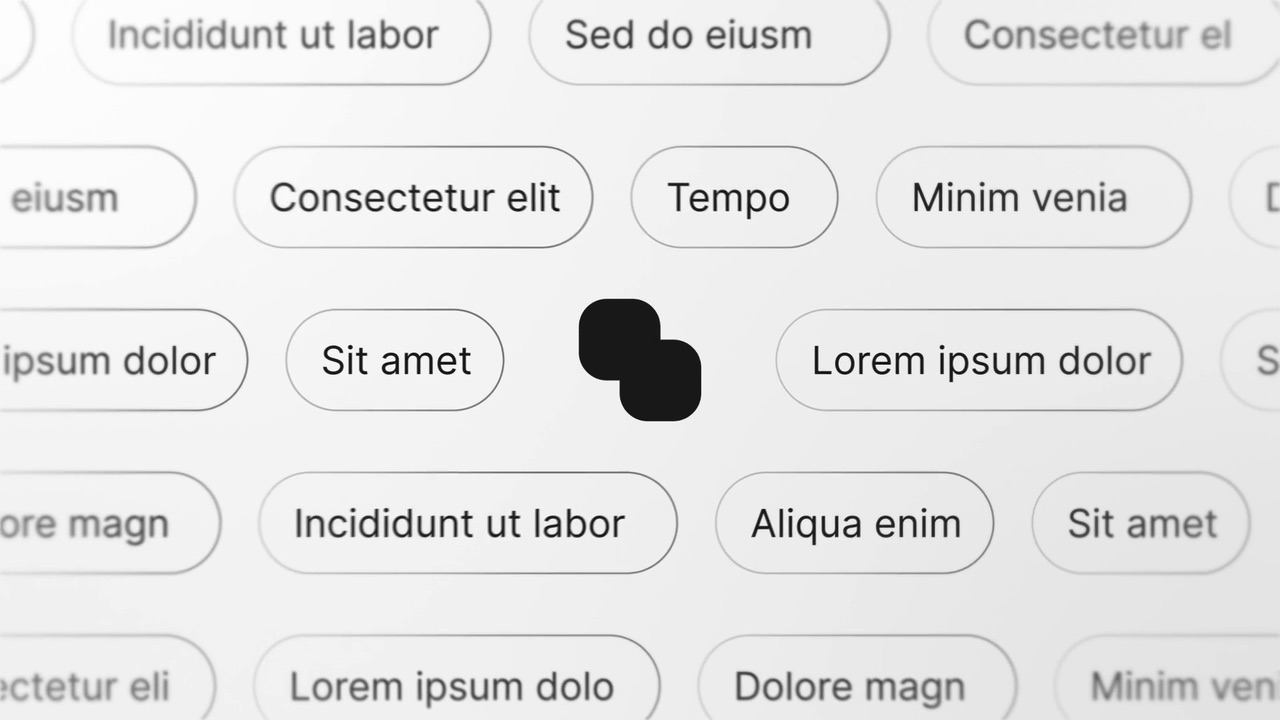
Feature Lineup is a five-second scene where a set of real interface pieces flies up into a clean, centered lineup in front of their own page, then…
Feature
Feature Wall
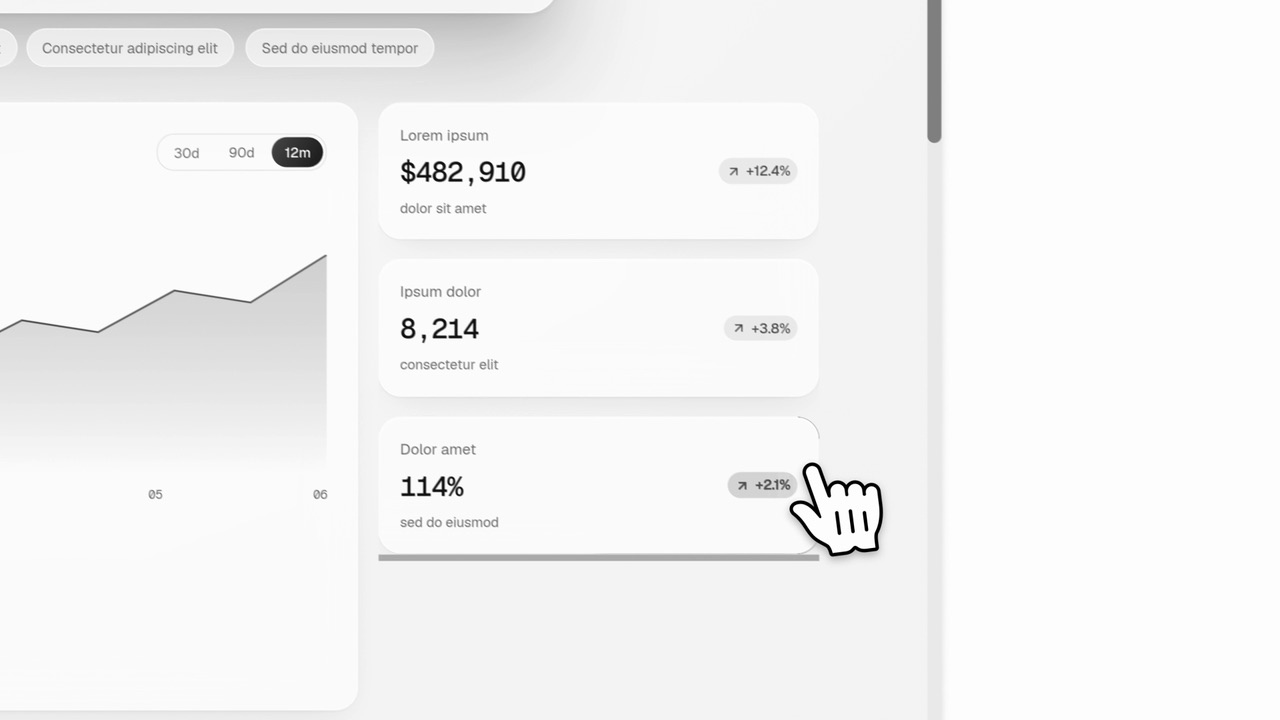
Feature Wall is a four-second scene where a wall of pills fills the frame around your logo and each pill types out a feature, integration, use case…
Feature · your real UI
Flip Dropdown
Flip Dropdown is a five-second scene where a real menu, panel or task list from your product opens out of the control that triggers it and fills…

Feature · your real UI
Floating Button Press
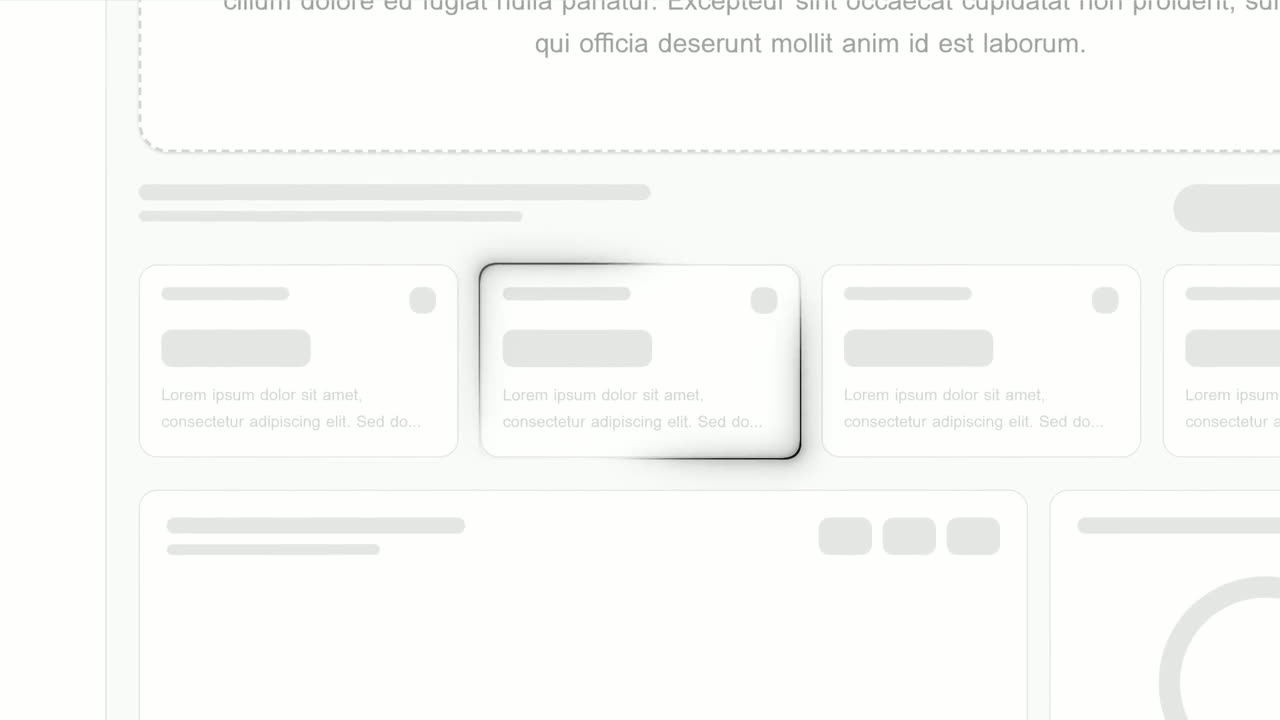
Floating Button Press is a five-second scene that starts on your full interface in 3D, lifts a single button out of it to float alone in the center…
Feature · your real UI
Focus Outline
Focus Outline is a three-second scene where your real page is zoomed in and a glowing outline draws itself around one component.
Feature · your real UI
Global Data Flow Dashboard
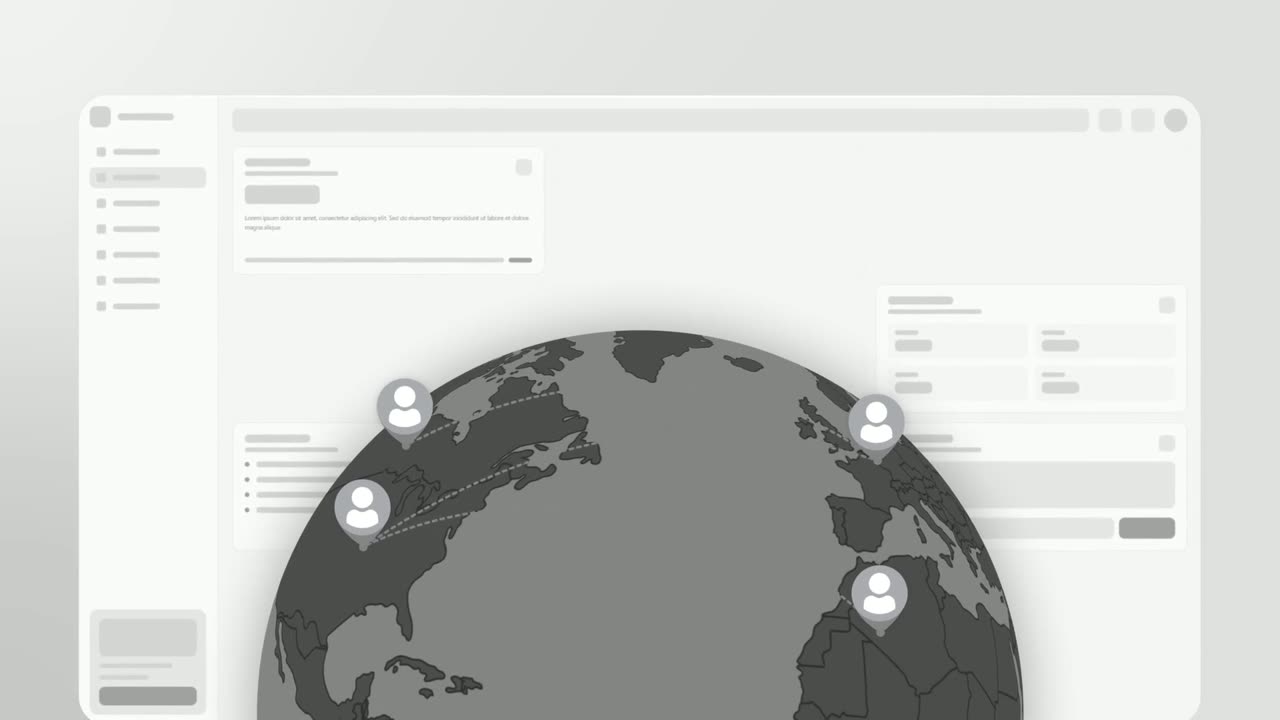
Global Data Flow Dashboard is a four-second scene where a rotating globe appears over your real product page, with four people pinned to it and lines…
Feature
Integration Orbit
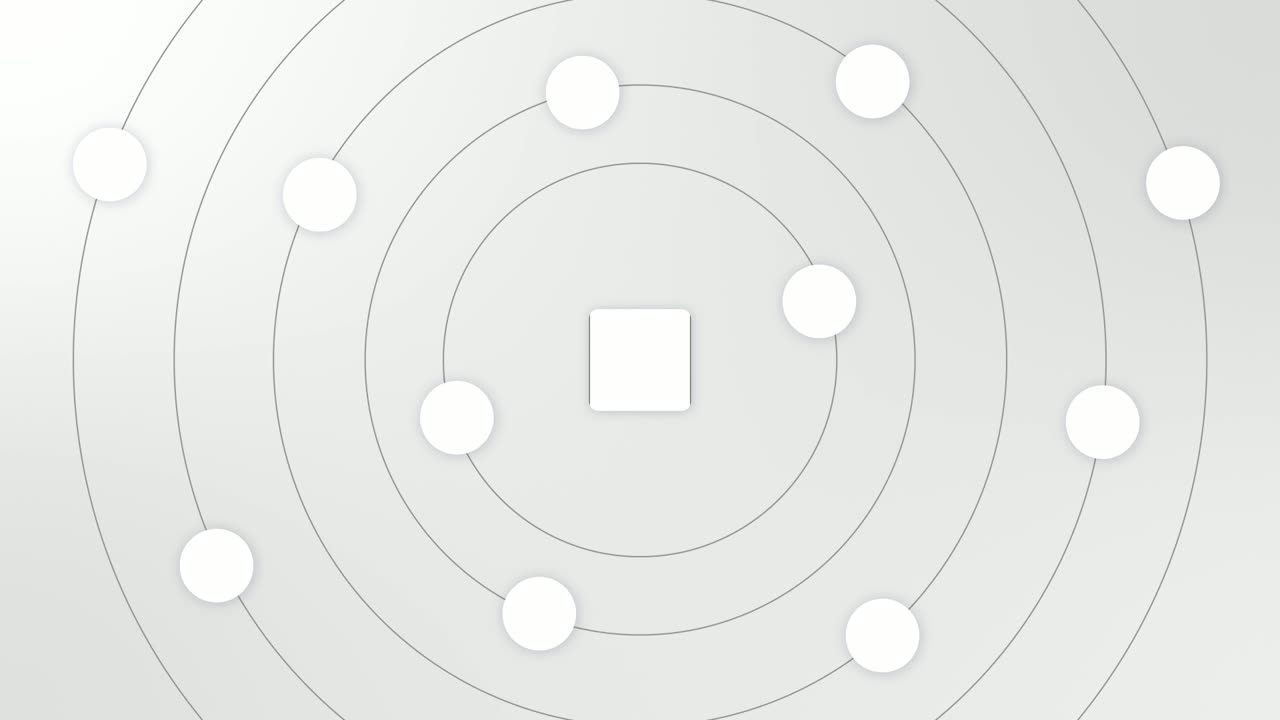
Integration Orbit is a five-second scene where your brand logo sits in the middle while up to eleven other logos circle it on rings.
Feature · your real UI
Interface Surround
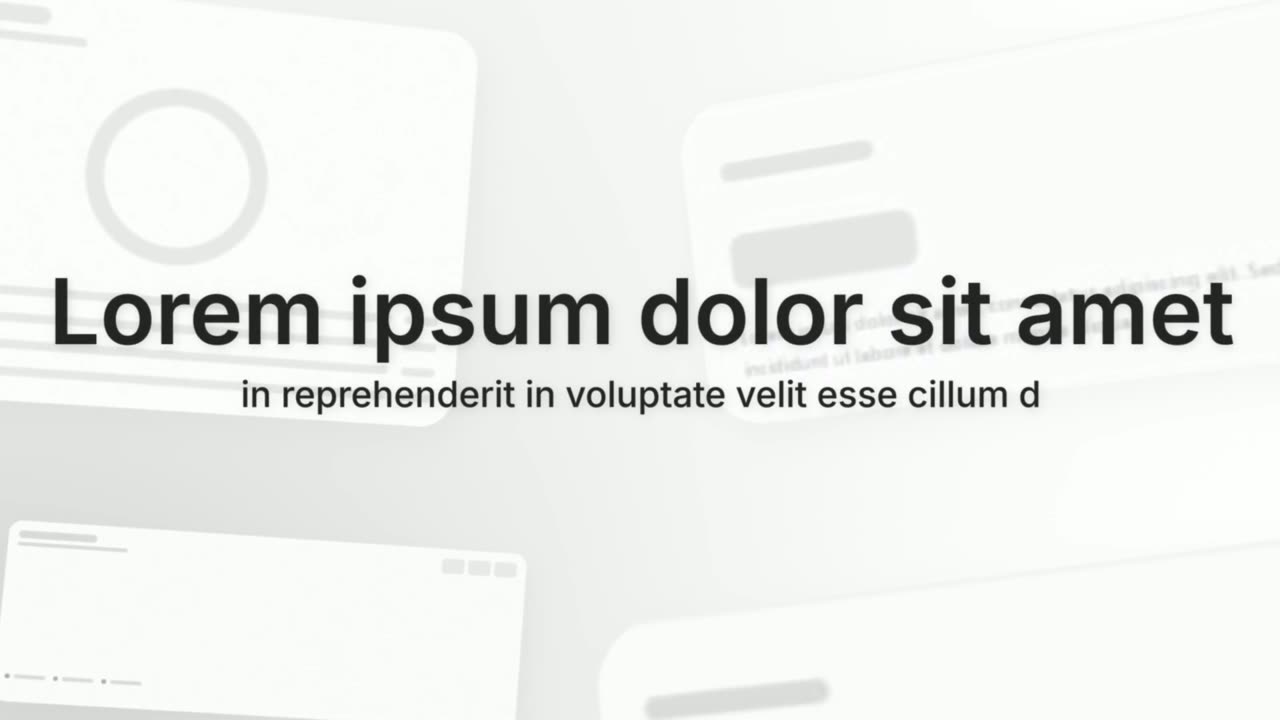
Interface Surround is a five-second scene where a short title, a supporting line or your logo sits in the center while four real interface cards from…
Feature
Leads Fly By
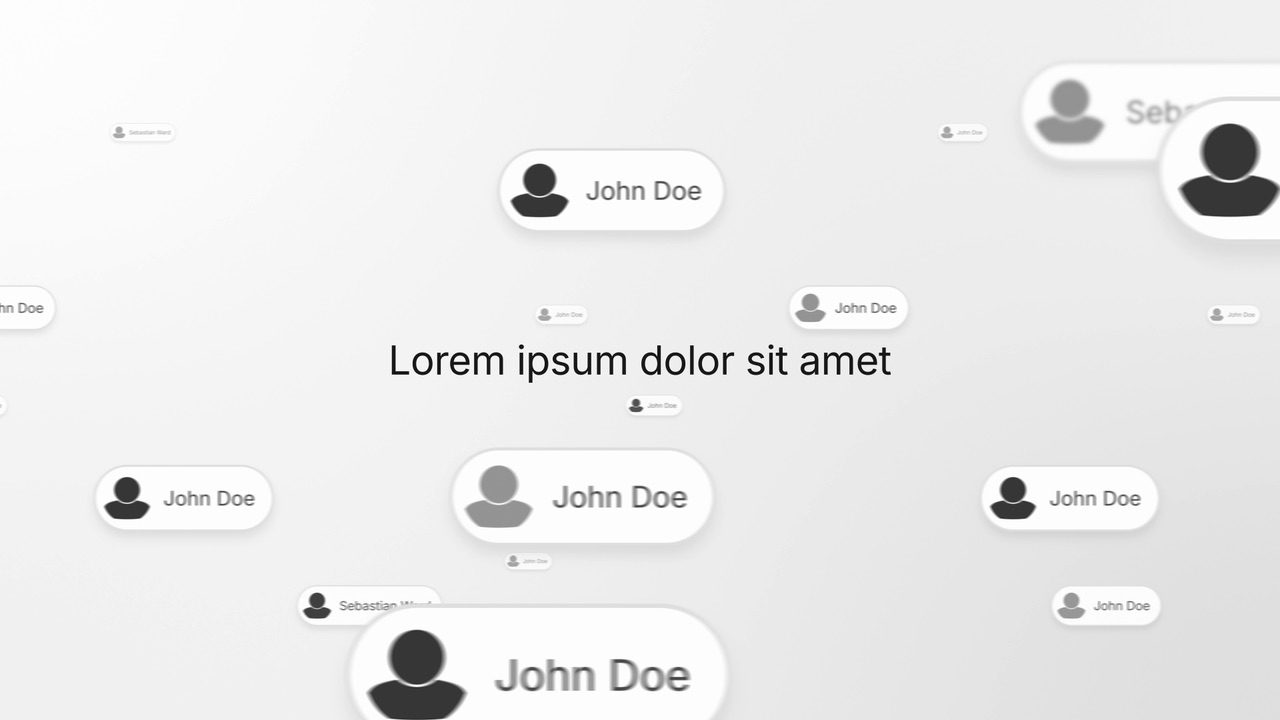
Leads Fly By is a four-second scene where a headline holds still in the middle while a deep field of people cards drifts past behind it.
Feature · your real UI
Left-to-Right Reveal
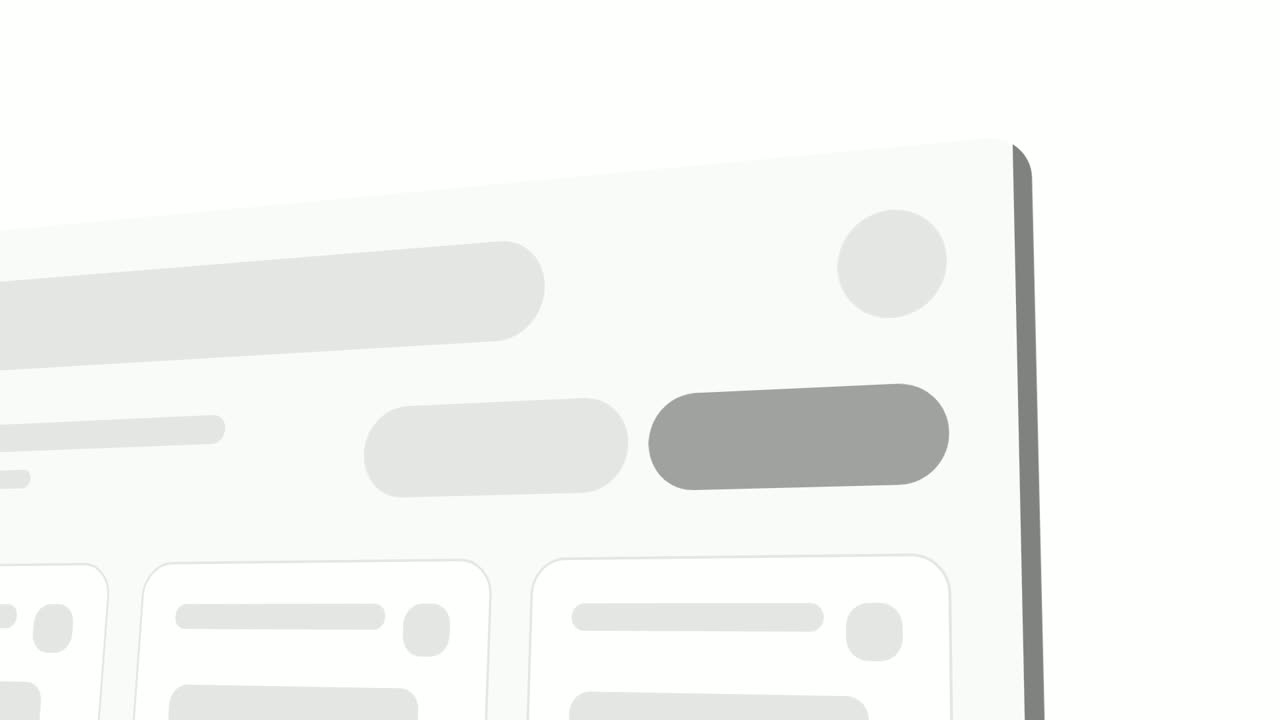
Left-to-Right Reveal is a four-second detail shot where your real page is tilted in 3D, seen close up, and up to seven chosen components slide in…
Feature
Logo Spiral
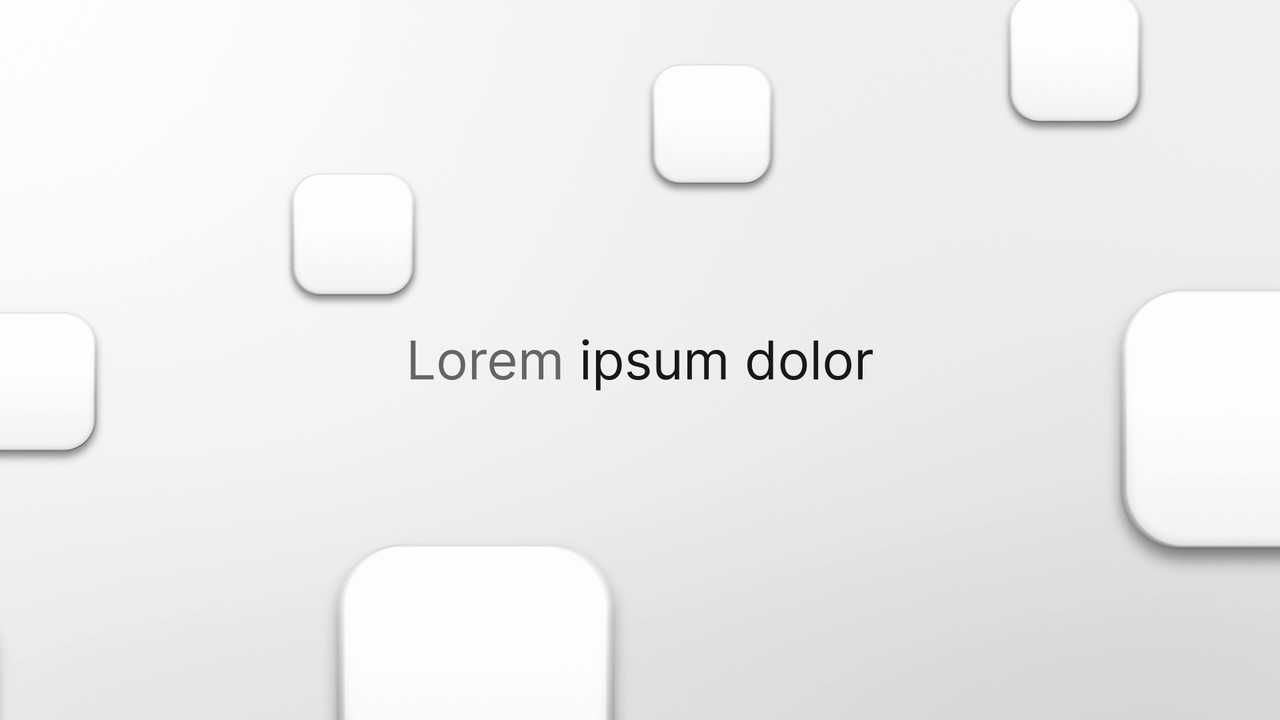
Logo Spiral is a four-second scene where a ring of up to ten app logos turns slowly around one short line.
Feature · your real UI
Make Room
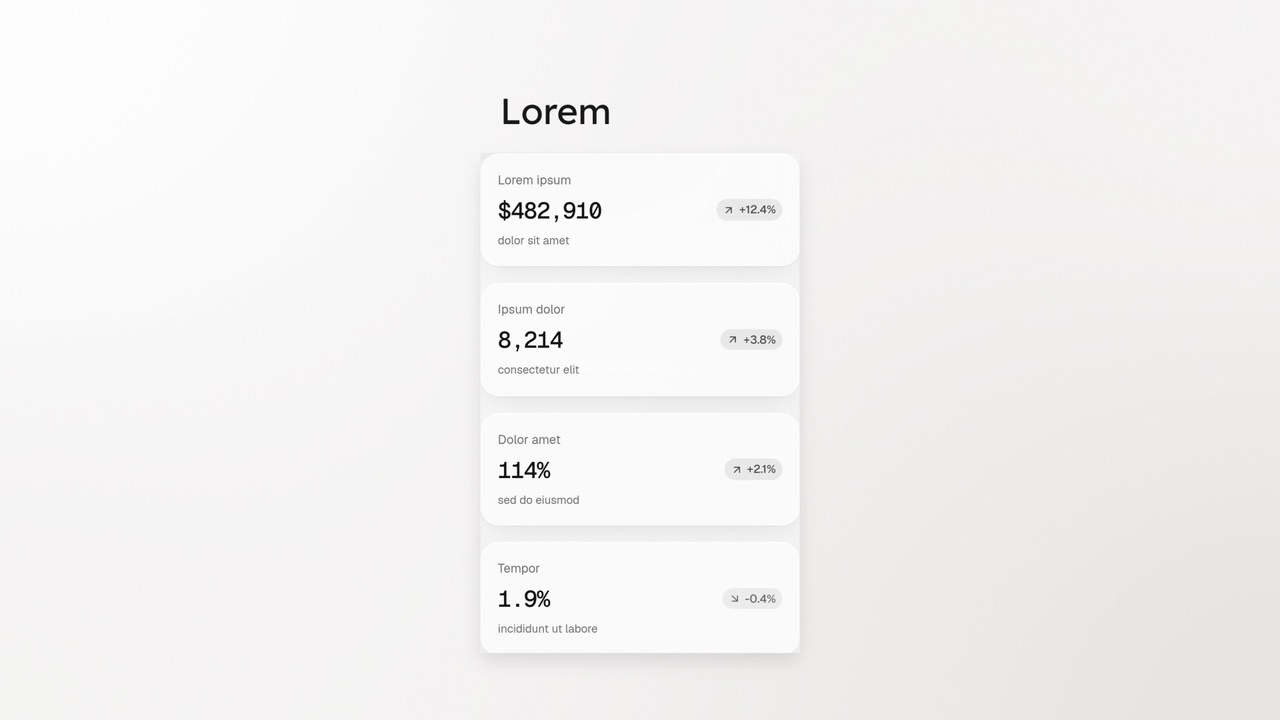
Make Room is a four-second scene where a real window from your product makes room for something new.
Feature
Notification Pop
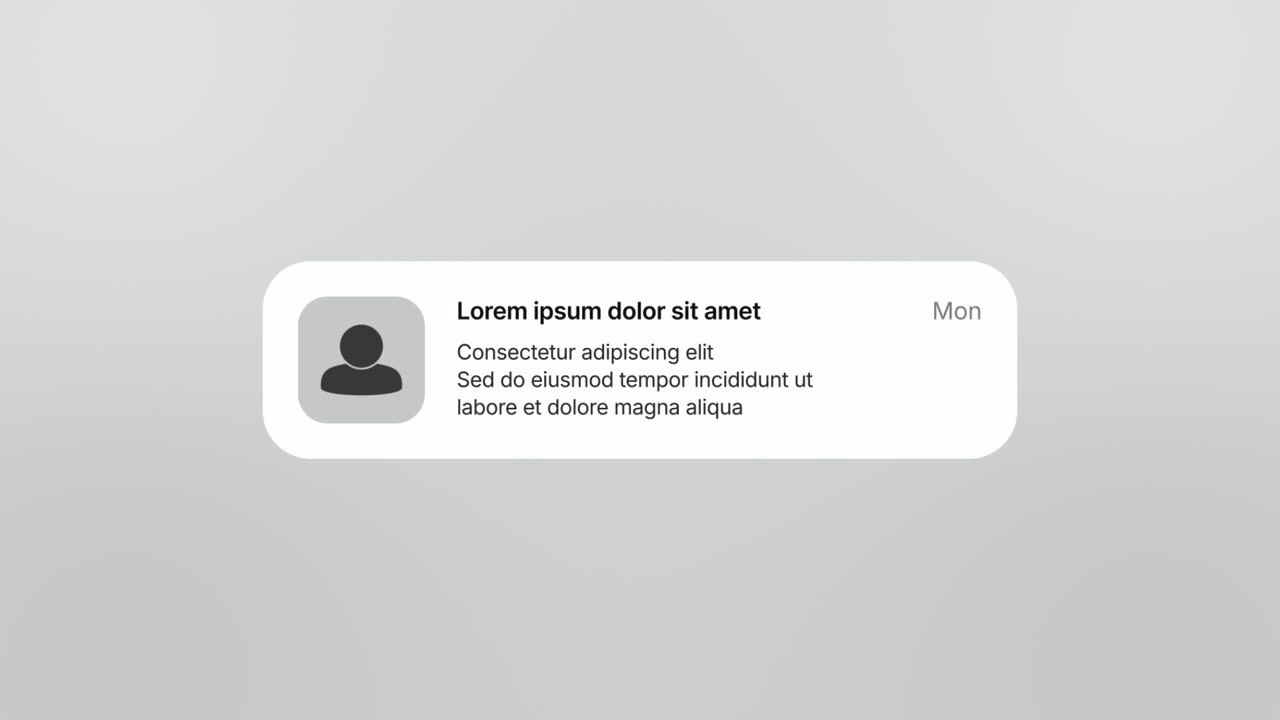
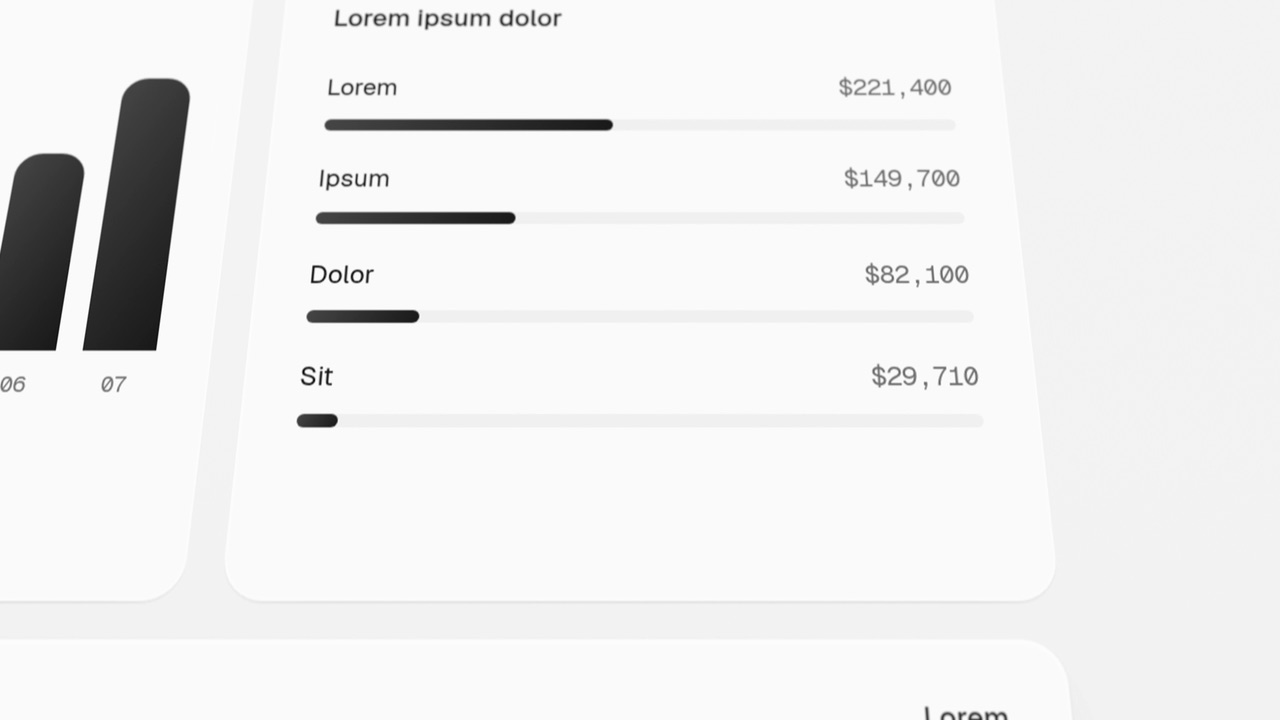
Notification Pop is a five-second scene where an app icon with an unread badge lands and opens into a phone-style notification banner with a title, a…
Feature · your real UI
Page Glide
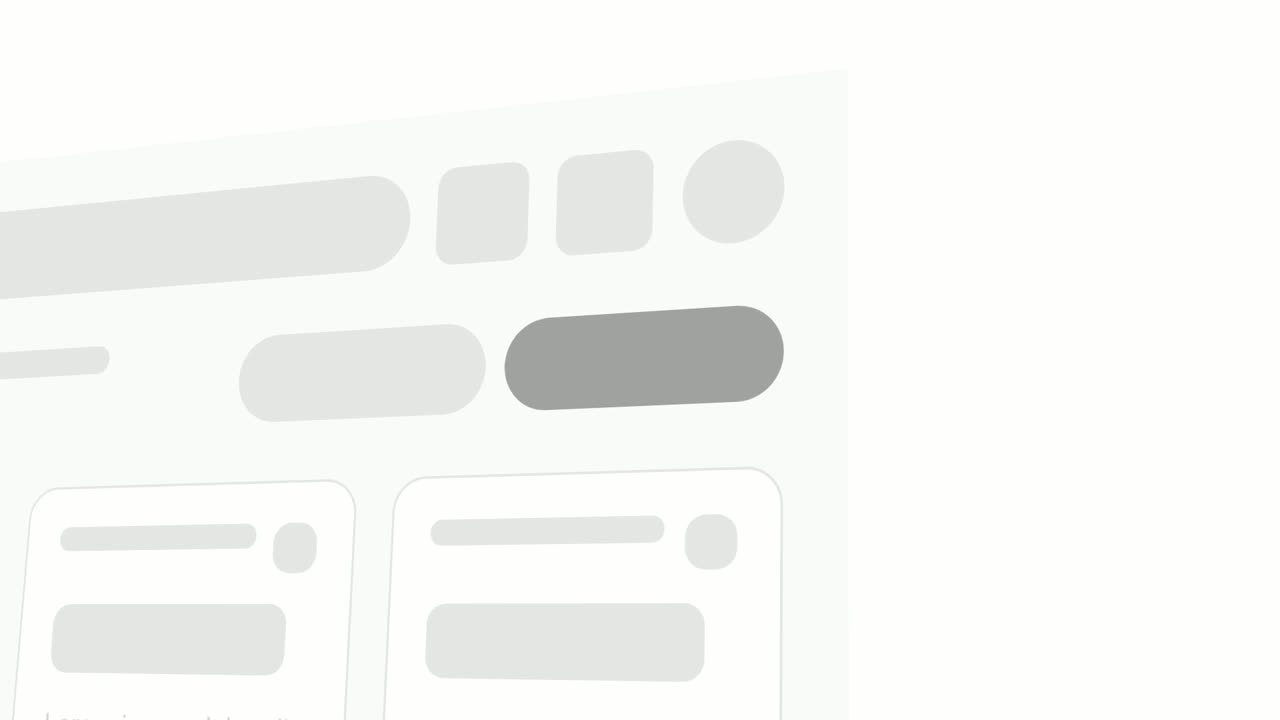
Page Glide is a two-second scene where the camera glides over your real product page in 3D.
Feature · your real UI
Pop-in Reveal
Pop-in Reveal is a four-second detail shot where your real page is tilted in 3D, seen close up, and up to seven chosen components pop into being one…
Feature · your real UI
Push Down
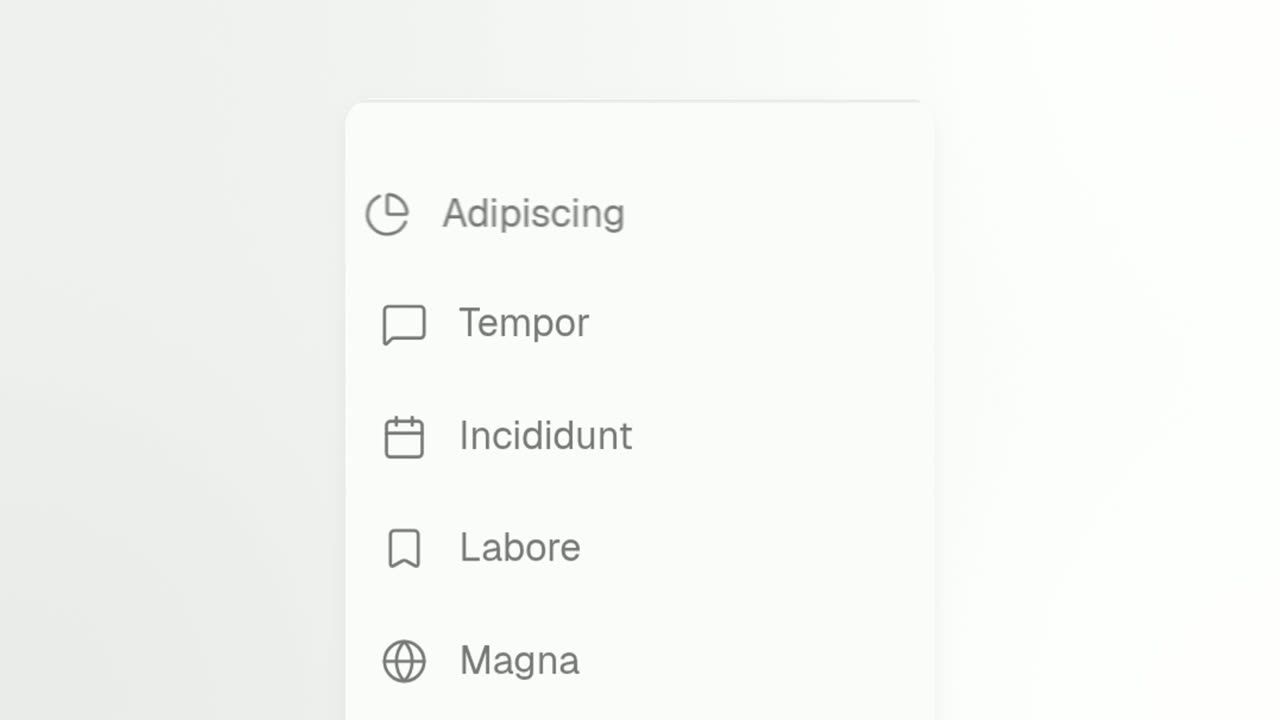
Push Down is a short activity feed animation built from a list captured in your own product.
Feature · your real UI
Push & Press
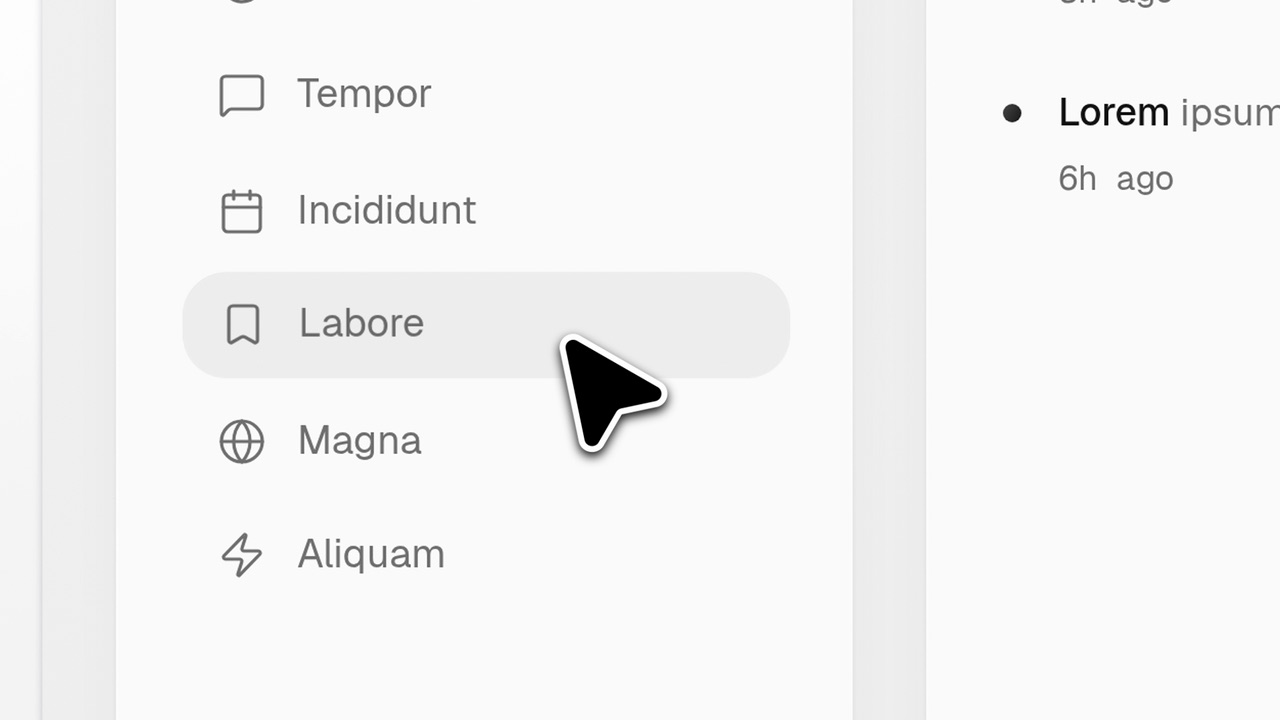
Push & Press is a four-second close-up on a real list in your product where a new item appears.
Feature · your real UI
Rise & Reveal
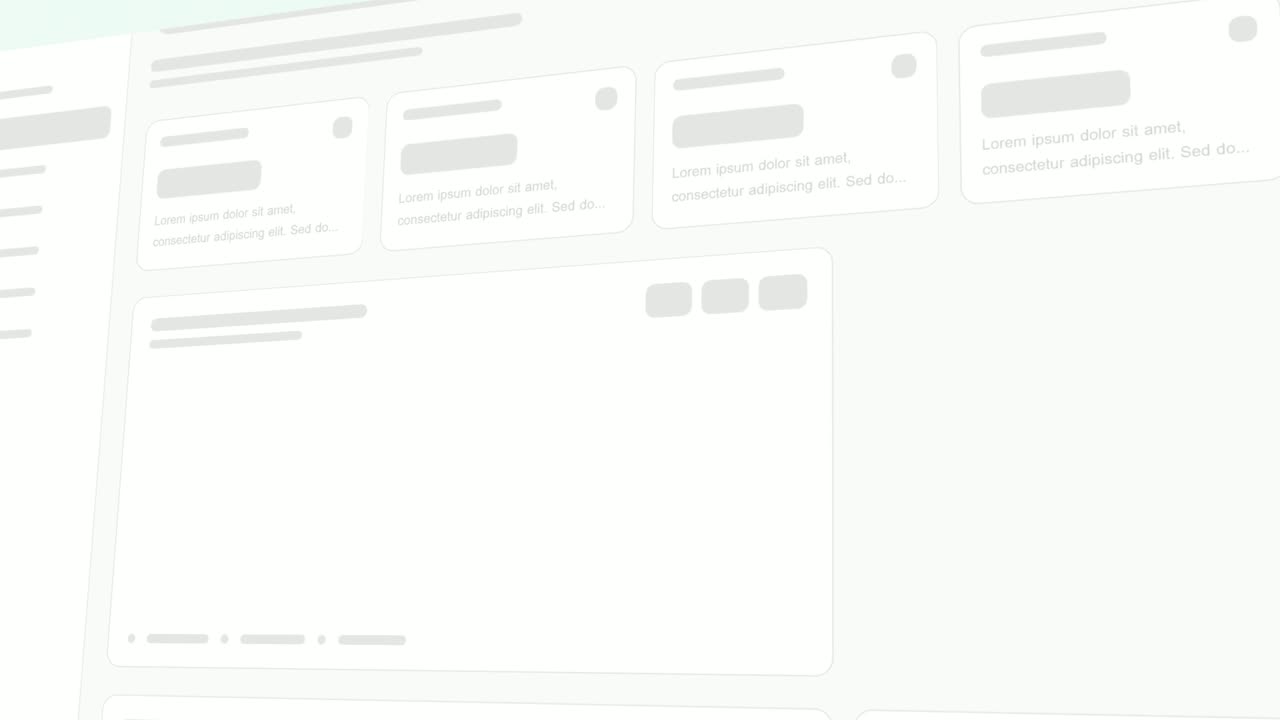
Rise & Reveal is a 3D dashboard animation where your real product page tilts back and its cards and panels rise into place one after another until…
Feature
Roll Call
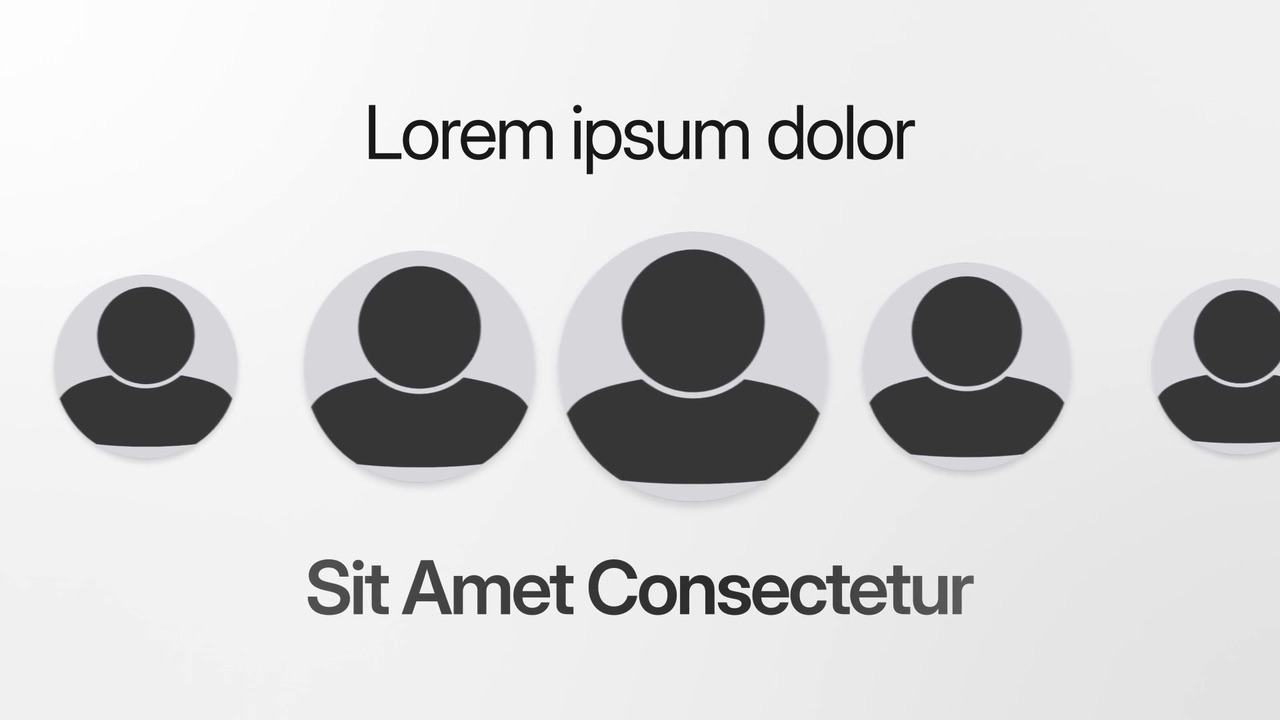
Roll Call is a five-second scene where a row of photo cards rolls past between a short headline and a big title in flowing brand colors.

Feature · your real UI
Simple Button Press
Simple Button Press is a button press animation that puts one real button from your product alone on a clean background and has a cursor click it.
Feature
Single Command Line
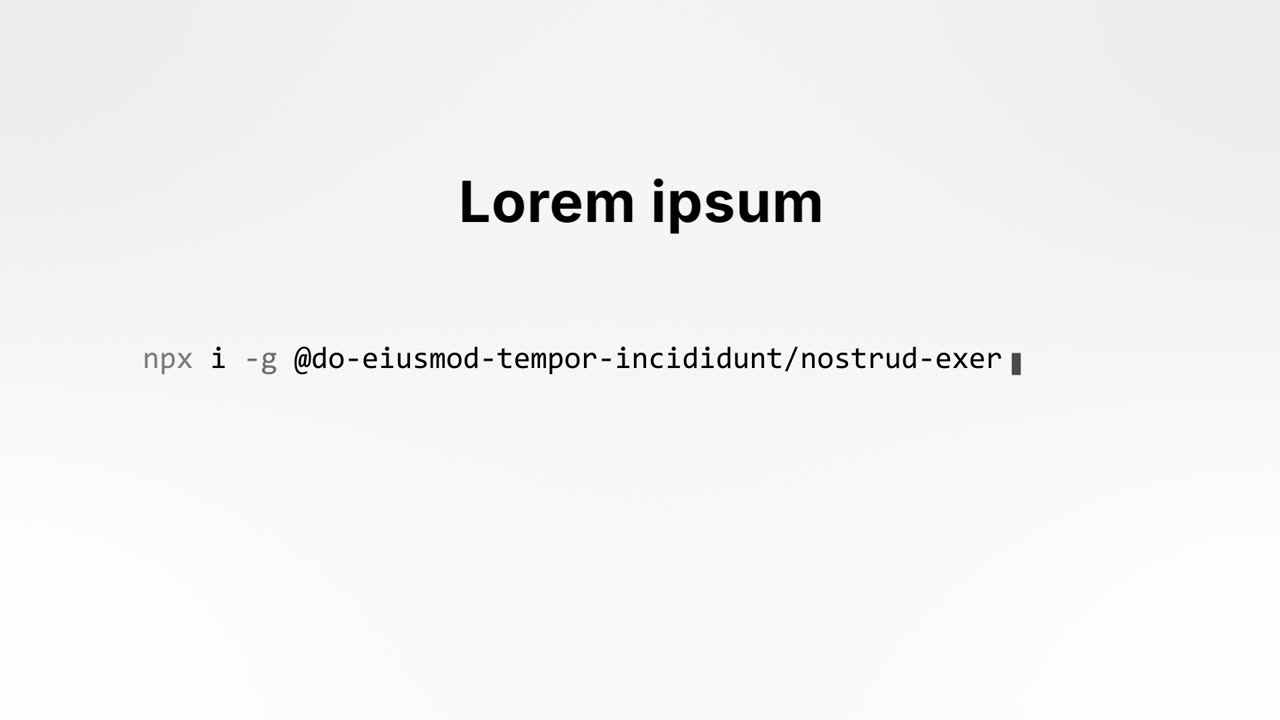
Single Command Line is a two second command line animation: a short setup headline sits above one real shell command that types itself out, and when…
Feature · your real UI
Split & Type
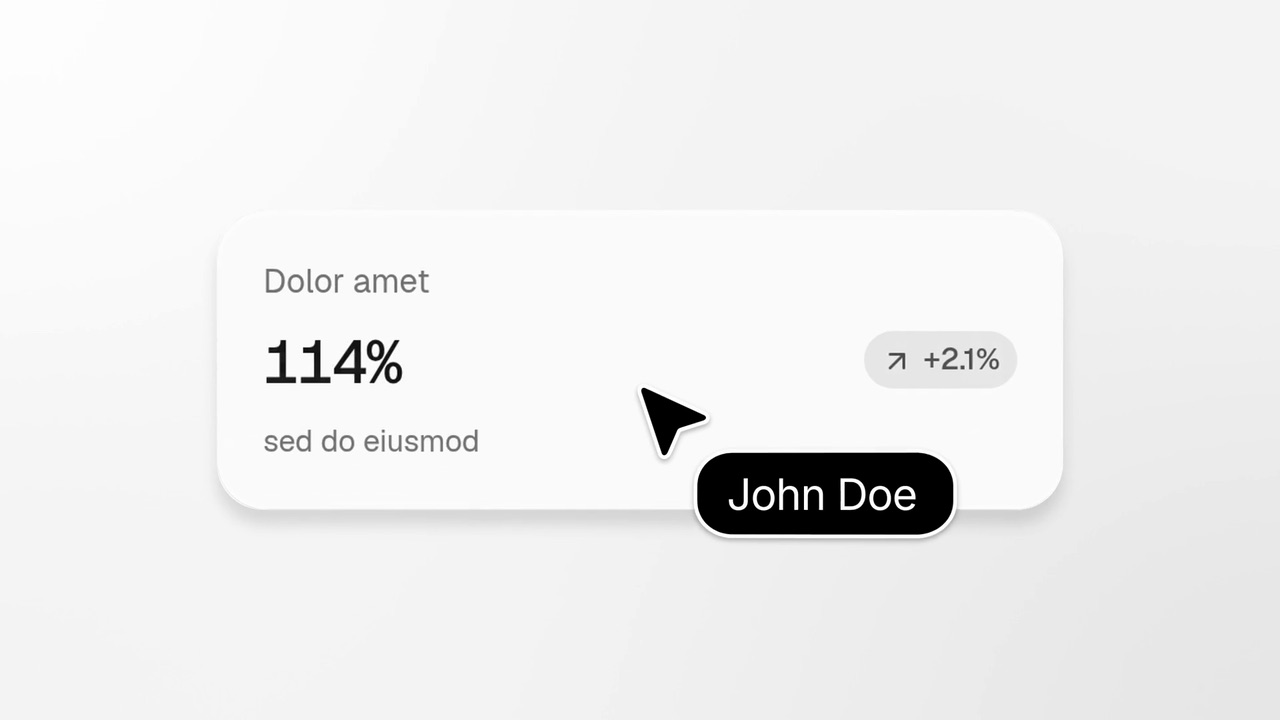
Split & Type is a five-second scene where a cursor clicks one real piece of your UI, which confirms with a soft lift and a blush of your brand color.
Feature
Stat Roll
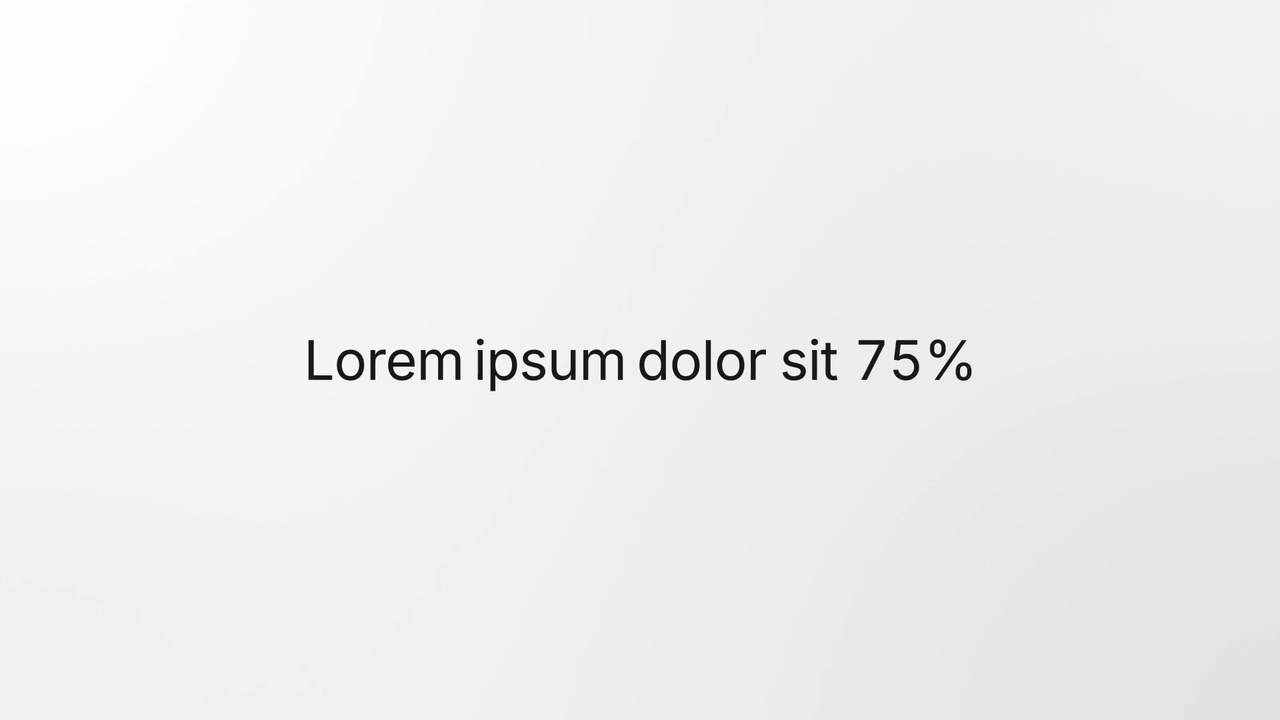
Stat Roll is a three-second scene where one line of copy builds word by word and a figure inside it rolls up like an odometer and lands.
Feature · your real UI
Status Reveal
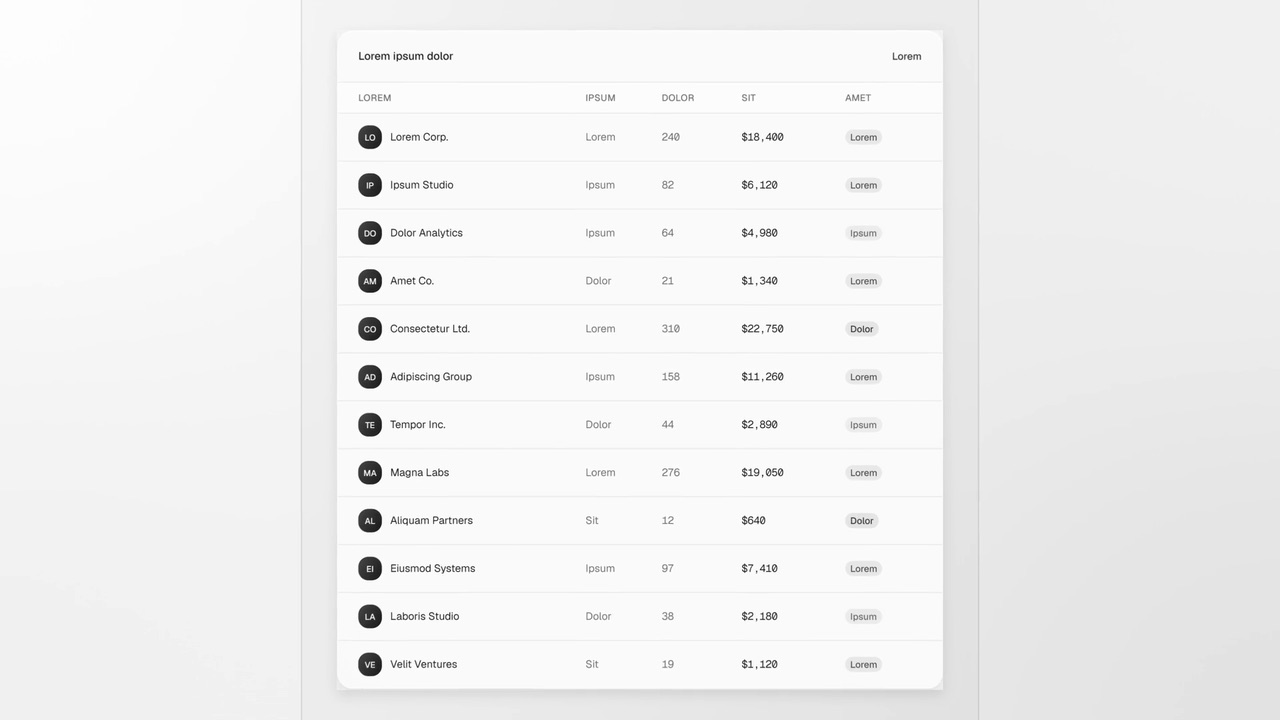
Status Reveal is a five-second scene where a status line shimmers inside a selection frame while your product works on something by itself.
Feature
Switch On
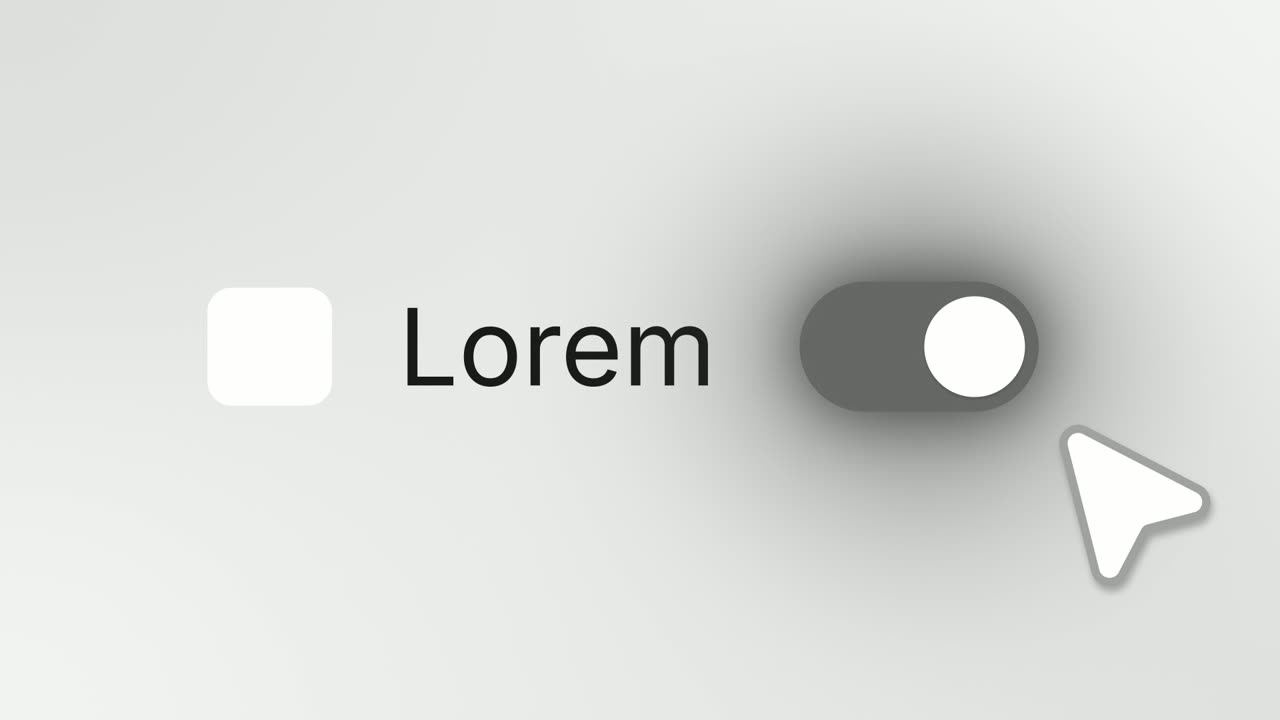
Switch On is a toggle switch animation: a settings row shows your logo on an app icon tile, your product name and a switch that is off, and a cursor…
Feature
Team Wall
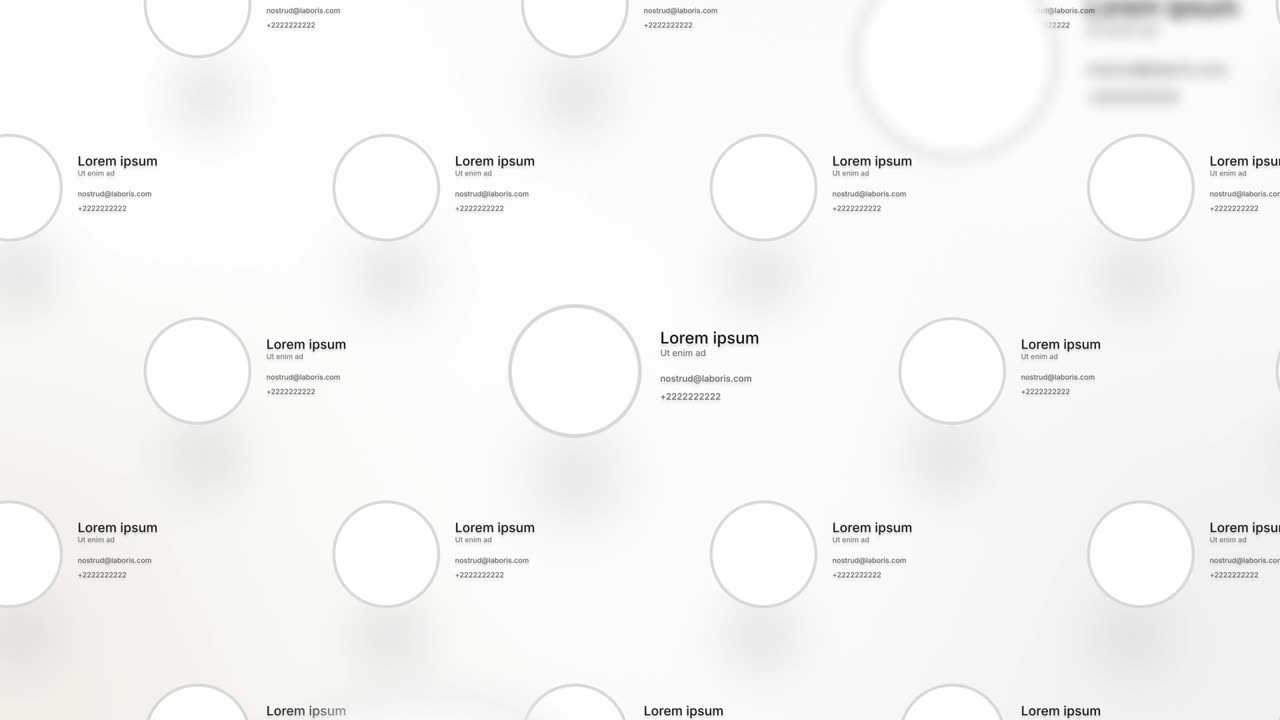
Team Wall is a meet the team scene: sixteen profile cards float in 3D, each with a face, a name, a role and two short lines of detail, and the camera…
Feature
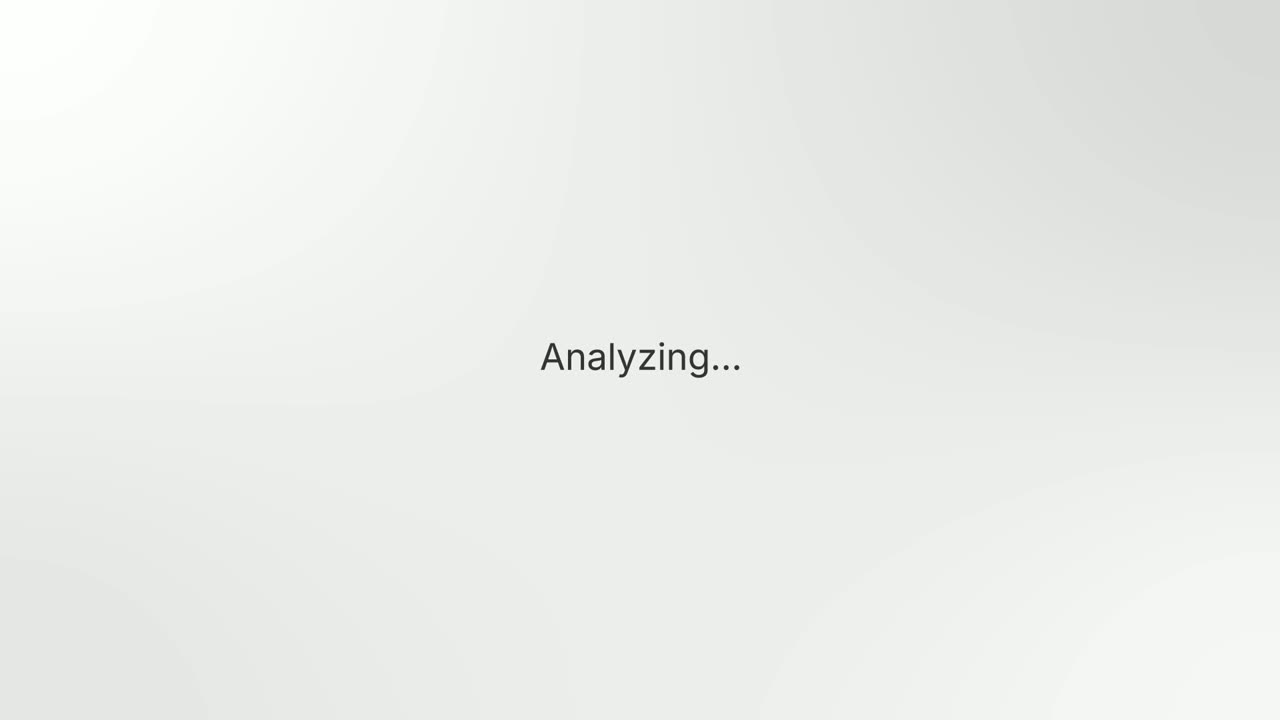
Text Glow Loading State
Text Glow Loading State is a loading text animation: one short status line glows and pulses on a quiet background, filling the wait between an action…
Feature · your real UI
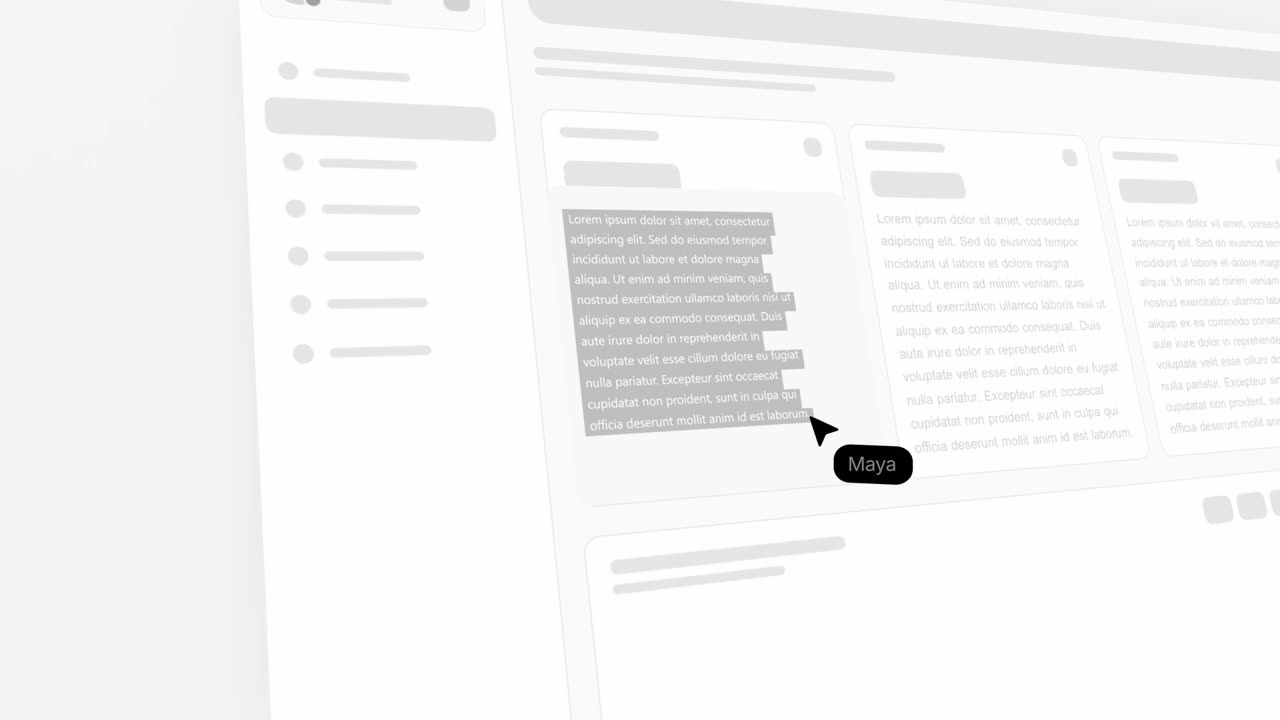
Text Highlight
Text Highlight is a text highlight animation on your real product page: the scene opens on the page, moves in on a block of text, and a cursor drags…
Feature
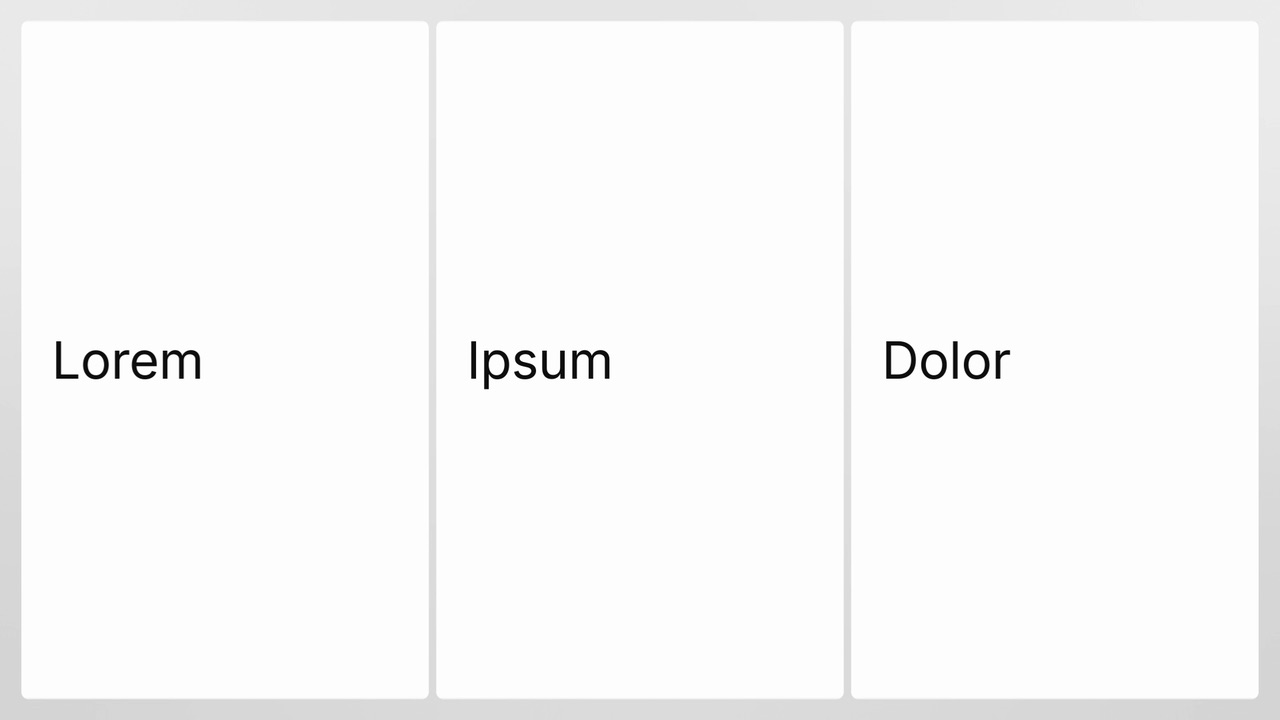
Triptych Wall
Triptych Wall is a four-second scene where three big photo cards open out of a tinted duotone and one word lands on each, so the three read as one…
Feature · your real UI
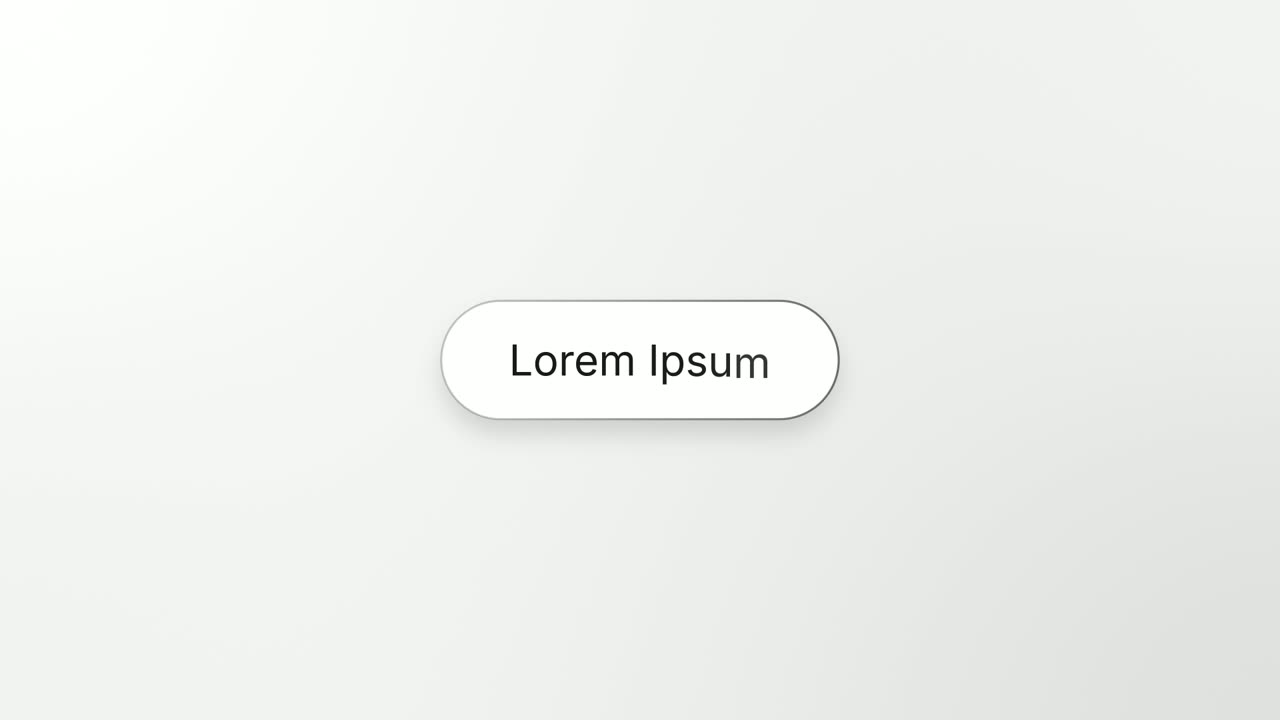
Turn & Type
Turn & Type is a card flip reveal animation: one real component from your product turns a quarter turn, empties into a clean outlined box, and a…
Feature · your real UI
UI Unfold
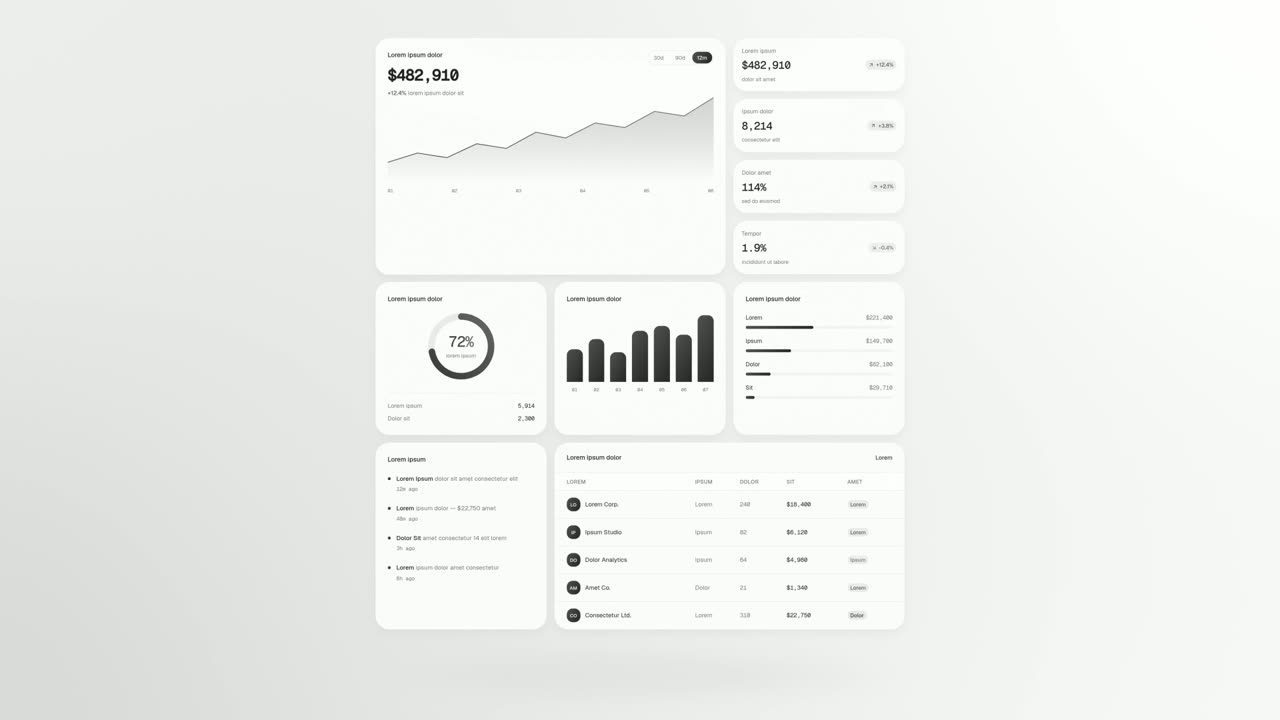
UI Unfold is a UI card animation that lays out up to twelve whole cards and panels from your real product, unfolding them flat row after row with no…
Feature · your real UI
User Connection
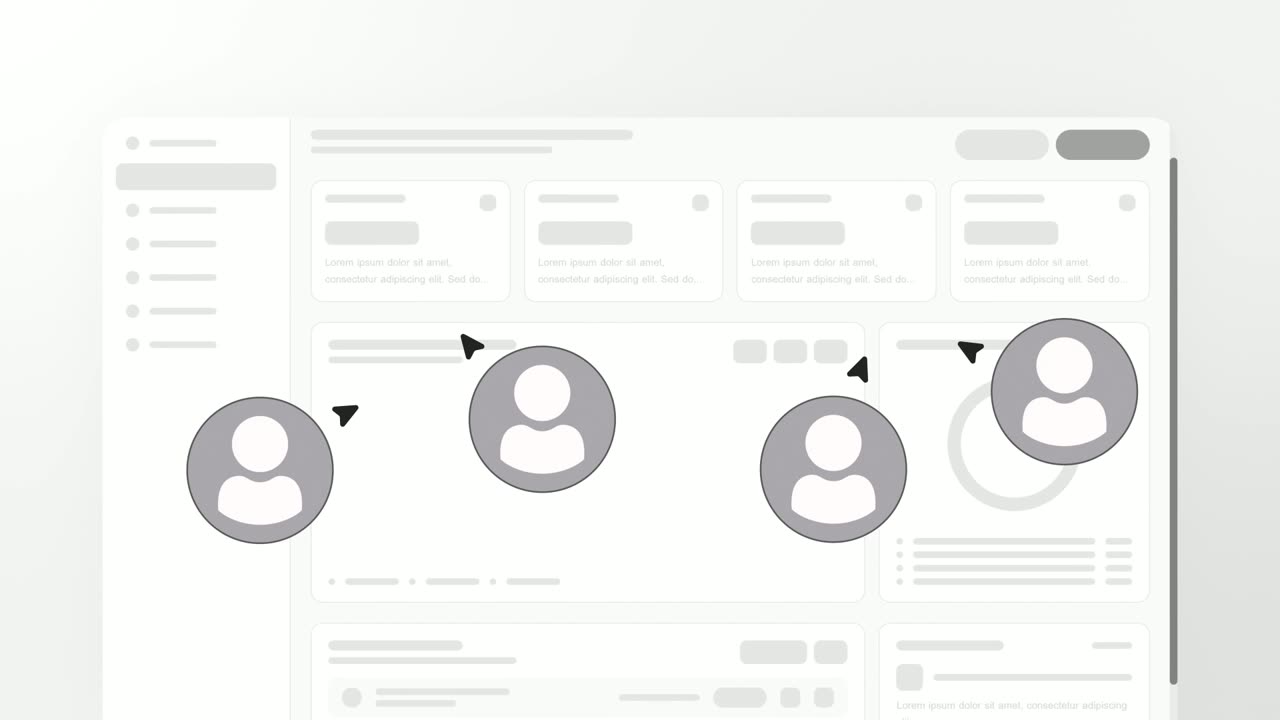
User Connection is a team collaboration animation: your real product page sits in a window while four people appear around it as avatars with moving…
Feature
Vertical Label Pop-In
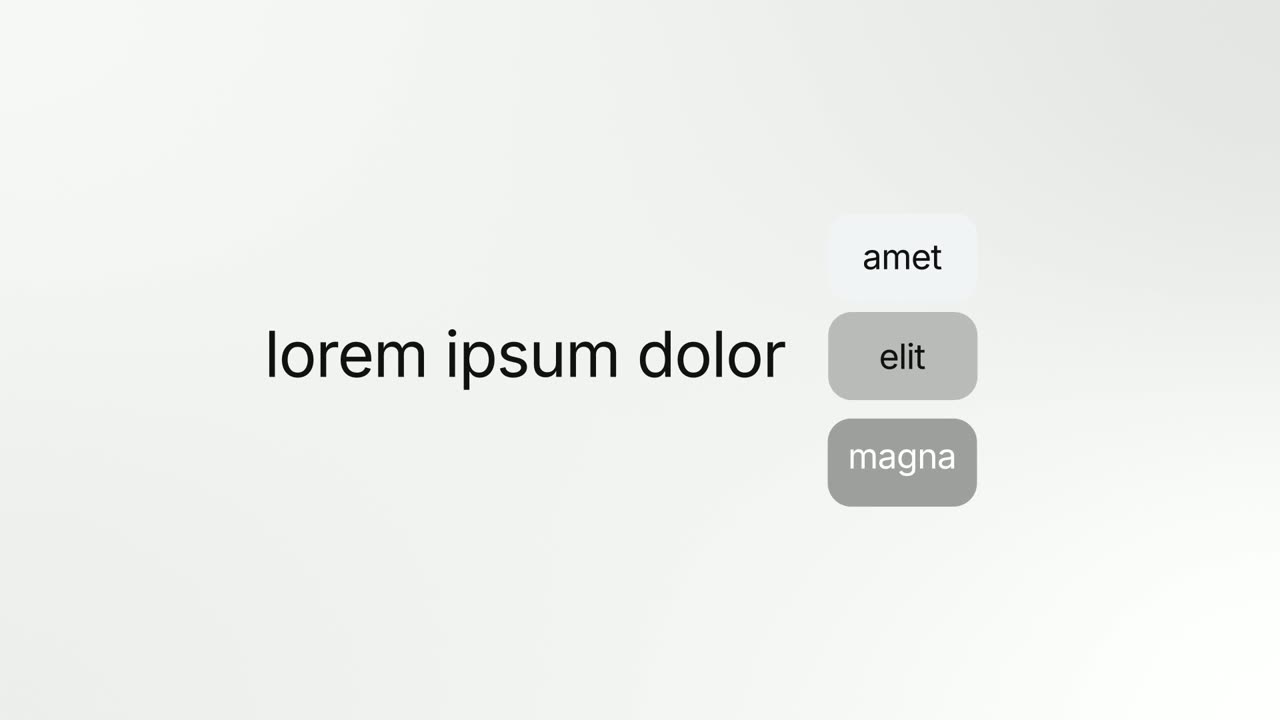
Vertical Label Pop-In is an animated text label scene: a short sentence appears, three colored one word tags pop in beneath it, then the tags vanish…
Feature
Welcome Ring
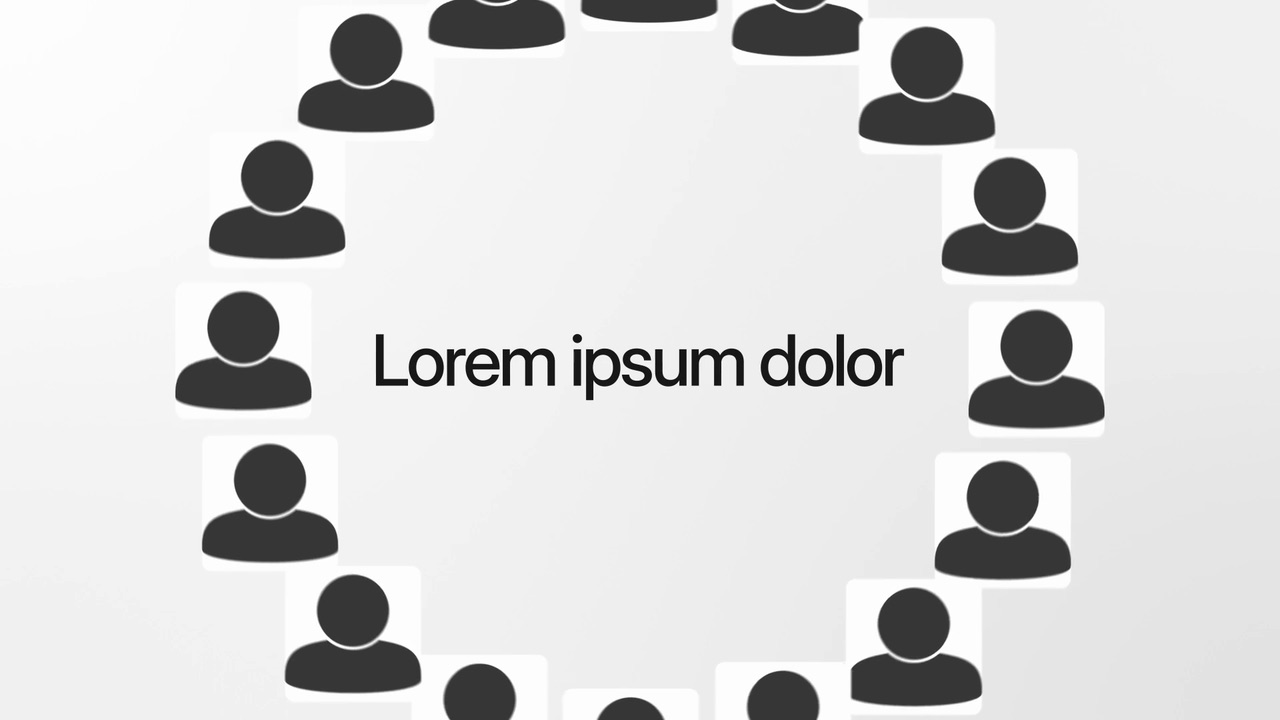
Welcome Ring is a four-second scene where a ring of square photos of people turns slowly around one short headline.
Feature · your real UI
Window Rise
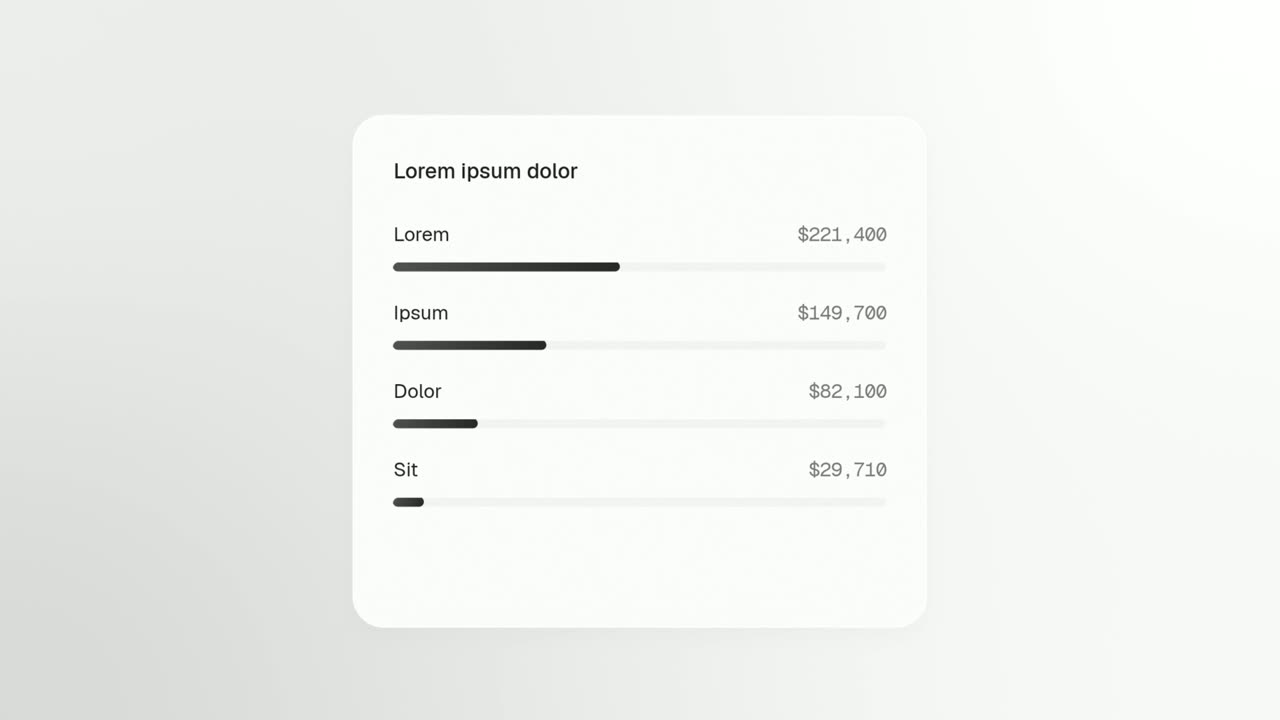
Window Rise is an app window animation where one real card, panel or chat window from your product floats alone and fills itself in.
Transition templates
Short moves that carry one scene into the next.
Transition · your real UI
Caret Collapse
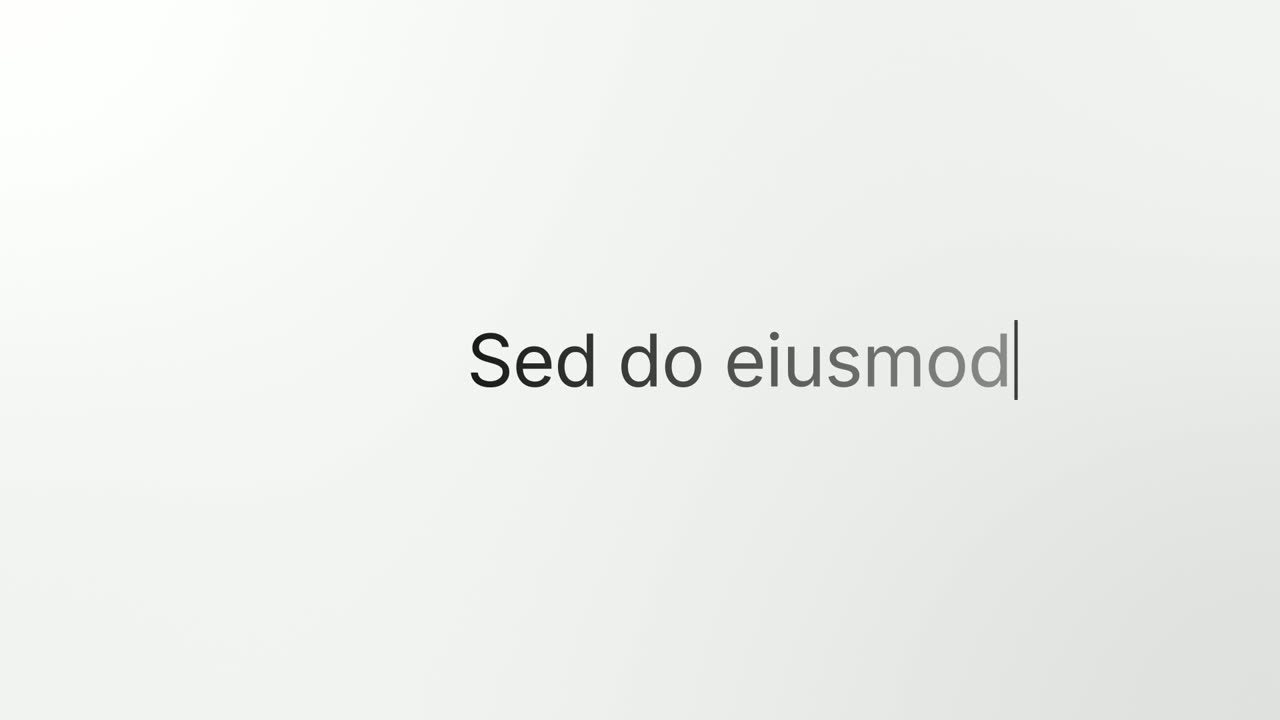
Caret Collapse is a typing cursor animation that turns your product into your message: your real page sits in a window, squeezes down into a text…
Transition
Dial In
Dial In is a number counter animation for a single result: a dial of numbers spins in under a needle, slows and lands on your figure, then the rest…
Transition
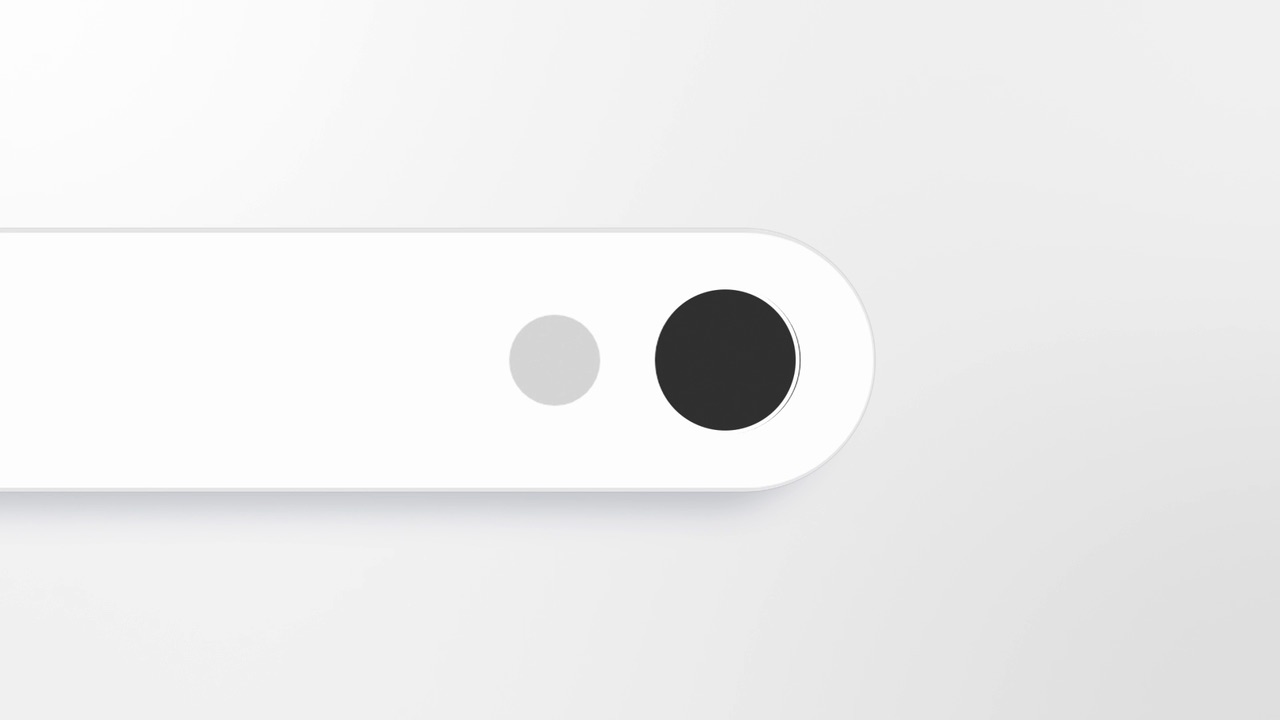
Dock Lift
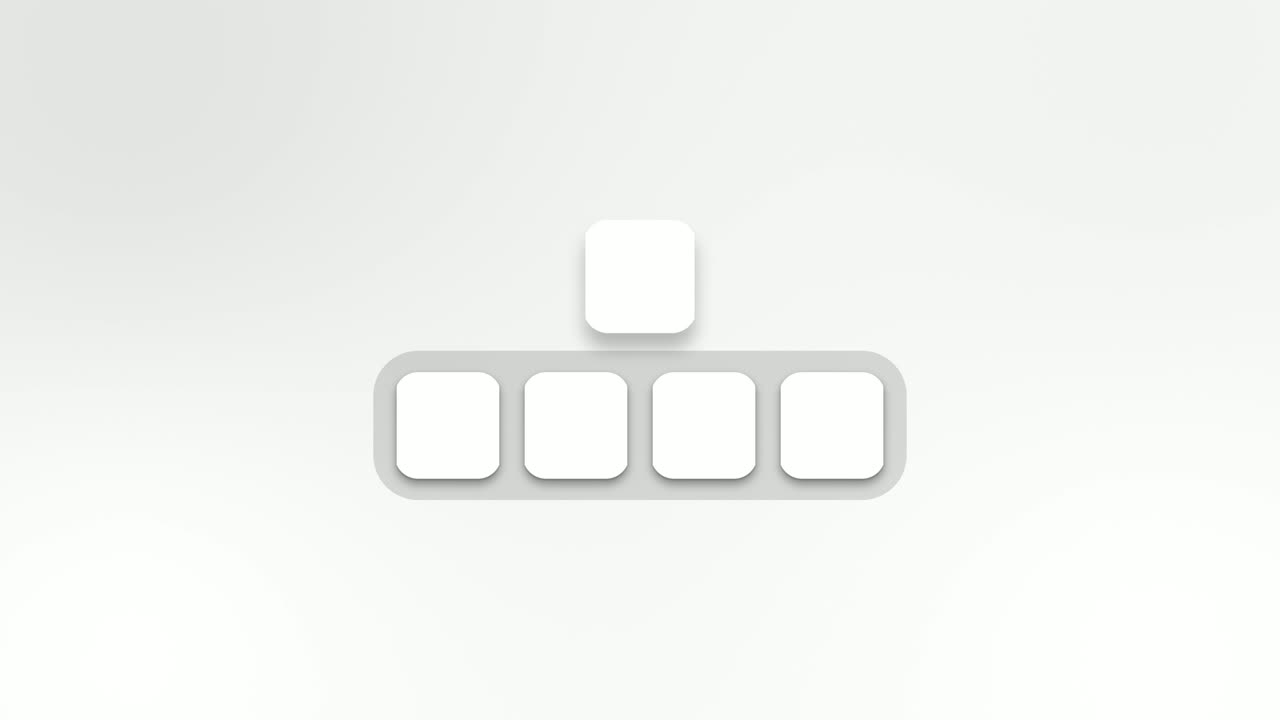
Dock Lift is an app icon animation: five icons sit in a dock with your brand in the middle, and after a short hold your icon lifts out of the row and…
Transition · your real UI
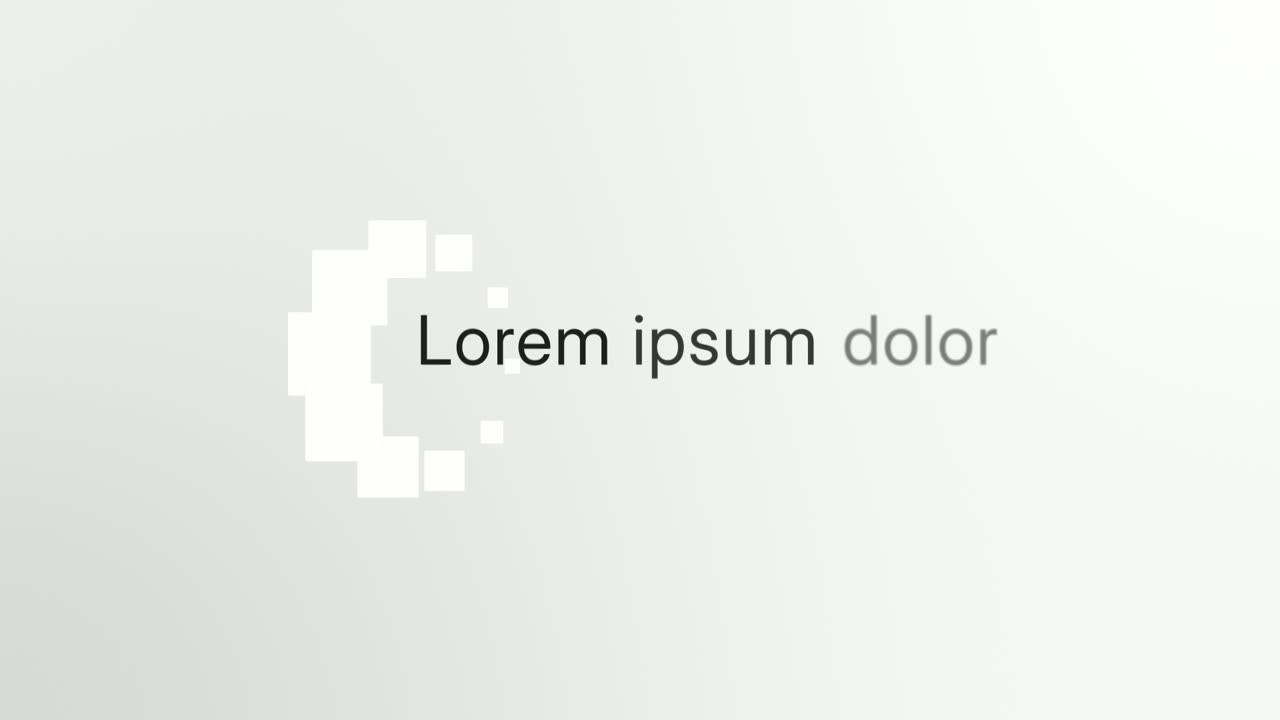
Full Stop
Full Stop is a four-second scene where one real element from your product, such as a button, toggle, avatar or small card, lifts out of its…
Transition
Image Ring
Image Ring is a 3D carousel animation: up to ten cards, each a company logo or a real image, turn in a ring around a short headline.
Transition
Letter Snap
Letter Snap is a text assemble animation: the letters of a single word start scattered and tumbled around the frame, then snap into place until the…

Transition
Loading Dots
Loading Dots is a loading dots animation: three dots pulse on a quiet background and nothing else happens.

Transition
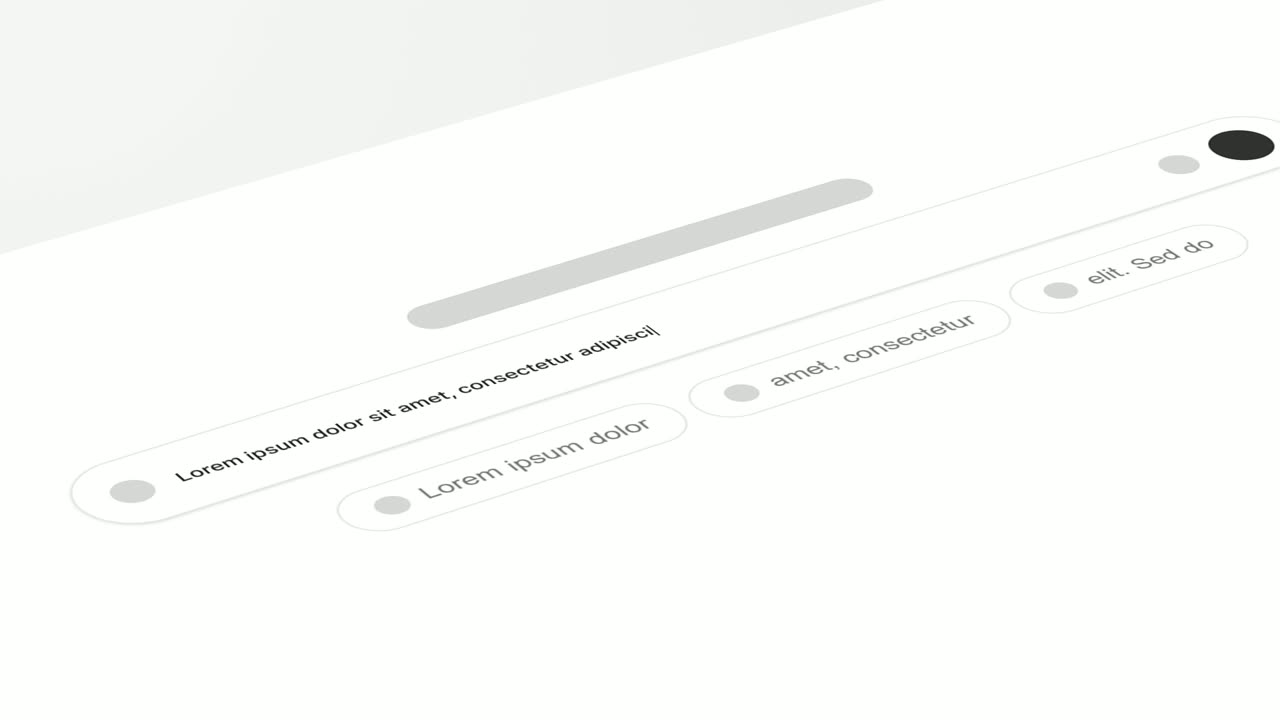
Logo Toggle
Logo Toggle is a settings toggle animation: a small card rises with your logo, a name and a switch, the switch clicks on, and then the card folds…
Transition · your real UI
Tilted Type-In
Tilted Type-In is a 3D typing animation: your real product screen lies tilted back and the camera glides along one line as it types itself into a…
Transition · your real UI
Typecast
Typecast is a text to UI animation: a short headline appears, then up to three of its words are swapped for the real interface pieces they name, and…
Transition
Typed Motion Title
Typed Motion Title is a smooth text animation: one short line glides into view from behind an invisible edge and holds.
Transition
Word to Sentence Typing
Word to Sentence Typing is a typewriter text animation for the turning point of a video: one word rises alone and hangs for a moment, then becomes…
Ending templates
Close on your logo and the one thing to do next.
How to combine templates
A strong product video uses 3 to 6 scenes and each template once. Start with an opener that says what the product is or names the problem. Use one or two problem or feature scenes that show your real interface doing the work. Add a transition between ideas if the cut feels abrupt, a proof scene if you have numbers, and close on an ending with your logo and a clear next step.
Not sure which to pick? Describe your video in a sentence and Wevi's AI storyboard chooses the scenes for you.
Why your real UI matters
Most templates ask you to rebuild your interface or drop in a screenshot. Wevi captures the actual components from your live site or app: the card, the chart, the prompt box, the button. Each one is cut onto its own layer and the page behind it is recaptured clean, so the animation moves your real product, sharp at any size.
Templates marked your real UI use this capture. The rest are built from your words, logo and brand colors.
Questions
Are these After Effects templates?
They are designed in After Effects, but you never open After Effects. You fill them in Wevi in the browser and Wevi renders them in the cloud.
Can I change the animation of a template?
You can change the words, colors, logo, captured UI and options each template exposes. The motion, timing and camera move stay as designed, which is what keeps every video looking professional.
How long is each template?
Most scenes run 3 to 15 seconds. A full video joins 3 to 6 of them into 15 to 45 seconds, with voiceover and music.
Can I try them for free?
Yes. You can make and export videos on the free plan. Free exports are watermarked and 720p. Paid plans remove the watermark and export at higher quality, up to 4K.
Turn these scenes into your video
Describe the video in a sentence. The Wevi Agent picks the scenes, captures your product, writes the narration and renders with music. Start free.
Or ask your assistant: Make a 30-second launch video for mysite.com with Wevi