
Feature Lineup: a feature showcase animation that sends each piece home
Feature Lineup is a five-second scene where a set of real interface pieces flies up into a clean, centered lineup in front of their own page, then each one flies home to its place while the camera glides in and the page comes into focus. It introduces several features or tools and then shows where they live in your product.
The preview shows placeholder content. Your video uses your UI, words, logo and colors.
- Role
- Feature
- Length
- 5 seconds
- Uses
- Your real product UI
- Format
- 16:9, up to 4K
What it looks like
Pieces captured from your page, such as cards, buttons, tiles or nav items, rise into a balanced lineup in the center of the frame within about half a second. Then, one by one, each flies back to its real position on the page, landing between about one and two and a half seconds in. The camera glides closer as they land and the page sharpens around them, ending on one working product.
It sits where a list of benefits turns into the product itself, and it feels confident and building.
Best for
- Introducing a set of features one by one, then the product they make up
- Bridging from a list of benefits into the product itself
- Showing the tools or menu items a workspace brings together
- Turning separate pieces into one product in a launch video
What you add
- A page captured at the top, without scrolling
- One to twelve components from it, with three to six reading best
Capture tips
- Zoom the browser in as far as you can while everything you want in the shot still fits on screen. A bigger capture stays sharper in the video.
- Capture the page at the top without scrolling and no menus or popups open.
- Select whole components with their own background, like cards, buttons, nav items or tiles, in reading order.
- Choose components that sit apart from each other, and never a component plus something inside it.
Videos this scene works in
Product launch video
The 30 to 45 second video for launch day: what it is, who it is for, why now.
Read the guideSaaS explainer video
Problem, solution, proof. Explain what your software does in under a minute.
Read the guideProduct Hunt launch video
The first item in your Product Hunt gallery, made to stop the scroll.
Read the guidePairs well with
Feature · your real UI
Feature Drop-In
Feature Drop-In is a three-second scene where one real component from your product floats alone, large enough to read, and then the shot cuts to the…
Feature · your real UI
Drop Into Place
Drop Into Place is a four-second scene where your real page lies back in 3D under a close, cinematic lens and up to eleven of its components come…
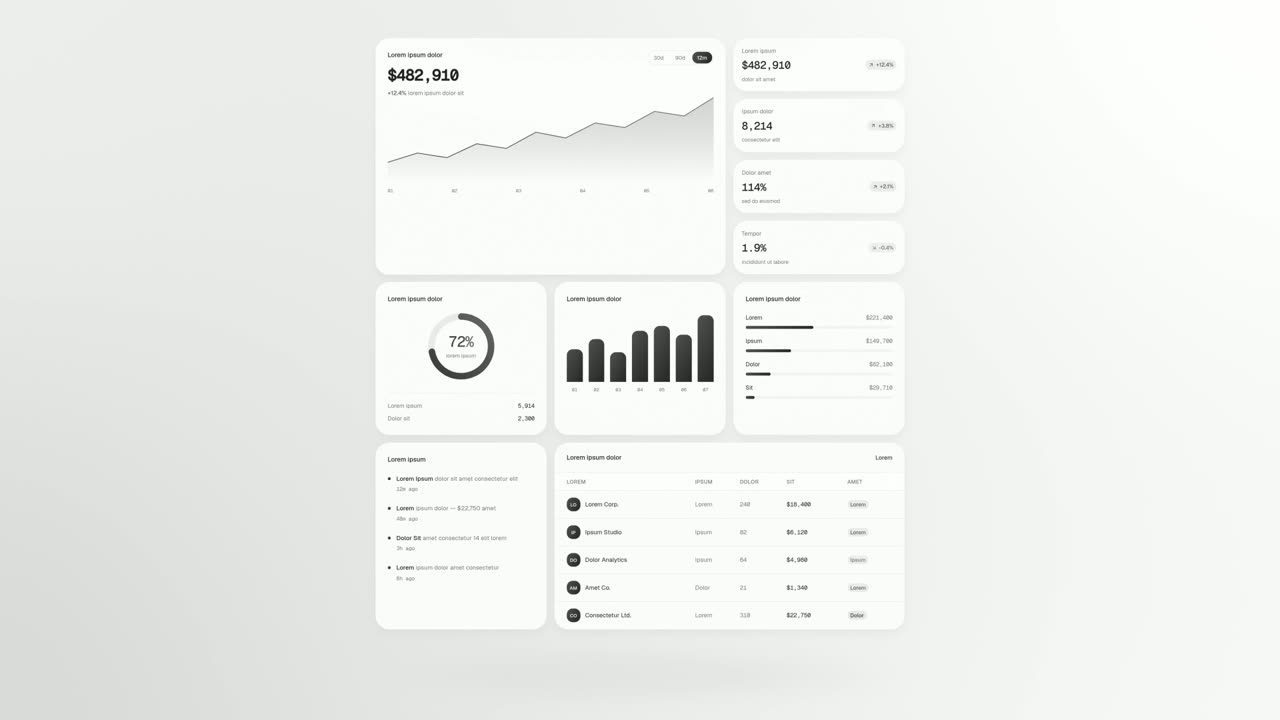
Feature · your real UI
UI Unfold
UI Unfold is a UI card animation that lays out up to twelve whole cards and panels from your real product, unfolding them flat row after row with no…
Questions
How many components work best in Feature Lineup?
Anything from one to twelve works, and three to six read best.
Do I have to arrange the lineup myself?
No. The lineup is always centered and balanced, and the landings follow your real page.
What voiceover fits Feature Lineup?
One sentence of roughly 9 to 13 words that names the set and arrives at the product as a whole just as the last piece lands.
Put Feature Lineup in your next video
Describe the video in a sentence. The Wevi Agent reads your site, captures your product, plans the scenes and renders with voiceover and music. Start free.
Or ask your assistant: Make a launch video for mysite.com with Wevi and open on the Feature Lineup scene