
Turn & Type: a card flip reveal that names your feature
Turn & Type is a card flip reveal animation: one real component from your product turns a quarter turn, empties into a clean outlined box, and a short label types into it before the box closes into a pill. It turns a card, panel, widget or button into the name of the thing it shows. Use it to name a feature, a product, a plan or a value right after showing it.
The preview shows placeholder content. Your video uses your UI, words, logo and colors.
- Role
- Feature
- Length
- 4 seconds
- Uses
- Your real product UI
- Format
- 16:9, up to 4K
What it looks like
One captured card, panel or widget from your app sits on screen for about a second and a half. It then turns a quarter turn and empties into a clean outlined box in your brand colors. A short label types into the box letter by letter, and the box closes into a pill around the word while the camera pulls back. The whole scene runs about four seconds and resolves the interface into a single name.
It usually sits early or mid video at the bridge between showing the product and naming it, and it feels like a neat reveal that resolves into one word.
Best for
- Naming a feature right after showing its interface
- Turning a plan card into the name of the plan
- Bridging from product footage to a one word message
- Opening a video by showing a component and then naming the product
What you add
- One captured component with its own background and edges
- A label of up to four words
- Your brand colors for the box and outline
Capture tips
- Zoom the browser in as far as you can while everything you want in the shot still fits on screen. A bigger capture stays sharper in the video.
- Capture the component in its normal resting state.
- Select one whole card, panel, widget, chart or button out to its outer edge, with its padding and border.
- A tall card or a square widget turns into the box most cleanly.
Videos this scene works in
Feature announcement video
One new feature, shown in context, in 15 to 30 seconds.
Read the guideProduct launch video
The 30 to 45 second video for launch day: what it is, who it is for, why now.
Read the guideSaaS promo video
A punchy promo for ads, social and email, built from your product.
Read the guidePairs well with
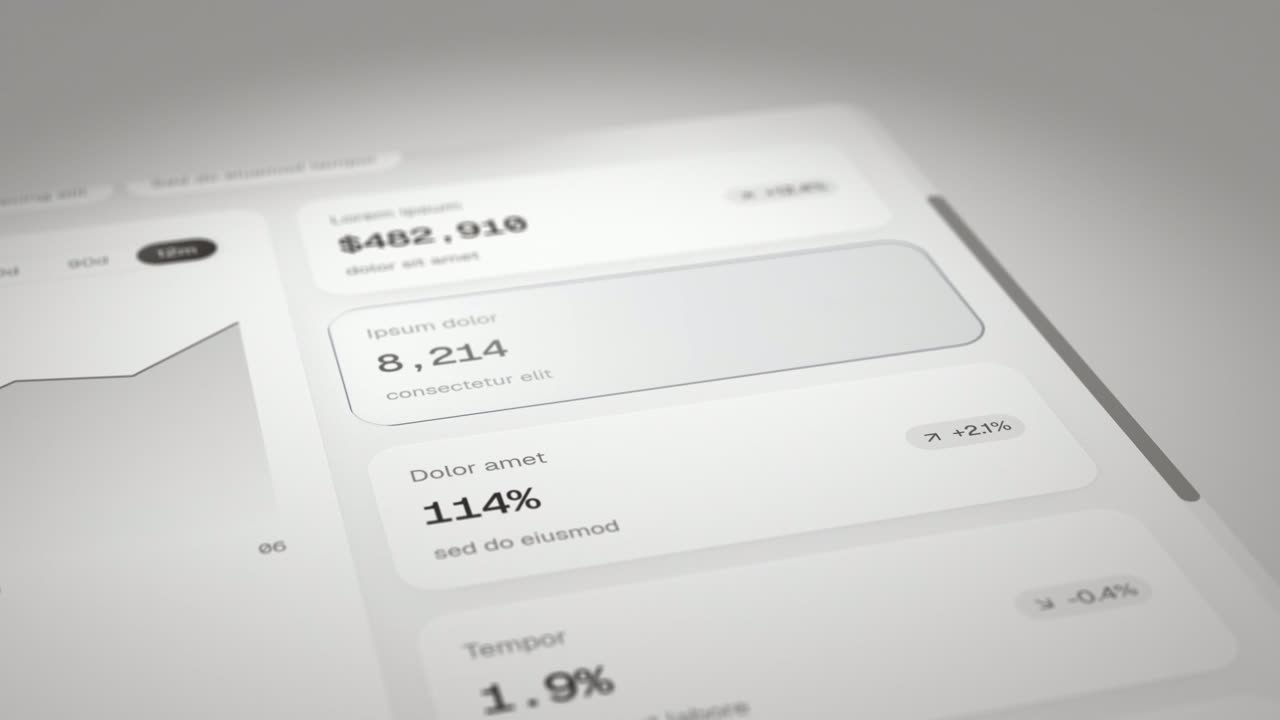
Feature · your real UI
Expand & Fill
Expand & Fill is a five-second scene where your real page lies back in 3D, an outline grows from a single point in the empty spot where one component…
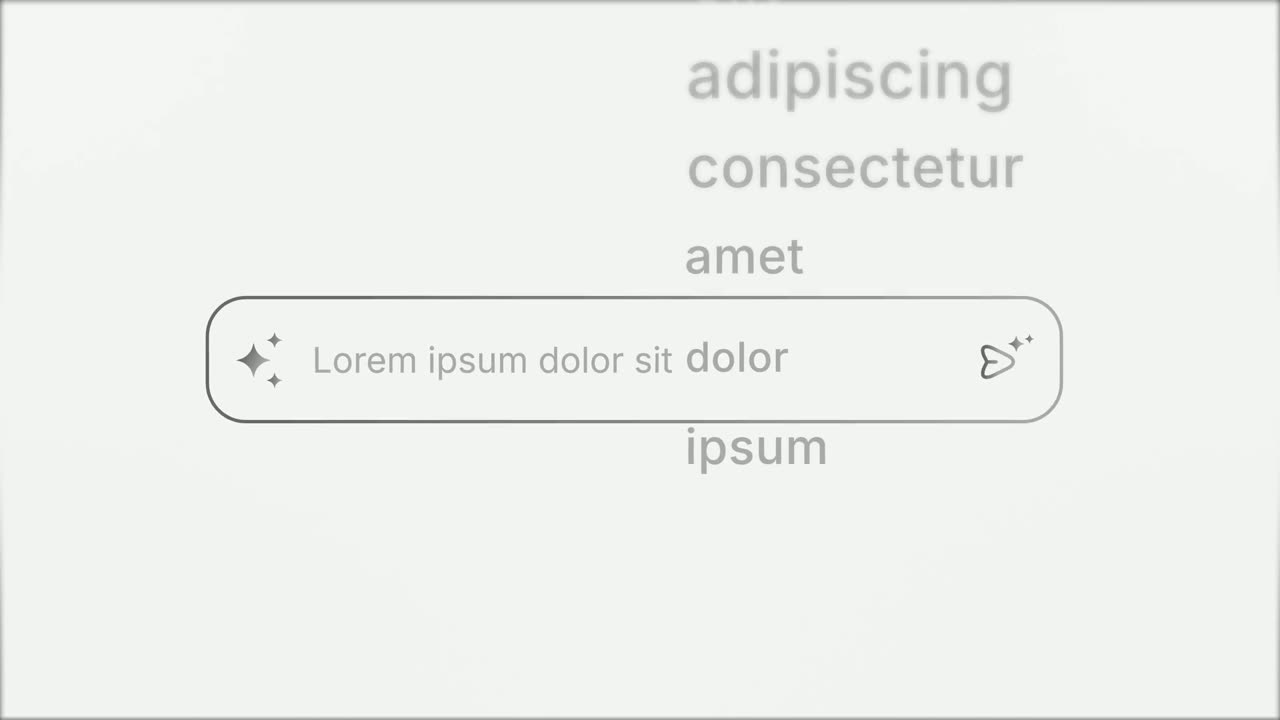
Opener
Prompt Input
Prompt Input is a 5-second scene where an icon opens into a prompt box, a request types itself in close up, then the shot goes wide and the end of…
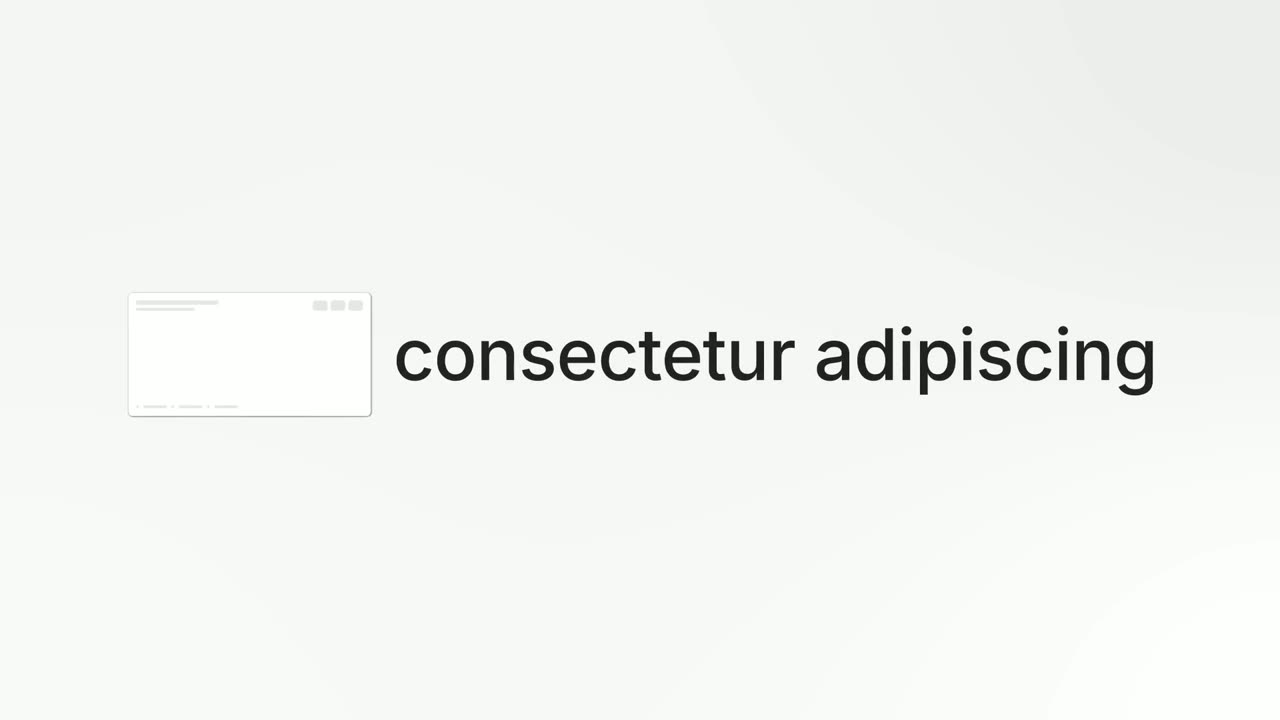
Feature · your real UI
Feature Callout
Feature Callout is a quick, three-second scene where a few words appear, one real piece of your interface sits in the line as if it were a word, and…
Questions
How long can the label be?
Up to four words. The box closes into a pill around the label, so short names read best.
Does Turn & Type need my whole page?
No. It uses exactly one captured component with no page around it.
What if the component should appear on its page instead?
Use Expand & Fill, where the component grows out of light in its spot on the page. For words typed into a designed prompt box with no capture, use Prompt Input.
Put Turn & Type in your next video
Describe the video in a sentence. The Wevi Agent reads your site, captures your product, plans the scenes and renders with voiceover and music. Start free.
Or ask your assistant: Make a launch video for mysite.com with Wevi and open on the Turn & Type scene