
Text Highlight: a text highlight animation on your real page
Text Highlight is a text highlight animation on your real product page: the scene opens on the page, moves in on a block of text, and a cursor drags a highlight across several lines. Use it when specific words are the proof, such as an AI answer, a key finding, a customer message or the passage that matters in a document. It suits writing, research, AI and collaboration tools.
The preview shows placeholder content. Your video uses your UI, words, logo and colors.
- Role
- Feature
- Length
- 5 seconds
- Uses
- Your real product UI
- Format
- 16:9, up to 4K
What it looks like
The scene opens on your whole real page so the viewer knows where they are, then moves in on one block of text a few lines long. A cursor drags across it and a highlight sweeps over the lines as it goes, telling the viewer exactly where to look and giving them time to read. The cursor can carry a name label, so the reader can appear as a teammate or reviewer. It runs about five seconds and feels focused and precise.
It usually sits mid demo as proof, right where the words on the page carry the point, and it feels focused and calm.
Best for
- Pointing at the sentence your AI wrote
- Calling out a key finding in a report or document
- Showing the first step of an edit, comment or review
- Featuring a customer message or note inside your app
What you add
- One page from your product with a short paragraph worth reading
- One captured block of real text, about two to six lines
- An optional name for the cursor label
- A voiceover line that follows what the highlighted words say
Capture tips
- Zoom the browser in as far as you can while everything you want in the shot still fits on screen. A bigger capture stays sharper in the video.
- The scene starts on the whole page before it moves in on the text.
- Select one block of real page text of about two to six lines, such as a paragraph inside a card or an AI answer.
- Make sure the whole block is visible, with nothing hidden behind a Show more link, and that it contrasts clearly with its background.
Videos this scene works in
AI product demo video
Show prompts, answers and agents at work without a shaky screen recording.
Read the guideProduct demo video
Show the product working, step by step, in your real interface.
Read the guideSaaS explainer video
Problem, solution, proof. Explain what your software does in under a minute.
Read the guideFeature announcement video
One new feature, shown in context, in 15 to 30 seconds.
Read the guidePairs well with
Feature · your real UI
Focus Outline
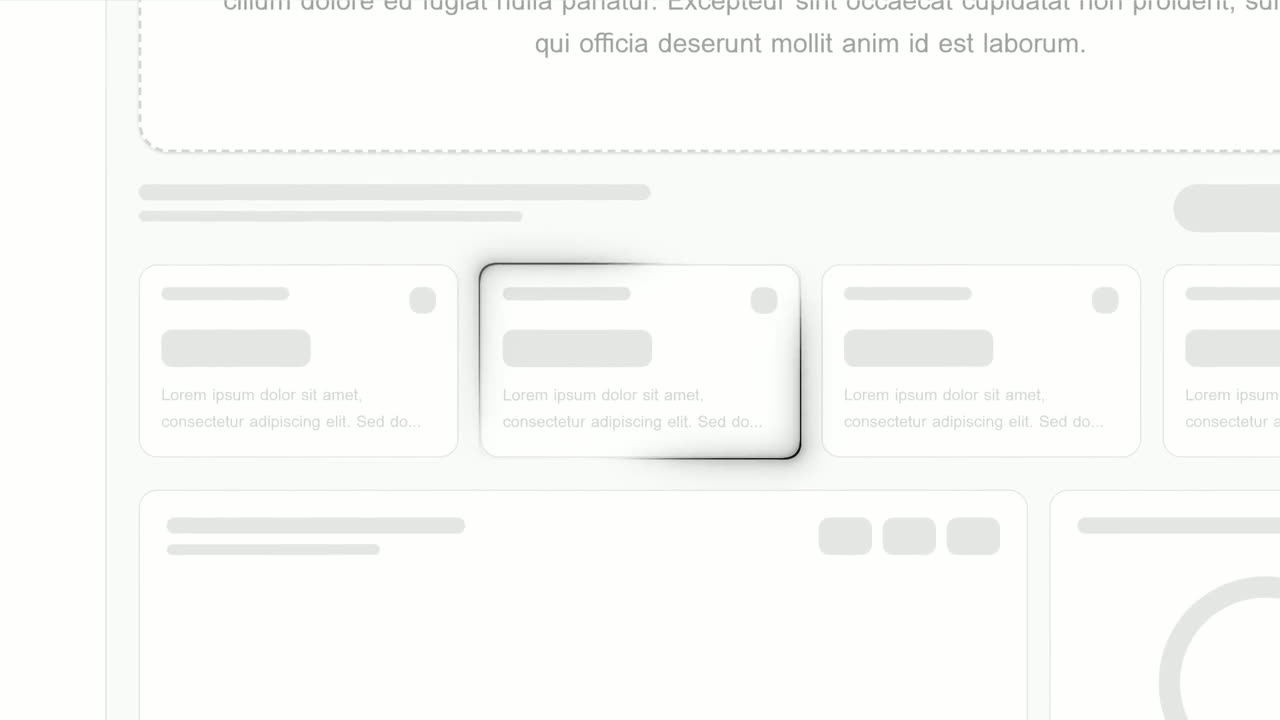
Focus Outline is a three-second scene where your real page is zoomed in and a glowing outline draws itself around one component.
Opener · your real UI
Text Typing In
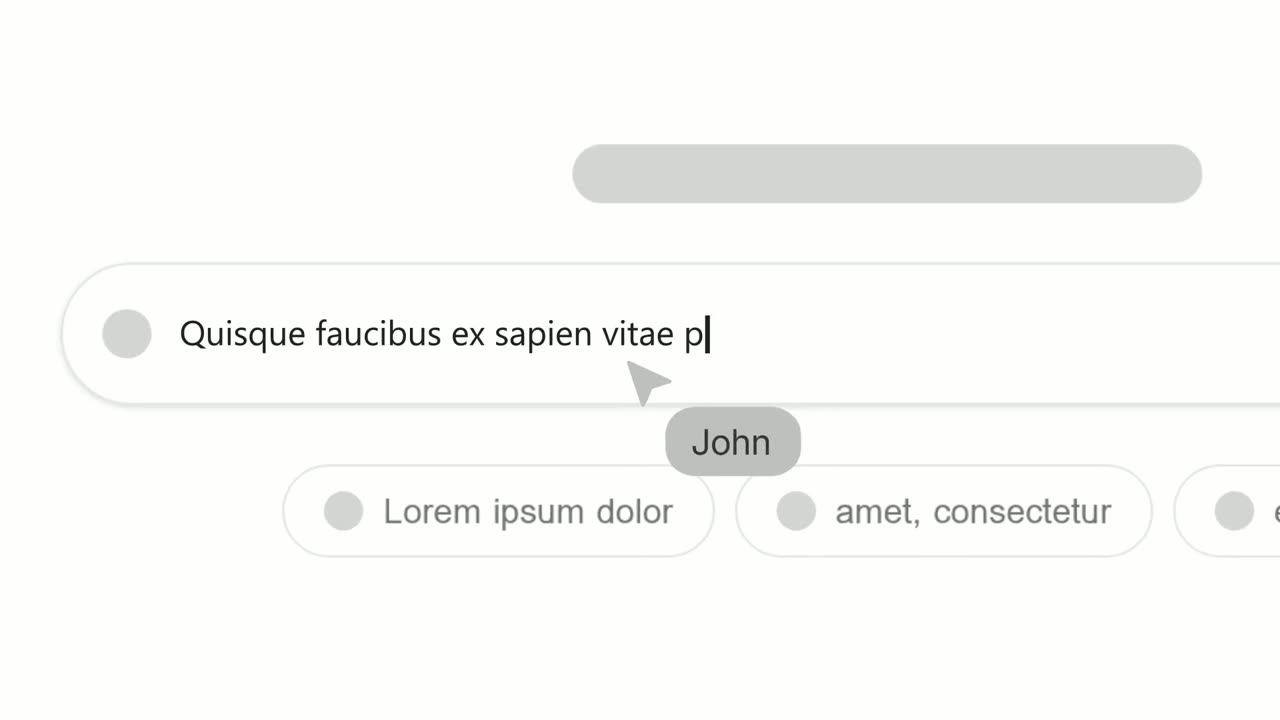
Text Typing In is a 5-second scene where your real product page is on screen, a cursor clicks a field and the camera moves in while real text types…
Feature
AI Chat Reply
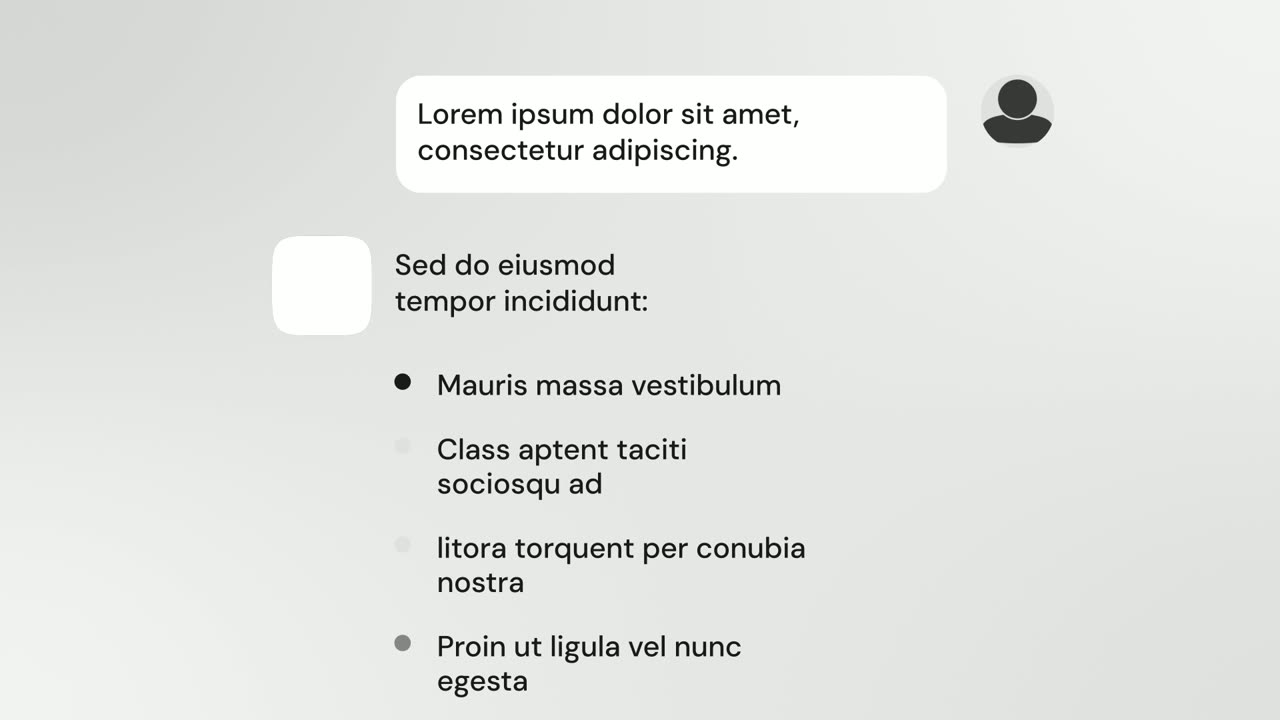
AI Chat Reply is a five-second scene where a customer's message sits at the top, your logo appears, and your AI's reply streams in with a heading, up…
Questions
How much text should I highlight?
About two to six lines. A single word or label is too short for the sweep, and a long wall of text turns tiny when the whole block has to fit.
Can the cursor show a person's name?
Yes. The cursor can carry a name, so the highlight reads as a teammate, reviewer or editor at work.
Can I highlight text inside an image or chart?
No. The highlight needs real, selectable page text, so pick a paragraph that lives on the page itself.
Put Text Highlight in your next video
Describe the video in a sentence. The Wevi Agent reads your site, captures your product, plans the scenes and renders with voiceover and music. Start free.
Or ask your assistant: Make a launch video for mysite.com with Wevi and open on the Text Highlight scene