
Hero Showcase: a product reveal animation from your logo to your real interface
Hero Showcase is a 4-second scene that goes from your brand straight into your product: your logo sits in the center with two short headlines, then your real product page rises from below and takes over the screen. It marks the moment talk becomes something tangible, such as the first look at your platform or the start of a demo. It suits SaaS teams that want to go from who you are to here it is in one move.
The preview shows placeholder content. Your video uses your UI, words, logo and colors.
- Role
- Opener
- Length
- 4 seconds
- Uses
- Your real product UI
- Format
- 16:9, up to 4K
What it looks like
Your logo appears in the center of the frame with two short headlines. After a moment, a full capture of your real product page rises from the bottom of the screen like a window sliding into view, and keeps rising until it fills the whole frame. The top half of the page is seen first and longest, so that is where the eye lands. The move takes about four seconds and leaves your interface on screen, ready for the next scene.
It belongs in the first part of the video, usually right before the first close look at the interface, and it feels confident and revealing.
Best for
- Giving viewers their first look at your platform
- Turning from a problem section into the solution
- Starting a product demo right after the brand intro
- Opening a launch video on both the name and the product
What you add
- A full page capture of your product's main screen
- Two short headlines
- Your logo, pulled from your website
Capture tips
- Zoom the browser in as far as you can while everything you want in the shot still fits on screen. A bigger capture stays sharper in the video.
- Capture the screen your users see most, the one that shows the product's value at a glance. Settings pages, long forms and login screens say little.
- Scroll to the top so the header and the first row of content are in view.
- Put your strongest content in the top half of the screen, since that part is seen first and longest.
Videos this scene works in
Product launch video
The 30 to 45 second video for launch day: what it is, who it is for, why now.
Read the guideProduct demo video
Show the product working, step by step, in your real interface.
Read the guideSaaS promo video
A punchy promo for ads, social and email, built from your product.
Read the guideProduct Hunt launch video
The first item in your Product Hunt gallery, made to stop the scroll.
Read the guidePairs well with

Opener · your real UI
Opening Platform Reveal
Opening Platform Reveal is a 4-second intro where your logo arrives first, then two short title lines build on one side while your real product…

Opener · your real UI
Sweep and Reveal
Sweep and Reveal is a 4-second scene where up to seven components of your real product page appear in one gentle, continuous sweep.
Opener
Platform Roll
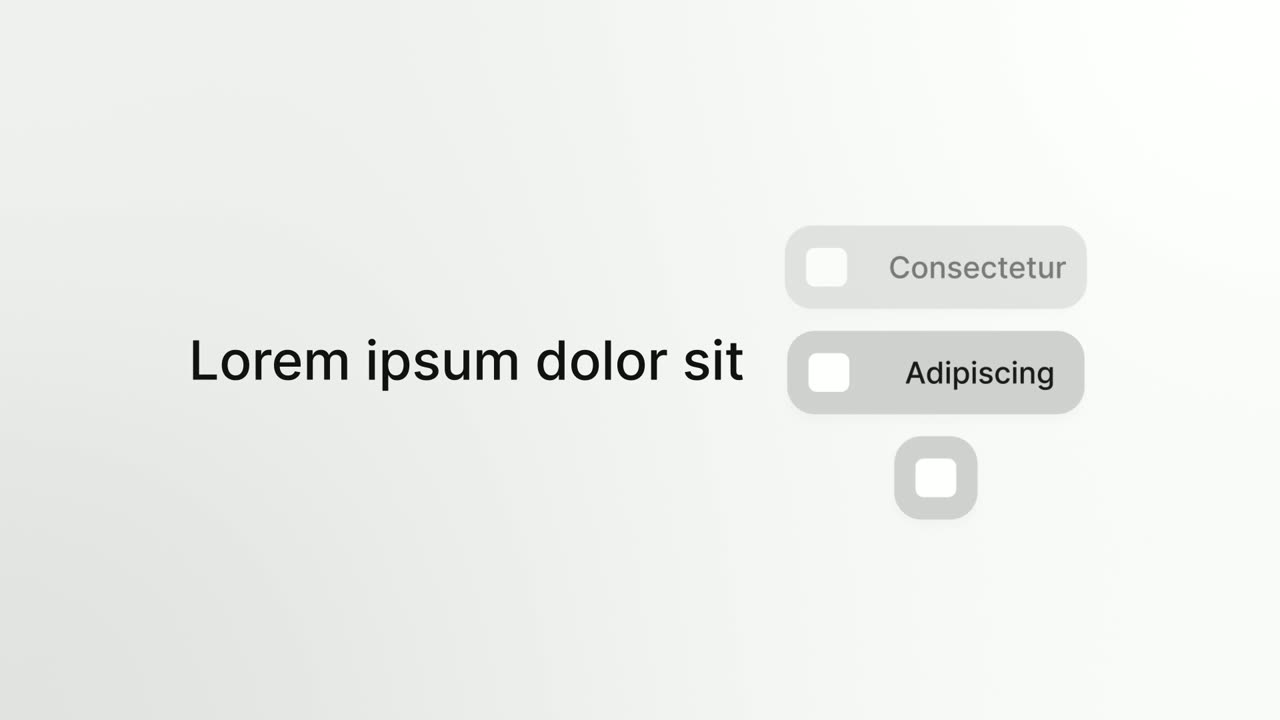
Platform Roll is a 3-second scene where a short headline sits beside a column of pills that roll past one by one, each showing the name and logo of…
Questions
What is the difference between Hero Showcase and Opening Platform Reveal?
Hero Showcase hands over from the brand to the product, with the page taking over the whole screen. Opening Platform Reveal keeps the logo, the titles and the product window on screen together.
Do I need to select parts of the page?
No. Hero Showcase captures the whole page, so you only choose which screen to show.
Is it good for explaining one feature in depth?
Not really. It is a reveal of the whole platform, and it is not meant for problem statements or negative numbers. Follow it with a feature scene such as Cursor Press or Feature Callout.
Put Hero Showcase in your next video
Describe the video in a sentence. The Wevi Agent reads your site, captures your product, plans the scenes and renders with voiceover and music. Start free.
Or ask your assistant: Make a launch video for mysite.com with Wevi and open on the Hero Showcase scene