
Search Spotlight: a search bar zoom transition that lands on one key word
Search Spotlight is a 4-second scene where a query types into your product's real search bar in extreme close up while the camera pushes in, speeding into a hard cut that lands on one key word alone in the middle of the frame. It turns a search or prompt into one big moment. It suits search products, AI tools and any app introduced by what people type into it.
The preview shows placeholder content. Your video uses your UI, words, logo and colors.
- Role
- Opener
- Length
- 4 seconds
- Uses
- Your real product UI
- Format
- 16:9, up to 4K
What it looks like
The scene opens in an extreme close up of your real search bar, captured from your live product. A query types itself in while the camera pushes toward it. The push speeds up and ends in a hard cut, and one key word from the query appears alone in the middle of the screen. With the optional Color Burst, that word glows in your brand colors for a bigger climax. The cut lands at about 1.2 seconds, and the scene runs about four seconds.
It opens the video or turns the story toward a reveal, and its hard cut gives it one big, decisive moment.
Best for
- Landing the one word your product is about
- Turning a typed need into the reveal of a feature
- Opening a launch video on a search with a strong payoff
What you add
- Your search field or prompt box, captured with the query typed in
- A query of up to 8 words
- A landing word taken from that query
Capture tips
- Type your query into the field first, and keep suggestions and dropdowns closed.
- Zoom the browser in until the search field fills most of the screen, since the scene is an extreme close up.
- Pick the whole field out to its outer border first, then the words you typed as the text.
- Leave out labels, button names, menu names and the toolbar around the field.
Videos this scene works in
AI product demo video
Show prompts, answers and agents at work without a shaky screen recording.
Read the guideProduct launch video
The 30 to 45 second video for launch day: what it is, who it is for, why now.
Read the guideFeature announcement video
One new feature, shown in context, in 15 to 30 seconds.
Read the guidePairs well with
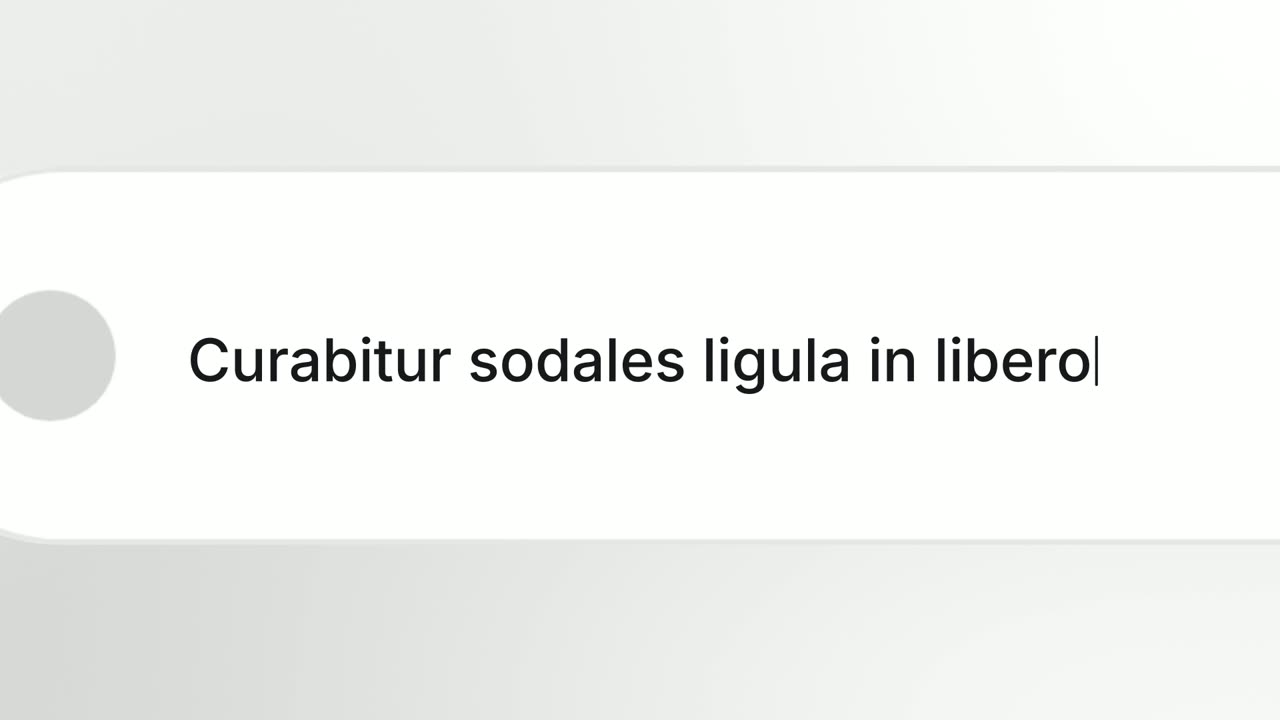
Opener · your real UI
Search Reveal
Search Reveal is a 4-second scene where a query types itself big and alone in the middle of the frame, then a whip cut reveals it is being typed into…
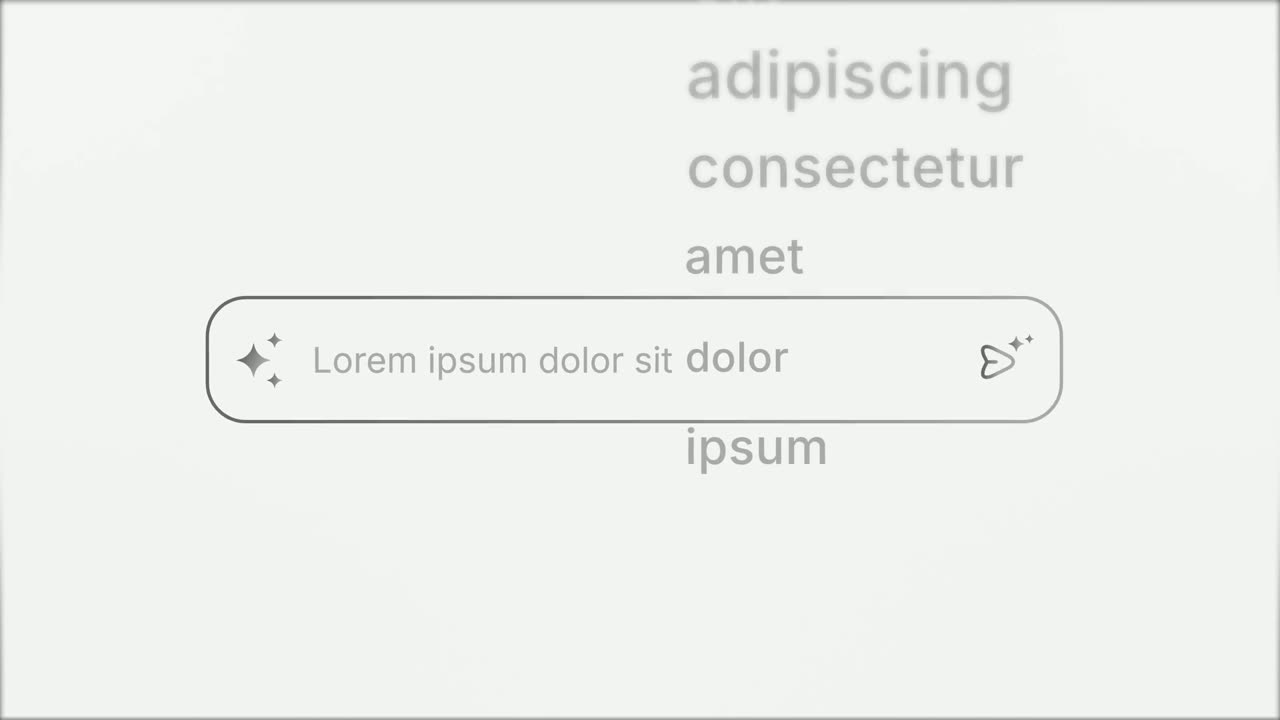
Opener
Prompt Input
Prompt Input is a 5-second scene where an icon opens into a prompt box, a request types itself in close up, then the shot goes wide and the end of…
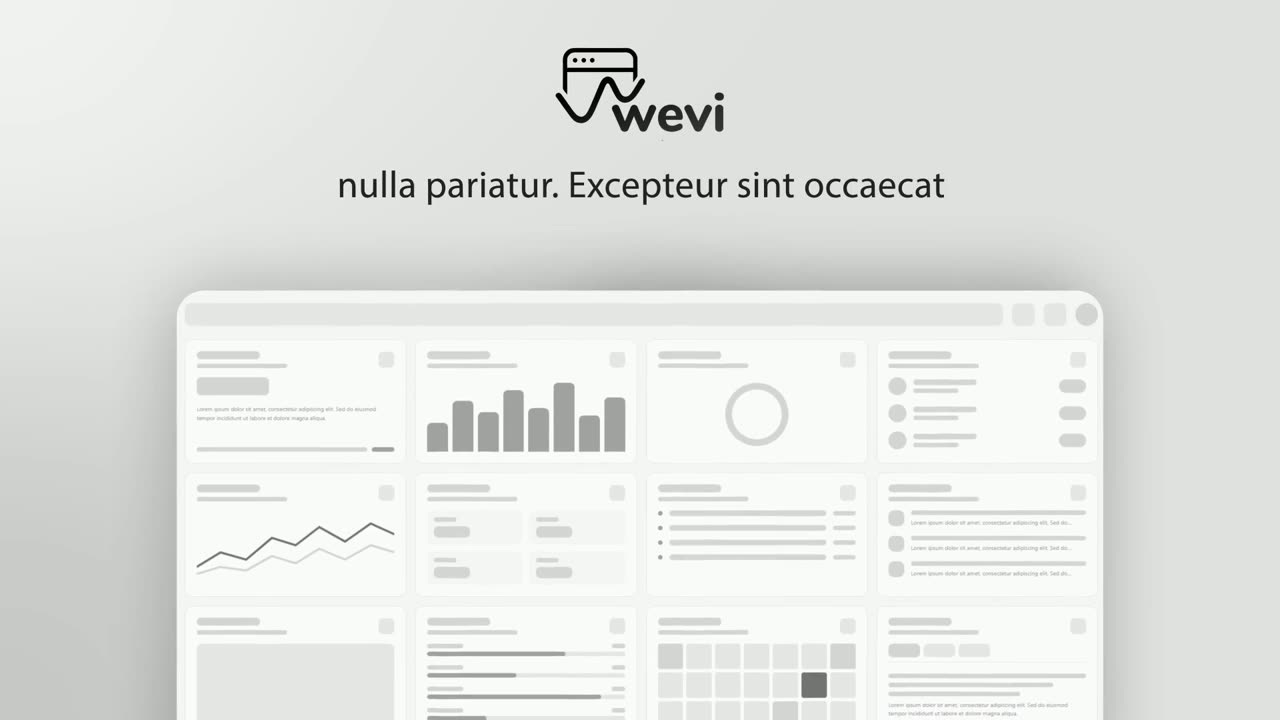
Opener · your real UI
Hero Showcase
Hero Showcase is a 4-second scene that goes from your brand straight into your product: your logo sits in the center with two short headlines, then…
Questions
Which word should land at the end?
A word that appears in the query, ideally its last one. Do not end the query on a filler word, because the last word is the one that lands.
What does Color Burst do?
With Color Burst on, the landing word glows in your brand colors, which makes it work as a climax.
Should I use Search Spotlight or Prompt Input?
Search Spotlight uses your real captured search bar and lands one word. Prompt Input uses a prompt box designed by the template and rolls through several request endings.
Put Search Spotlight in your next video
Describe the video in a sentence. The Wevi Agent reads your site, captures your product, plans the scenes and renders with voiceover and music. Start free.
Or ask your assistant: Make a launch video for mysite.com with Wevi and open on the Search Spotlight scene