
Flip Dropdown: an AI agent animation where your real panel fills itself in
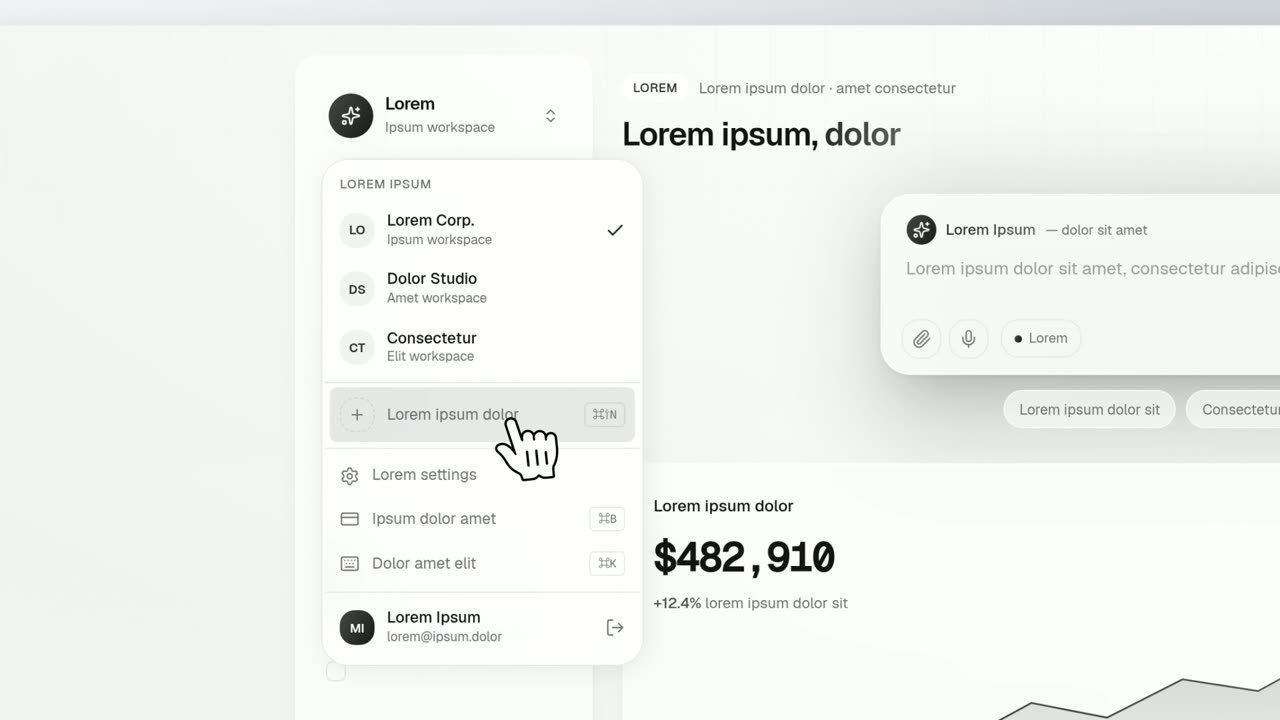
Flip Dropdown is a five-second scene where a real menu, panel or task list from your product opens out of the control that triggers it and fills itself in one row at a time while a cursor rides beside it. Each row lands lit in your accent color, settles back to its real colors and gets a check. It suits AI agents, automations and plans being built inside the product.
The preview shows placeholder content. Your video uses your UI, words, logo and colors.
- Role
- Feature
- Length
- 5 seconds
- Uses
- Your real product UI
- Format
- 16:9, up to 4K
What it looks like
A cursor clicks a real button on your page and the button turns over into the open window it controls. The window then grows a slot for each row. Each row lands with its text lit in your accent color, the color sweeps back to the row's real colors, and a check lands when it is done. The rows arrive between about two and three and a half seconds in. The page and every row stay exactly as they are in your product.
It sits in the product part of the video at the moment the product takes over the work, and it feels calm and confident.
Best for
- Showing an AI agent working through steps
- Showing an automation finishing a task list
- Building a plan inside the product one row at a time
- Marking the moment the product starts doing the work for the user
What you add
- A capture of your page with the menu or panel already open
- The open window, the button that opens it, and three to six of its rows
- Two short voiceover lines, one for the click and one that names the work
Capture tips
- Open the menu or panel before you capture. With it closed, the window and its rows cannot be selected.
- Zoom the browser in far on the open window so it fills most of the screen.
- Select the whole open window first, with its border and rounded corners, then the button that opens it, which must sit outside the window.
- Then select each row as a whole, out to its full width. Three to six rows read best and eleven is the most.
Videos this scene works in
Pairs well with
Opener · your real UI
Dropdown Menu
Dropdown Menu is a 4-second scene where a cursor clicks a control on your real product page, its dropdown opens, and the cursor runs down the options…
Feature
AI Checklist
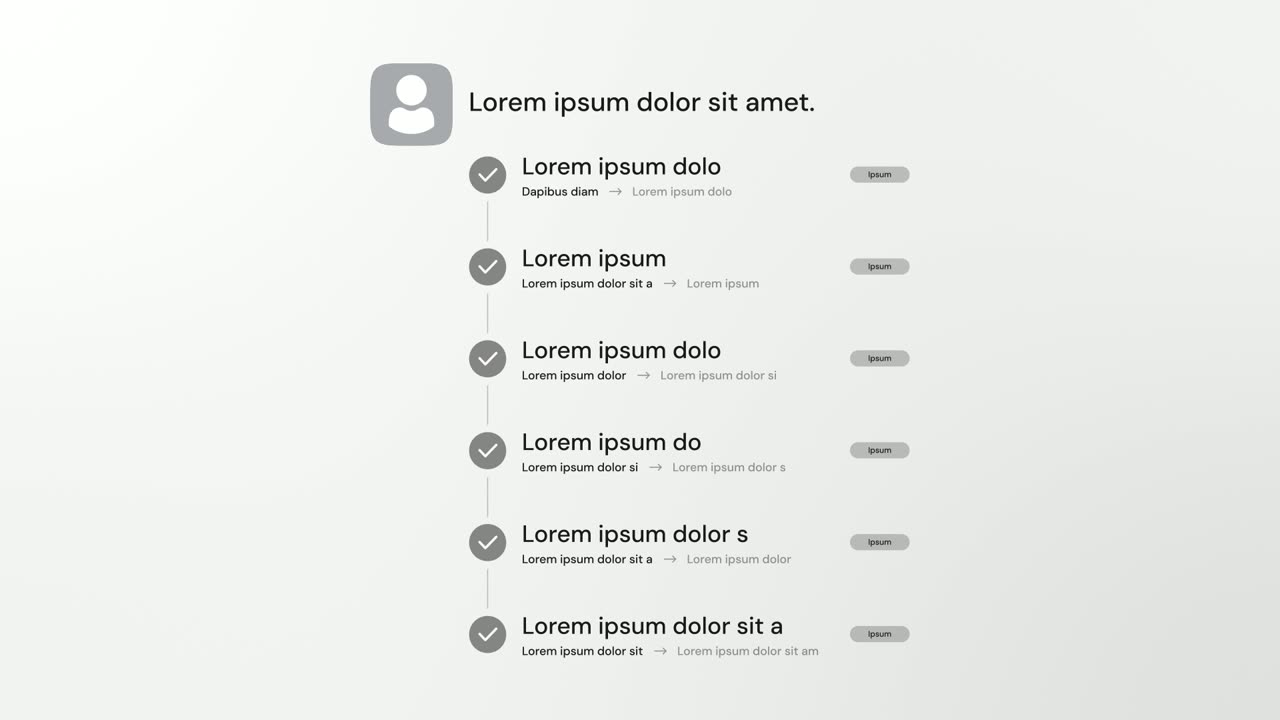
AI Checklist is a five-second scene in which your logo and a one-line reply sit at the top while up to six rows build underneath, each with a check…
Feature · your real UI
Status Reveal
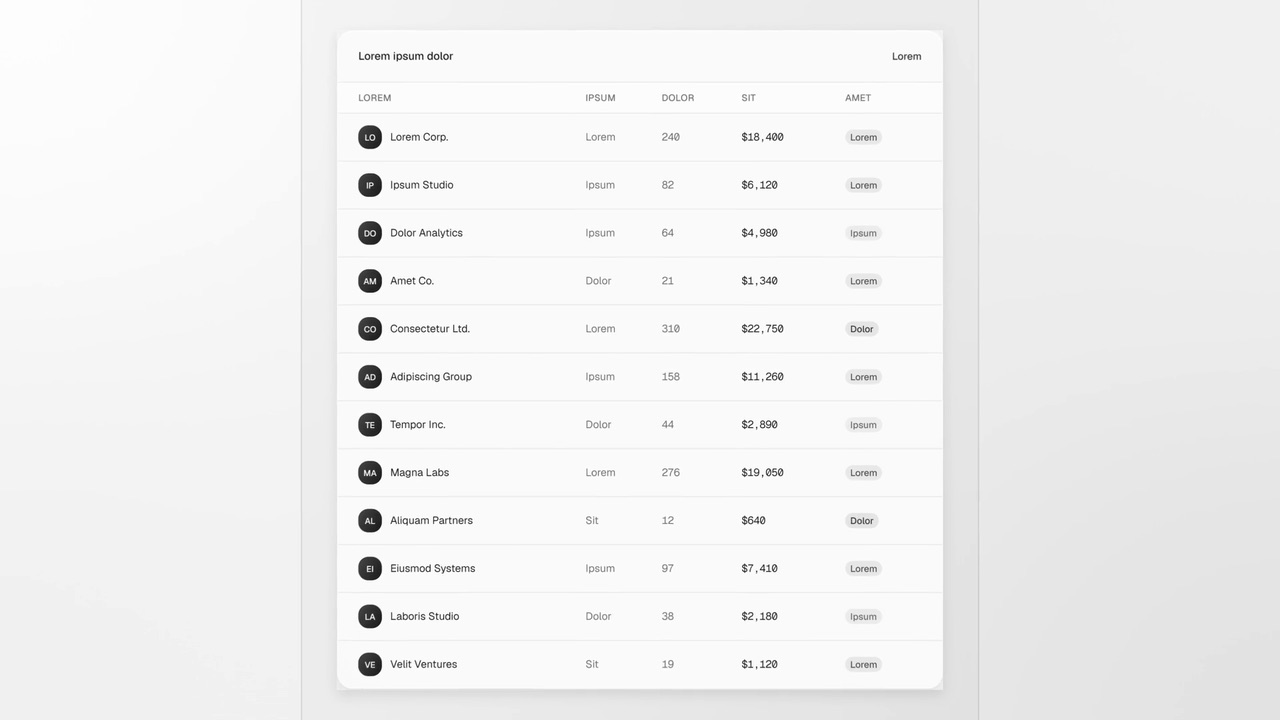
Status Reveal is a five-second scene where a status line shimmers inside a selection frame while your product works on something by itself.
Questions
How is it different from Dropdown Menu?
Dropdown Menu opens a menu and picks one option. Flip Dropdown fills the window row by row and marks each row done, so it suits work getting finished rather than a choice.
How many rows can it show?
Up to eleven, though three to six read best.
Does it have to be a dropdown?
No. Any menu, panel or task list that opens from a control works, as long as you capture it open.
Put Flip Dropdown in your next video
Describe the video in a sentence. The Wevi Agent reads your site, captures your product, plans the scenes and renders with voiceover and music. Start free.
Or ask your assistant: Make a launch video for mysite.com with Wevi and open on the Flip Dropdown scene