
Switch On: a toggle switch animation for the moment your product turns on
Switch On is a toggle switch animation: a settings row shows your logo on an app icon tile, your product name and a switch that is off, and a cursor flicks it on. It is made for showing something being enabled, such as a connector or MCP server in an AI assistant, an integration, or a feature going live. No product capture is needed, only your logo, name and colors.
The preview shows placeholder content. Your video uses your UI, words, logo and colors.
- Role
- Feature
- Length
- 2 seconds
- Uses
- Your words and logo
- Format
- 16:9, up to 4K
What it looks like
A clean settings row holds an app icon tile with your logo, your product name and a switch set to off. A cursor spins in below the switch and flicks it. The switch squashes, slides across to on, and its track floods with your brand color while a soft halo blooms around it. The scene lasts about two seconds and lands right on the moment the switch turns on, which makes it short and satisfying to watch.
It usually sits mid video at the exact point the product or feature gets switched on, and it feels quick and satisfying.
Best for
- Showing your connector or MCP server being enabled in an AI assistant
- Turning on a new integration or feature in a feature video
- Marking the moment a product goes live
- Making setup look like a single flick
What you add
- Your logo, pulled from your website
- The product, feature or integration name, short enough for one line
- Your brand color for the switch
No recording needed
This scene is built from your words, logo and brand colors. Add your website and Wevi pulls your logo, colors and fonts, so it matches your product without design work.
Videos this scene works in
Integration announcement video
Announce a new integration with both logos and the workflow it unlocks.
Read the guideFeature announcement video
One new feature, shown in context, in 15 to 30 seconds.
Read the guideAI product demo video
Show prompts, answers and agents at work without a shaky screen recording.
Read the guideProduct launch video
The 30 to 45 second video for launch day: what it is, who it is for, why now.
Read the guidePairs well with

Transition
Logo Toggle
Logo Toggle is a settings toggle animation: a small card rises with your logo, a name and a switch, the switch clicks on, and then the card folds…
Feature
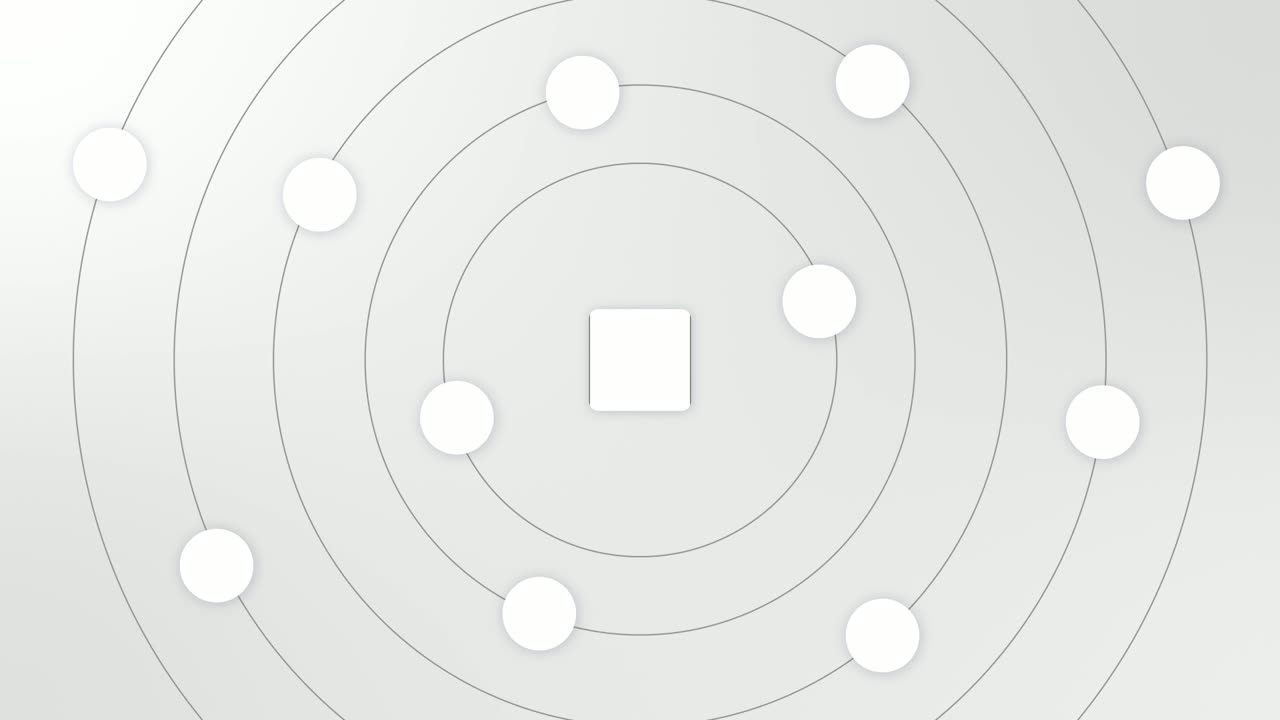
Integration Orbit
Integration Orbit is a five-second scene where your brand logo sits in the middle while up to eleven other logos circle it on rings.
Ending
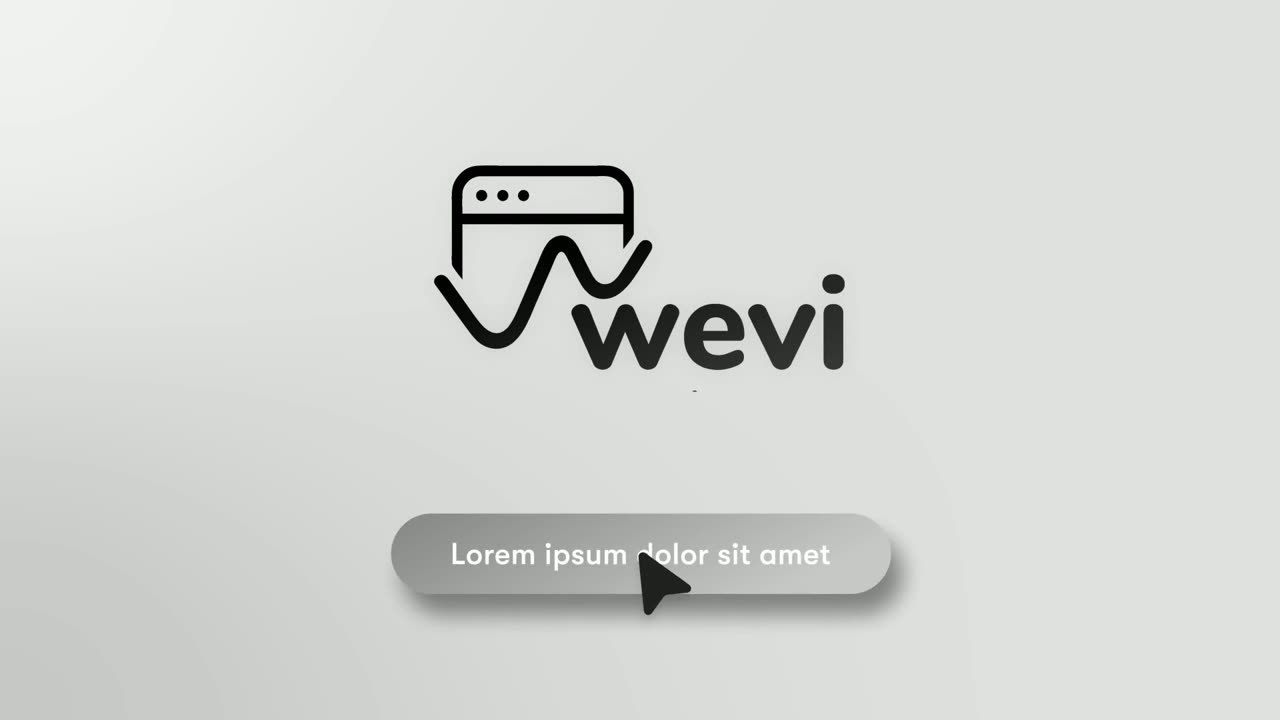
Call to Action
Call to Action is a call to action end screen: your logo appears, then a button that a cursor clicks, telling the viewer exactly what to do next.
Questions
Can Switch On show something being turned off?
No. The scene always lands on the switch turning on, so use it for enabling, connecting or going live.
How is it different from Logo Toggle?
Switch On centers on the flick itself, with a cursor, a squash and a color flood along the track. Logo Toggle shows a small settings card switching on and then folding away to leave your logo alone, which works as a quieter sign off.
Can one Switch On scene list several features?
No. The row holds a single name on one line, so it suits one product, feature or integration per scene.
Put Switch On in your next video
Describe the video in a sentence. The Wevi Agent reads your site, captures your product, plans the scenes and renders with voiceover and music. Start free.
Or ask your assistant: Make a launch video for mysite.com with Wevi and open on the Switch On scene