
Status Reveal: an AI processing animation that opens on the real result
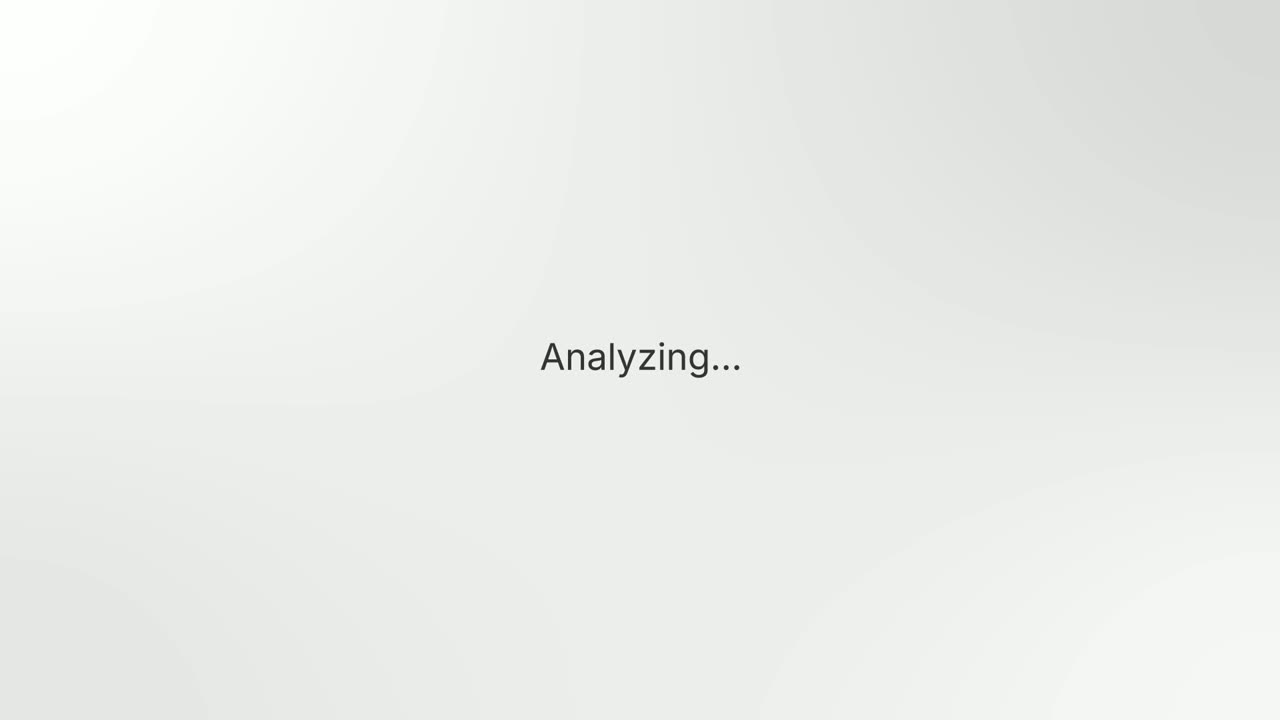
Status Reveal is a five-second scene where a status line shimmers inside a selection frame while your product works on something by itself. The frame folds into a thin line, the stage flips to the background, and the line opens into the one piece of UI you captured, which fills in row by row and pushes in. It suits work that happens on its own, such as a scan, a sync, a build, a generated summary or an agent finishing a task.
The preview shows placeholder content. Your video uses your UI, words, logo and colors.
- Role
- Feature
- Length
- 5 seconds
- Uses
- Your real product UI
- Format
- 16:9, up to 4K
What it looks like
A short status line ending in three dots shimmers inside a selection frame. The frame folds into a thin line as the stage flips, and that line opens into your captured result, such as a panel, card, table or list. The result fills in row by row and the camera pushes in. It feels calm, precise and a little technical.
It fits right after the scene that sets up the problem, or as the payoff of an automation story, and it feels calm and precise.
Best for
- Showing an AI agent finishing a task and the result it produces
- Revealing a generated summary or report
- Showing a sync, scan or build completing on its own
- Paying off an automation story with a concrete result
What you add
- One short status line that ends with three dots
- One element captured from your product that shows the result
Capture tips
- Open the page that shows the result, such as a panel, card, table, list or settings section.
- Let the page finish loading so every row shows real content and no skeleton or spinner is left.
- Zoom the browser in far on the element so it fills most of the screen.
- Select the whole element out to its outer edge with its fill, border and padding. One selection only.
Videos this scene works in
Pairs well with
Feature
Text Glow Loading State
Text Glow Loading State is a loading text animation: one short status line glows and pulses on a quiet background, filling the wait between an action…

Transition
Loading Dots
Loading Dots is a loading dots animation: three dots pulse on a quiet background and nothing else happens.
Feature · your real UI
Flip Dropdown
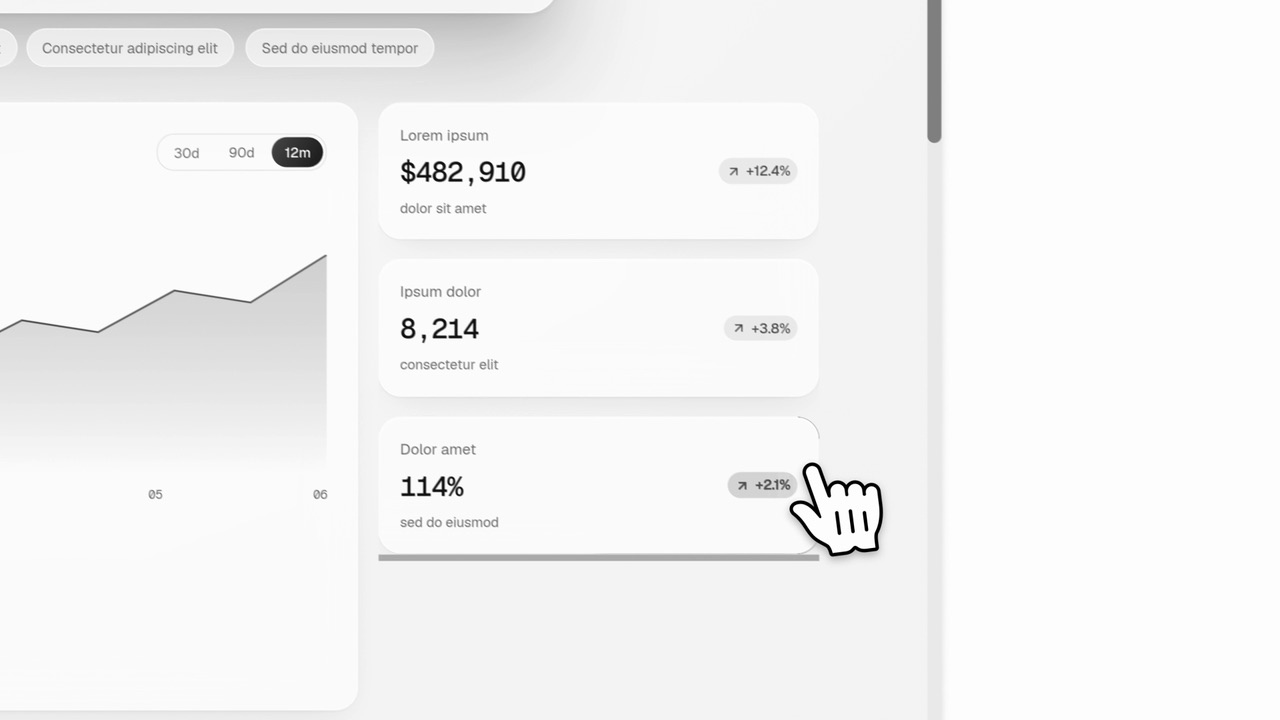
Flip Dropdown is a five-second scene where a real menu, panel or task list from your product opens out of the control that triggers it and fills…
Questions
What should the status line say?
One short phrase that ends with three dots, naming what the product is doing. The voiceover should say what the product did and what you get, not read the line.
Does anyone click anything?
No. The point is work that happens by itself. If the story needs a click, use a cursor template instead.
Can it show a list of features?
No. It is one status line and one element. For many features at once, use a scene like Feature Wall.
Put Status Reveal in your next video
Describe the video in a sentence. The Wevi Agent reads your site, captures your product, plans the scenes and renders with voiceover and music. Start free.
Or ask your assistant: Make a launch video for mysite.com with Wevi and open on the Status Reveal scene