
Agent Terminal: a terminal animation that shows your AI agent's real output
Agent Terminal is a three-second scene in which a command types at a terminal prompt and output streams back: a tool line full of numbers, a headline answer and a long technical reply. It is built for developer tools, AI agents, agent skills, connectors and automations that report back, where showing the output earns more trust than describing it.
The preview shows placeholder content. Your video uses your UI, words, logo and colors.
- Role
- Feature
- Length
- 3 seconds
- Uses
- Your words and logo
- Format
- 16:9, up to 4K
What it looks like
A terminal window sits on screen with your chosen window name and agent icon. A short command types itself at the prompt. Output starts streaming back: first a tool activity line packed with figures, and the figures get highlighted, then a headline answer, then a long technical reply that fills the panel and scrolls. The pace is steady, closer to an engineer reporting in than a flashy demo, and the viewer reads it rather than hearing it read aloud.
It sits in the middle of the video after the setup, often right after a single command scene, and feels factual and unhurried.
Best for
- Proving that an AI agent or command line tool actually did the work
- Showing what a connector or agent skill returns after one command
- Following a setup scene with the result a developer cares about
- Reporting an automation's results in a format engineers already trust
What you add
- A short typed command, not a sentence or a question
- A tool activity line that includes numbers
- A headline answer and a long technical reply
- The terminal window name and a matching agent or tool icon
No recording needed
This scene is built from your words, logo and brand colors. Add your website and Wevi pulls your logo, colors and fonts, so it matches your product without design work.
Videos this scene works in
AI product demo video
Show prompts, answers and agents at work without a shaky screen recording.
Read the guideProduct Hunt launch video
The first item in your Product Hunt gallery, made to stop the scroll.
Read the guideIntegration announcement video
Announce a new integration with both logos and the workflow it unlocks.
Read the guidePairs well with
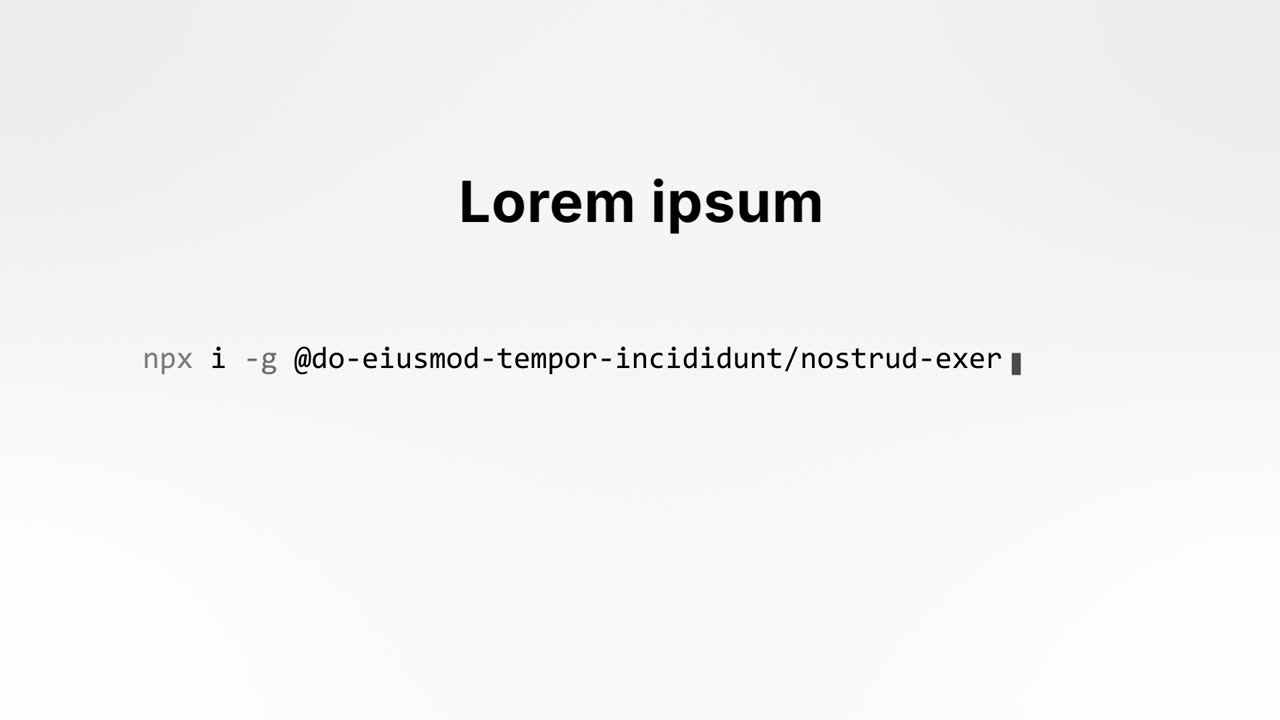
Feature
Single Command Line
Single Command Line is a two second command line animation: a short setup headline sits above one real shell command that types itself out, and when…
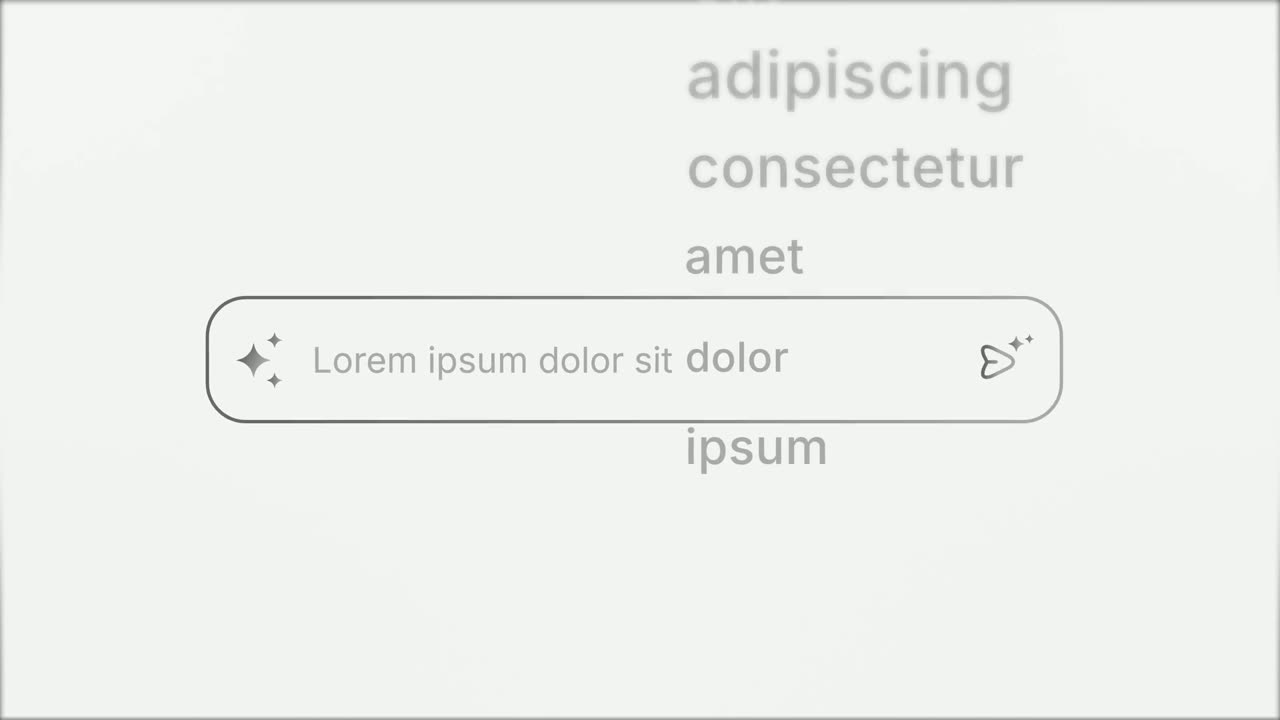
Opener
Prompt Input
Prompt Input is a 5-second scene where an icon opens into a prompt box, a request types itself in close up, then the shot goes wide and the end of…
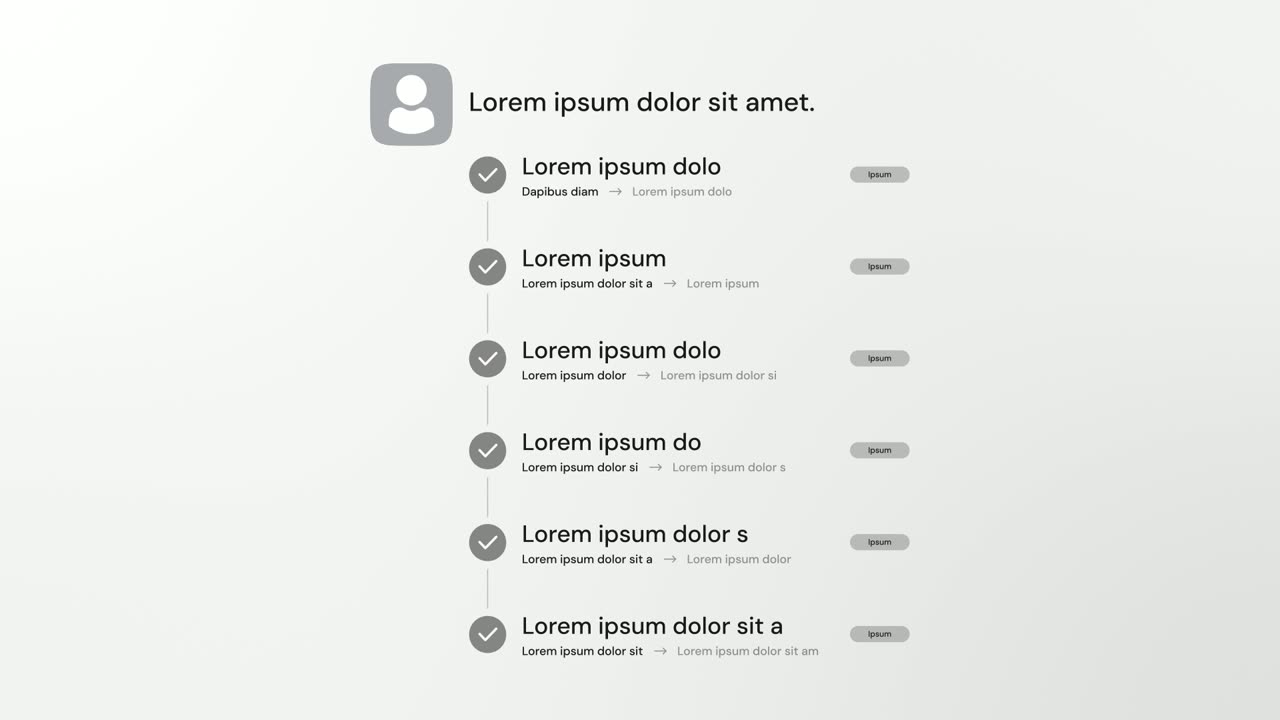
Feature
AI Checklist
AI Checklist is a five-second scene in which your logo and a one-line reply sit at the top while up to six rows build underneath, each with a check…
Questions
Can I open my video with Agent Terminal?
It is a poor opener, because the text is too dense to read cold. Place it after the setup, with Single Command Line as the natural scene right before it, and avoid putting it next to another scene that streams terminal output.
Should the voiceover read the terminal text?
No. Let the viewer read the output and have the voiceover say in one plain sentence what your AI agent or tool just did.
How do I make the terminal output look believable?
Write every line like real agent output rather than marketing copy, put numbers in the tool line since those are highlighted, and make the long reply long enough for the panel to scroll. Leave out quotation marks, bullet characters and emoji, and keep the window name consistent with the icon.
Put Agent Terminal in your next video
Describe the video in a sentence. The Wevi Agent reads your site, captures your product, plans the scenes and renders with voiceover and music. Start free.
Or ask your assistant: Make a launch video for mysite.com with Wevi and open on the Agent Terminal scene