
Drag-and-Drop: a drag and drop animation with your real interface
Drag-and-Drop is a three-second scene where a cursor picks up one real component from your product, drags it across the page and drops it into its place. It shows that the user is in control and that it is easy, which fits any claim about no code, flexibility or customizing.
The preview shows placeholder content. Your video uses your UI, words, logo and colors.
- Role
- Feature
- Length
- 3 seconds
- Uses
- Your real product UI
- Format
- 16:9, up to 4K
What it looks like
Your product page is on screen. A cursor grabs one card, tile, widget, file or table row, lifts it off the page and carries it across the layout in one fluid move, then drops it into its new spot. It is a single move, tactile and a little playful, and the rest of the page stays in view the whole time so the action is easy to follow.
It sits in the product part of the video when you want to show ease of use, and it feels fluid and tactile.
Best for
- Showing that building or arranging something needs no code
- Moving an item to the next stage on a board
- Reordering, assigning or uploading something by hand
- Backing up a claim about flexibility or customizing
What you add
- A page where moving things makes sense, such as a board, builder, file list or table
- One component from it that a user could really pick up and move
Capture tips
- Zoom the browser in as far as you can while everything you want in the shot still fits on screen. A bigger capture stays sharper in the video.
- Open a page where moving things makes sense, like a board, builder, file list, dashboard or table.
- Select exactly one component with its own background and edge: a card, tile, widget, file or table row.
- Choose one in the upper or middle part of the screen, with similar items or clear space around it.
Videos this scene works in
Product demo video
Show the product working, step by step, in your real interface.
Read the guideFeature announcement video
One new feature, shown in context, in 15 to 30 seconds.
Read the guideSaaS explainer video
Problem, solution, proof. Explain what your software does in under a minute.
Read the guidePairs well with
Feature · your real UI
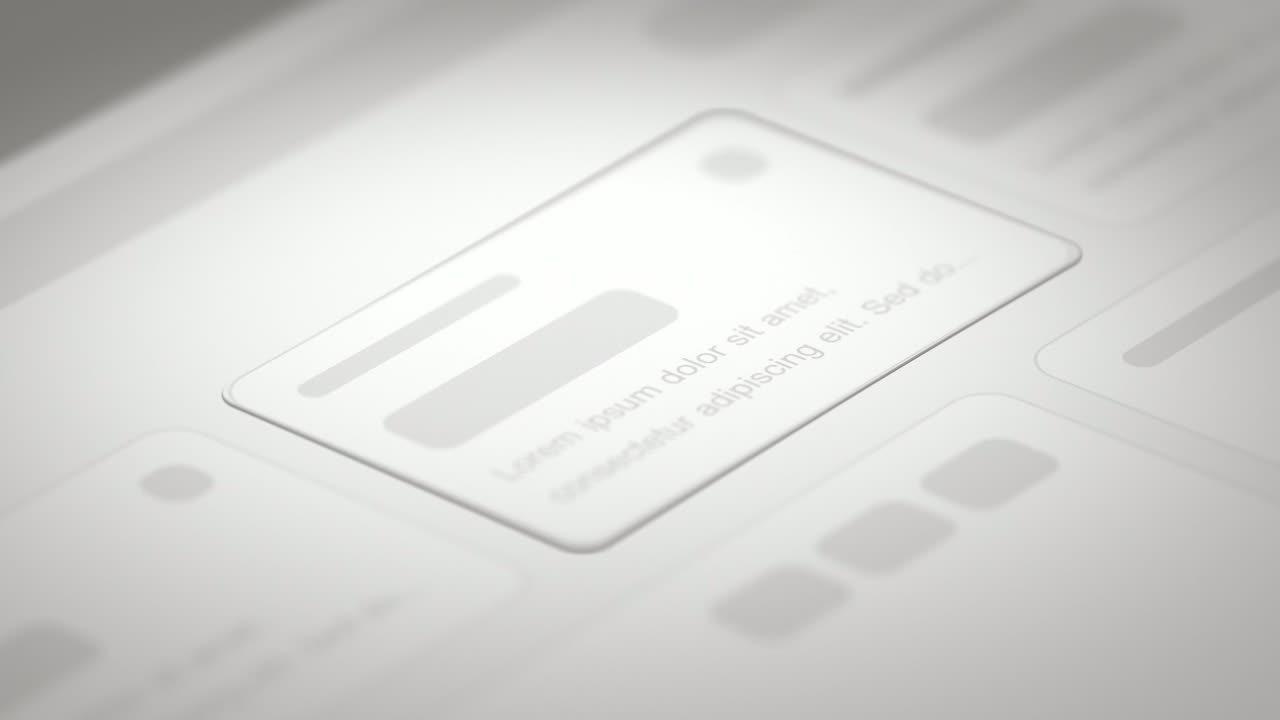
Drop Into Place
Drop Into Place is a four-second scene where your real page lies back in 3D under a close, cinematic lens and up to eleven of its components come…
Feature · your real UI
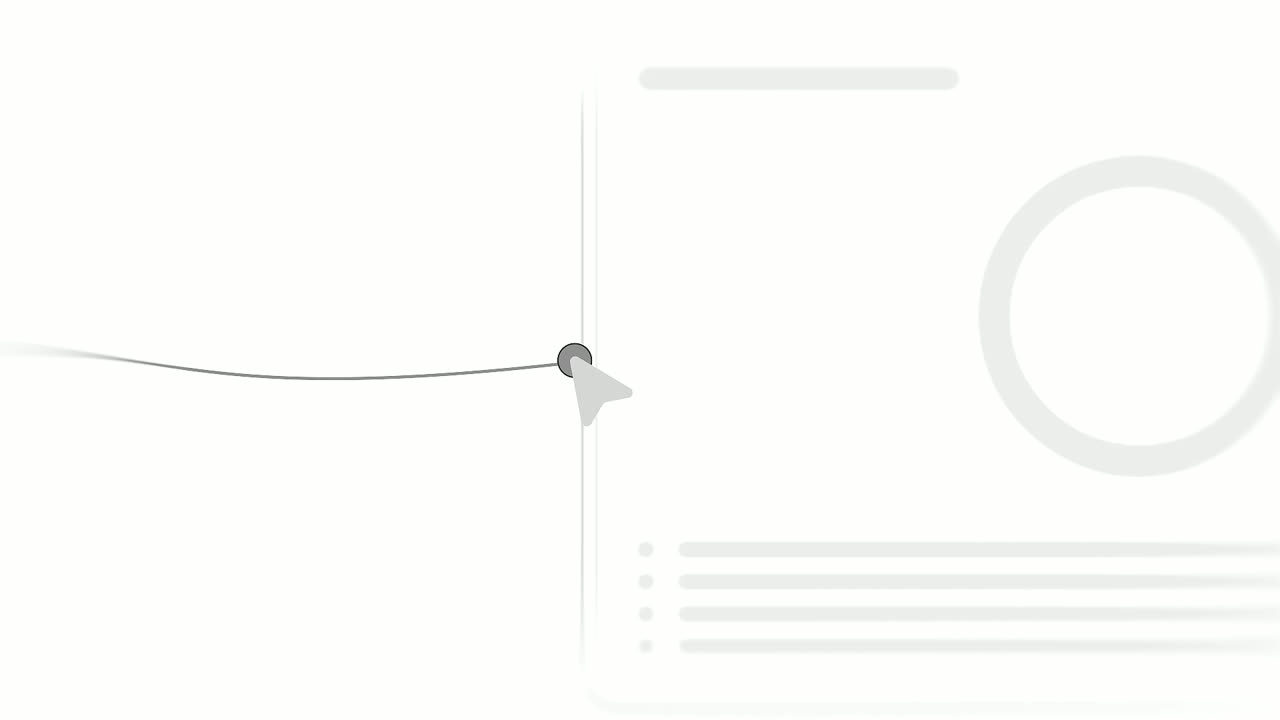
Cursor Connect
Cursor Connect is a four-second scene where two real pieces of your product sit side by side and a cursor drags a line from the first to the second.
Feature · your real UI
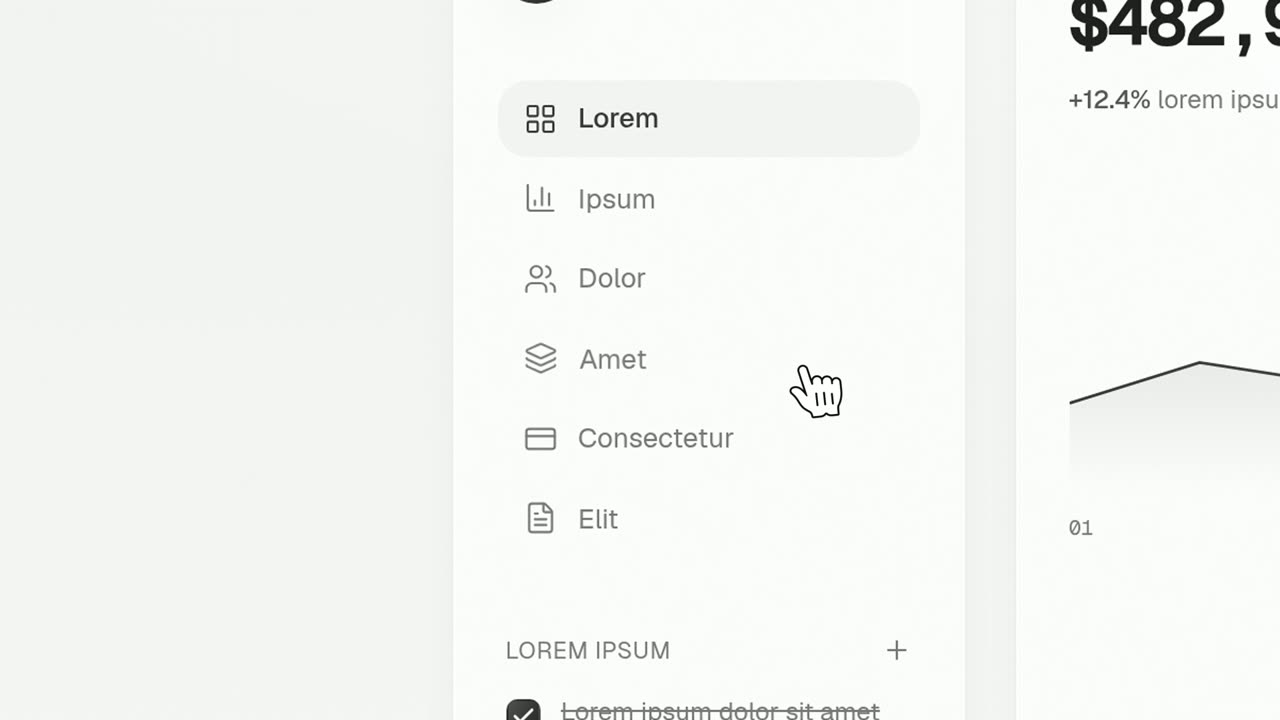
Cursor Press
Cursor Press is a three-second close-up where one real button or control from your product sits still and a cursor glides in and presses it.
Questions
What can the cursor drag in Drag-and-Drop?
One component a user could really pick up: a card, a tile, a widget, a file or a table row. Loose text and tiny icons do not read as something being dragged.
Is there a version without a cursor?
Yes. Drop Into Place lands the piece by itself in a cinematic way, with no cursor.
Can it show several moves in a row?
No. It is one move in about three seconds, so build the voiceover around a single action, such as dragging, placing or customizing.
Put Drag-and-Drop in your next video
Describe the video in a sentence. The Wevi Agent reads your site, captures your product, plans the scenes and renders with voiceover and music. Start free.
Or ask your assistant: Make a launch video for mysite.com with Wevi and open on the Drag-and-Drop scene