
Left-to-Right Reveal: a UI slide-in animation for a close look at your product
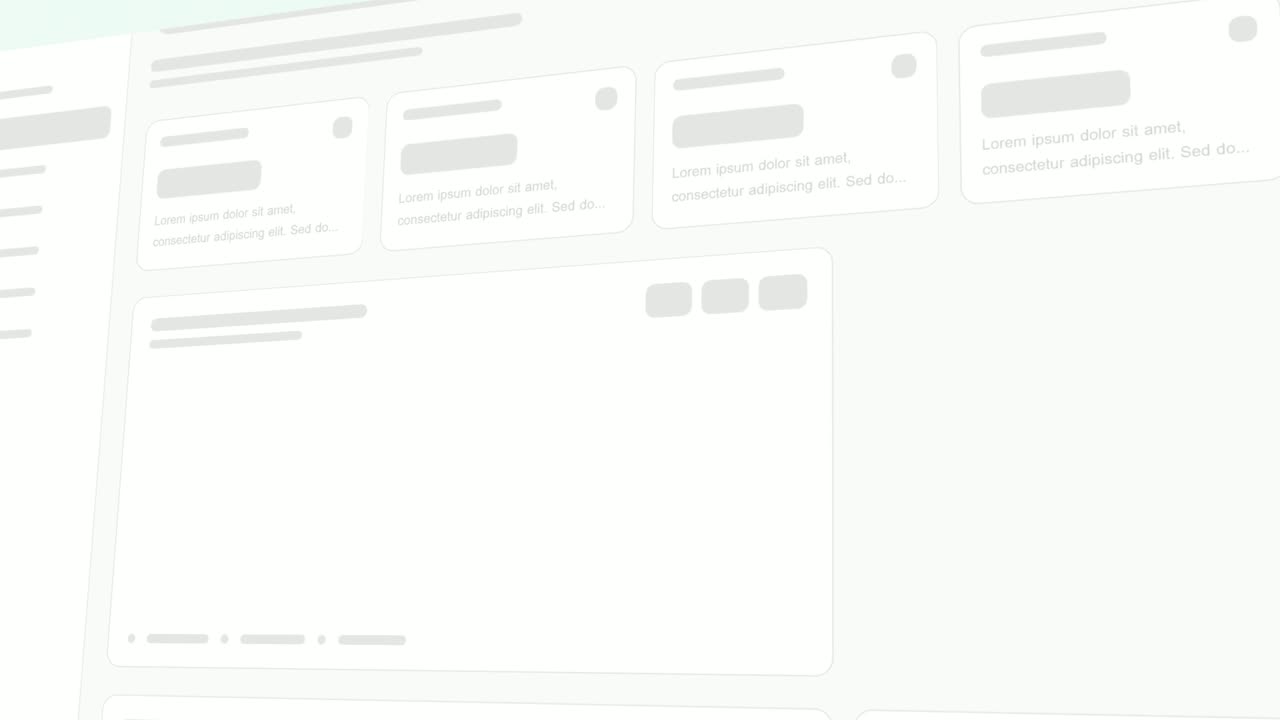
Left-to-Right Reveal is a four-second detail shot where your real page is tilted in 3D, seen close up, and up to seven chosen components slide in from the left one after another. The sideways motion reads as progress and flow, which suits steps of a process or controls arriving in order.
The preview shows placeholder content. Your video uses your UI, words, logo and colors.
- Role
- Feature
- Length
- 4 seconds
- Uses
- Your real product UI
- Format
- 16:9, up to 4K
What it looks like
The camera sits close on the upper right corner of your captured page, tilted back in 3D. One by one, the components you selected, such as header buttons, an avatar, filters and the first cards, glide in from the left and settle into their places. The movement is smooth and deliberate, a steady left to right flow that makes a few small parts feel like they are coming together.
It works as a close detail next to a wider scene of the whole page, and it feels smooth and deliberate.
Best for
- Showing the steps of a process lining up in order
- Bringing a set of controls or actions into view one by one
- Introducing a dashboard with a close, cinematic detail shot
- Giving a few small interface parts room to be noticed
What you add
- A page with a busy upper right area
- Up to seven components from that area
Capture tips
- Zoom the browser in as far as you can while everything you want in the shot still fits on screen. A bigger capture stays sharper in the video.
- Pick a page whose upper right area is busy with header buttons, an avatar, filters and the first cards.
- Select up to seven separate components in that upper right area, working from right to left for the best effect.
- Mix sizes: a few small controls plus one or two cards.
Videos this scene works in
Pairs well with

Feature · your real UI
Pop-in Reveal
Pop-in Reveal is a four-second detail shot where your real page is tilted in 3D, seen close up, and up to seven chosen components pop into being one…
Feature · your real UI
Rise & Reveal
Rise & Reveal is a 3D dashboard animation where your real product page tilts back and its cards and panels rise into place one after another until…
Questions
Which part of my page appears in Left-to-Right Reveal?
The upper right area. The template makes its own close-up there, so components in the lower half or on the far left fall outside the shot.
How is it different from Pop-in Reveal?
It uses the same close view and the same kind of capture, but here components slide in smoothly from the left. Pop-in Reveal makes them pop in, which feels snappier and more playful.
What should come before or after it?
A wider scene that shows the whole page, since this is a detail shot. Rise & Reveal or Sweep and Reveal build the full dashboard.
Put Left-to-Right Reveal in your next video
Describe the video in a sentence. The Wevi Agent reads your site, captures your product, plans the scenes and renders with voiceover and music. Start free.
Or ask your assistant: Make a launch video for mysite.com with Wevi and open on the Left-to-Right Reveal scene