
App Stack Fly-In: an app icons animation with three tools and one line
App Stack Fly-In is a 2-second scene where a sentence types in an extreme close up, then the shot pulls back as three app icons fly in and stack beside it. It makes a point with three outside tools: work scattered across apps, a workflow that crosses them, or compatibility with tools your audience already uses. Your sentence decides whether the picture is the pain or the fix.
The preview shows placeholder content. Your video uses your UI, words, logo and colors.
- Role
- Problem
- Length
- 2 seconds
- Uses
- Your words and logo
- Format
- 16:9, up to 4K
What it looks like
Your sentence starts typing in an extreme close up, so the first letters fill the frame. The camera pulls back as it goes, and three app icons fly in and stack neatly beside the text. The icons are three different real apps your audience knows. The whole thing is quick and clear, about two seconds from the first letter to the final stack, and it lands the point before the viewer has time to look away.
It most often sets up the problem early in the video, though it can also carry a fix or proof, and it feels quick and clear.
Best for
- Showing work scattered across three separate tools
- Explaining a workflow that crosses apps
- Announcing compatibility with tools your audience already uses
- Showing data coming in from, or going out to, other apps
What you add
- One short sentence
- Three different real apps that make sense for your audience
No recording needed
This scene is built from your words, logo and brand colors. Add your website and Wevi pulls your logo, colors and fonts, so it matches your product without design work.
Videos this scene works in
Integration announcement video
Announce a new integration with both logos and the workflow it unlocks.
Read the guideSaaS explainer video
Problem, solution, proof. Explain what your software does in under a minute.
Read the guideProduct launch video
The 30 to 45 second video for launch day: what it is, who it is for, why now.
Read the guideSaaS promo video
A punchy promo for ads, social and email, built from your product.
Read the guidePairs well with
Feature
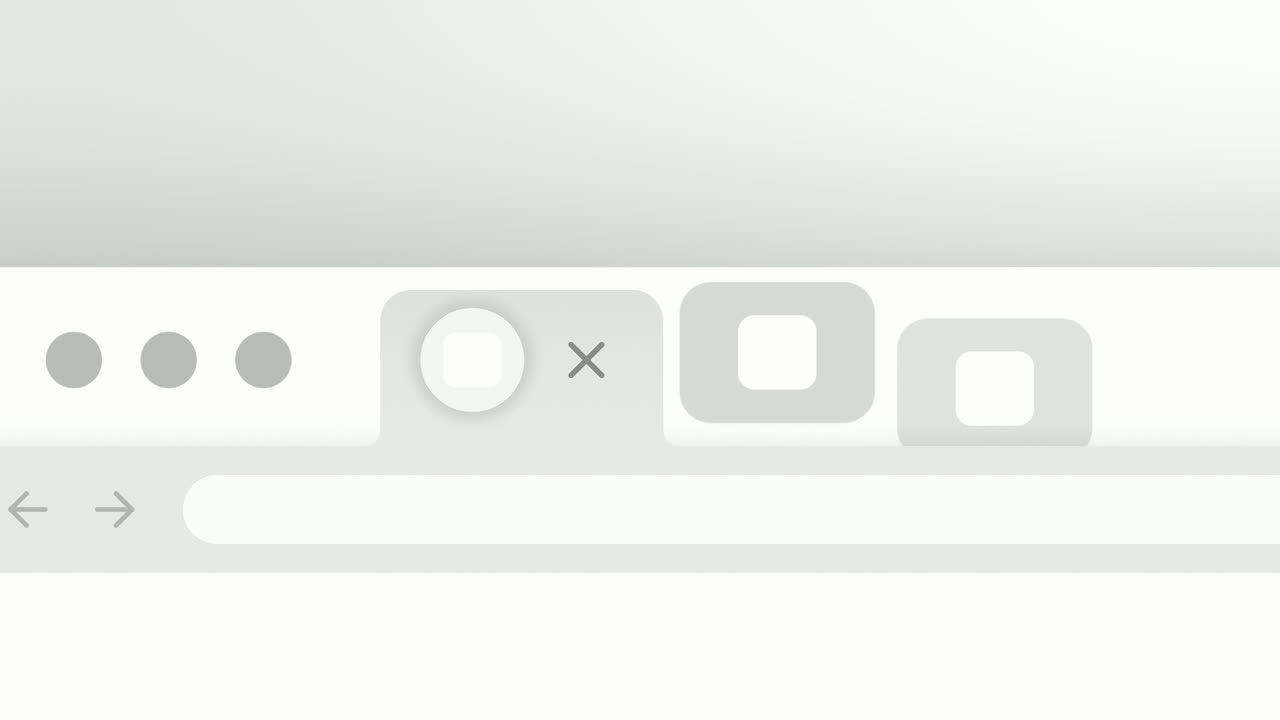
Close the Tabs
Close the Tabs is a three-second scene where a crowded browser tab strip, full of the tools your audience juggles, slides past and the tabs drop away…
Feature
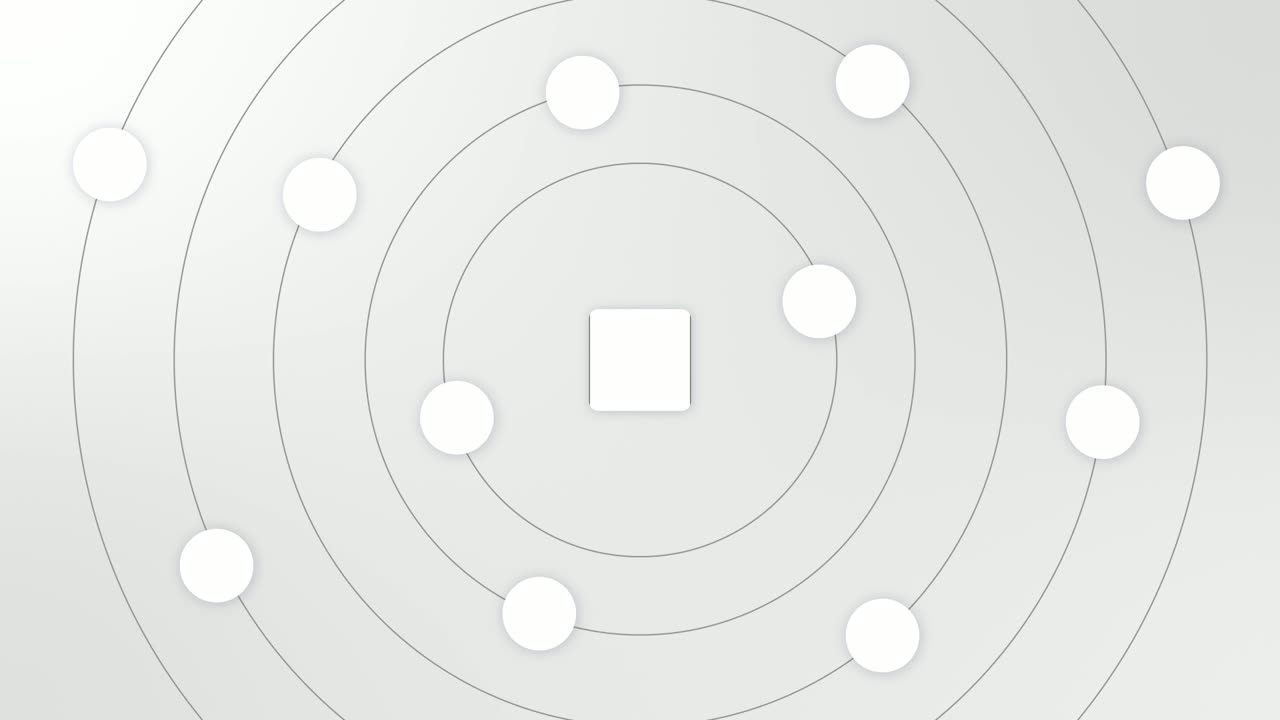
Integration Orbit
Integration Orbit is a five-second scene where your brand logo sits in the middle while up to eleven other logos circle it on rings.

Transition
Dock Lift
Dock Lift is an app icon animation: five icons sit in a dock with your brand in the middle, and after a short hold your icon lifts out of the row and…
Questions
Can my own logo be one of the three icons?
This scene is for three outside apps. When your brand logo must be in the picture, use Integration Orbit or Dock Lift.
Is it for the problem or the solution?
Either. The same picture can show scattered work or a smooth connection, and the sentence decides which.
What if I need to show more than three tools?
Use Close the Tabs when many tools should be replaced by your product.
Put App Stack Fly-In in your next video
Describe the video in a sentence. The Wevi Agent reads your site, captures your product, plans the scenes and renders with voiceover and music. Start free.
Or ask your assistant: Make a launch video for mysite.com with Wevi and open on the App Stack Fly-In scene