
Drop Into Place: a 3D interface animation where your features settle into the page
Drop Into Place is a four-second scene where your real page lies back in 3D under a close, cinematic lens and up to eleven of its components come down out of the air and seat themselves softly in their own empty spots. With one component it is a single hero landing, and with several it is a set arriving in order.
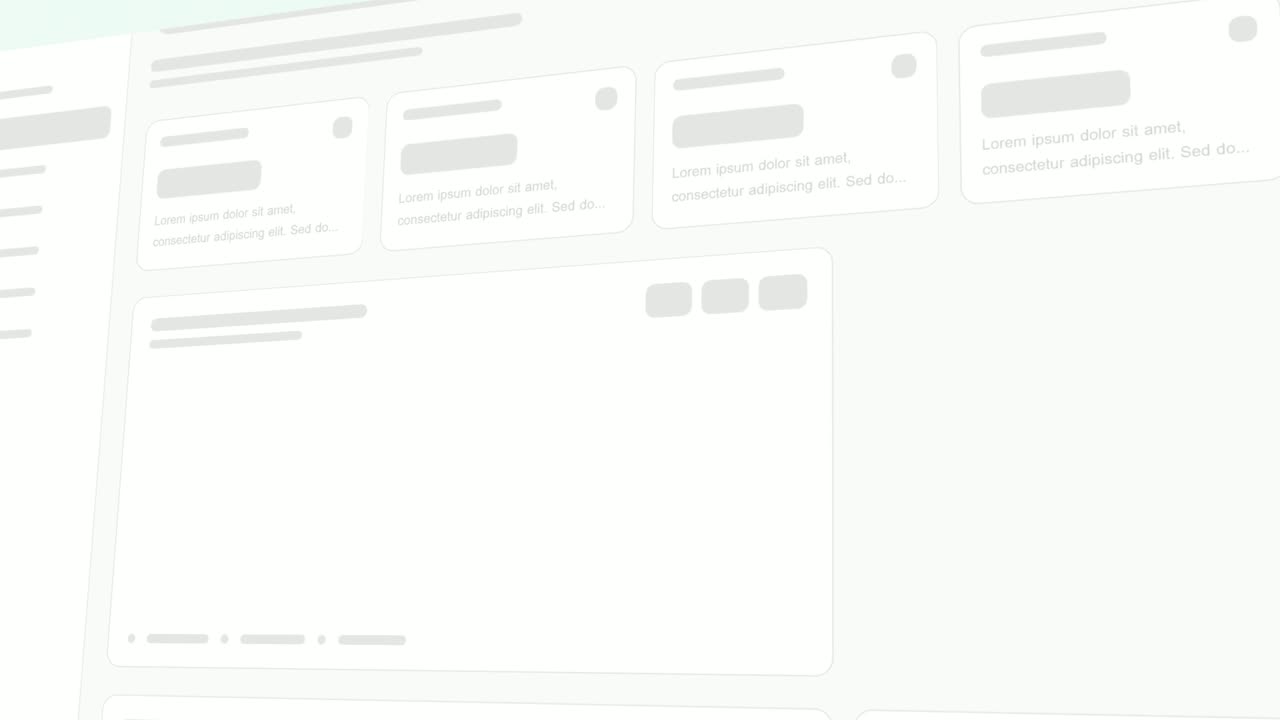
The preview shows placeholder content. Your video uses your UI, words, logo and colors.
- Role
- Feature
- Length
- 4 seconds
- Uses
- Your real product UI
- Format
- 16:9, up to 4K
What it looks like
Your captured page lies tilted back in 3D with shallow focus, the camera only drifting. Gaps sit where the chosen components belong. One after another, those components come down from above and settle softly into their places, with no bounce. The last one lands a little under three seconds in. It looks calm and precise, closer to a product commercial than a screen recording.
It sits in the feature part of a video, often right after the product is introduced, and feels calm and precise.
Best for
- Introducing a new feature along with where it lives in the product
- Adding the piece the page was missing
- Building up related items one by one, like the rows of a list
- Showing a group of features arriving in a release video
What you add
- A busy product page
- One to eleven components from it that belong together, in landing order
Capture tips
- Choose a busy view with plenty of interface around the feature, since the soft focus needs content to fall across.
- Select components in the order they should land, and keep them close together so the shot stays tight.
- Zoom in further for small buttons or icons.
- Do not pick from opposite sides of the page, nest one pick inside another, or select the whole page or a full-width section.
Videos this scene works in
Feature announcement video
One new feature, shown in context, in 15 to 30 seconds.
Read the guideRelease notes video
Turn a changelog or monthly update into a video people watch.
Read the guideProduct launch video
The 30 to 45 second video for launch day: what it is, who it is for, why now.
Read the guidePairs well with

Feature · your real UI
Expand & Fill
Expand & Fill is a five-second scene where your real page lies back in 3D, an outline grows from a single point in the empty spot where one component…
Feature · your real UI
Drag-and-Drop
Drag-and-Drop is a three-second scene where a cursor picks up one real component from your product, drags it across the page and drops it into its…
Feature · your real UI
Rise & Reveal
Rise & Reveal is a 3D dashboard animation where your real product page tilts back and its cards and panels rise into place one after another until…
Questions
How many components can Drop Into Place use?
One to eleven. One gives a single hero landing, and several land one after another in the order you selected them.
How is it different from Drag-and-Drop?
Nobody is shown placing the pieces here. They settle by themselves in a slow cinematic move, while Drag-and-Drop shows a cursor moving one item by hand.
Which scene builds the whole page instead?
Rise & Reveal builds the full page. Expand & Fill makes a single feature appear out of light.
Put Drop Into Place in your next video
Describe the video in a sentence. The Wevi Agent reads your site, captures your product, plans the scenes and renders with voiceover and music. Start free.
Or ask your assistant: Make a launch video for mysite.com with Wevi and open on the Drop Into Place scene