
Word to Sentence Typing: a typewriter text animation for the turn in your story
Word to Sentence Typing is a typewriter text animation for the turning point of a video: one word rises alone and hangs for a moment, then becomes the first word of a short sentence that types out in a big close up. The pause builds suspense and the typed line releases it. It suits the moment a problem meets its answer, a rhetorical question or a sudden realization.
The preview shows placeholder content. Your video uses your UI, words, logo and colors.
- Role
- Transition
- Length
- 3 seconds
- Uses
- Your words and logo
- Format
- 16:9, up to 4K
What it looks like
A single word rises into the frame on its own and hangs there for a moment. Then, in a big close up, that same word becomes the start of a short sentence, and the rest of the line types out after it, letter by letter. The sentence stays very short, about 32 characters at most, so it reads in one glance. The scene runs about three seconds and feels dramatic and concise.
It sits between two parts of the story, most often on the way out of the problem section, and it feels dramatic and concise.
Best for
- Marking the turn from the problem to your answer
- Asking a rhetorical question that the next scene answers
- Landing a twist or a sudden realization
- Leaving a problem section with one sharp line
What you add
- One word that will start the sentence
- A short sentence of about 32 characters or fewer that begins with that word
No recording needed
This scene is built from your words, logo and brand colors. Add your website and Wevi pulls your logo, colors and fonts, so it matches your product without design work.
Videos this scene works in
SaaS promo video
A punchy promo for ads, social and email, built from your product.
Read the guideProduct launch video
The 30 to 45 second video for launch day: what it is, who it is for, why now.
Read the guideLinkedIn and X product video
Product videos that work in LinkedIn and X feeds, sound off.
Read the guidePairs well with
Opener
Word Zipper
Word Zipper is a 3-second text scene where one short statement zips together word by word, each word gliding in from above or below, then splits…
Opener · your real UI
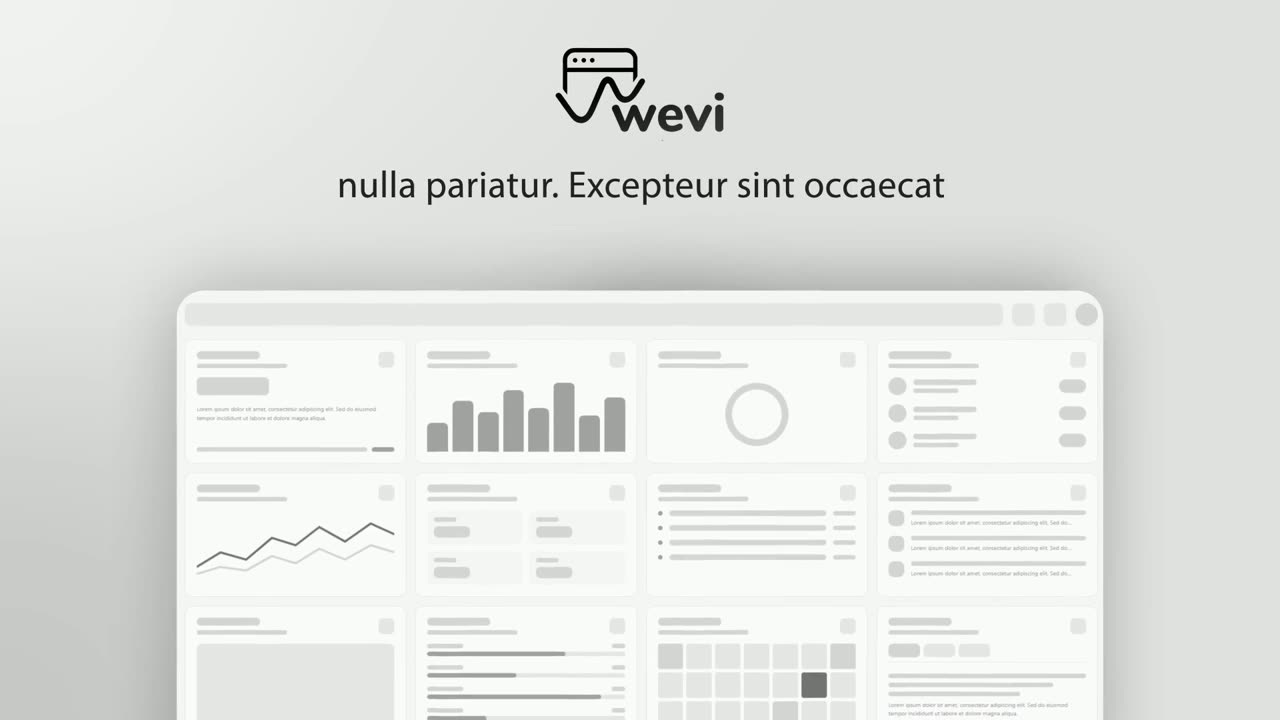
Hero Showcase
Hero Showcase is a 4-second scene that goes from your brand straight into your product: your logo sits in the center with two short headlines, then…
Opener
Hook Text Pop
Hook Text Pop is a 2-second text scene where the first words of a line type themselves out and the rest pop in at once in a highlight color.
Questions
Does the sentence have to start with the word that rises?
Yes. The rising word must be the exact first word of the sentence, otherwise the handoff from word to sentence breaks.
How long can the sentence be?
Very short, about 32 characters at most. Also avoid ending on an unfinished word such as the or to.
Can I use it to explain a feature?
It is not made for explanations. Use it for a turn, a question or a realization, and let the next scene show the detail.
Put Word to Sentence Typing in your next video
Describe the video in a sentence. The Wevi Agent reads your site, captures your product, plans the scenes and renders with voiceover and music. Start free.
Or ask your assistant: Make a launch video for mysite.com with Wevi and open on the Word to Sentence Typing scene