
Caret Collapse: a typing cursor transition from product to message
Caret Collapse is a typing cursor animation that turns your product into your message: your real page sits in a window, squeezes down into a text caret, and the caret types one headline. It shows the product first and then lands the promise. It suits founders and marketers who want a precise, calm bridge from interface scenes to a statement.
The preview shows placeholder content. Your video uses your UI, words, logo and colors.
- Role
- Transition
- Length
- 4 seconds
- Uses
- Your real product UI
- Format
- 16:9, up to 4K
What it looks like
Your captured page sits in a window on a calm background, with thin guide lines along its edges. The window narrows from both sides into a slim bar, and the bar shrinks down into a text caret. Then one short line types out from the caret and glides to the center, colored with a gradient from dark into your brand color. The whole move takes about four seconds and feels precise and calm.
It works as an opening that shows the product before the promise, or as the bridge from product scenes into a statement, and it feels precise and calm.
Best for
- Opening a video on the product before stating the promise
- Moving from interface scenes to a single statement
- Introducing what your product does in one typed line
What you add
- One full page of your product, such as a dashboard or editor
- One short headline
- Your brand color for the text gradient
Capture tips
- Zoom the browser in as far as you can while everything you want in the shot still fits on screen. A bigger capture stays sharper in the video.
- Scroll to the top of the page.
- Place the most recognizable part of the page near the middle, since the sides are cropped first as the window squeezes.
- Avoid mostly empty, white or loading pages, and close popups, cookie banners and chat bubbles.
Videos this scene works in
Product launch video
The 30 to 45 second video for launch day: what it is, who it is for, why now.
Read the guideWebsite hero video
A silent, looping product video for the top of your homepage.
Read the guideSaaS promo video
A punchy promo for ads, social and email, built from your product.
Read the guidePairs well with
Opener · your real UI
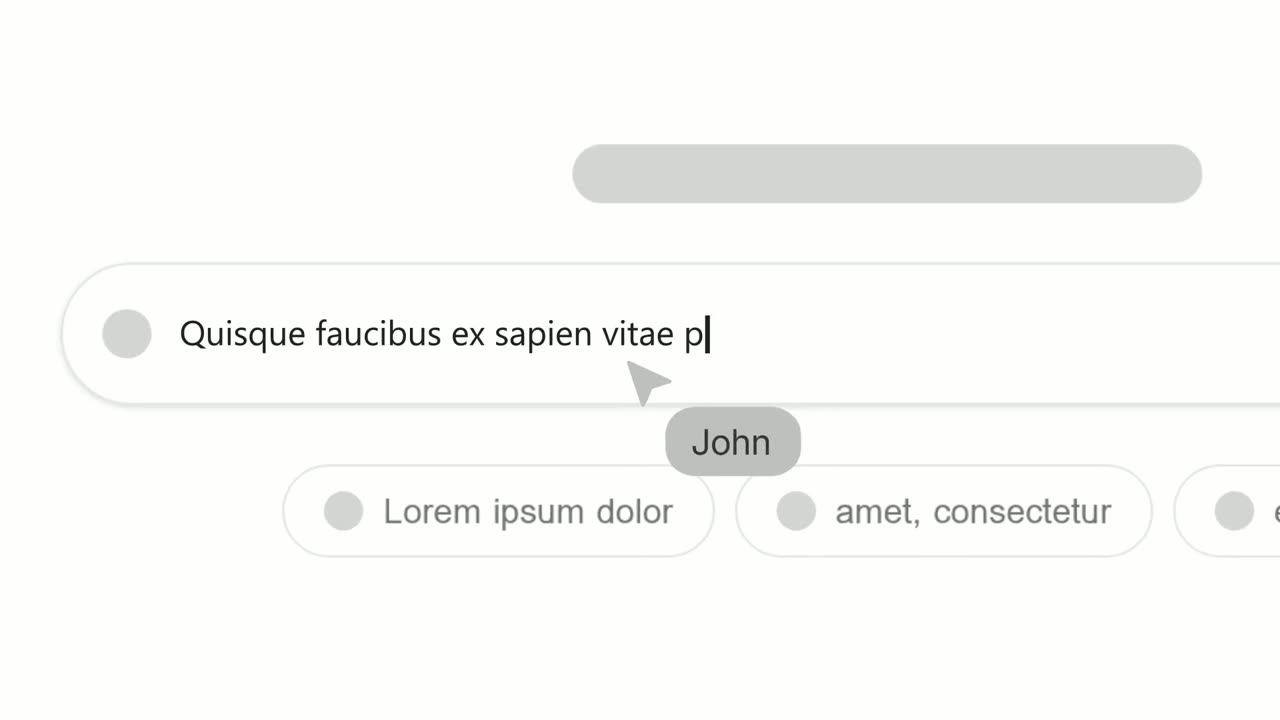
Text Typing In
Text Typing In is a 5-second scene where your real product page is on screen, a cursor clicks a field and the camera moves in while real text types…
Opener · your real UI
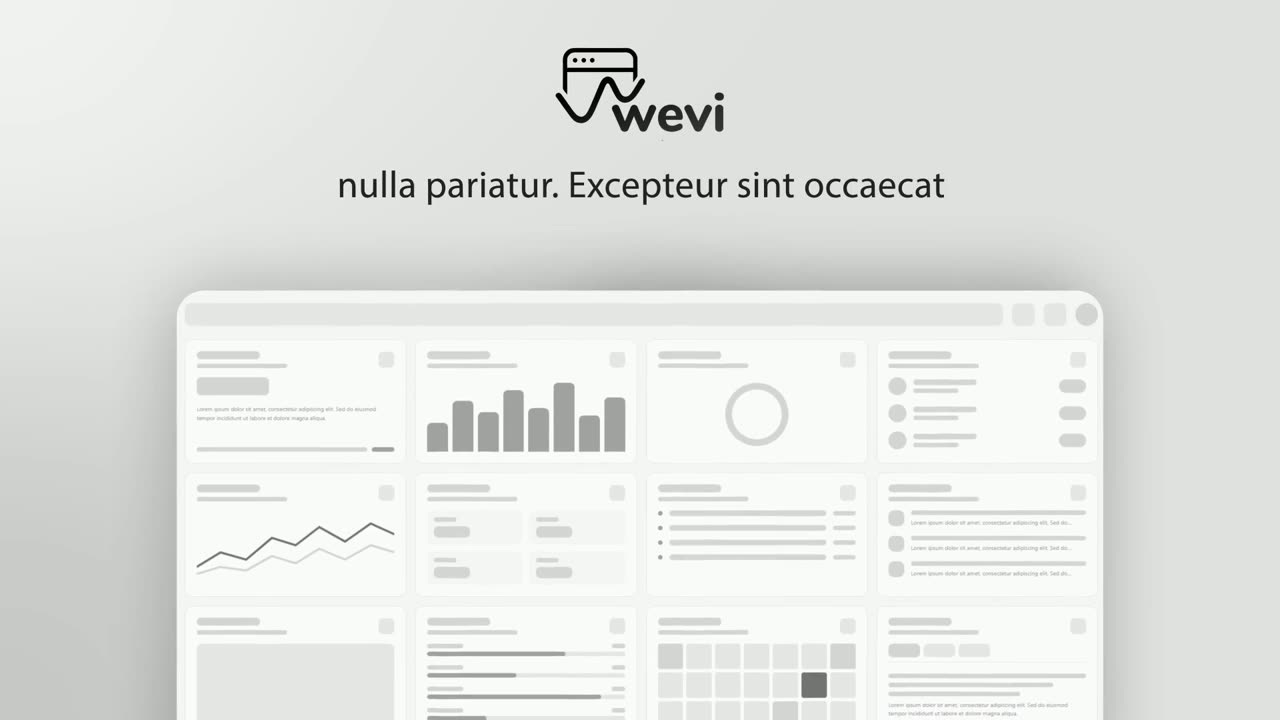
Hero Showcase
Hero Showcase is a 4-second scene that goes from your brand straight into your product: your logo sits in the center with two short headlines, then…
Questions
How long can the headline be?
Keep it to one short line. The caret types a single line, so long sentences do not fit.
How is Caret Collapse different from Text Typing In?
In Text Typing In the line types into a real field on the page. In Caret Collapse the whole page collapses into a caret first, so the text appears on its own.
Should the headline repeat the voiceover?
Keep them related but not identical. The headline lands the promise as it types, while the narration can name the product.
Put Caret Collapse in your next video
Describe the video in a sentence. The Wevi Agent reads your site, captures your product, plans the scenes and renders with voiceover and music. Start free.
Or ask your assistant: Make a launch video for mysite.com with Wevi and open on the Caret Collapse scene