
Sweep and Reveal: a dashboard animation for the first look at your product
Sweep and Reveal is a 4-second scene where up to seven components of your real product page appear in one gentle, continuous sweep. It shows the shape of your whole product more than any single part, which makes it a strong first look at a dashboard or workspace. It suits SaaS, analytics and AI products that want a clean, composed reveal.
The preview shows placeholder content. Your video uses your UI, words, logo and colors.
- Role
- Opener
- Length
- 4 seconds
- Uses
- Your real product UI
- Format
- 16:9, up to 4K
What it looks like
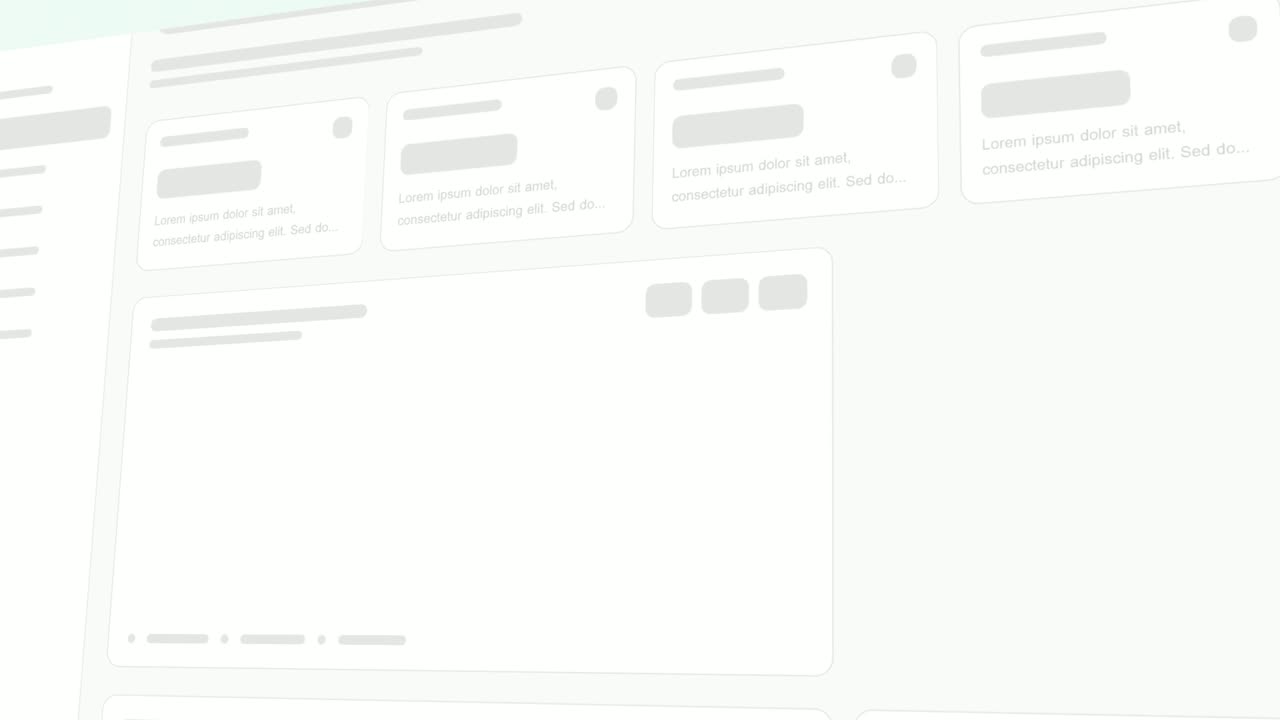
The upper half of your real product page fills the frame across its full width, with the sidebar and background already in place. Then a gentle sweep moves across it, and your chosen components, such as header buttons, cards, stats or panels, appear one after another in a smooth, continuous motion. It is calmer than the busier reveal styles. In about four seconds the page stands complete, giving viewers the full shape of your product.
It works as the opening or the first product scene after the problem, and it feels elegant and composed.
Best for
- Giving viewers the first full look at your dashboard
- Opening the first product scene right after the problem
- Showing results being generated or data being analyzed
- Introducing an AI chat or analytics workspace
What you add
- A capture of a page made of separate cards or panels
- Up to seven components from the upper half of that page
Capture tips
- Zoom the browser in as far as you can while everything you want in the shot still fits on screen. A bigger capture stays sharper in the video.
- Pick a page made of separate cards or panels, with a clear header and first row of content.
- Select up to seven whole components from the upper half only, top to bottom and left to right. Four to six read best.
- Leave the sidebar and page background unselected so they hold the frame while the rest appears.
Videos this scene works in
Product demo video
Show the product working, step by step, in your real interface.
Read the guideSaaS explainer video
Problem, solution, proof. Explain what your software does in under a minute.
Read the guideAI product demo video
Show prompts, answers and agents at work without a shaky screen recording.
Read the guideProduct launch video
The 30 to 45 second video for launch day: what it is, who it is for, why now.
Read the guidePairs well with
Feature · your real UI
Rise & Reveal
Rise & Reveal is a 3D dashboard animation where your real product page tilts back and its cards and panels rise into place one after another until…

Feature · your real UI
Left-to-Right Reveal
Left-to-Right Reveal is a four-second detail shot where your real page is tilted in 3D, seen close up, and up to seven chosen components slide in…

Feature · your real UI
Pop-in Reveal
Pop-in Reveal is a four-second detail shot where your real page is tilted in 3D, seen close up, and up to seven chosen components pop into being one…
Questions
Which reveal should I choose?
Sweep and Reveal shows the shape of the whole product in one gentle sweep. Rise & Reveal builds content piece by piece as if it is being generated, and Left-to-Right Reveal or Pop-in Reveal give a close look at a few small parts.
Why only the upper half of the page?
The template frames the upper half of the page across its full width, so components lower down fall outside the shot.
Will it work on a text-heavy page?
Not well. It needs distinct components to reveal, so a long article or a plain form is a poor fit.
Put Sweep and Reveal in your next video
Describe the video in a sentence. The Wevi Agent reads your site, captures your product, plans the scenes and renders with voiceover and music. Start free.
Or ask your assistant: Make a launch video for mysite.com with Wevi and open on the Sweep and Reveal scene