
Chat Conversation: a chat conversation animation between customers and your brand
Chat Conversation is a seven-second scene where five chat bubbles appear one after another with names and photos: a customer asks and your brand answers, a second customer asks and your brand answers, and then your brand adds one last line. Use it to answer the questions every buyer has, in a friendly and direct voice.
The preview shows placeholder content. Your video uses your UI, words, logo and colors.
- Role
- Feature
- Length
- 7 seconds
- Uses
- Your words and logo
- Format
- 16:9, up to 4K
What it looks like
Chat bubbles float in one at a time, each with a name and a photo. The first customer asks a question and your brand replies. A second customer asks something else and your brand replies again. Then your brand adds one final line, which can be a soft invitation to try the product. The pacing is calm, every bubble stays short, and the whole exchange reads like real support.
It fits the middle of the video, where it voices the problem or answers doubts in a friendly, unhurried way.
Best for
- Answering the questions buyers ask before they sign up
- Handling a common objection out loud
- Showing that your support replies like a human
- Letting customers describe the problem in their own words before you solve it
What you add
- Two short customer questions
- Two short brand answers and one closing brand line
- Names and photos for the two customers and for your brand
No recording needed
This scene is built from your words, logo and brand colors. Add your website and Wevi pulls your logo, colors and fonts, so it matches your product without design work.
Videos this scene works in
SaaS explainer video
Problem, solution, proof. Explain what your software does in under a minute.
Read the guideSaaS promo video
A punchy promo for ads, social and email, built from your product.
Read the guideLinkedIn and X product video
Product videos that work in LinkedIn and X feeds, sound off.
Read the guidePairs well with
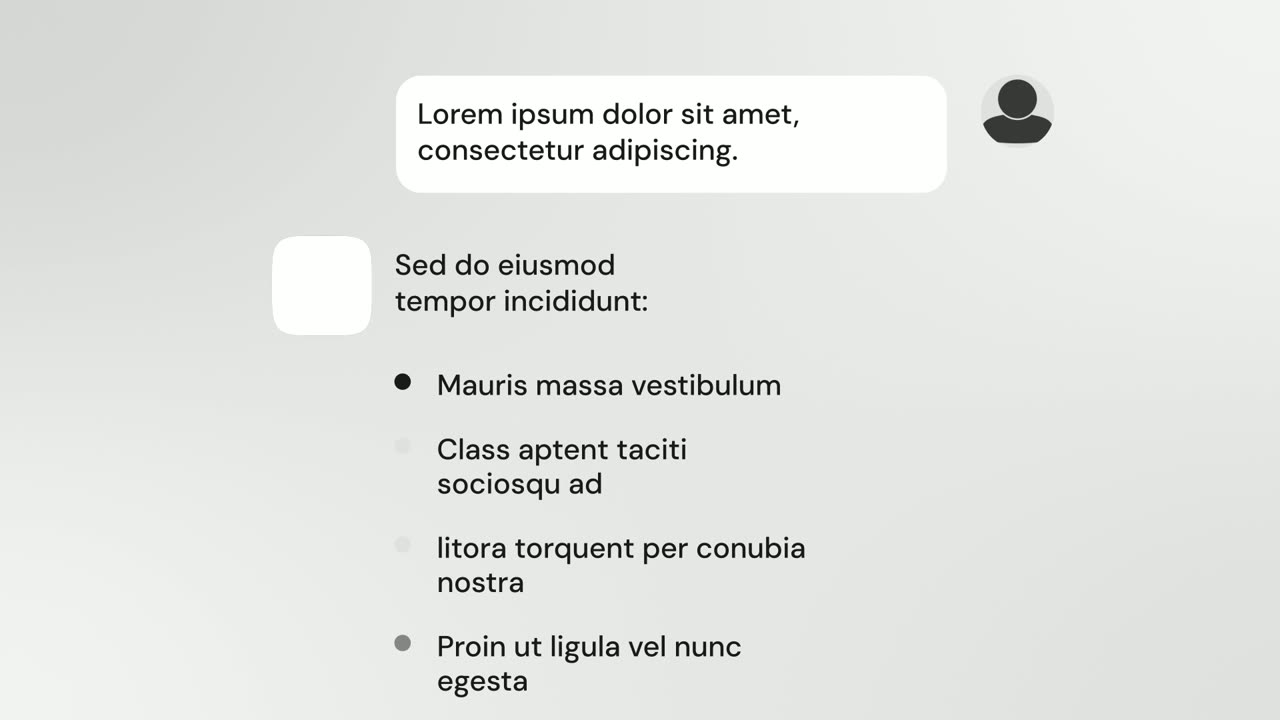
Feature
AI Chat Reply
AI Chat Reply is a five-second scene where a customer's message sits at the top, your logo appears, and your AI's reply streams in with a heading, up…
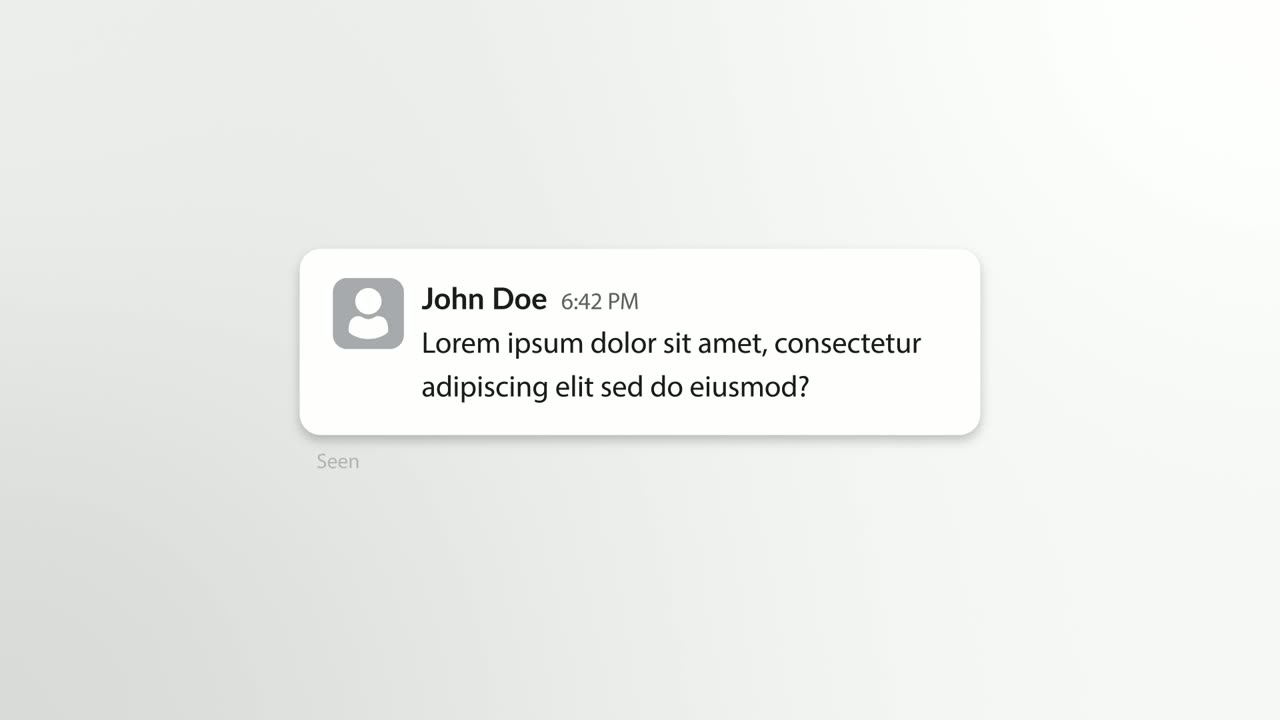
Problem
Chat Bubble
Chat Bubble is a four-second scene where a single chat message types into its bubble beside the sender's avatar.
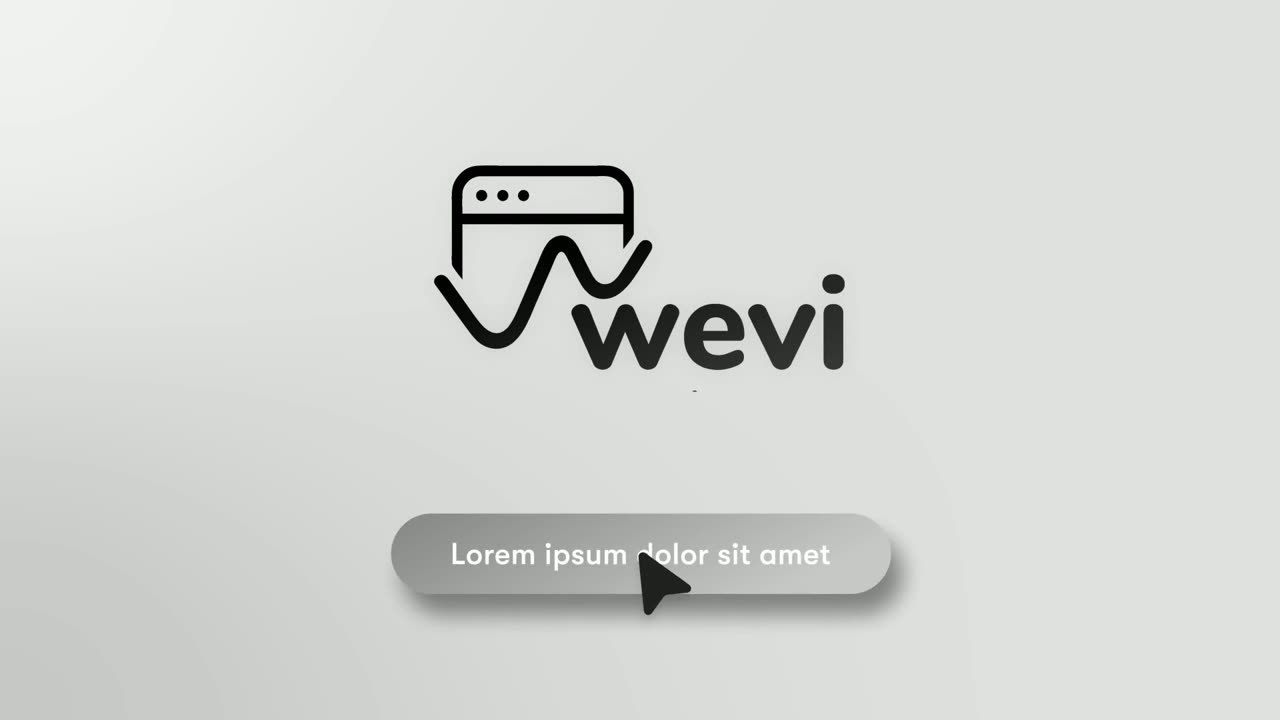
Ending
Call to Action
Call to Action is a call to action end screen: your logo appears, then a button that a cursor clicks, telling the viewer exactly what to do next.
Questions
Can Chat Conversation show something other than a dialogue?
No. It is strictly a conversation between people and your brand: two questions, two answers and a closing line. Inside that structure all the words are yours.
How long should each message be?
Short. Dense paragraphs are hard to read in seven seconds, so keep every bubble brief.
What if my product is an AI that answers one person?
Use AI Chat Reply instead. It shows one request and one streaming AI reply under your logo.
Put Chat Conversation in your next video
Describe the video in a sentence. The Wevi Agent reads your site, captures your product, plans the scenes and renders with voiceover and music. Start free.
Or ask your assistant: Make a launch video for mysite.com with Wevi and open on the Chat Conversation scene