
Make product videos from your real UI
Wevi is a product video maker for software teams. Describe the video in a sentence and the Wevi Agent reads your website, captures your real interface, pulls your logo, colors and fonts, and builds a 15 to 45 second video from professionally animated scenes with AI voiceover and music. Use it for launch videos, demo videos, feature announcements and explainers, in the browser or straight from Claude or ChatGPT.
Pick the video you need
Product launch video
The 30 to 45 second video for launch day: what it is, who it is for, why now.
Read the guideProduct demo video
Show the product working, step by step, in your real interface.
Read the guideSaaS explainer video
Problem, solution, proof. Explain what your software does in under a minute.
Read the guideFeature announcement video
One new feature, shown in context, in 15 to 30 seconds.
Read the guideProduct Hunt launch video
The first item in your Product Hunt gallery, made to stop the scroll.
Read the guideRelease notes video
Turn a changelog or monthly update into a video people watch.
Read the guideAI product demo video
Show prompts, answers and agents at work without a shaky screen recording.
Read the guideSaaS promo video
A punchy promo for ads, social and email, built from your product.
Read the guideWebsite hero video
A silent, looping product video for the top of your homepage.
Read the guideIntegration announcement video
Announce a new integration with both logos and the workflow it unlocks.
Read the guideFunding announcement video
Pair the funding news with what customers get from it.
Read the guideLinkedIn and X product video
Product videos that work in LinkedIn and X feeds, sound off.
Read the guideComparing tools first? Read the best tools to make a SaaS launch video.
How it works
Add your website
Wevi pulls your logo, brand colors and fonts, so every scene is on brand from the start.
Describe the video
Tell the Wevi Agent what the video is for in a sentence. It plans the scenes, picks templates and writes the on-screen copy and narration for you to approve. Or pick scenes yourself in Studio.
Capture your real UI
Wevi opens your site or app in a real browser and cuts the cards, buttons, charts and inputs a scene needs onto their own layers, so the animation moves your actual interface. For pages behind a login, you sign in yourself in that browser.
Render, check and share
Wevi renders in the cloud with a voice and music, checks every scene and fixes what reads badly. Change anything by chat or in Studio, then download a 16:9 MP4 at up to 4K.
How Wevi compares to the usual options
Most teams choose between recording their screen, hiring a motion designer, editing a template themselves, or trying a generative AI video tool. Here is how they differ for a software product video.
| Option | Shows your real product | Motion design quality | Time to a first cut | Skills you need |
|---|---|---|---|---|
| Wevi | Yes, your live UI captured into each scene | Professionally animated templates | Minutes | None |
| Screen recording tools | Yes, as a flat recording | Depends on your recording and editing | An hour or more | Recording and light editing |
| Motion design agency or freelancer | Yes, rebuilt by hand | Highest, fully custom | Usually weeks | A brief and review rounds |
| After Effects or Premiere templates | Only if you rebuild your UI inside them | Good, if you can edit them | Hours to days | After Effects or Premiere |
| Generative AI video | No, it invents footage | Varies, often off brand | Minutes | Prompting |
Popular scenes

Feature · your real UI
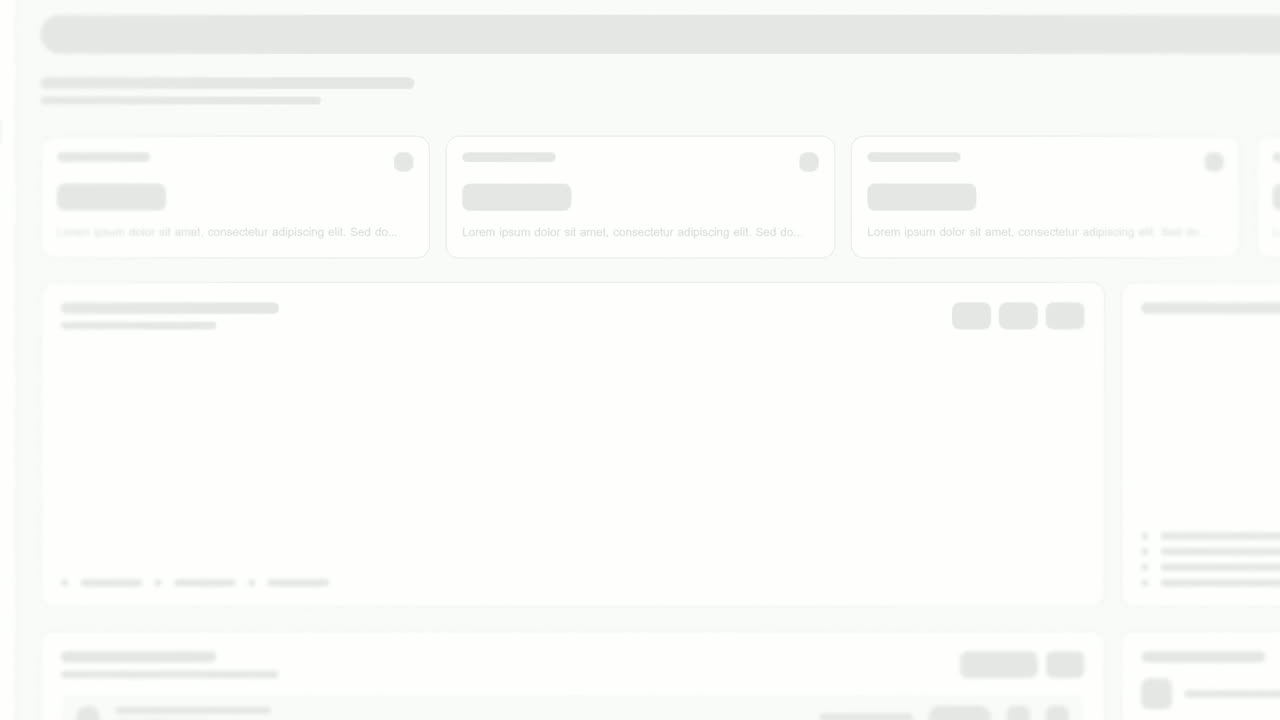
Cinematic Hero
Cinematic Hero is a five-second mood shot where the camera drifts slowly over one corner of your real product page with shallow focus, soft light and…
Feature · your real UI
Feature Drop-In
Feature Drop-In is a three-second scene where one real component from your product floats alone, large enough to read, and then the shot cuts to the…
Feature · your real UI
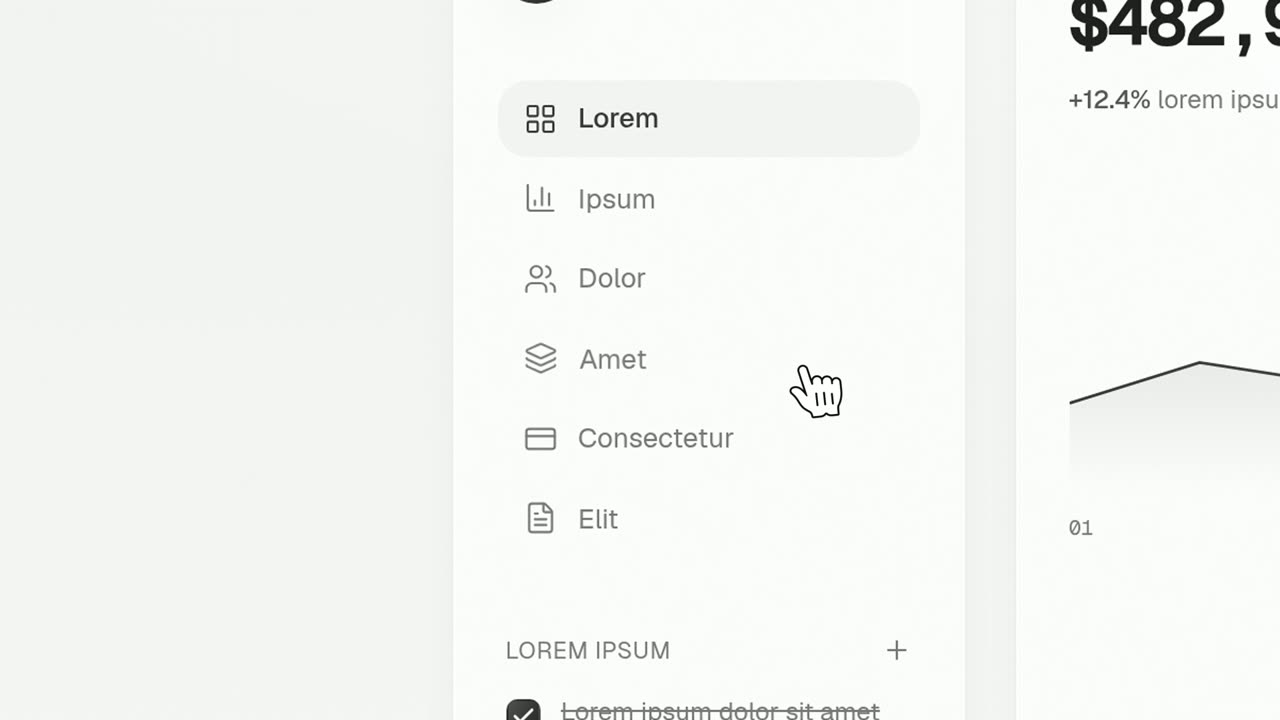
Cursor Press
Cursor Press is a three-second close-up where one real button or control from your product sits still and a cursor glides in and presses it.
Opener
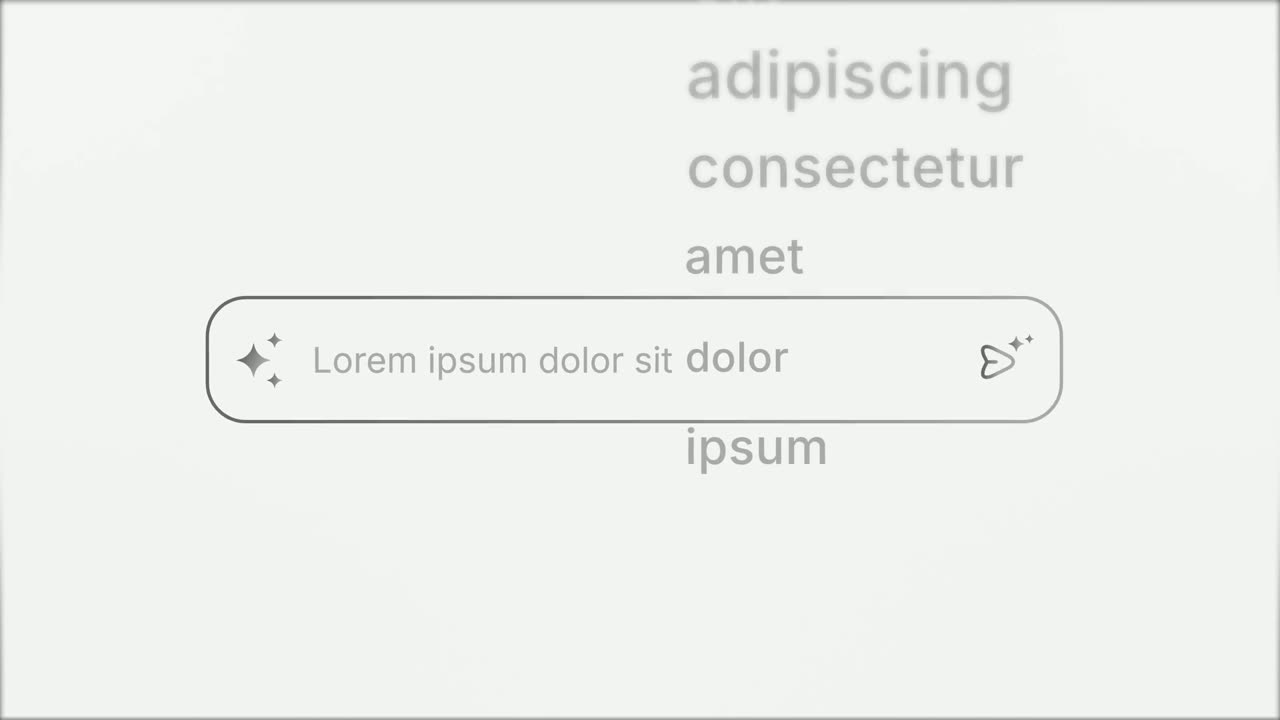
Prompt Input
Prompt Input is a 5-second scene where an icon opens into a prompt box, a request types itself in close up, then the shot goes wide and the end of…
Feature
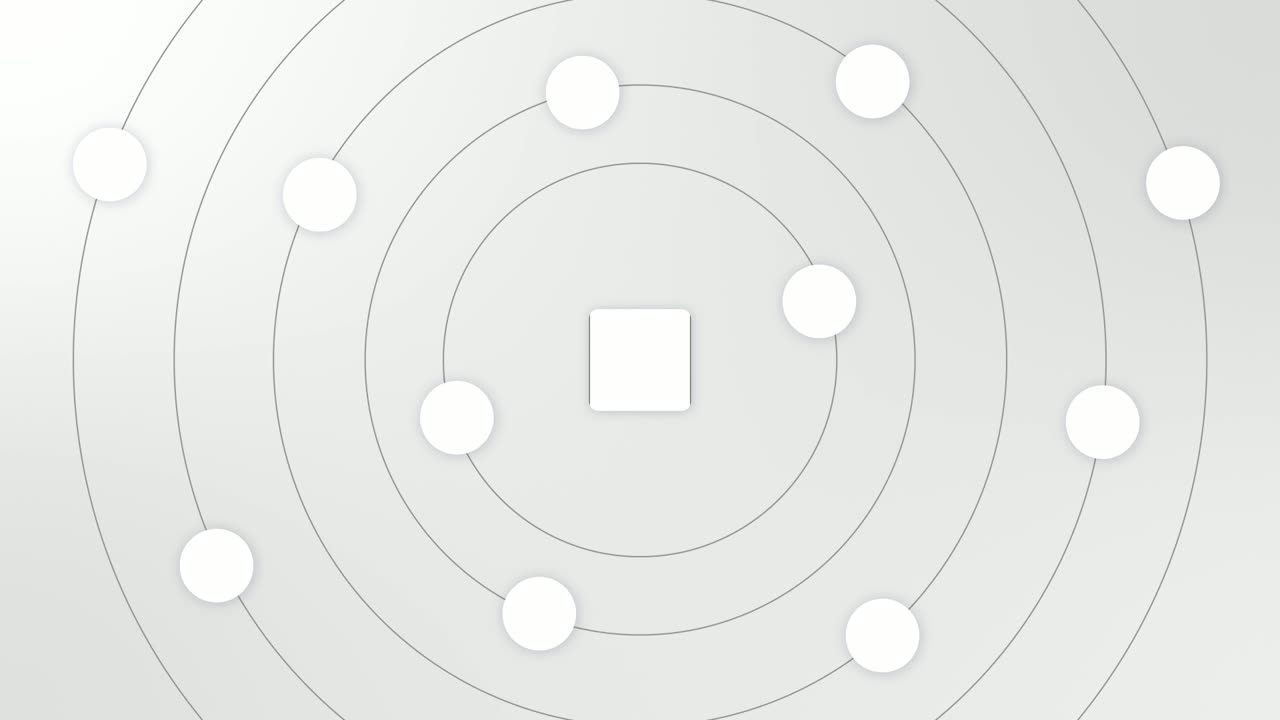
Integration Orbit
Integration Orbit is a five-second scene where your brand logo sits in the middle while up to eleven other logos circle it on rings.
Feature
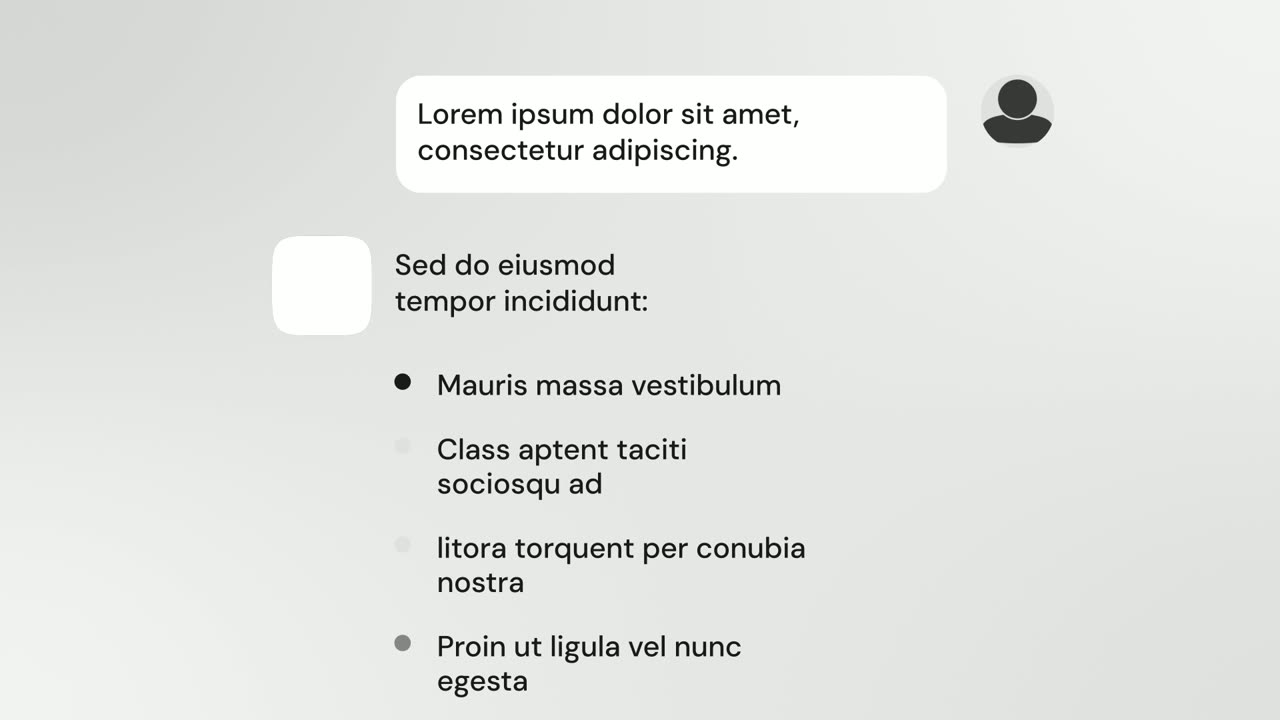
AI Chat Reply
AI Chat Reply is a five-second scene where a customer's message sits at the top, your logo appears, and your AI's reply streams in with a heading, up…
Feature · your real UI
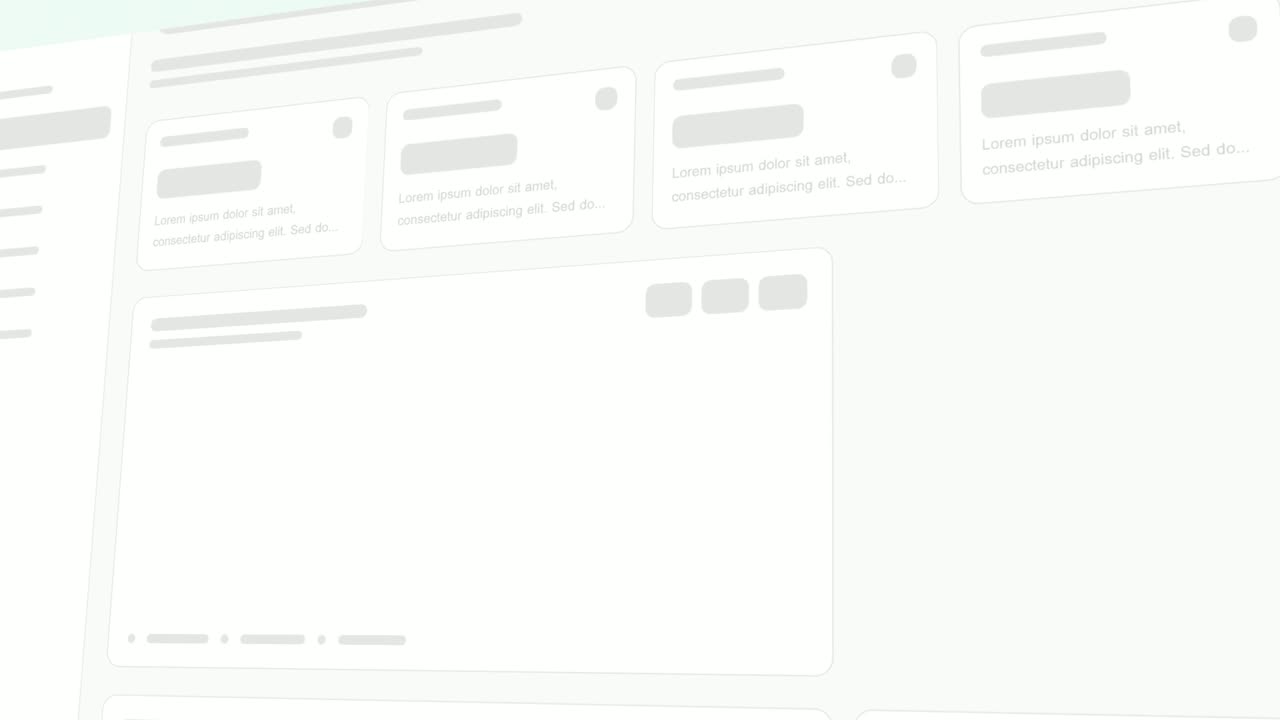
Rise & Reveal
Rise & Reveal is a 3D dashboard animation where your real product page tilts back and its cards and panels rise into place one after another until…
Ending
Call to Action
Call to Action is a call to action end screen: your logo appears, then a button that a cursor clicks, telling the viewer exactly what to do next.
Questions
What is the best way to make a product video for a SaaS app?
Show the real product, keep it to 15 to 45 seconds, and follow a simple story: what it is and who it is for, the problem, the product solving it, and a clear call to action. A template-based tool like Wevi gets you there in minutes because the motion design is done and your real UI is captured into each scene.
Do I need video editing or animation skills?
No. Every scene is already animated. You choose scenes, edit the words, capture your UI and render. There is no timeline to edit.
Is it AI-generated video?
No. Wevi does not invent footage. AI helps plan the scenes, write copy and narrate, but every scene is a designed motion template filled with your real interface, logo and colors.
Can I make vertical videos?
Not yet. Wevi exports 16:9 (1920x1080) and 16:12 (1920x1440). 16:9 works well on websites, YouTube, Product Hunt, LinkedIn and X.
Can I use my own footage or screen recordings?
No. Wevi builds videos from its animated templates and your captured UI. If you need to edit your own footage, use a video editor.
Is there a free plan?
Yes. You can make and export videos for free. Free exports are watermarked and 720p. Paid plans remove the watermark and export at higher quality, up to 4K.
Can Claude or ChatGPT make the video for me?
Yes. Connect Wevi as an MCP connector in Claude, ChatGPT, Cursor or another MCP client, then ask for the video in a sentence. Setup takes a few minutes at wevi.ai/mcp.
Make your first video in minutes
Describe it in a sentence. The Wevi Agent reads your site, captures your real product, plans the scenes and renders with voiceover and music. Start free.
Or ask your assistant: Make a 30-second launch video for mysite.com with Wevi