
Single Command Line: a command line animation for developer tools
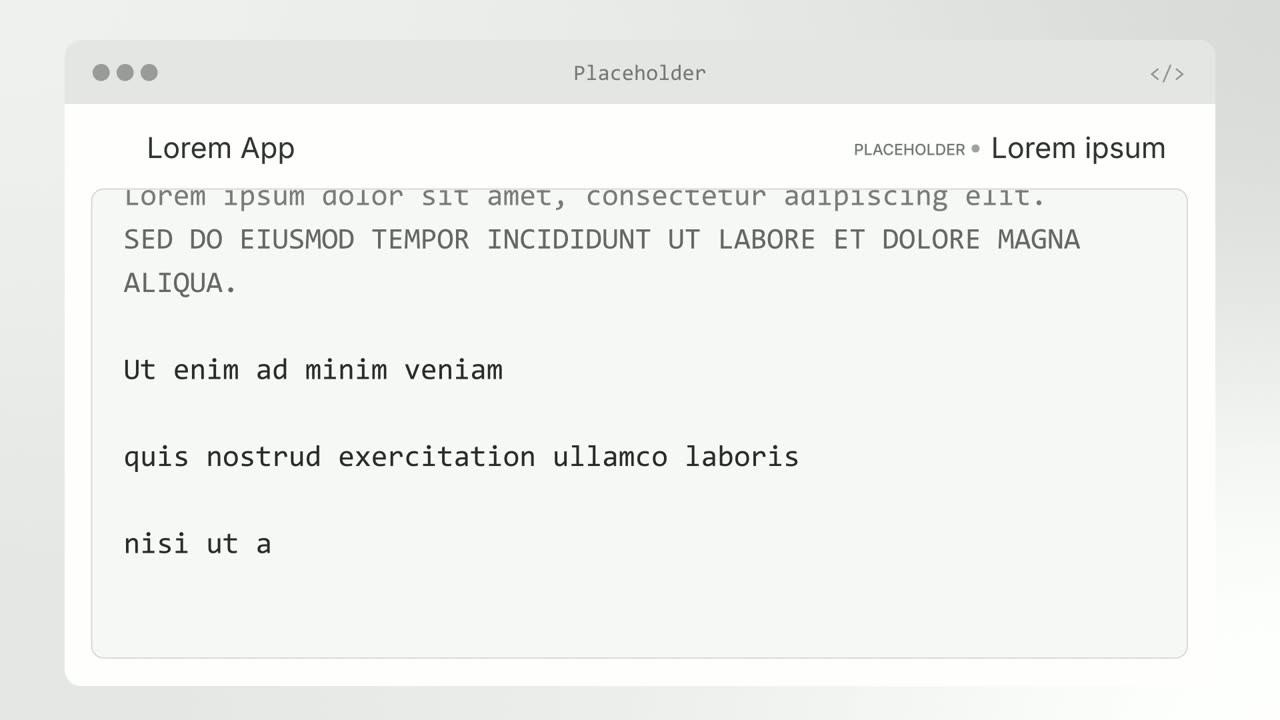
Single Command Line is a two second command line animation: a short setup headline sits above one real shell command that types itself out, and when the command finishes the headline cuts to the result. It sells how little it takes to get started, such as an install, a single call or a one line setup. It is built for developer tools and APIs whose audience could actually run the command.
The preview shows placeholder content. Your video uses your UI, words, logo and colors.
- Role
- Feature
- Length
- 2 seconds
- Uses
- Your words and logo
- Format
- 16:9, up to 4K
What it looks like
A short headline sits on screen above a single command line. Beneath it, one real command types itself out character by character. The instant the last character lands, the headline above cuts to a second line that states the finished result, and the scene is over. The whole thing takes about two seconds, so it reads as clipped and confident, the way a developer talks about a tool that just works. Because the command is real, the promise feels real too.
It usually opens a developer-focused video or sits right before a terminal output scene, and it feels fast and matter of fact.
Best for
- Showing that setup takes one install command
- Opening a developer video with a fast, concrete promise
- Introducing an API or CLI before showing what it does
- Announcing a package or SDK that installs in one line
What you add
- One real command of about 60 characters or fewer
- A setup headline
- A second headline that states the finished result
No recording needed
This scene is built from your words, logo and brand colors. Add your website and Wevi pulls your logo, colors and fonts, so it matches your product without design work.
Videos this scene works in
Product launch video
The 30 to 45 second video for launch day: what it is, who it is for, why now.
Read the guideFeature announcement video
One new feature, shown in context, in 15 to 30 seconds.
Read the guideRelease notes video
Turn a changelog or monthly update into a video people watch.
Read the guideIntegration announcement video
Announce a new integration with both logos and the workflow it unlocks.
Read the guidePairs well with
Feature
Agent Terminal
Agent Terminal is a three-second scene in which a command types at a terminal prompt and output streams back: a tool line full of numbers, a headline…
Feature
Text Glow Loading State
Text Glow Loading State is a loading text animation: one short status line glows and pulses on a quiet background, filling the wait between an action…

Feature
Integration Orbit
Integration Orbit is a five-second scene where your brand logo sits in the middle while up to eleven other logos circle it on rings.
Questions
Does the command have to be real?
Yes. It should be something a developer could actually run, with no placeholders like YOUR_TOKEN and no marketing copy. That is what makes the promise believable.
How long can the command be?
Keep it to about 60 characters on one line, with no prompt symbol, comments or output inside it. Longer commands shrink until they are hard to read.
What should the second headline say?
The finished result, not an instruction. If the first headline sets up the task, the second should pay it off rather than repeat it. Agent Terminal can follow to show what the command did.
Put Single Command Line in your next video
Describe the video in a sentence. The Wevi Agent reads your site, captures your product, plans the scenes and renders with voiceover and music. Start free.
Or ask your assistant: Make a launch video for mysite.com with Wevi and open on the Single Command Line scene