
Global Data Flow Dashboard: a global network animation over your real product
Global Data Flow Dashboard is a four-second scene where a rotating globe appears over your real product page, with four people pinned to it and lines of connection running between them. It ties a worldwide idea, such as customers in many countries or a team across time zones, to the product itself, because your interface stays visible under the globe.
The preview shows placeholder content. Your video uses your UI, words, logo and colors.
- Role
- Feature
- Length
- 4 seconds
- Uses
- Your real product UI
- Format
- 16:9, up to 4K
What it looks like
Your captured page sits in a window behind the scene. A rotating globe appears over its lower middle, with four profile photos pinned to different points. Lines of connection run between the pins, linking people across the world, while the interface stays visible along the top and sides. The feel is wide, connected and ambitious, and nothing on screen needs reading.
It works as an opening for a global product or as proof of reach later on, and it feels wide and ambitious.
Best for
- Showing customers spread across many countries
- Picturing a team working across time zones
- Showing money, goods or data moving around the world
- Proving reach or growth into new markets
What you add
- One broad overview page, captured whole
- Four profile photos for the pins on the globe
Capture tips
- Zoom the browser in as far as you can while everything you want in the shot still fits on screen. A bigger capture stays sharper in the video.
- Choose a broad overview page, such as a dashboard, analytics view or customer list.
- Put the strongest content along the top and sides, because the globe covers the lower middle of the page.
- Fill the page with real-looking data, and close popups, cookie banners and chat bubbles.
Videos this scene works in
Funding announcement video
Pair the funding news with what customers get from it.
Read the guideProduct launch video
The 30 to 45 second video for launch day: what it is, who it is for, why now.
Read the guideSaaS promo video
A punchy promo for ads, social and email, built from your product.
Read the guidePairs well with

Feature
Integration Orbit
Integration Orbit is a five-second scene where your brand logo sits in the middle while up to eleven other logos circle it on rings.
Feature · your real UI
User Connection
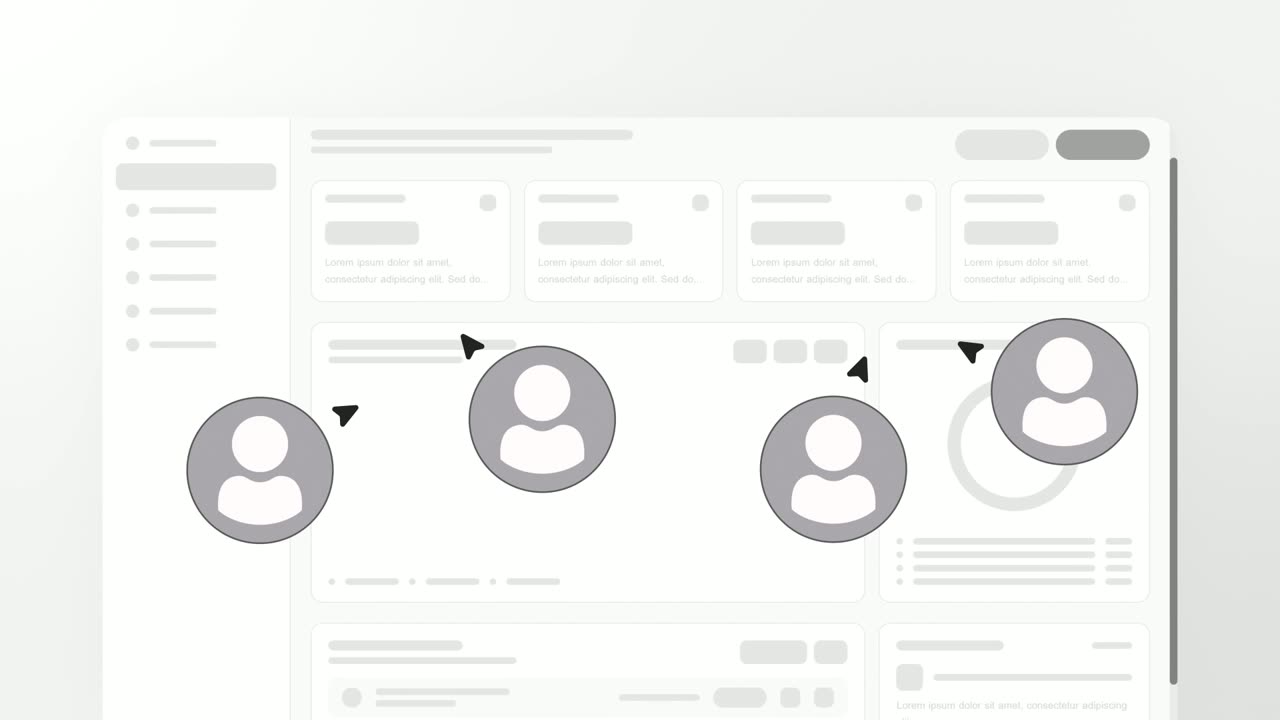
User Connection is a team collaboration animation: your real product page sits in a window while four people appear around it as avatars with moving…
Feature
Team Wall
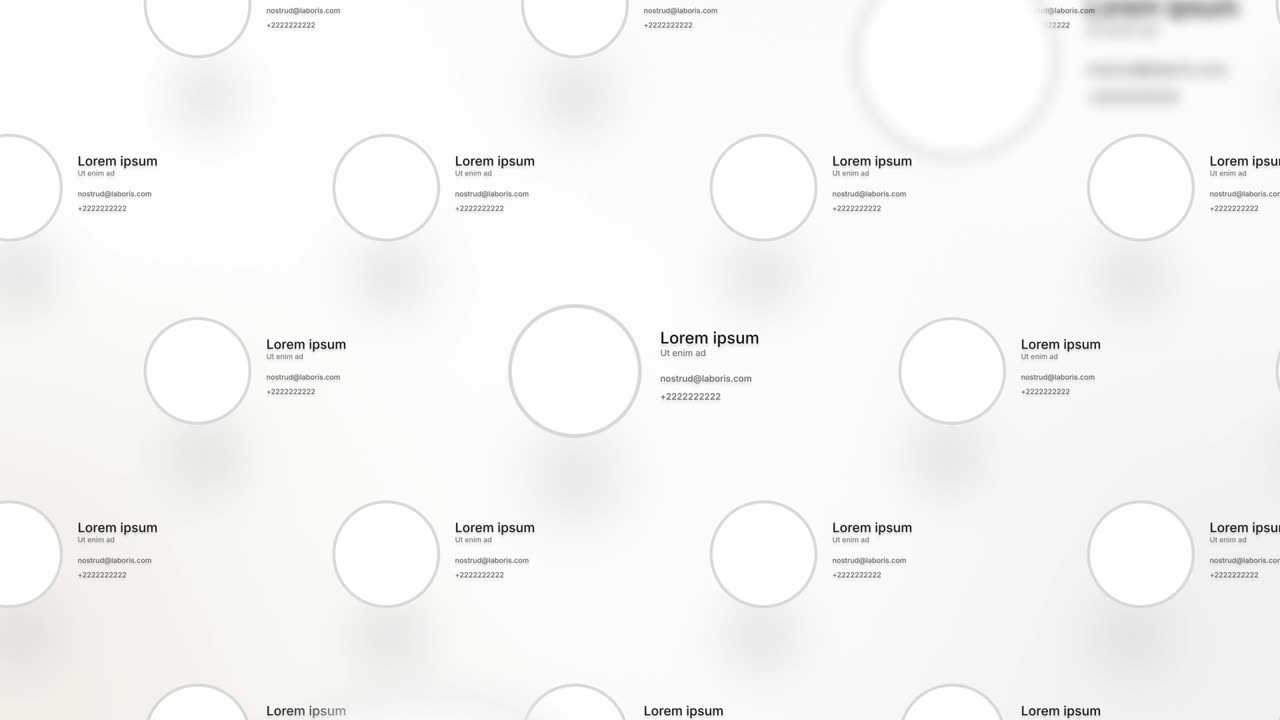
Team Wall is a meet the team scene: sixteen profile cards float in 3D, each with a face, a name, a role and two short lines of detail, and the camera…
Questions
Who are the people pinned to the globe?
Four profile photos you choose in the editor. They are not captured from your page.
Which part of my page stays visible?
The top and the sides. The globe covers the lower middle, so do not rely on anything there.
Is it right for a local business?
Not really. It is built for stories that cross borders, not local-scale ideas or tasks one person does alone.
Put Global Data Flow Dashboard in your next video
Describe the video in a sentence. The Wevi Agent reads your site, captures your product, plans the scenes and renders with voiceover and music. Start free.
Or ask your assistant: Make a launch video for mysite.com with Wevi and open on the Global Data Flow Dashboard scene