
Swirl Reveal: a feature intro animation that lands on your real UI
Swirl Reveal is a five-second scene where a short headline rises in, six photo cards of people burst out from behind it onto a turning ring, and then the ring flies out and the bottom card turns into one real element from your product. It introduces a feature or an area of the product and lands on the control or element where it starts.
The preview shows placeholder content. Your video uses your UI, words, logo and colors.
- Role
- Opener
- Length
- 5 seconds
- Uses
- Your real product UI
- Format
- 16:9, up to 4K
What it looks like
Your headline rises into the center. Six photo cards burst out from behind it onto a ring that turns slowly, whips round and lands. The ring then flies out past the frame, and the bottom card turns into your captured element, such as a button, card, input, menu or settings row. It feels lively and visual, and turns an idea into a concrete thing on screen.
It works as a feature intro or right before a demo of that feature, and it feels upbeat and visual.
Best for
- Introducing a feature right before its demo
- Landing on the button or input where a feature starts
- Opening a section of the video about one area of the product
- Introducing a feature built around people, such as sharing or teams
What you add
- A short headline
- Up to six photos of individual people
- One element captured from your product
Capture tips
- Open the page that shows the element the scene lands on, such as a button, a card, an input, a menu or a settings row.
- Leave it at rest, with no hover and no menu or tooltip open over it.
- Zoom the browser in far on the element so it fills most of the screen.
- Select the whole element out to its outer edge with its fill, border and padding. One selection only.
Videos this scene works in
Feature announcement video
One new feature, shown in context, in 15 to 30 seconds.
Read the guideProduct launch video
The 30 to 45 second video for launch day: what it is, who it is for, why now.
Read the guideRelease notes video
Turn a changelog or monthly update into a video people watch.
Read the guidePairs well with
Feature · your real UI
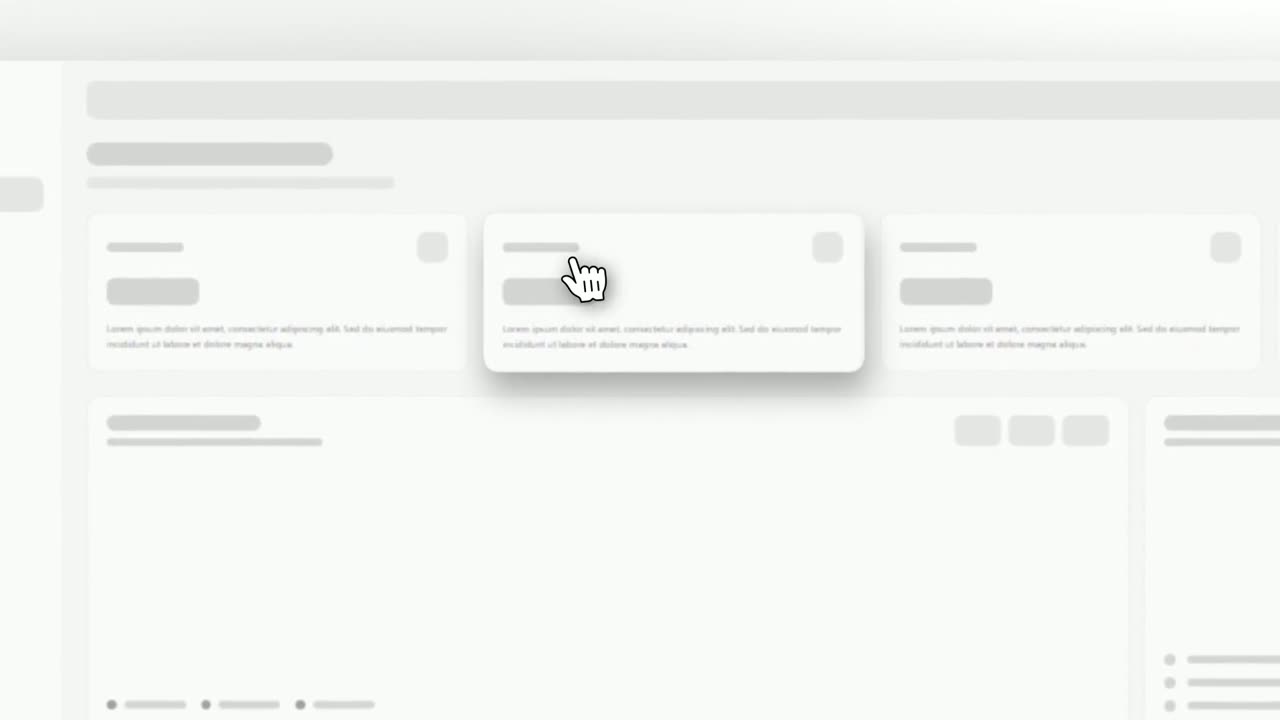
Cursor Select
Cursor Select is a five-second scene that opens on your whole product page, moves the camera in on one control, lifts it slightly and has a cursor…
Feature · your real UI
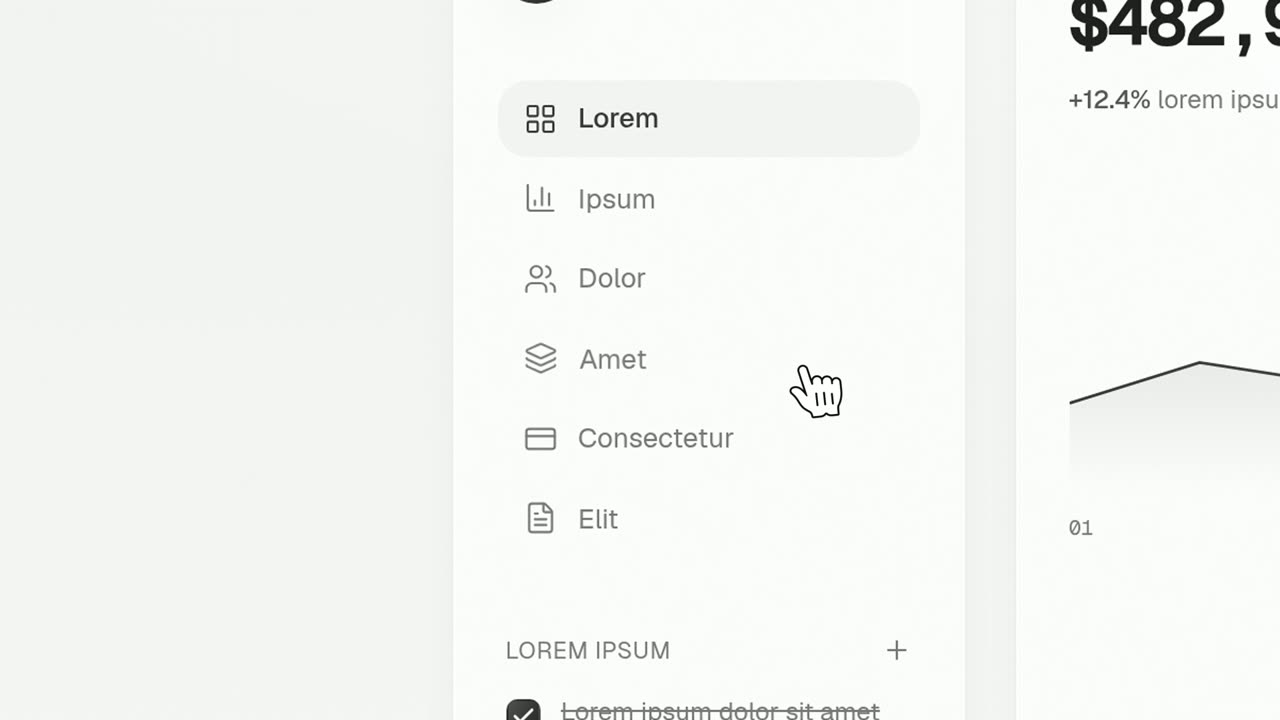
Cursor Press
Cursor Press is a three-second close-up where one real button or control from your product sits still and a cursor glides in and presses it.
Feature
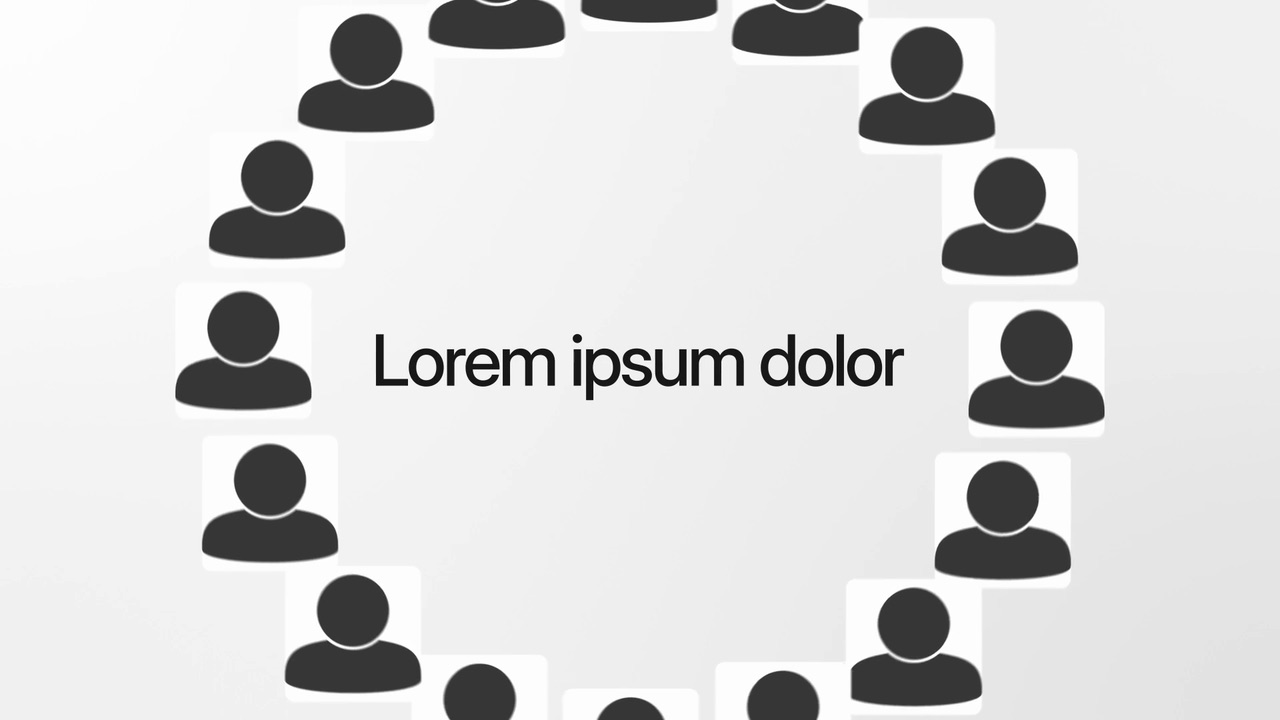
Welcome Ring
Welcome Ring is a four-second scene where a ring of square photos of people turns slowly around one short headline.
Questions
What photos can go on the ring?
Photos of individual people. Logos, screenshots and group photos do not belong in the photo slots.
When should I use a cursor template instead?
Use one when the point is how to click something. Swirl Reveal is about what the feature is, and ends on where it lives.
Can the headline hold a number?
It is weaker for numbers and long claims. Keep it to one short line that names the feature.
Put Swirl Reveal in your next video
Describe the video in a sentence. The Wevi Agent reads your site, captures your product, plans the scenes and renders with voiceover and music. Start free.
Or ask your assistant: Make a launch video for mysite.com with Wevi and open on the Swirl Reveal scene