
3D UI Hover: a 3D card hover animation where your real cards lift off the page
3D UI Hover is a 6-second scene where your whole real product page tilts into 3D and the cards and widgets you choose lift off its surface one after another and hover above it. It shows a rich screen without overwhelming anyone, giving each piece its own moment while the page stays whole. It suits dashboards, feeds and grids with many widgets.
The preview shows placeholder content. Your video uses your UI, words, logo and colors.
- Role
- Problem
- Length
- 6 seconds
- Uses
- Your real product UI
- Format
- 16:9, up to 4K
What it looks like
The scene opens on your full product page. The page tilts back into 3D, and then, one after another, the cards, tiles and widgets you picked rise off its surface and float above it. The sidebar and top bar stay flat below, which makes the lift easy to see. Each piece gets its own brief moment in the order you chose, while the page stays whole underneath. The result feels impressive and organized and runs about six seconds.
It fits the problem, solution or proof part of the video, often right after the product is introduced, and it feels impressive and organized.
Best for
- Showing a dashboard with many widgets without overwhelming viewers
- Listing what is inside your product as each piece lifts
- Showing how much fits on one screen
- Setting up how much there is to track before your product makes sense of it
What you add
- A capture of a page built from many cards, tiles or widgets
- Six to twelve whole cards, picked in the order they should lift
Capture tips
- Zoom the browser in as far as you can while everything you want in the shot still fits on screen. A bigger capture stays sharper in the video.
- Choose a page built from many cards, tiles or widgets, such as a dashboard, gallery or board.
- Pick whole cards with their own background and edge, in the order they should lift. Six to twelve read best.
- Leave the sidebar, top bar and background unselected so they stay flat and make the lift visible.
Videos this scene works in
Product demo video
Show the product working, step by step, in your real interface.
Read the guideSaaS explainer video
Problem, solution, proof. Explain what your software does in under a minute.
Read the guideProduct launch video
The 30 to 45 second video for launch day: what it is, who it is for, why now.
Read the guideFeature announcement video
One new feature, shown in context, in 15 to 30 seconds.
Read the guidePairs well with
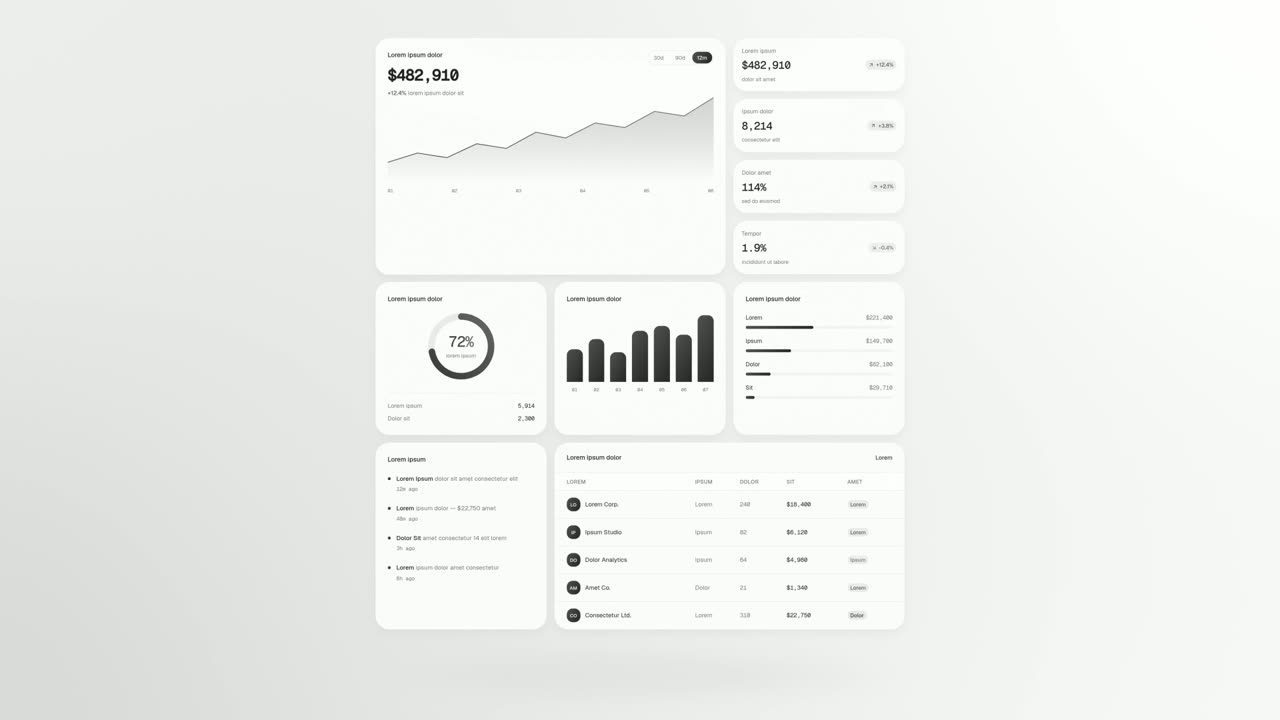
Feature · your real UI
UI Unfold
UI Unfold is a UI card animation that lays out up to twelve whole cards and panels from your real product, unfolding them flat row after row with no…
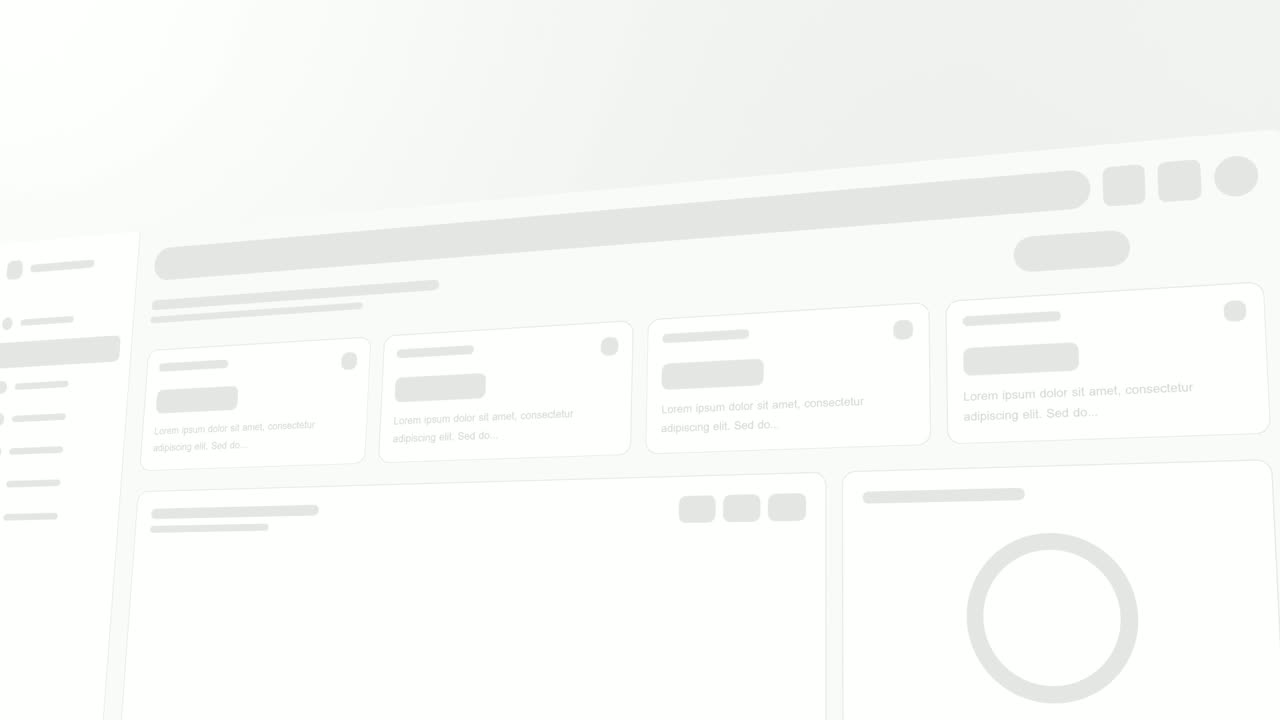
Opener · your real UI
Sweep and Reveal
Sweep and Reveal is a 4-second scene where up to seven components of your real product page appear in one gentle, continuous sweep.
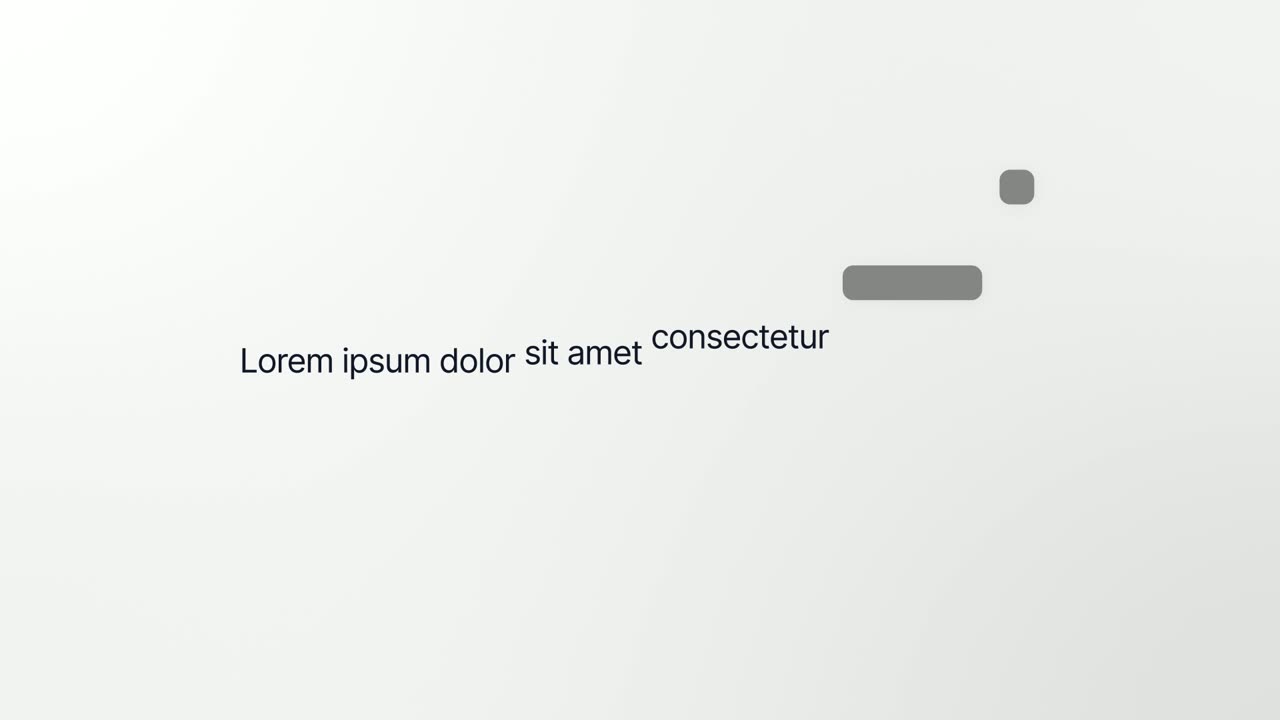
Opener · your real UI
Interface to Words
Interface to Words is a 4-second scene where your real product page breaks apart and five of its components become the words of one bold sentence.
Questions
How many cards can it lift?
Six to twelve whole cards read best, and a full grid of tiles also works. Scroll so every card you pick is fully on screen.
What is the difference from UI Unfold?
3D UI Hover keeps your page underneath as the cards lift. UI Unfold lays the cards out on their own with no page behind them.
Will it work on a simple page?
Not well. A nearly empty page, a single button or plain text has nothing to lift, so choose a busy screen.
Put 3D UI Hover in your next video
Describe the video in a sentence. The Wevi Agent reads your site, captures your product, plans the scenes and renders with voiceover and music. Start free.
Or ask your assistant: Make a launch video for mysite.com with Wevi and open on the 3D UI Hover scene