
Interface to Words: a UI to text transition that turns your product into a statement
Interface to Words is a 4-second scene where your real product page breaks apart and five of its components become the words of one bold sentence. It turns what you just showed into what it means: the value of a busy screen in one line. It is for product marketers who want a clear takeaway after a run of interface scenes.
The preview shows placeholder content. Your video uses your UI, words, logo and colors.
- Role
- Opener
- Length
- 4 seconds
- Uses
- Your real product UI
- Format
- 16:9, up to 4K
What it looks like
The scene opens on your whole product page, exactly as it looks in the browser. Then the page breaks apart. Five of its components, such as cards, buttons or stat panels, pull away and become the words of a single sentence, which takes over the frame in bold type. The motion suggests a complex screen turning into one simple idea without anyone having to say so. It lasts about four seconds and ends on the full statement.
It sits after your product scenes and right before a title or the call to action, and it feels bold and clarifying.
Best for
- Summing up a feature section in one plain sentence
- Stating the claim your product scenes have just earned
- Bridging from product footage to a title or call to action
- Suggesting that a complex tool is simple to use
What you add
- A capture of a busy page, such as a dashboard or workspace
- Exactly five compact components from the middle of that page
- One sentence of six words or more
Capture tips
- Zoom the browser in as far as you can while everything you want in the shot still fits on screen. A bigger capture stays sharper in the video.
- Choose a page with plenty of separate pieces in the middle of the screen, such as a dashboard.
- Pick exactly five compact components, like cards, buttons, stats or small panels, spread out above, below, left and right of center.
- Avoid anything at the far edges of the screen, the sidebar, the top bar or full width sections.
Videos this scene works in
Product demo video
Show the product working, step by step, in your real interface.
Read the guideSaaS explainer video
Problem, solution, proof. Explain what your software does in under a minute.
Read the guideFeature announcement video
One new feature, shown in context, in 15 to 30 seconds.
Read the guidePairs well with
Transition · your real UI
Typecast
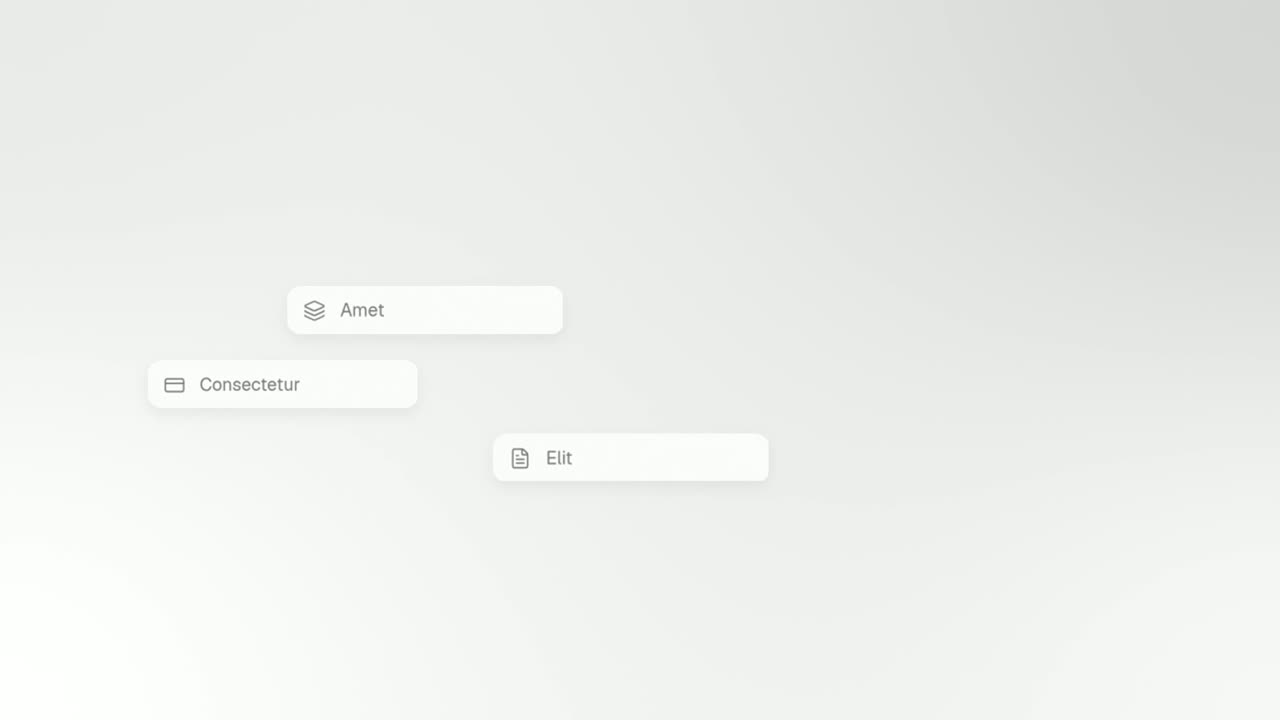
Typecast is a text to UI animation: a short headline appears, then up to three of its words are swapped for the real interface pieces they name, and…
Problem · your real UI
3D UI Hover
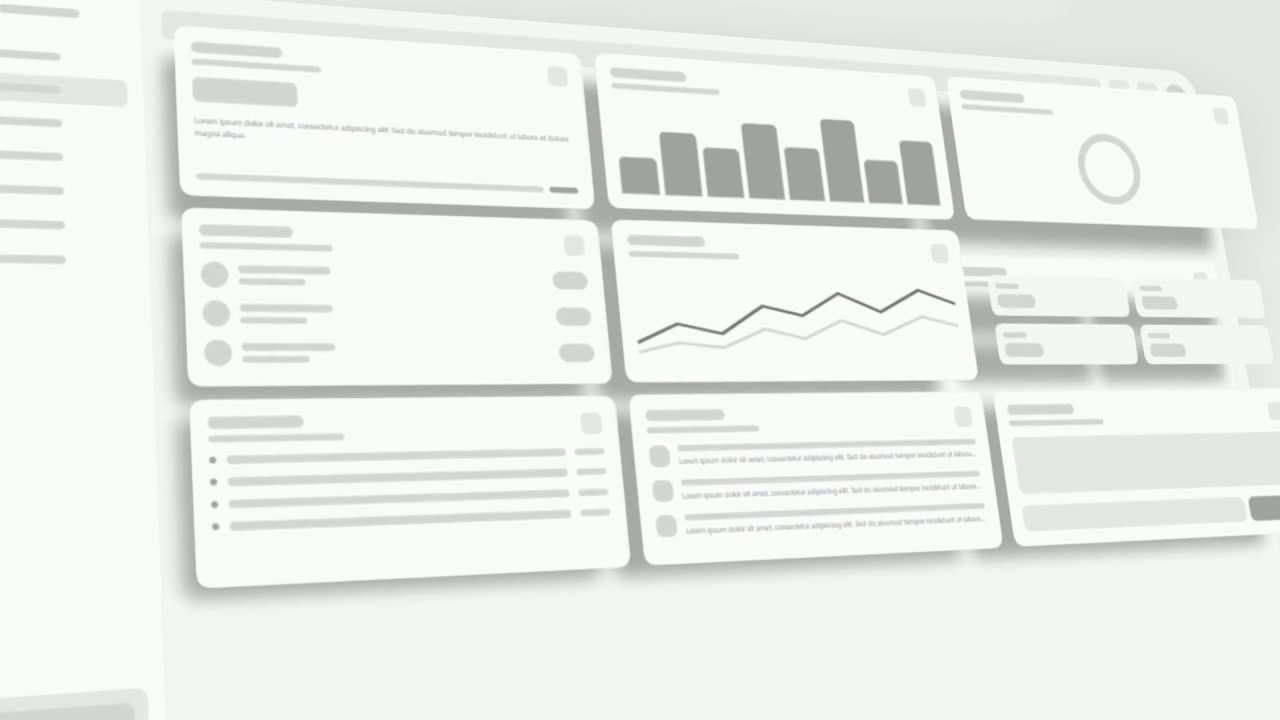
3D UI Hover is a 6-second scene where your whole real product page tilts into 3D and the cards and widgets you choose lift off its surface one after…
Ending
Call to Action
Call to Action is a call to action end screen: your logo appears, then a button that a cursor clicks, telling the viewer exactly what to do next.
Questions
How long should the sentence be?
Six words or more, written as one plain sentence. The scene is built for a statement, not a short slogan.
Is there a scene that does the opposite?
Yes. Typecast starts with a sentence and turns its words into your real product interface.
Why does the capture need exactly five components?
The template turns five pieces of your page into the sentence, so it needs five distinct, compact components from the central area of the screen.
Put Interface to Words in your next video
Describe the video in a sentence. The Wevi Agent reads your site, captures your product, plans the scenes and renders with voiceover and music. Start free.
Or ask your assistant: Make a launch video for mysite.com with Wevi and open on the Interface to Words scene