
What a launch video has to do
A launch video has one job: make someone who has never seen your product understand, in under a minute, what it is, why it matters now and what to do next. It is not a tutorial and it is not a brand film. If a viewer finishes it and cannot say what your product does in one sentence, the video failed, however good it looks.
Before you plan a single scene, write three lines:
- What it is: the product and who it is for, in plain words. "Invoicing for freelancers" is clearer than "the future of getting paid".
- Why now: the problem your audience already feels, or what is newly possible.
- What next: the one action you want, worded exactly like the button on your launch page.
Everything in the video should serve those three lines. A launch video is also the asset people reshare, so it has to work cold: in a feed with the sound off, as a thumbnail in a newsletter, in a directory gallery. That is why launch videos lean on large on-screen text and real interface shots rather than talking heads or abstract visuals.
The five-part structure, with timings
Most good launch videos land on the same shape. For a 30-second cut:
- Problem or context, 0 to 3 seconds. One line the viewer recognizes. Skip the logo intro, because nobody has a reason to care about your logo yet.
- Reveal, 3 to 8 seconds. Name the product and show it for the first time. The name should be on screen by second 8.
- Features, 8 to 18 seconds. Two or three, each shown in the real interface and each framed as an outcome ("reminders go out on schedule"), not a menu label ("automated reminder module").
- Payoff, 18 to 24 seconds. The result: the task done, the money in, the report sent.
- Call to action, last 5 seconds. Logo plus one action. Not three links.
Narration runs at about 2.5 words per second, so a 30-second script is roughly 60 to 75 words. Write it first, read it out loud against a timer, and cut until it fits with room to breathe. If you have more to say than that, you are making a demo video, not a launch video.
Getting it in front of people on launch day
Make one 16:9 master at 1080p and use it everywhere, with a different first line of copy for each channel:
- LinkedIn and X: upload the file natively instead of pasting a link. LinkedIn notes that feed videos may play automatically without sound, so your on-screen text must carry the story with the audio off. Put the product name and the one-line pitch in the post text too.
- Your homepage or launch page: place it next to the main signup button, muted, with a clear play control and a poster frame that shows the product rather than a black screen.
- Launch email: many email clients, Gmail included, will not play video inside a message. Use a still frame with a play button that links to the video.
- YouTube: upload it so you have an embeddable link for blog posts, docs and directories such as Product Hunt.
Schedule everything for the same morning so every channel points to a live page. Pin the post on your company profile for launch week, and hand the file to your sales and support teams so they can drop it into replies.
Product launch vs brand launch video
A brand launch video, for a new company, a new name or a rebrand, has a different job. It introduces who you are and what you stand for, so it trades feature scenes for the name, the look and a promise. Keep the product on screen, because software buyers trust what they can see, but show it as atmosphere rather than steps: a slow pass over the interface, the logo resolving out of the product, one line about why the company exists.
For a rebrand, say the old name once so existing customers know nothing broke. Hold back on prices and hard sells; the call to action can simply be to see the new site.
If you are launching a product and a brand at the same time, lead with the product. People forgive a plain logo animation. They do not forgive leaving without knowing what the product does.
A 28-second launch video for Ledgerly (a fictional invoicing app), scene by scene
Every scene below is a real Wevi template; open one to see it move. The narration runs at a natural pace of about 2.4 words a second, so it fits the scene.

01Problem0-3 sec
The line "Chasing invoices eats your week" zips together word by word, then splits apart.
“Chasing invoices eats your whole week.”
Template: Word Zipper. Alternatives: Hook Text Pop, Snap Expand.
02Reveal3-7 sec
The Ledgerly logo sits between two short headlines, then the real Ledgerly dashboard rises from below and fills the screen.
“Meet Ledgerly: invoicing that runs itself. Live today.”
Template: Hero Showcase. Alternatives: Opening Platform Reveal, Logo Nudge.
03Feature 17-11 sec
The real invoice page lies back in 3D as the reminders, payment link and receipt panels settle into their spots one after another.
“Reminders, payment links and receipts are built in.”
Template: Drop Into Place. Alternatives: Expand & Fill, Feature Drop-In.
04Feature 211-15 sec
The dashboard builds itself: the outstanding total, the paid this month chart and the overdue list rise into place.
“See who owes what the moment you log in.”
Template: Rise & Reveal. Alternatives: Sweep and Reveal, Window Rise.
05Action15-18 sec
The real Send invoice button sits alone on the brand background and a cursor presses it.
“Send it in one click.”
Template: Simple Button Press. Alternatives: Cursor Press.
06Payoff18-23 sec
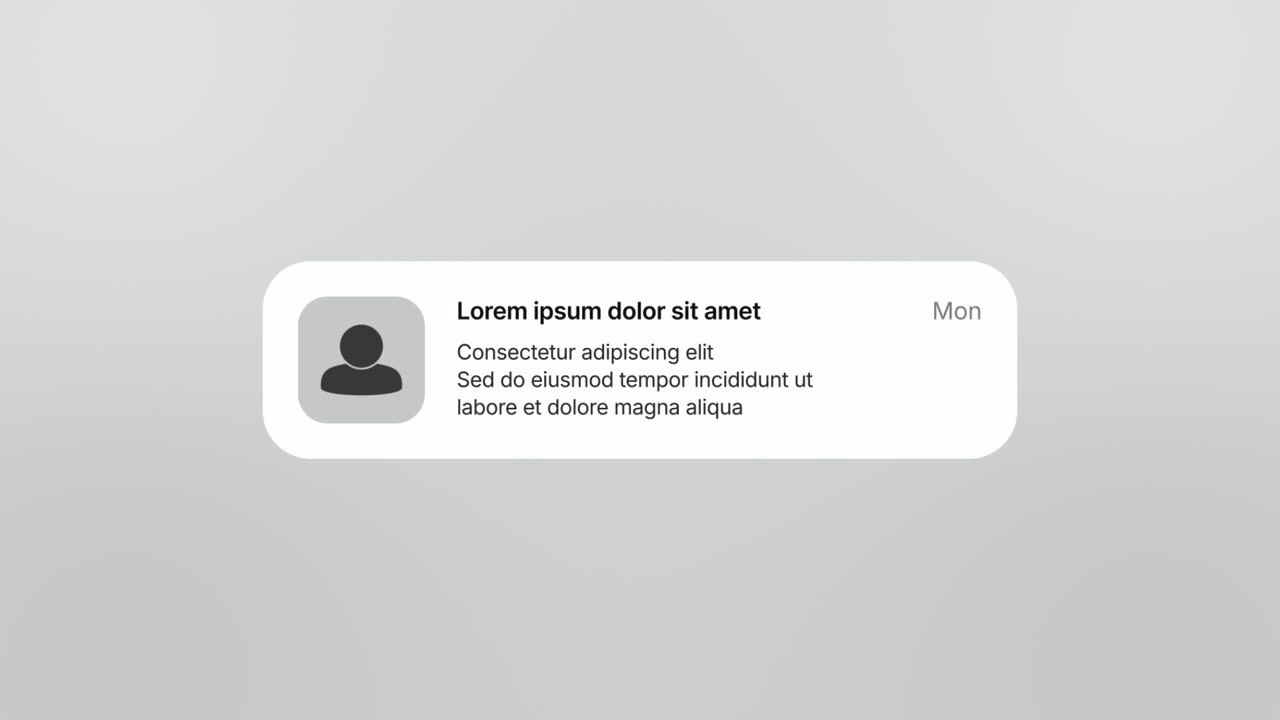
An app icon with a badge opens into a phone-style banner from Ledgerly: "Invoice 1042 paid".
“Then get a ping the moment a client pays.”
Template: Notification Pop. Alternatives: Push Down.
07Call to action23-28 sec
The Ledgerly logo appears, then a "Start free" button that the cursor clicks.
“Ledgerly is live. Send your first invoice free.”
Template: Call to Action. Alternatives: Logo Unfold.
Checklist
- Write the one-sentence pitch before you plan any scenes: what it is and who it is for.
- Pick two or three features at most, each shown in the real product.
- Get the product name on screen within the first 8 seconds.
- Fill your demo account with realistic names, amounts and dates, with no placeholder text.
- Make sure the on-screen text tells the whole story with the sound off.
- Use the same call-to-action wording as the button on your launch page.
- Watch the final cut on a phone, once with sound and once muted.
- Upload to YouTube a day early so you have a working link for embeds and directories.
- Choose a poster frame that shows the product and its name, not a blank intro frame.
Mistakes to avoid
- A long logo intro
- Viewers decide in the first seconds whether to keep watching. Open on the problem or the product, and save the logo for the reveal and the ending.
- Listing every feature
- Ten features in 30 seconds means none of them registers. Pick the two or three that explain why someone would switch, and leave the rest for the demo.
- Mockups that do not match the product
- If the video shows polished concepts and signup leads somewhere that looks different, trust drops at the moment you need it most. Show the interface people will actually get.
- A script that does not fit
- At about 2.5 words per second, a 30-second video holds roughly 70 words. Cramming in more makes the narrator rush and cuts scenes before anyone can read them.
- Three calls to action
- Sign up, book a demo and follow us splits a small amount of attention three ways. End on one action that matches your launch page.
How to make it with Wevi
Add your website
Paste your URL and Wevi pulls your logo, brand colors and fonts, so every scene of the launch video matches your launch page.
Plan the launch story
Describe the product, the audience and what is launching in a short brief, and the Wevi Agent drafts the scenes, on-screen copy and narration. Or pick the templates yourself using the recipe on this page.
Capture the real product
Wevi opens your site or app in a real browser and lifts out the components you choose, such as cards, buttons and dashboards, so they can move on their own. For pages behind your login you sign in yourself; Wevi never asks for your password.
Render and ship
Pick an AI voice and a music track and render a 16:9 video at up to 4K depending on your plan. You can also ask Claude or ChatGPT to build the whole launch video in one request through Wevi's MCP connector.
Templates for this video
Opener · your real UI
Hero Showcase
Hero Showcase is a 4-second scene that goes from your brand straight into your product: your logo sits in the center with two short headlines, then…
Opener
Logo Unfold
Logo Unfold is a 3-second brand scene where your logo lands first, then glides aside while your brand name comes out from behind it one letter at a…
Feature · your real UI
Drop Into Place
Drop Into Place is a four-second scene where your real page lies back in 3D under a close, cinematic lens and up to eleven of its components come…
Feature · your real UI
Rise & Reveal
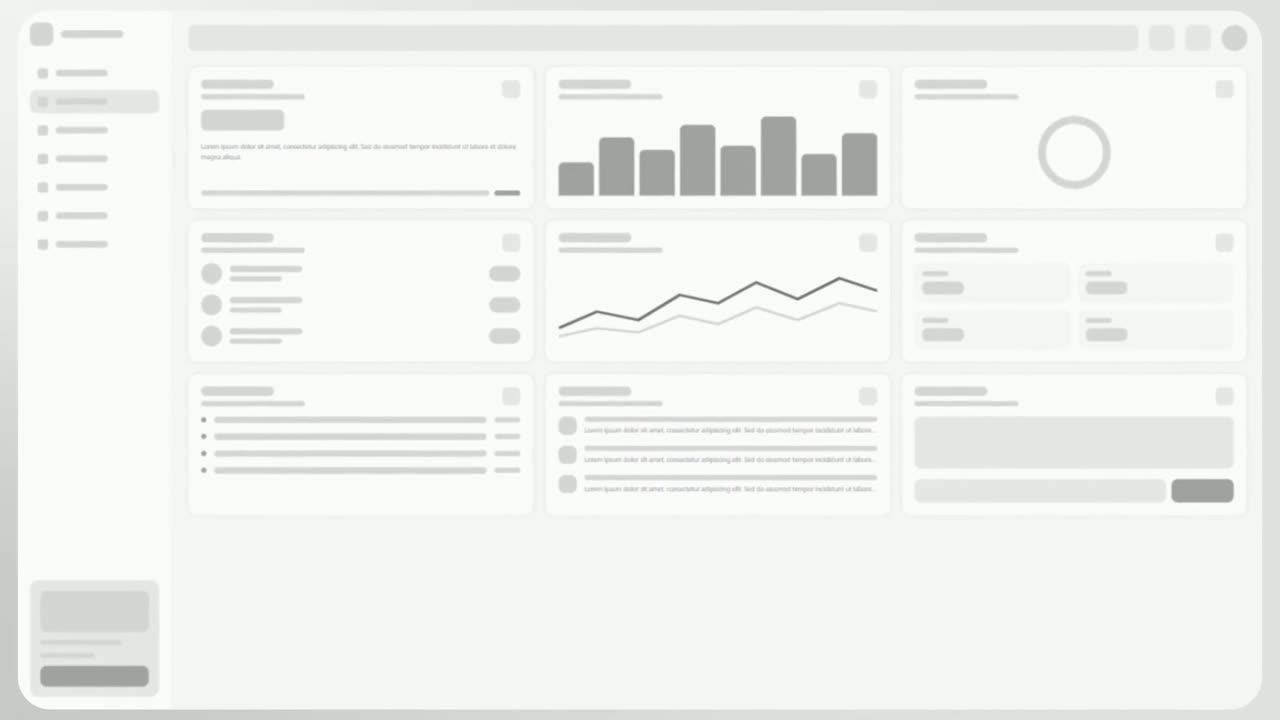
Rise & Reveal is a 3D dashboard animation where your real product page tilts back and its cards and panels rise into place one after another until…

Feature · your real UI
Cinematic Hero
Cinematic Hero is a five-second mood shot where the camera drifts slowly over one corner of your real product page with shallow focus, soft light and…
Feature · your real UI
Cascade Land V2
Cascade Land V2 is a high-energy scene where cards captured from your product fly in through a fast 3D camera move, land together as your real page…
Questions
How long should a product launch video be?
Between 20 and 45 seconds for feeds, launch posts and your homepage. That is long enough to name the product, show two or three features and end on one action. If you need two minutes to explain it, make a separate demo video and link to it.
What should a product launch video include?
A problem or context line, the product name and first look, two or three features shown in the real interface, a payoff, and one call to action. Every scene should help answer what it is, why it matters now and what to do next.
What do the best product launch video examples have in common?
They show the real product within the first few seconds, say what it does in plain words, and end on a single action. Most run under a minute, use large on-screen text so they work with the sound off, and focus on a handful of features instead of the whole roadmap.
Should I use a screen recording or motion graphics?
For a launch, motion graphics built from your real interface usually work better: the camera can push in on the part that matters, waiting time disappears, and text stays readable on a phone. Screen recordings suit longer walkthroughs where viewers need to follow every click.
Can I make a vertical version for TikTok or Reels with Wevi?
No. Wevi exports 16:9 (1920x1080) or 16:12 (1920x1440), which suits LinkedIn, X, YouTube, websites and email. If vertical placements matter for your launch, you will need a separate tool for that cut.
Do I need a voiceover?
It is not required, since feeds often autoplay without sound, but narration helps viewers who turn sound on and makes the video work on your site and YouTube. Write the on-screen text so it stands alone, then add a voiceover that adds context rather than repeating every word.