
Feature Drop-In: a fast feature highlight animation for your real product
Feature Drop-In is a three-second scene where one real component from your product floats alone, large enough to read, and then the shot cuts to the same component sitting in its place as your page arrives around it. It points at one thing fast: the detail first, the context second.
The preview shows placeholder content. Your video uses your UI, words, logo and colors.
- Role
- Feature
- Length
- 3 seconds
- Uses
- Your real product UI
- Format
- 16:9, up to 4K
What it looks like
One component, such as a labelled button, a card, a chart or a panel, sits alone in the middle of the frame, big and readable. Then the shot cuts and the same component is back in its home on your real page while the rest of the interface arrives around it. The move is plain and direct: here it is, and here is where it lives in the product.
It fits anywhere in a run of features, a plain and direct pointer that keeps the pace up.
Best for
- Moving quickly through a list of features or updates
- Pointing at a single figure or chart worth reading
- Showing a control first and then where to find it
- Keeping a release notes video moving at pace
What you add
- A complete-looking page where the feature lives
- The one component the scene is about, captured from that page
Capture tips
- Open the page where the feature lives and make sure it looks complete, because the scene ends on that page.
- Pick one component that makes sense on its own, like a labelled button, card, panel, input or widget.
- Zoom in further for a small button.
- Avoid bare icons, lines of body text, and hovered, pressed or half-loaded states.
Videos this scene works in
Pairs well with
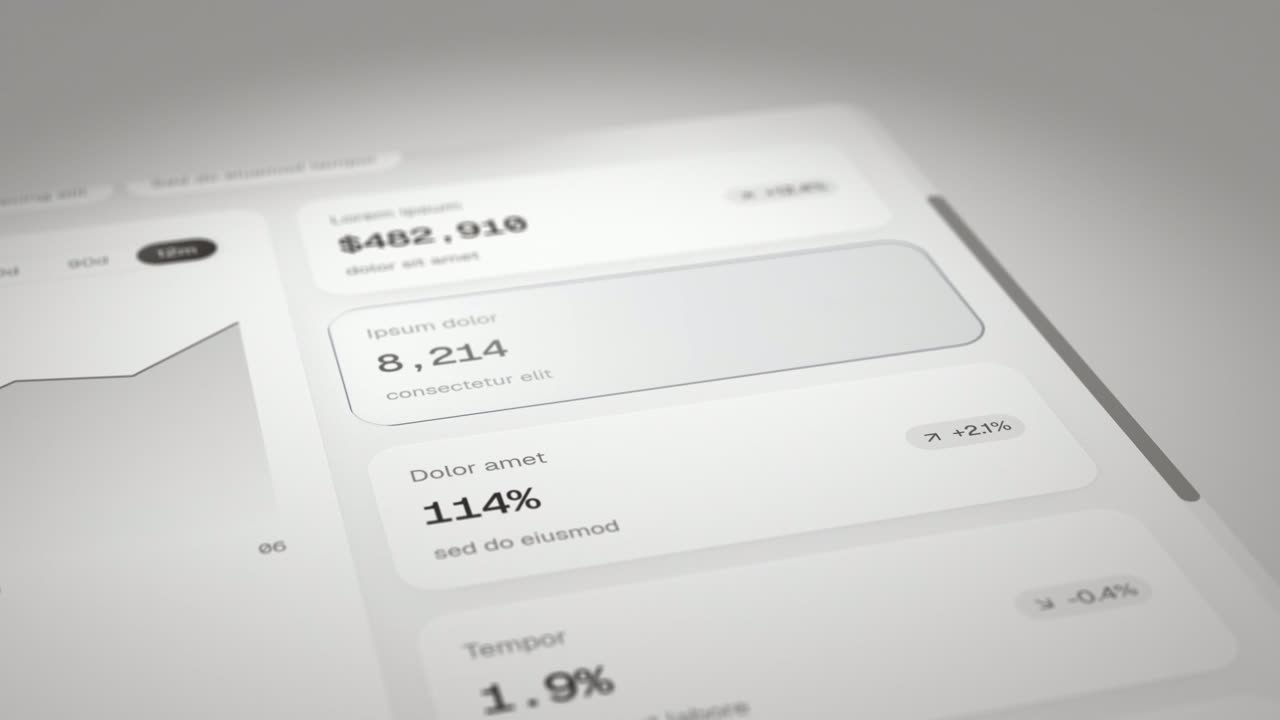
Feature · your real UI
Expand & Fill
Expand & Fill is a five-second scene where your real page lies back in 3D, an outline grows from a single point in the empty spot where one component…
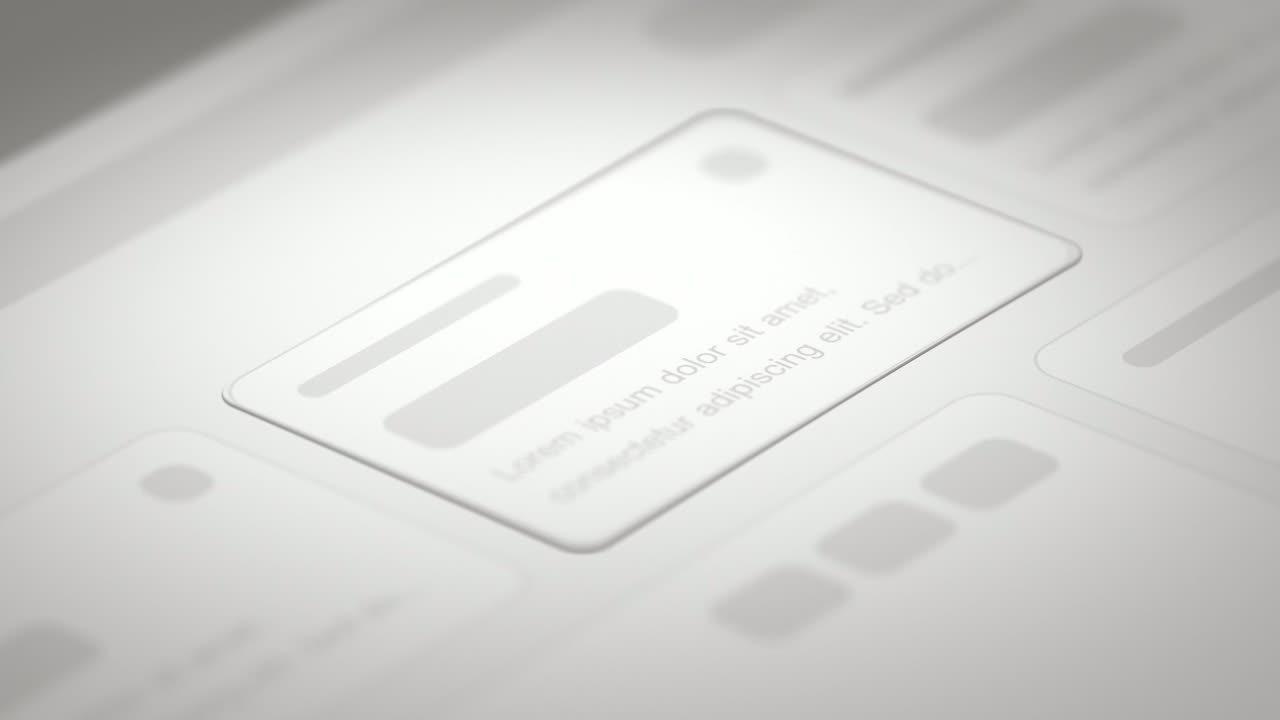
Feature · your real UI
Drop Into Place
Drop Into Place is a four-second scene where your real page lies back in 3D under a close, cinematic lens and up to eleven of its components come…
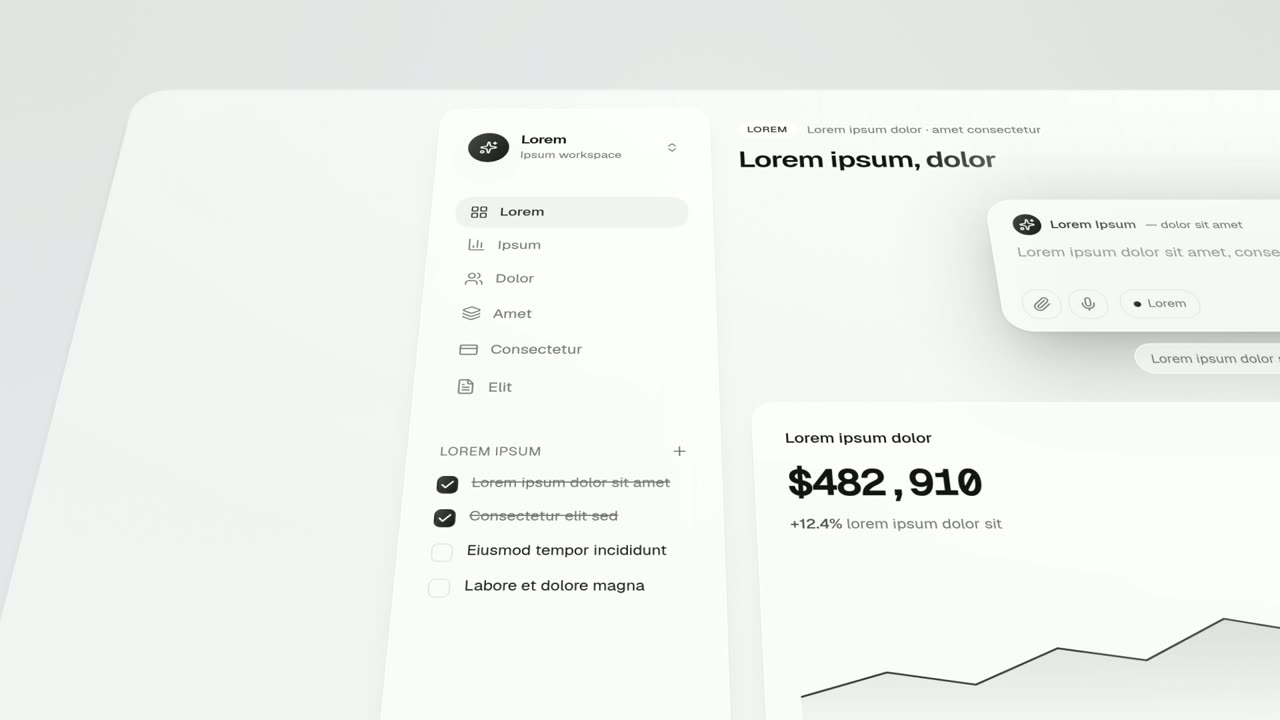
Feature · your real UI
Feature Lineup
Feature Lineup is a five-second scene where a set of real interface pieces flies up into a clean, centered lineup in front of their own page, then…
Questions
Why choose Feature Drop-In over Expand & Fill?
Speed. At about three seconds it is the quickest single-feature scene, while Expand & Fill and Drop Into Place are slower and more cinematic.
Can it show several features at once?
No, one component per scene. For a set of pieces that line up and then fly home, use Feature Lineup.
What should the voiceover say?
The picture already says here it is, so the line should say what the feature is for.
Put Feature Drop-In in your next video
Describe the video in a sentence. The Wevi Agent reads your site, captures your product, plans the scenes and renders with voiceover and music. Start free.
Or ask your assistant: Make a launch video for mysite.com with Wevi and open on the Feature Drop-In scene