
Avatar Stat Line: a social proof animation with faces and one stat
Avatar Stat Line is a three-second scene that builds one short claim about people: a stack of up to five overlapping avatar photos sits above the opening words, then the camera pulls back as a stat or key word types in and the line completes. Use it to say what a team, your customers or your users get, as a headline result or as social proof.
The preview shows placeholder content. Your video uses your UI, words, logo and colors.
- Role
- Feature
- Length
- 3 seconds
- Uses
- Your words and logo
- Format
- 16:9, up to 4K
What it looks like
A stack of overlapping avatar photos sits above the first words of the line, which fill the frame on their own. The camera then pulls back while a figure or key word types in and slides into place, and the rest of the line types on after it. The scene ends on one clean wide shot with the whole claim readable at once. The stack holds up to five faces, or none at all.
It lands as the payoff right after the problem or as proof just before the call to action, and it feels confident and clean.
Best for
- Stating a headline result your customers got, backed by a real figure
- Adding social proof just before the call to action
- Landing the payoff right after you describe the problem
- Saying what a team or community gets from your product in one line
What you add
- Up to five photos of different people, or none
- The opening words of the claim
- A stat or a key word
- The end of the line
No recording needed
This scene is built from your words, logo and brand colors. Add your website and Wevi pulls your logo, colors and fonts, so it matches your product without design work.
Videos this scene works in
Funding announcement video
Pair the funding news with what customers get from it.
Read the guideLinkedIn and X product video
Product videos that work in LinkedIn and X feeds, sound off.
Read the guideSaaS promo video
A punchy promo for ads, social and email, built from your product.
Read the guideProduct launch video
The 30 to 45 second video for launch day: what it is, who it is for, why now.
Read the guidePairs well with
Feature
Team Wall
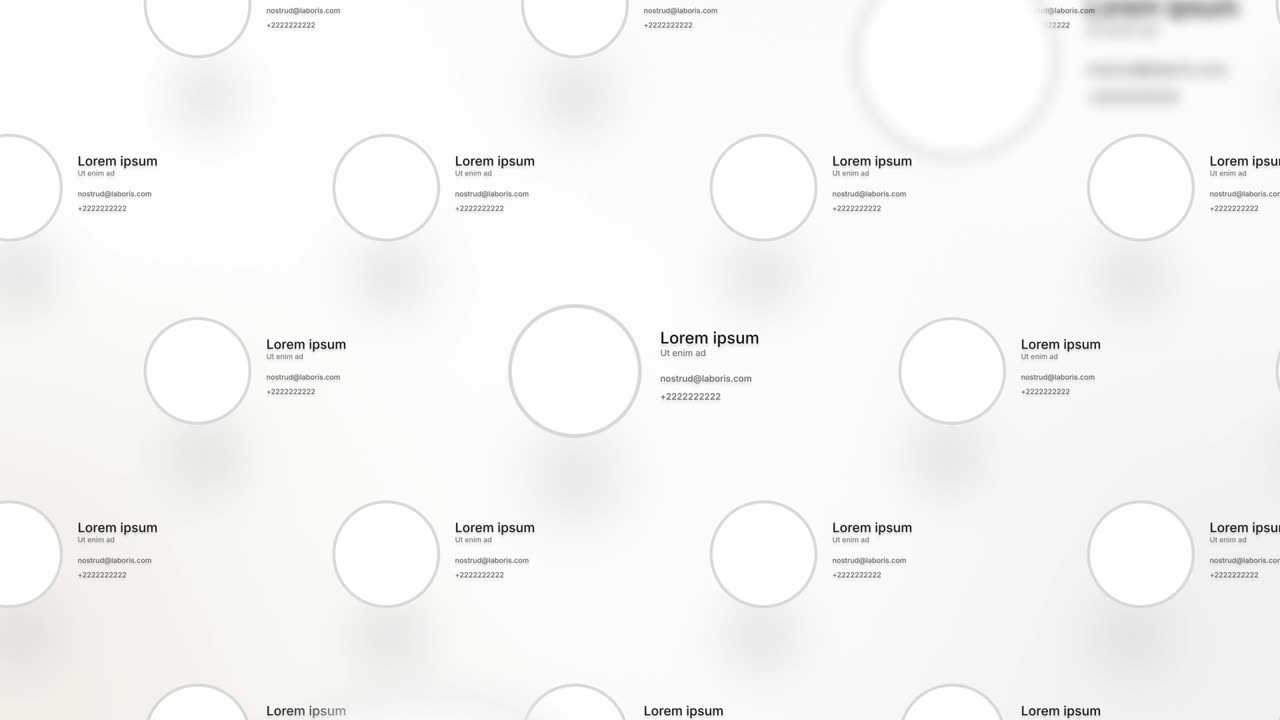
Team Wall is a meet the team scene: sixteen profile cards float in 3D, each with a face, a name, a role and two short lines of detail, and the camera…

Transition
Dial In
Dial In is a number counter animation for a single result: a dial of numbers spins in under a needle, slows and lands on your figure, then the rest…
Transition
Typed Motion Title
Typed Motion Title is a smooth text animation: one short line glides into view from behind an invisible edge and holds.
Questions
Do I need a number for Avatar Stat Line?
No. The key word can be a figure or plain words. Only use a figure your own data supports, and never make one up.
What photos work in the avatar stack?
Photos of real people, each person used once. Logos and illustrations do not belong there, and the stack can also be left empty.
What if I want to show a whole crowd of people?
Use Team Wall to show many people at once, or Typed Motion Title for a line with no people at all.
Put Avatar Stat Line in your next video
Describe the video in a sentence. The Wevi Agent reads your site, captures your product, plans the scenes and renders with voiceover and music. Start free.
Or ask your assistant: Make a launch video for mysite.com with Wevi and open on the Avatar Stat Line scene