
Simple Button Press: a one-click button animation with your real button
Simple Button Press is a button press animation that puts one real button from your product alone on a clean background and has a cursor click it. At under two seconds it is one of the shortest scenes in Wevi, so it works as punctuation: the click that starts everything, or proof that something takes one step. It suits any product whose key action is a single, clearly labelled button.
The preview shows placeholder content. Your video uses your UI, words, logo and colors.
- Role
- Feature
- Length
- 3 seconds
- Uses
- Your real product UI
- Format
- 16:9, up to 4K
What it looks like
A single button captured from your app sits on its own, with no page or menu around it. A cursor comes in and presses it. That is the whole scene, and it is over in under two seconds. Because nothing else is on screen, the viewer's eye goes straight to the action, so the word on the button, such as Export or Get started, carries the message. The cut is clean and the click lands sharp and decisive.
It usually drops in between two longer scenes or near the end before the outro, and it feels quick and decisive.
Best for
- Marking the single click that starts a workflow
- Proving that a task takes one step
- Adding a quick pause between two longer product scenes
- Pressing your real sign up or purchase button near the end of the video
What you add
- One filled, clearly labelled button from your live product
- A page you can open in a browser where that button sits at rest
- A very short voiceover line, if any, naming the action
Capture tips
- Zoom the browser in on the button before you capture. Only the button is used, so bigger on screen means sharper in the video.
- Pick exactly one filled, labelled button, not a text link, a bare icon, a card or a group of buttons.
- Capture it in its normal resting state, not hovered, pressed, focused or disabled. The scene adds the click.
- Choose a button on a plain background with no tooltip or dropdown open over its edges.
Videos this scene works in
Pairs well with
Feature · your real UI
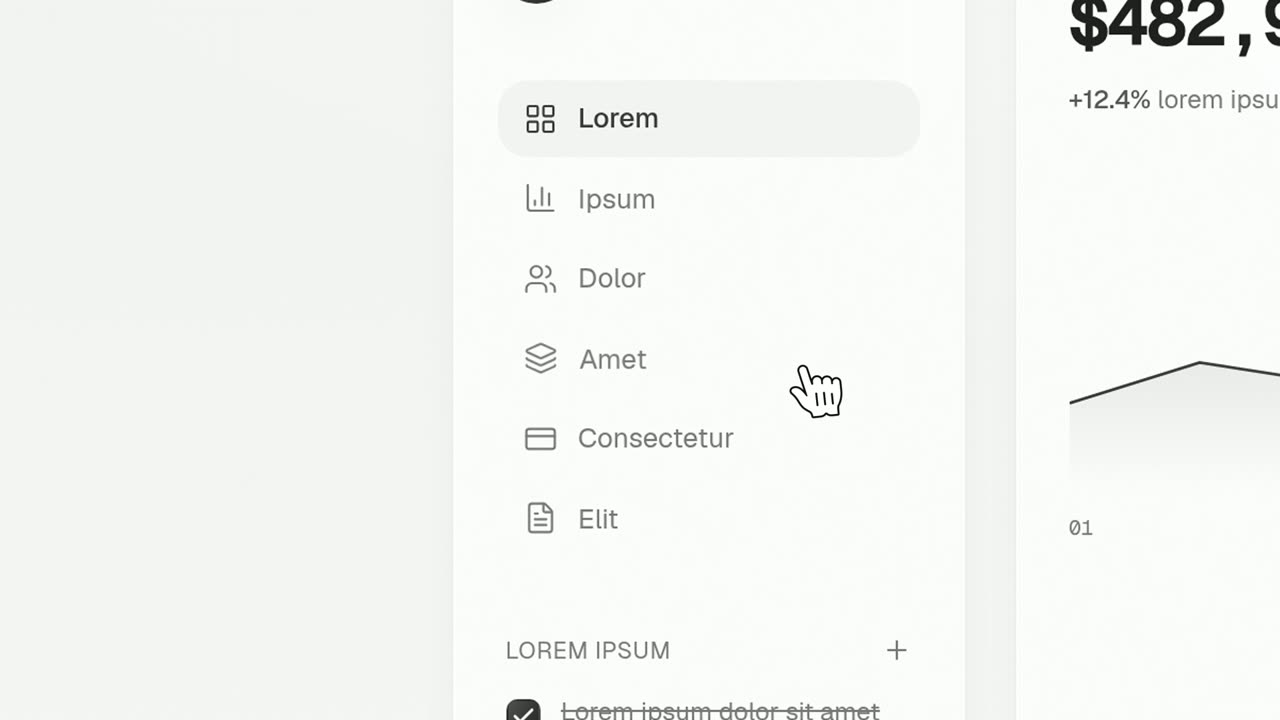
Cursor Press
Cursor Press is a three-second close-up where one real button or control from your product sits still and a cursor glides in and presses it.
Feature · your real UI
Floating Button Press
Floating Button Press is a five-second scene that starts on your full interface in 3D, lifts a single button out of it to float alone in the center…
Ending
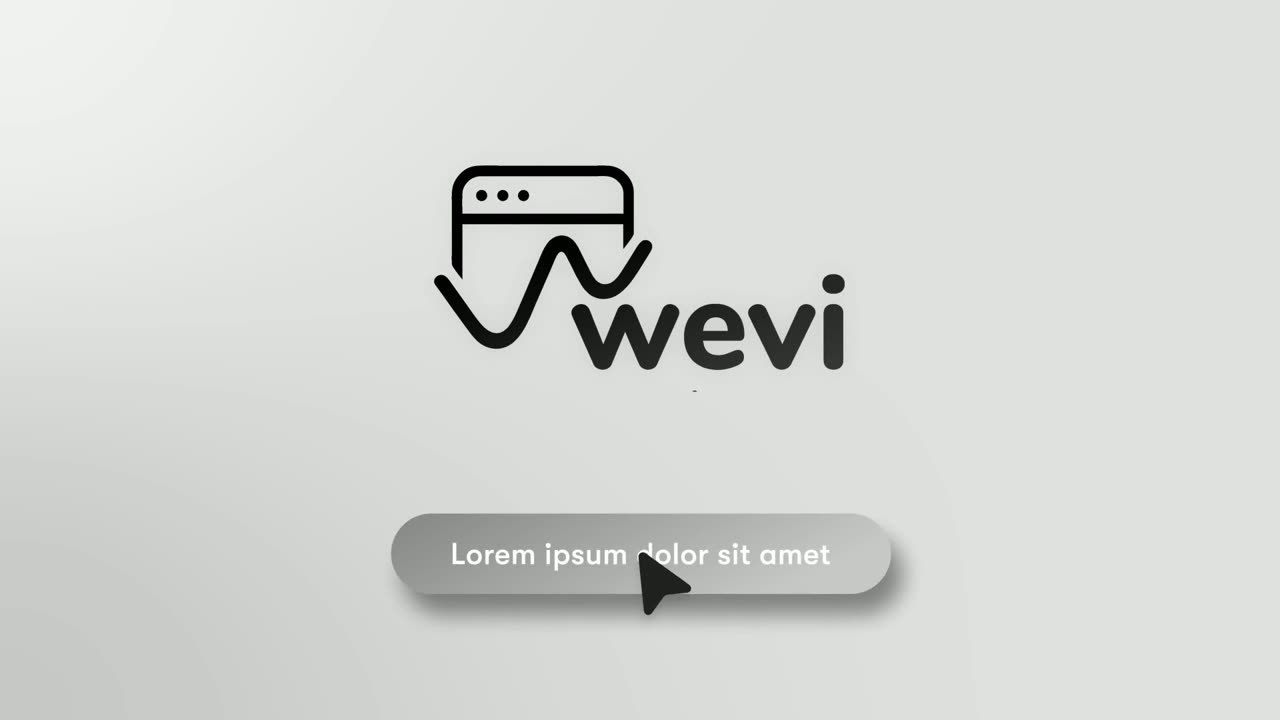
Call to Action
Call to Action is a call to action end screen: your logo appears, then a button that a cursor clicks, telling the viewer exactly what to do next.
Questions
How is Simple Button Press different from Cursor Press and Floating Button Press?
Simple Button Press shows the button alone with no page around it. Cursor Press shows the button in close up on its page, and Floating Button Press lifts the button out of the full page before the click.
What text appears on the button?
Whatever your real button says, because it is captured from your live product. Pick the button whose label best names the action you want viewers to remember.
Is it long enough for narration?
It runs under two seconds, so keep any voiceover over it to a few words and let the click do the talking.
Put Simple Button Press in your next video
Describe the video in a sentence. The Wevi Agent reads your site, captures your product, plans the scenes and renders with voiceover and music. Start free.
Or ask your assistant: Make a launch video for mysite.com with Wevi and open on the Simple Button Press scene