
AI Chat Reply: an AI chat animation where your product answers a customer
AI Chat Reply is a five-second scene where a customer's message sits at the top, your logo appears, and your AI's reply streams in with a heading, up to six short points and a closing line. It is made for assistants, agents and copilots that produce something for someone, such as a plan, an answer, a checklist or a draft.
The preview shows placeholder content. Your video uses your UI, words, logo and colors.
- Role
- Feature
- Length
- 5 seconds
- Uses
- Your words and logo
- Format
- 16:9, up to 4K
What it looks like
A customer message with the sender's photo sits at the top of the frame. Your logo appears as the one answering, and a reply streams in: a heading, an optional list of up to six short points, then a closing line. A whip cut carries the payoff a little over three seconds in, and the customer comes back with one short follow-up to close the exchange. It moves quickly and feels helpful and capable.
It sits in the middle of the video where the product gets to work, and it feels quick, helpful and confident.
Best for
- Showing your AI assistant turning one request into a plan, draft or answer
- Holding the customer's pain and your fix in a single scene
- Listing the steps your AI takes or the things it delivers
- Demonstrating a copilot feature without capturing any screens
What you add
- One customer request, which can be their pain in their own words
- A customer photo
- A reply heading, up to six short points and a closing line
- One short customer follow-up
- Your logo, pulled from your site
No recording needed
This scene is built from your words, logo and brand colors. Add your website and Wevi pulls your logo, colors and fonts, so it matches your product without design work.
Videos this scene works in
AI product demo video
Show prompts, answers and agents at work without a shaky screen recording.
Read the guideProduct demo video
Show the product working, step by step, in your real interface.
Read the guideSaaS explainer video
Problem, solution, proof. Explain what your software does in under a minute.
Read the guidePairs well with
Feature
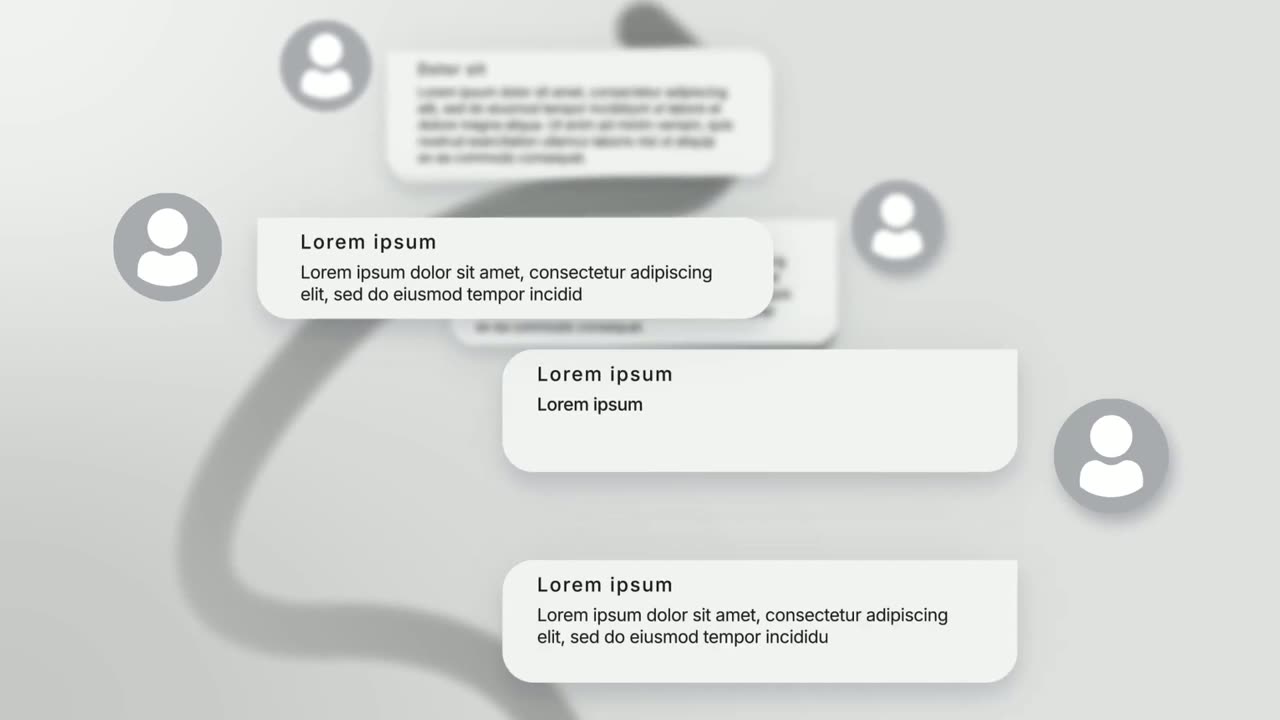
Chat Conversation
Chat Conversation is a seven-second scene where five chat bubbles appear one after another with names and photos: a customer asks and your brand…
Feature
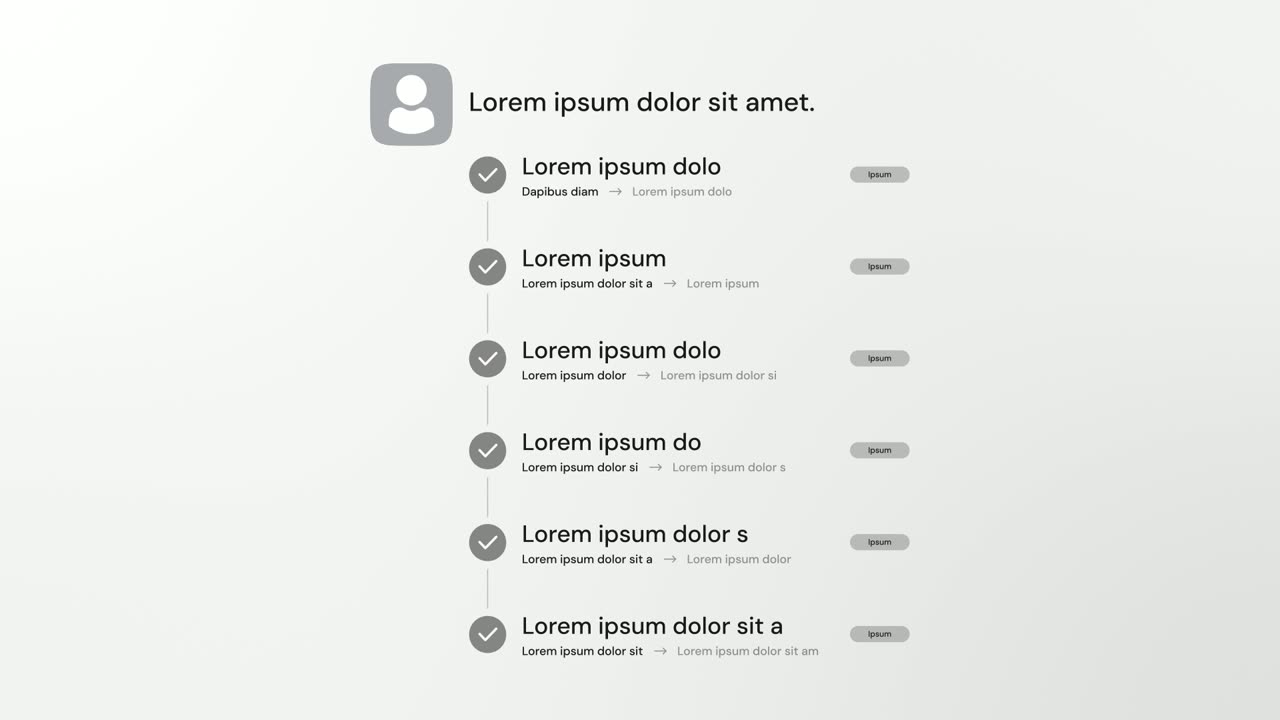
AI Checklist
AI Checklist is a five-second scene in which your logo and a one-line reply sit at the top while up to six rows build underneath, each with a check…
Opener
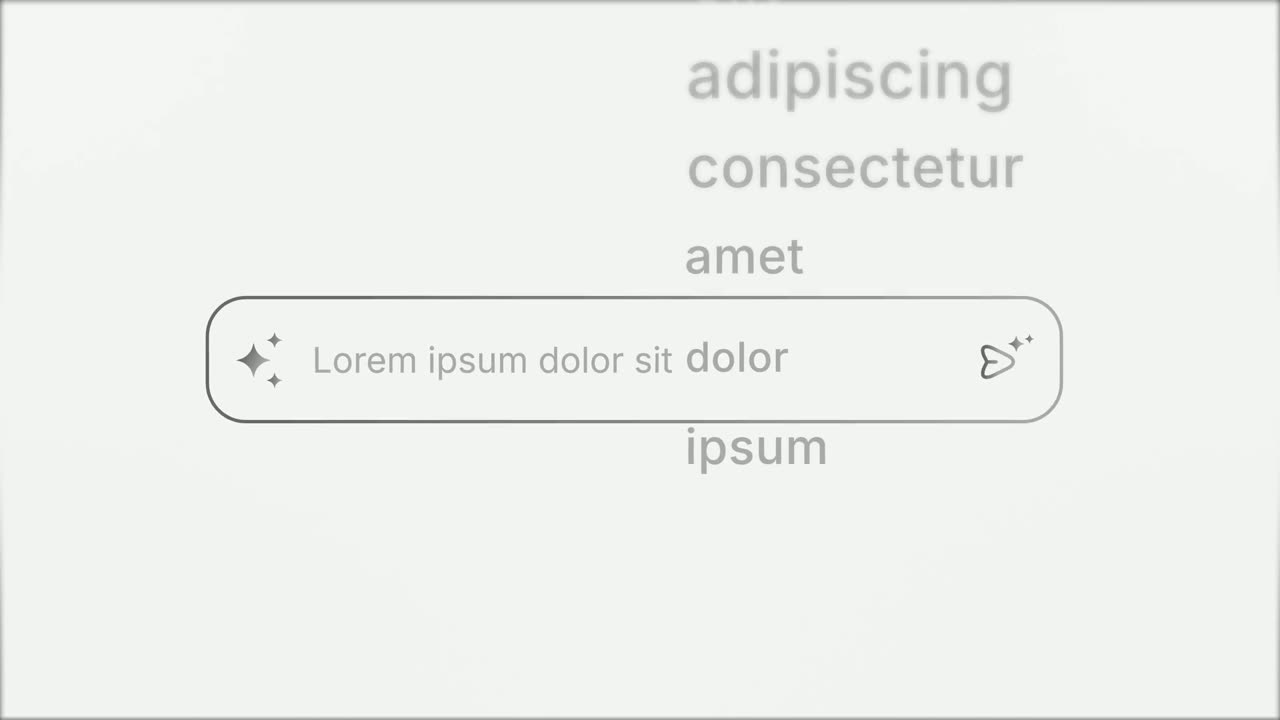
Prompt Input
Prompt Input is a 5-second scene where an icon opens into a prompt box, a request types itself in close up, then the shot goes wide and the end of…
Questions
How is AI Chat Reply different from Chat Conversation?
AI Chat Reply is strictly one request and one streaming reply from your AI. Chat Conversation is a dialogue of several bubbles between customers and your brand.
Should I name the AI in the reply?
There is no need. Your logo tile already shows who is answering, so leave out the AI's name and any speaker names.
How long should the voiceover be?
One short sentence of about 8 to 12 words that names the customer's goal and what the AI builds, landing the payoff on the whip cut.
Put AI Chat Reply in your next video
Describe the video in a sentence. The Wevi Agent reads your site, captures your product, plans the scenes and renders with voiceover and music. Start free.
Or ask your assistant: Make a launch video for mysite.com with Wevi and open on the AI Chat Reply scene