
Cinematic Hero: a cinematic UI animation that sets the mood for your product
Cinematic Hero is a five-second mood shot where the camera drifts slowly over one corner of your real product page with shallow focus, soft light and glow. It sells a feeling rather than a function, which makes it right for dramatic openings, first glimpses of a product and premium moments in a launch video.
The preview shows placeholder content. Your video uses your UI, words, logo and colors.
- Role
- Feature
- Length
- 5 seconds
- Uses
- Your real product UI
- Format
- 16:9, up to 4K
What it looks like
Your captured page fills the frame and the camera floats slowly over its top left corner. The focus is shallow, so a logo, an avatar, a bold heading or a colored button sits sharp while the rest falls into a soft blur. Light glows across the surface. Nothing is clicked, nothing is explained and nothing stays readable for long. It is a calm, expensive-feeling pause that often lets the music carry the moment.
It works as a dramatic opening or as a quiet premium moment late in the video, and it feels calm, expensive and important.
Best for
- Opening a launch video with a first glimpse of the product
- Adding a premium pause near the end, before the call to action
- Slowing the pace between fast feature scenes
- Setting the tone for an announcement with music and little or no narration
What you add
- Your best looking product page, captured whole
- Optionally, one short atmospheric voiceover line
Capture tips
- Zoom the browser in as far as you can while everything you want in the shot still fits on screen. A bigger capture stays sharper in the video.
- Choose the best looking page in your product, for looks rather than detail, then scroll to the top.
- Check the top left quarter of the screen: the camera stays close there, so it should hold shape and color like a logo, an avatar, a bold heading, colored buttons or a chart.
- Avoid pages whose top left is empty or plain text, and skip blank or loading states.
Videos this scene works in
Product launch video
The 30 to 45 second video for launch day: what it is, who it is for, why now.
Read the guideWebsite hero video
A silent, looping product video for the top of your homepage.
Read the guideFunding announcement video
Pair the funding news with what customers get from it.
Read the guideProduct Hunt launch video
The first item in your Product Hunt gallery, made to stop the scroll.
Read the guidePairs well with
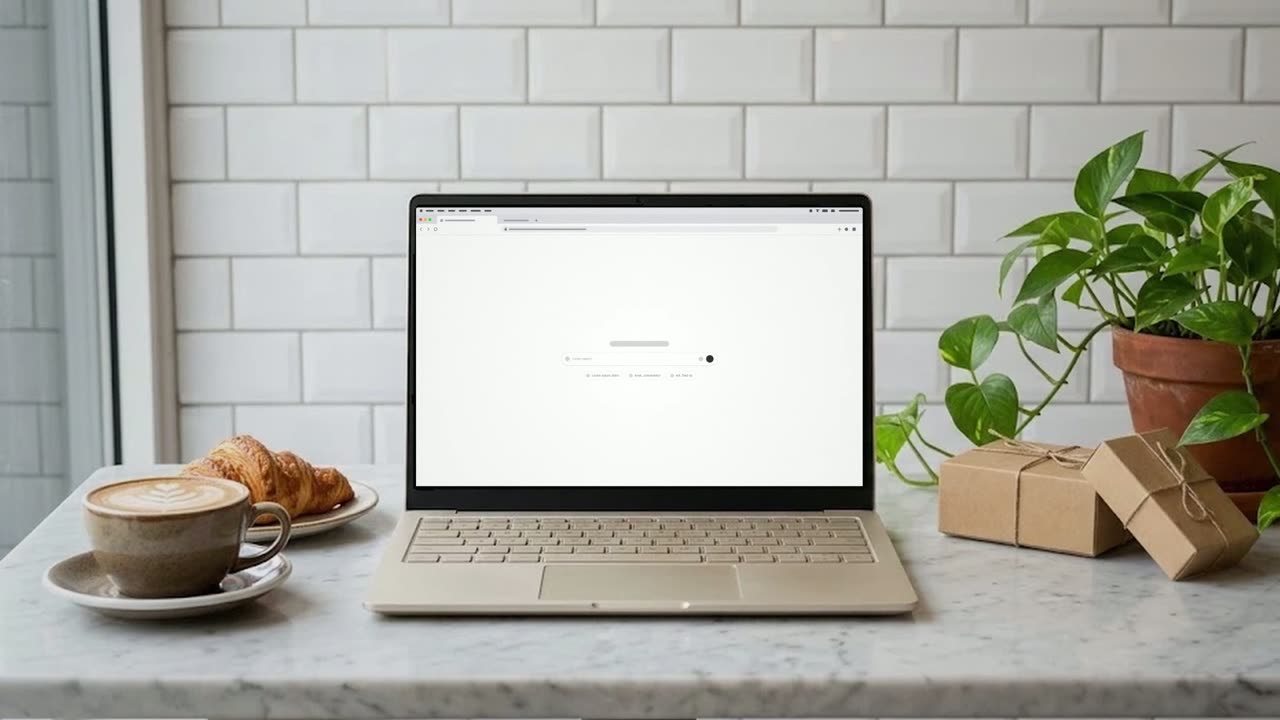
Feature · your real UI
Desk Reveal
Desk Reveal is a four-second scene where your real product page fills the screen and then the camera pulls back fast to show it on a laptop or…

Opener
Logo Glint
Logo Glint is a 3-second brand scene where your logo emerges from the dark, a thin light outline glints across it from left to right and a soft light…
Questions
Does Cinematic Hero need a voiceover?
Often it works best with none, so the music carries it. If you add narration, keep it to one atmospheric line of about ten words or fewer.
Can I use it to explain a feature?
No. It never holds on any detail long enough to read, so use it for mood and choose another scene for features, steps, data or proof.
Which part of my page will be visible?
Mostly the top left quarter. The camera stays close on that corner while the rest of the page is blurred or out of frame.
Put Cinematic Hero in your next video
Describe the video in a sentence. The Wevi Agent reads your site, captures your product, plans the scenes and renders with voiceover and music. Start free.
Or ask your assistant: Make a launch video for mysite.com with Wevi and open on the Cinematic Hero scene