
Logo Nudge: a logo reveal animation with your name beside it
Logo Nudge is a 3-second brand scene where your brand name rises and settles, then your logo cuts in beside it and nudges the name over until the pair sits centered. It says who this is with no other words on screen. It suits companies and products that want a spare, keynote style reveal at the start, at the turn into the solution or at the end.
The preview shows placeholder content. Your video uses your UI, words, logo and colors.
- Role
- Opener
- Length
- 3 seconds
- Uses
- Your words and logo
- Format
- 16:9, up to 4K
What it looks like
The screen opens on your brand name alone. It rises into place and settles in the center. A moment later your logo cuts in right beside it and pushes the name over, and the two slide together until logo and name sit centered as a pair. There is no tagline and no other text, just the mark and the name on your background. The move is crisp and spare, and it is done in about three seconds.
It works as the first scene, as the moment the product is named as the answer, or as the sign off, and it feels confident and spare.
Best for
- Opening a video on who you are
- Answering the problem you just described with your product name
- Signing off quietly at the end of a product video
- Naming one product inside a larger company
What you add
- Your logo, pulled from your website
- One short company or product name
No recording needed
This scene is built from your words, logo and brand colors. Add your website and Wevi pulls your logo, colors and fonts, so it matches your product without design work.
Videos this scene works in
Product launch video
The 30 to 45 second video for launch day: what it is, who it is for, why now.
Read the guideSaaS explainer video
Problem, solution, proof. Explain what your software does in under a minute.
Read the guideFunding announcement video
Pair the funding news with what customers get from it.
Read the guideLinkedIn and X product video
Product videos that work in LinkedIn and X feeds, sound off.
Read the guidePairs well with
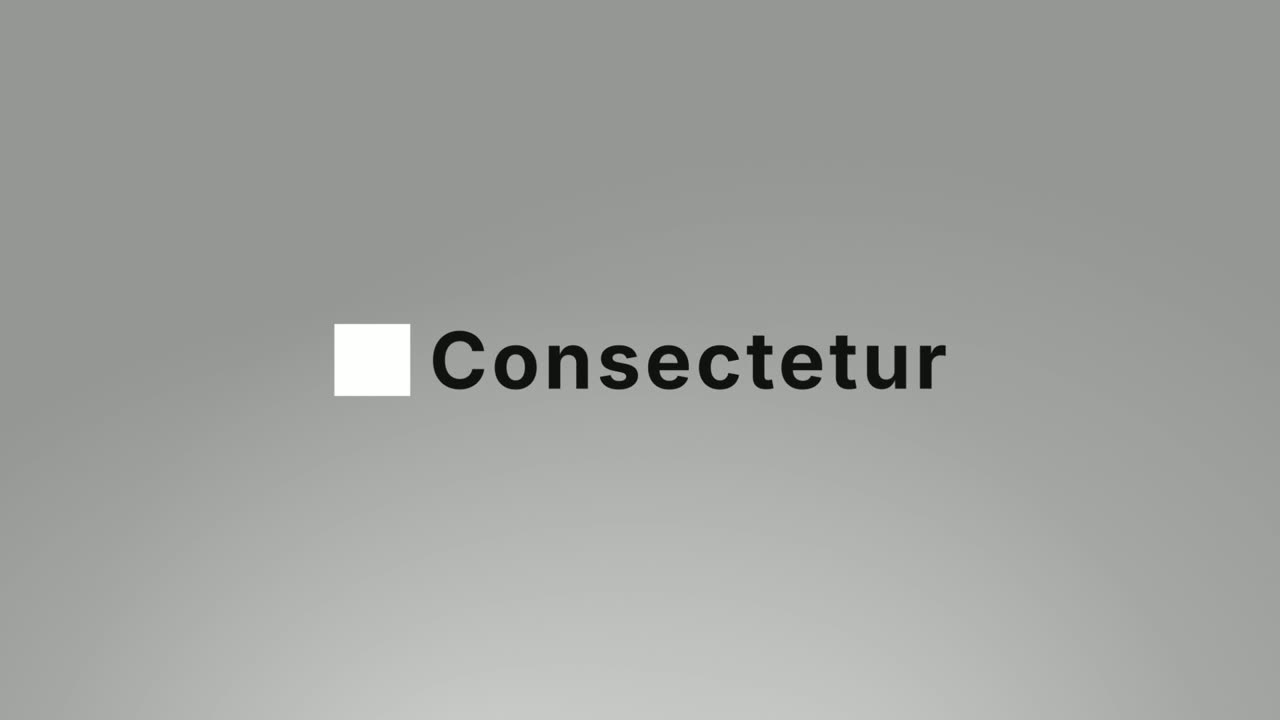
Opener
Logo Unfold
Logo Unfold is a 3-second brand scene where your logo lands first, then glides aside while your brand name comes out from behind it one letter at a…
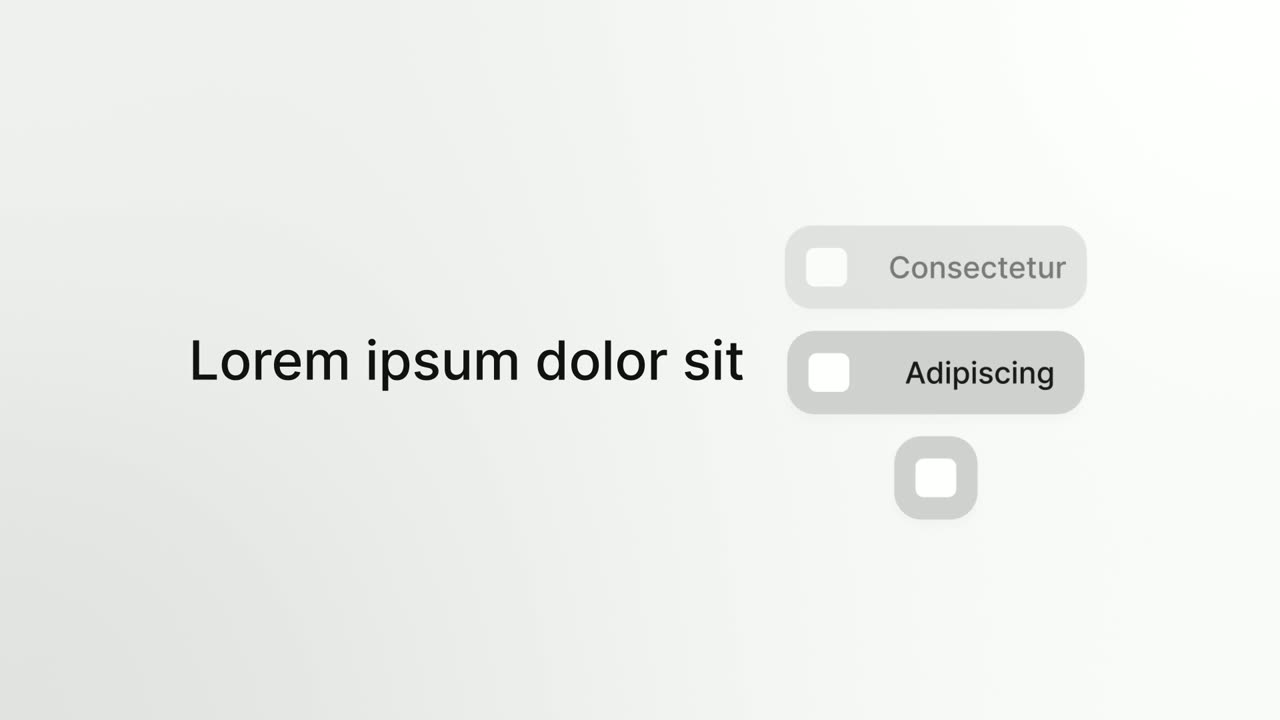
Opener
Platform Roll
Platform Roll is a 3-second scene where a short headline sits beside a column of pills that roll past one by one, each showing the name and logo of…
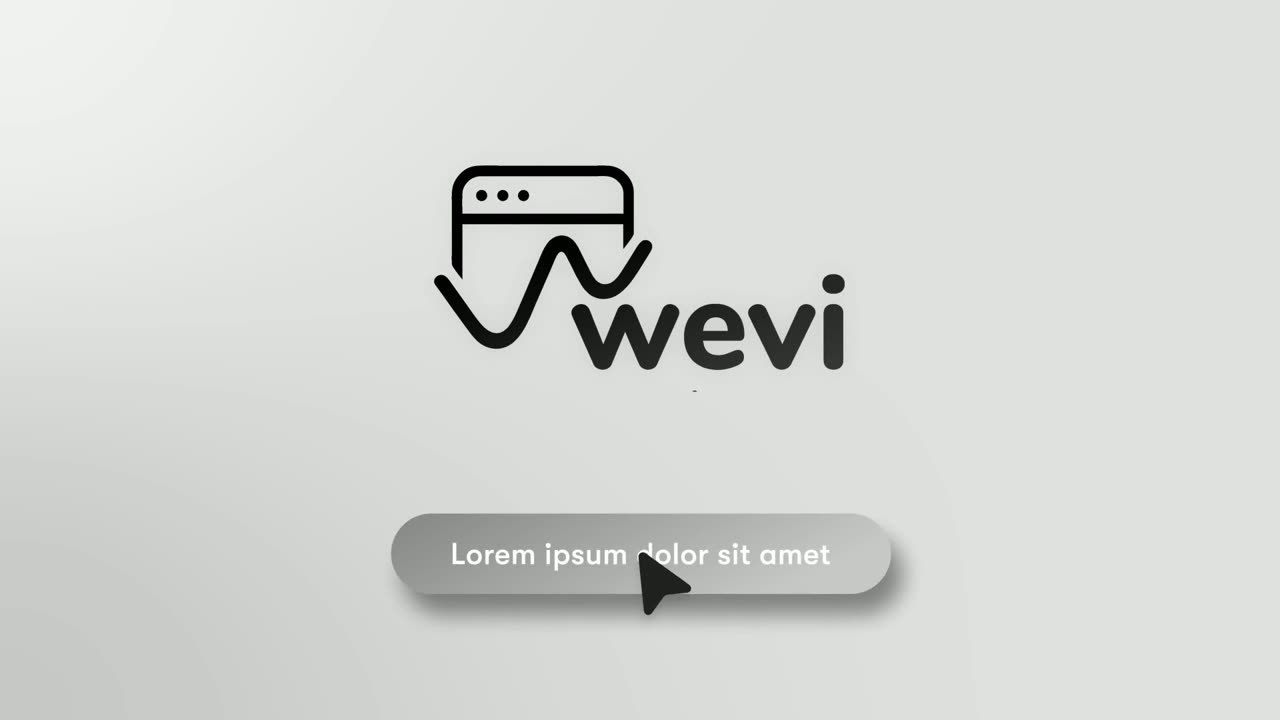
Ending
Call to Action
Call to Action is a call to action end screen: your logo appears, then a button that a cursor clicks, telling the viewer exactly what to do next.
Questions
What is the difference between Logo Nudge and Logo Unfold?
They do the same job in a different order. In Logo Nudge the name arrives first and the logo nudges it over, while in Logo Unfold the logo lands first and the name comes out from behind it.
Can I add a tagline?
No. The text is one short name only, never a tagline or a sentence. Say the tagline in the voiceover instead.
Can I use it while describing a problem?
No. It is a brand moment, so place it at the start, at the end, or right after the problem as the answer.
Put Logo Nudge in your next video
Describe the video in a sentence. The Wevi Agent reads your site, captures your product, plans the scenes and renders with voiceover and music. Start free.
Or ask your assistant: Make a launch video for mysite.com with Wevi and open on the Logo Nudge scene