
Expand & Fill: a feature reveal animation that writes a new feature into your page
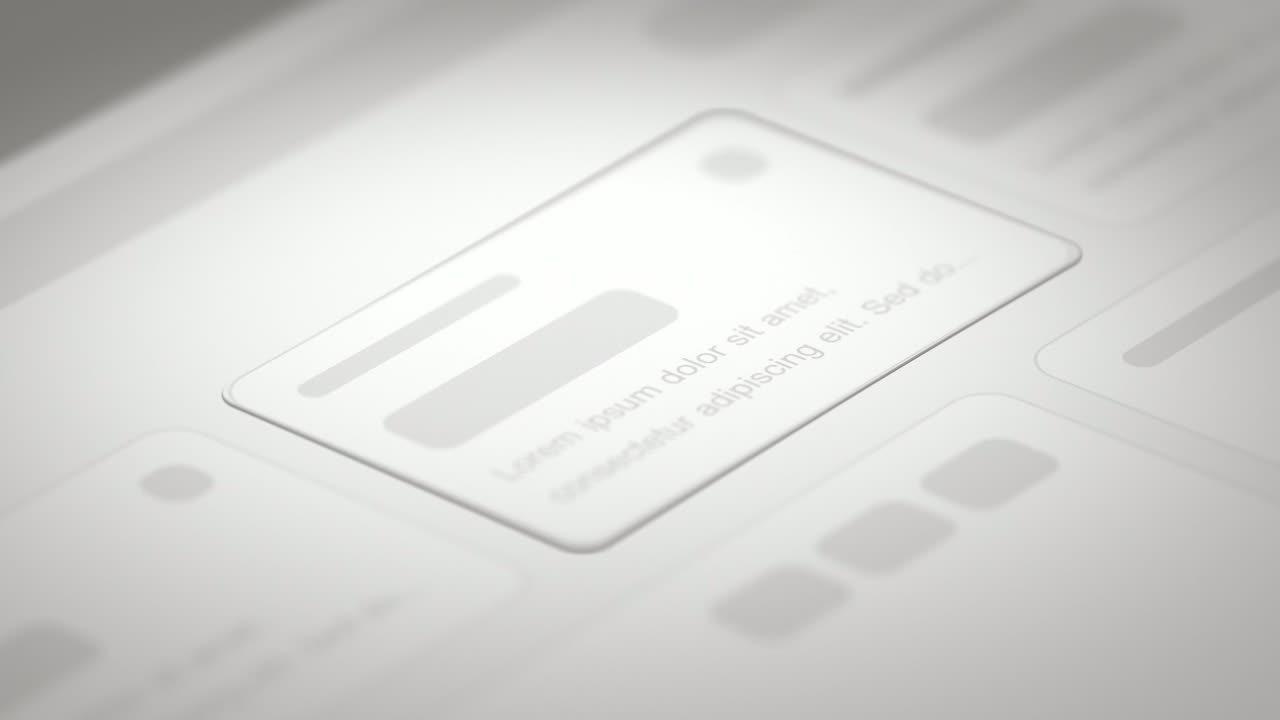
Expand & Fill is a five-second scene where your real page lies back in 3D, an outline grows from a single point in the empty spot where one component belongs, and then the real component fills in with a soft glow. It is made for moments when something comes into being, such as a brand-new feature or a result your AI just produced.
The preview shows placeholder content. Your video uses your UI, words, logo and colors.
- Role
- Feature
- Length
- 5 seconds
- Uses
- Your real product UI
- Format
- 16:9, up to 4K
What it looks like
Your captured page lies tilted in 3D under a close, cinematic lens. In the gap where your chosen component belongs, a thin outline grows out from a single point and traces its shape. Then the real component fills in, glowing softly in a color taken from the component itself. The fill completes a little after four seconds in. It is the slowest and most cinematic of the single-feature scenes, with a touch of magic.
It sits at the moment a feature is introduced, usually in the middle of a launch or update video, and feels calm with a touch of magic.
Best for
- Announcing a brand-new feature in a launch or update video
- Revealing a result your product just produced
- Showing something made by AI appearing on the page
- Filling in the one piece the page was missing
What you add
- A busy product page
- The one component that should appear, captured from it
Capture tips
- Open the page where the feature lives and choose a busy view with plenty of interface around it.
- If the component has an icon, a heading and a sub line, select the container that holds all three as one pick.
- Prefer a component with a colored accent, since the glow takes its color from it.
- Zoom in a step or two for a small button, icon or line of text, and close any popup, tooltip or banner.
Videos this scene works in
Pairs well with
Feature · your real UI
Drop Into Place
Drop Into Place is a four-second scene where your real page lies back in 3D under a close, cinematic lens and up to eleven of its components come…
Feature · your real UI
Feature Drop-In
Feature Drop-In is a three-second scene where one real component from your product floats alone, large enough to read, and then the shot cuts to the…
Feature
Text Glow Loading State
Text Glow Loading State is a loading text animation: one short status line glows and pulses on a quiet background, filling the wait between an action…
Questions
Where does the glow color come from?
From the component itself, so a component with a colored accent gives the strongest glow.
Can Expand & Fill reveal more than one feature?
No, one component only. For several pieces arriving in order, use Drop Into Place.
Is it quick enough for a rapid list of updates?
It is the slowest of the single-feature scenes at about five seconds. For a quick point-and-move-on, use Feature Drop-In.
Put Expand & Fill in your next video
Describe the video in a sentence. The Wevi Agent reads your site, captures your product, plans the scenes and renders with voiceover and music. Start free.
Or ask your assistant: Make a launch video for mysite.com with Wevi and open on the Expand & Fill scene