
Chat Bubble: a chat bubble animation for the one message that sets up your product
Chat Bubble is a four-second scene where a single chat message types into its bubble beside the sender's avatar. It gives one person a voice in your product video, such as a customer asking for help or a teammate flagging a problem, so the next scene can show your product answering. Nothing is captured: you write the message and pick the look.
The preview shows placeholder content. Your video uses your UI, words, logo and colors.
- Role
- Problem
- Length
- 4 seconds
- Uses
- Your words and logo
- Format
- 16:9, up to 4K
What it looks like
Three typing dots can pulse first, then one message types itself into a bubble with the sender's avatar beside it. The bubble can be a clean neutral design in your brand colors or styled after a familiar messenger such as iMessage, WhatsApp, Telegram, Messenger, Slack, Discord or Teams. The avatar sits on the left or the right, or is hidden. Once the text is in, a delivered, read or seen receipt can appear under it. Only one message ever appears.
It usually sits at the very start or just before the product appears, a quick and personal moment that hands the story to the next scene.
Best for
- Opening a video with a customer asking for help in their own words
- Showing a teammate raising the problem your product fixes
- Bridging into a feature scene with a request your product answers next
- Sharing good news as a single reply after your product has done its job
What you add
- One short message, a sentence rather than a paragraph
- A sender photo, or no avatar at all
- A bubble style: neutral in your brand colors or a familiar messaging app look
- Whether typing dots and a delivered, read or seen receipt appear
No recording needed
This scene is built from your words, logo and brand colors. Add your website and Wevi pulls your logo, colors and fonts, so it matches your product without design work.
Videos this scene works in
SaaS explainer video
Problem, solution, proof. Explain what your software does in under a minute.
Read the guideSaaS promo video
A punchy promo for ads, social and email, built from your product.
Read the guideProduct demo video
Show the product working, step by step, in your real interface.
Read the guideLinkedIn and X product video
Product videos that work in LinkedIn and X feeds, sound off.
Read the guidePairs well with
Feature
AI Chat Reply
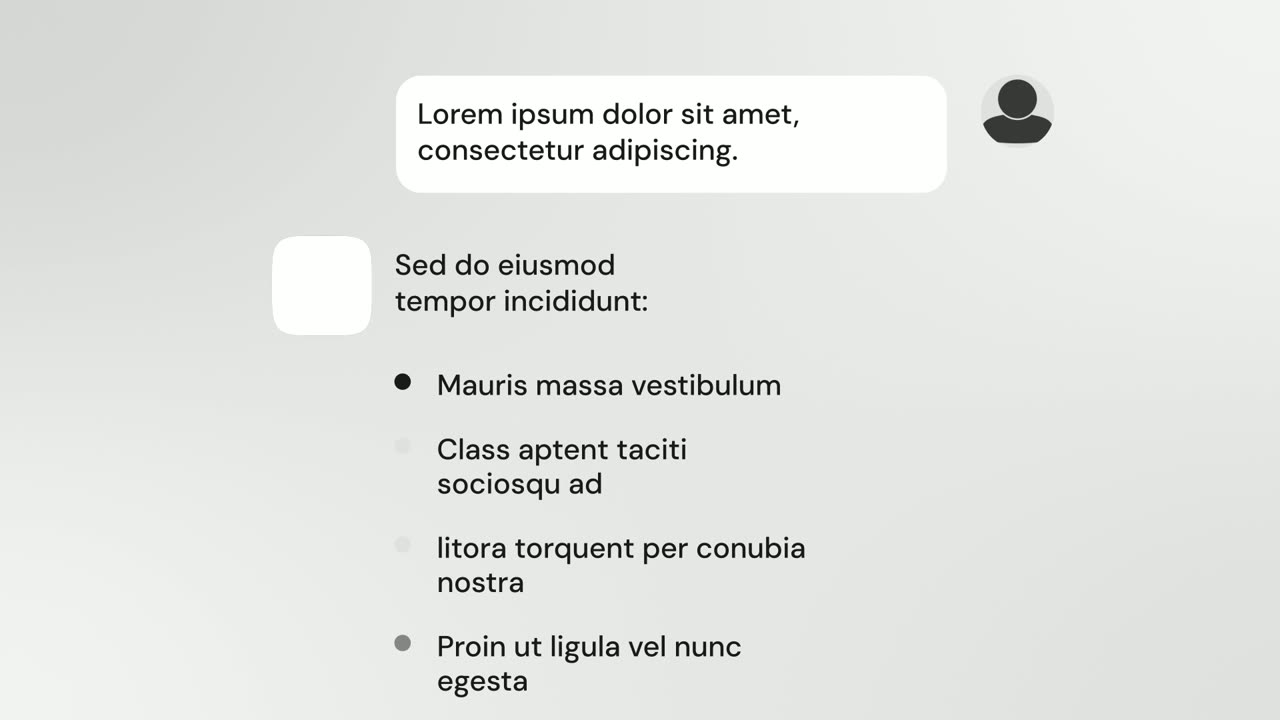
AI Chat Reply is a five-second scene where a customer's message sits at the top, your logo appears, and your AI's reply streams in with a heading, up…
Feature
Chat Conversation
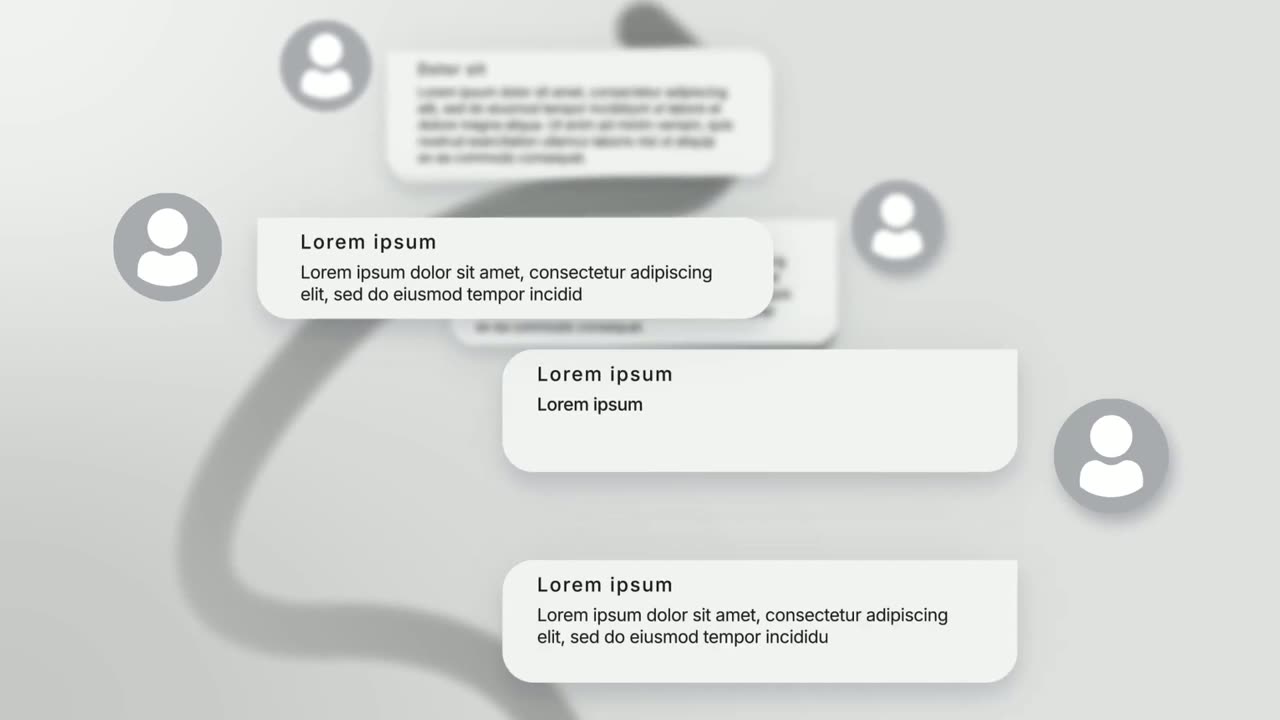
Chat Conversation is a seven-second scene where five chat bubbles appear one after another with names and photos: a customer asks and your brand…
Feature
Notification Pop
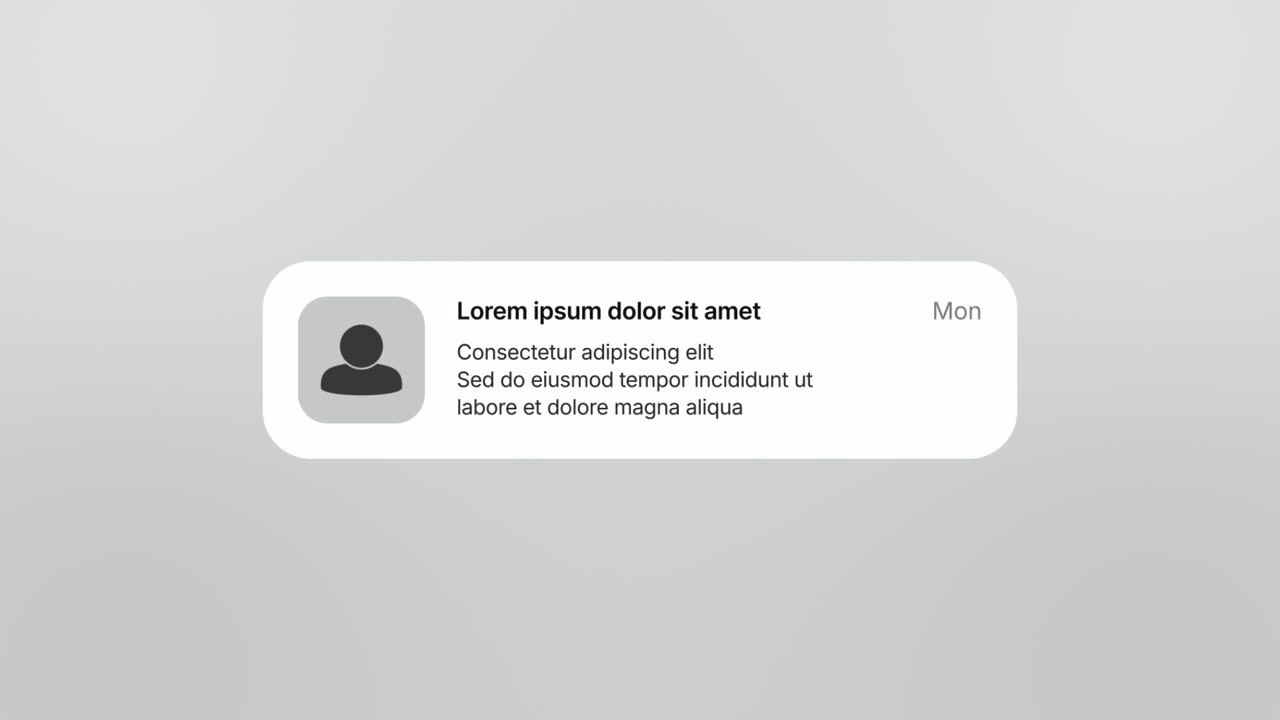
Notification Pop is a five-second scene where an app icon with an unread badge lands and opens into a phone-style notification banner with a title, a…
Questions
Can Chat Bubble show a back-and-forth conversation?
No. It shows exactly one message. For several messages between customers and your brand use Chat Conversation, and for a person asking an AI that streams back an answer use AI Chat Reply.
Do I need to capture my app for this scene?
No. The bubble is designed, so you only write the message and choose a style, which side the avatar sits on, and whether typing dots and a receipt appear.
What should the voiceover say over a chat bubble?
One short line of about 6 to 10 words that reads the message or reacts to it. Let the message finish typing before the key word lands, and keep emoji out of the bubble.
Put Chat Bubble in your next video
Describe the video in a sentence. The Wevi Agent reads your site, captures your product, plans the scenes and renders with voiceover and music. Start free.
Or ask your assistant: Make a launch video for mysite.com with Wevi and open on the Chat Bubble scene