
Page Glide: a 3D website scroll animation that lands on one piece
Page Glide is a two-second scene where the camera glides over your real product page in 3D. It starts close on the first piece you pick, with the page leaning steeply away, travels down while the next pieces rise into place, and lands nearly face on with the last piece. It suits stories that move through a few parts of one page and arrive on the one that matters.
The preview shows placeholder content. Your video uses your UI, words, logo and colors.
- Role
- Feature
- Length
- 2 seconds
- Uses
- Your real product UI
- Format
- 16:9, up to 4K
What it looks like
Your page leans away in 3D and the camera starts close on the first selected card or panel. It travels down the page while the next pieces rise into their places from below. At about 1.3 seconds it arrives close and nearly face on with the last piece you picked, and it keeps drifting gently. The camera moves the whole time, so the scene feels quick and assured.
It works as a quick product moment between two scenes or as the payoff that lands on the result, and it feels quick and assured.
Best for
- Landing on a result card after a quick pass over the page
- Adding a short product moment between two other scenes
- Moving through a dashboard, list or grid before focusing on one part
- Arriving on the number or panel the voiceover names
What you add
- A capture of a page made of separate cards, panels or rows
- One to twelve pieces in reading order, with the piece to land on picked last
- A voiceover phrase of 4 to 7 words
Capture tips
- Zoom the browser in as far as you can while all the pieces you want still fit on screen.
- Select whole, self-contained pieces such as cards, panels or list rows, never the whole page or a full width section.
- Select them in reading order and pick the piece to land on last. Three to six read best.
- Leave clear space between pieces, stay on one level of the page, and capture it at rest with no menus open.
Videos this scene works in
Product demo video
Show the product working, step by step, in your real interface.
Read the guideSaaS explainer video
Problem, solution, proof. Explain what your software does in under a minute.
Read the guideProduct launch video
The 30 to 45 second video for launch day: what it is, who it is for, why now.
Read the guidePairs well with
Feature · your real UI
Rise & Reveal
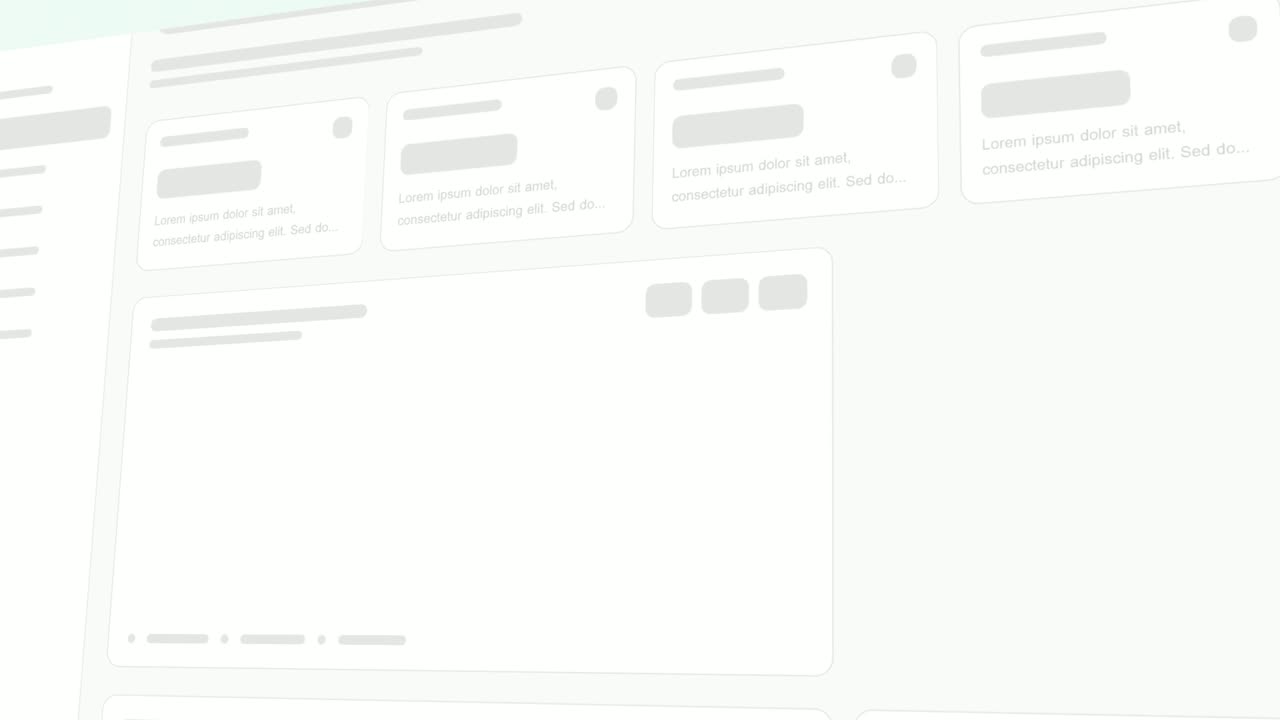
Rise & Reveal is a 3D dashboard animation where your real product page tilts back and its cards and panels rise into place one after another until…
Feature · your real UI
Cursor Select
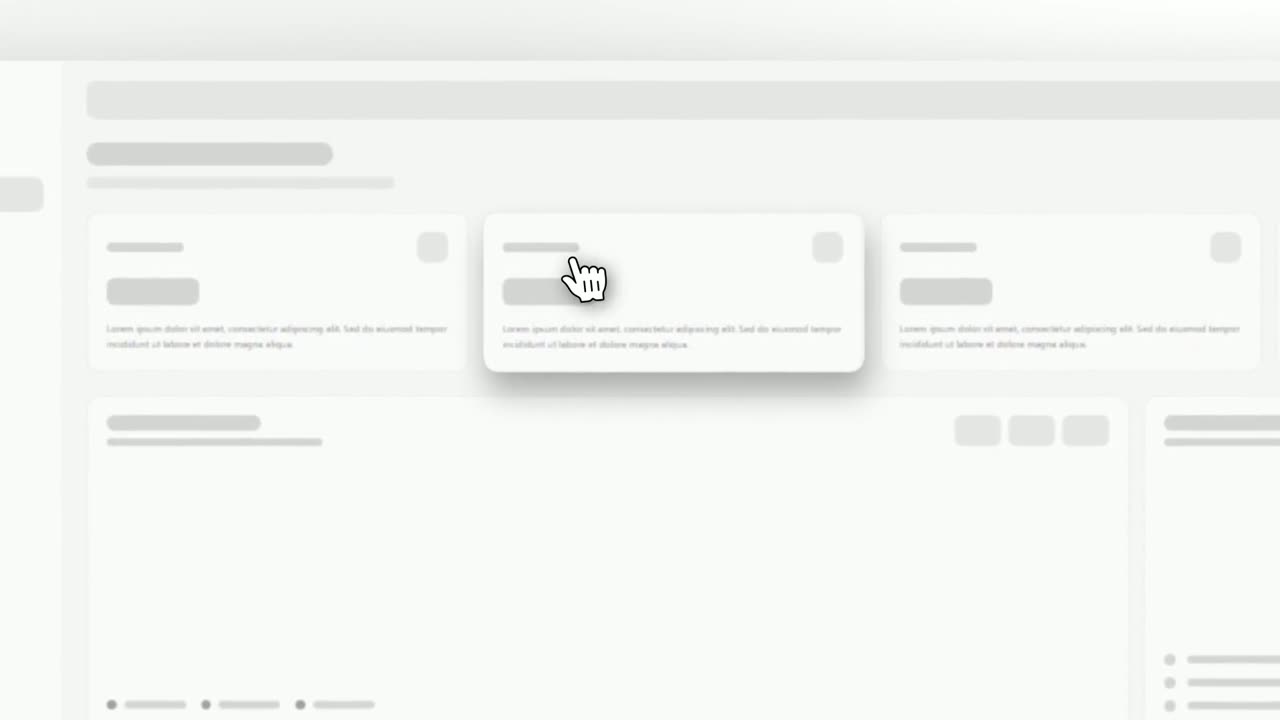
Cursor Select is a five-second scene that opens on your whole product page, moves the camera in on one control, lifts it slightly and has a cursor…

Problem · your real UI
3D UI Hover
3D UI Hover is a 6-second scene where your whole real product page tilts into 3D and the cards and widgets you choose lift off its surface one after…
Questions
When should I use Rise & Reveal instead?
Rise & Reveal fills the screen as cards rise into place. Choose Page Glide when one piece should end up big on screen.
Does anything get clicked?
No. If the story needs a click, use a cursor template such as Cursor Select.
What kind of page works best?
A page made of separate cards, panels or rows, such as a dashboard, a list or a grid. A page of plain text or one large section has nothing to glide past.
Put Page Glide in your next video
Describe the video in a sentence. The Wevi Agent reads your site, captures your product, plans the scenes and renders with voiceover and music. Start free.
Or ask your assistant: Make a launch video for mysite.com with Wevi and open on the Page Glide scene