
Push Down: an activity feed animation made from your real list
Push Down is a short activity feed animation built from a list captured in your own product. The rows snap down and up to three new rows slide in at the top, so sign ups, orders, messages or alerts look like they are arriving live. It suits SaaS teams who want to show momentum and a busy, working product in about three seconds.
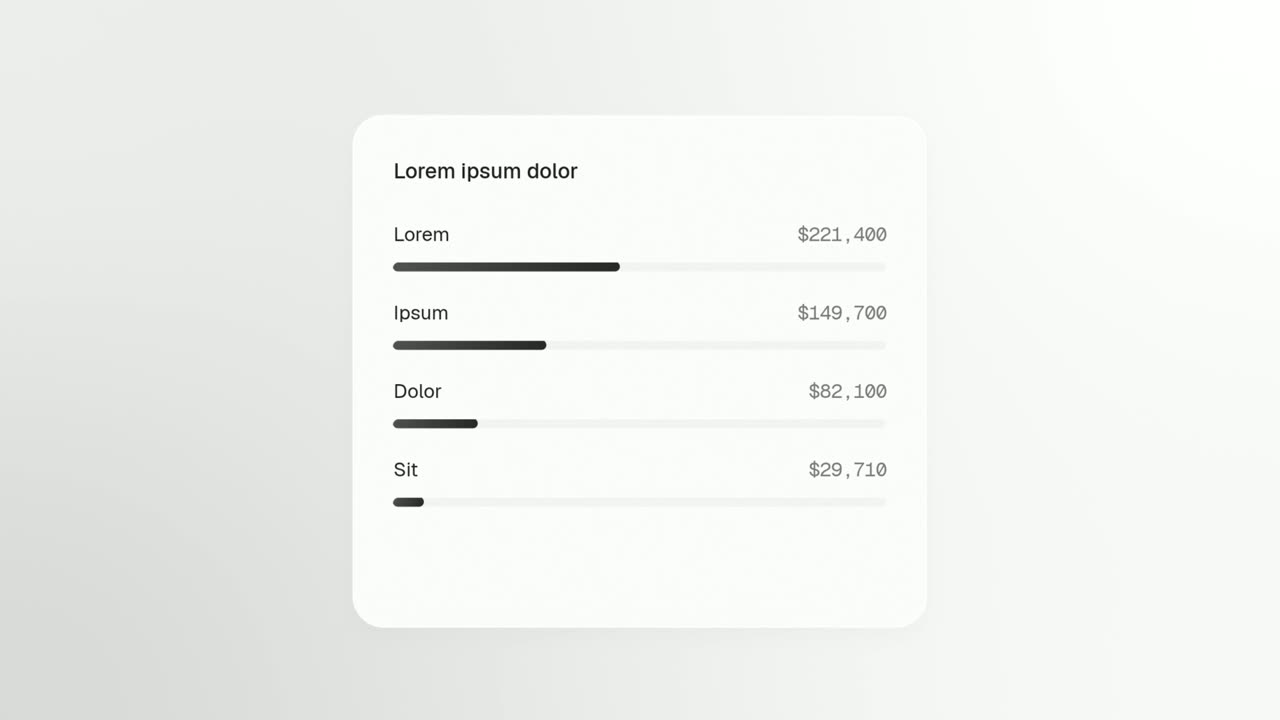
The preview shows placeholder content. Your video uses your UI, words, logo and colors.
- Role
- Feature
- Length
- 3 seconds
- Uses
- Your real product UI
- Format
- 16:9, up to 4K
What it looks like
The scene opens close on one real list from your app, such as an inbox, a feed, a table or a column of cards. The existing rows snap downward to open a gap at the top, and a fresh row slides into that space with a sweep of light across it. Up to three new rows arrive one after another, roughly six tenths of a second apart, and the newest ends on top. The whole move takes about three seconds and feels live and busy.
It usually sits right after a claim as quick proof, or opens the video on live activity, and it feels brisk and full of momentum.
Best for
- Showing new sign ups, leads or orders arriving in real time
- Backing up a claim about volume right after you make it
- Opening a video on a product that is already busy
- Highlighting incoming messages, alerts or tasks in an inbox view
What you add
- One captured list of stacked rows from your app, with at least four rows
- One to three of that list's top rows, picked in order from the top
- A short voiceover line about what keeps arriving
Capture tips
- Zoom the browser in far on the list before you capture so it fills most of the screen and stays sharp.
- Select the whole list first, header included, then its top row out to the row's outer edge, then the second and third rows if you want more arrivals.
- Pick one column of stacked rows with at least five showing, not a grid of cards sitting side by side.
- Never select only part of a row, such as its text or an icon, and never use the whole page as the list.
Videos this scene works in
Pairs well with
Feature · your real UI
Window Rise
Window Rise is an app window animation where one real card, panel or chat window from your product floats alone and fills itself in.
Feature · your real UI
Drop Into Place
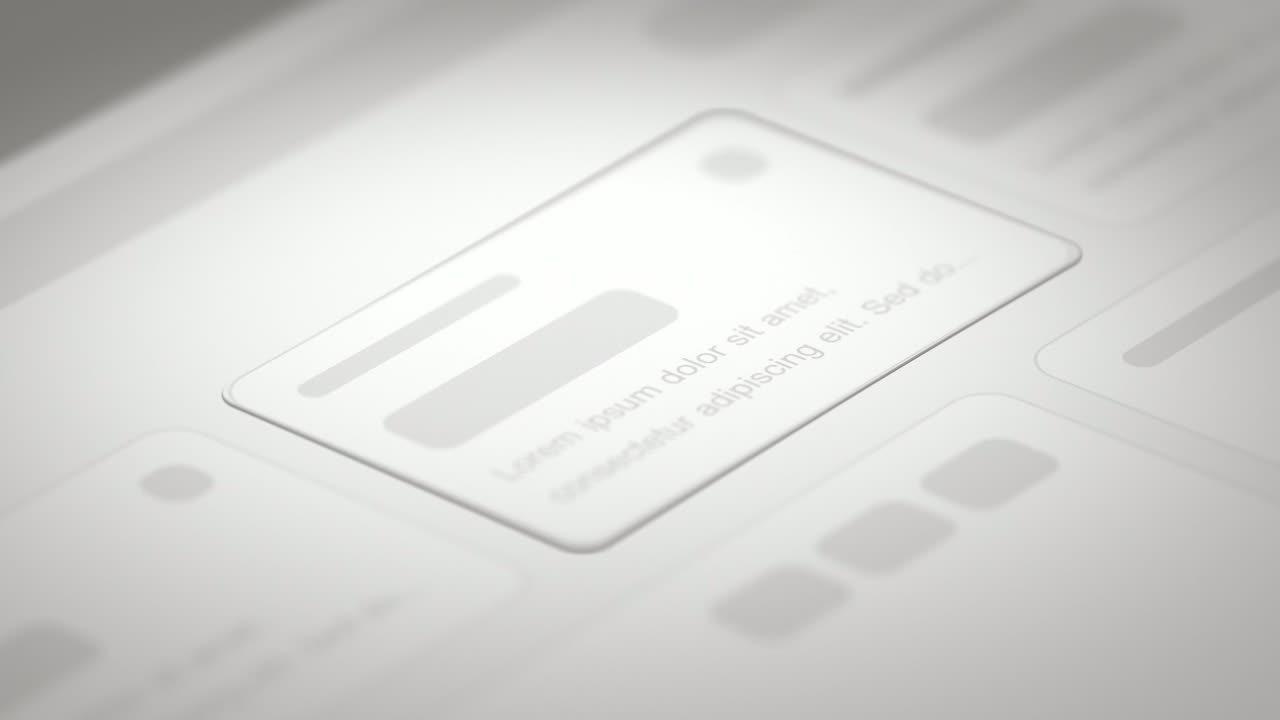
Drop Into Place is a four-second scene where your real page lies back in 3D under a close, cinematic lens and up to eleven of its components come…
Transition
Dial In
Dial In is a number counter animation for a single result: a dial of numbers spins in under a needle, slows and lands on your figure, then the rest…
Questions
What kind of list works best in Push Down?
A single column of stacked rows with at least four rows, such as an inbox, a feed, a table or a column of cards. Cards laid out side by side in a grid do not push down cleanly.
How many new rows can arrive?
Up to three. They come in one after another and the newest ends on top, so pick them in order from the top of the list.
Can Push Down close my video?
It is not built as a closing call to action. Use it earlier as proof or as an opening, and end on a scene like Call to Action.
Put Push Down in your next video
Describe the video in a sentence. The Wevi Agent reads your site, captures your product, plans the scenes and renders with voiceover and music. Start free.
Or ask your assistant: Make a launch video for mysite.com with Wevi and open on the Push Down scene