
Logo Morph: a logo morph animation from your real product UI
Logo Morph is a 4-second scene where your captured product page fades away while one component lifts off it, glides to the center and morphs into your logo. It is the handover from product to brand, usually at the close of a video. It suits teams that want their interface and their name tied together in one calm move.
The preview shows placeholder content. Your video uses your UI, words, logo and colors.
- Role
- Opener
- Length
- 4 seconds
- Uses
- Your real product UI
- Format
- 16:9, up to 4K
What it looks like
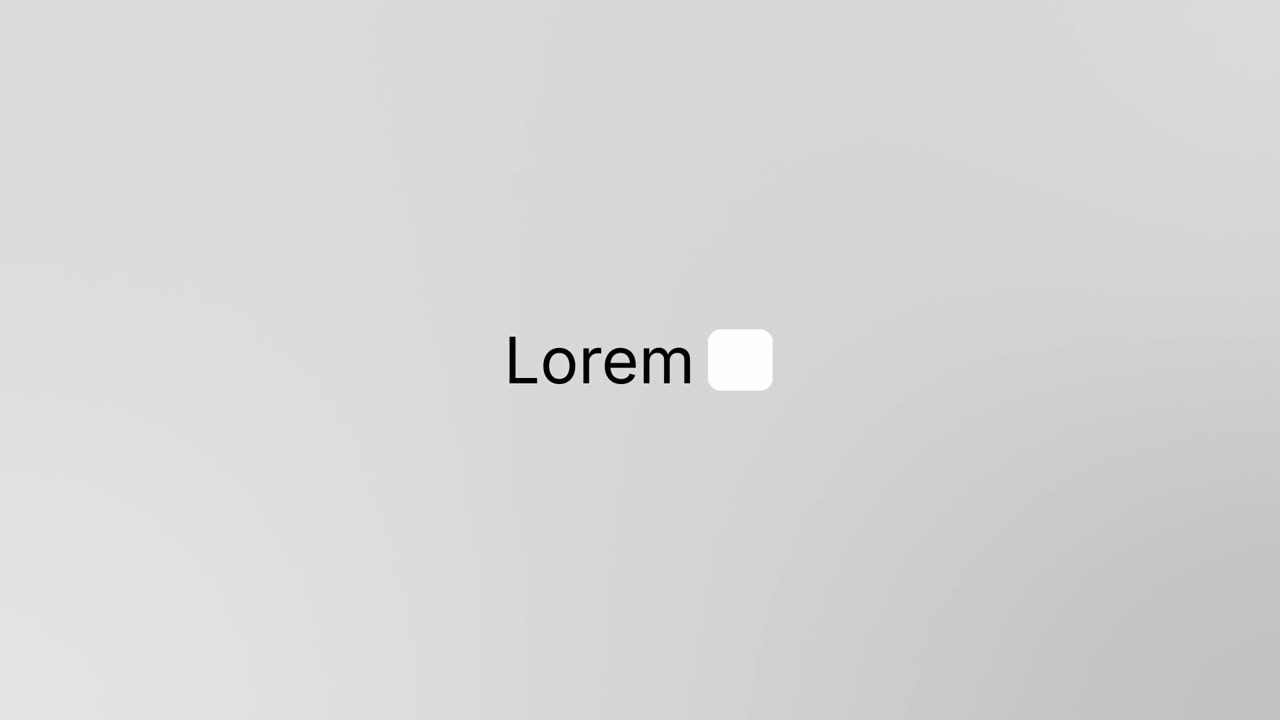
Your real product page is on screen for about a second. Then it fades away as one component, such as a search field or a button, lifts off the page and glides to the center. The component empties into a clean outlined shape, which narrows into a small tile. Your logo opens inside that tile and swells to full size. There is no on-screen text, and the whole move takes about four seconds, with the voiceover landing your brand name as the logo opens.
It usually closes the video, or opens it on the interface, and it feels calm and exact, like a held breath that resolves.
Best for
- Closing a product video by handing over to your brand
- Opening on your interface before revealing who made it
- Landing a story on the company name behind the product
What you add
- A capture of a page that shows your product at its best
- One compact component with a clear outline, such as an input bar or button
- Your logo, pulled from your website
- A voiceover line of 5 to 8 words that ends on your brand name
Capture tips
- Zoom the browser in as far as you can while everything you want in the shot still fits on screen. A bigger capture stays sharper in the video.
- Open a page that shows your product at its best.
- Pick one compact component with a clear outline, ideally wider than it is tall, such as an input bar, a search field or a button.
- Select the whole component with its border and background, not just the text inside it.
Videos this scene works in
Product launch video
The 30 to 45 second video for launch day: what it is, who it is for, why now.
Read the guideSaaS promo video
A punchy promo for ads, social and email, built from your product.
Read the guideWebsite hero video
A silent, looping product video for the top of your homepage.
Read the guidePairs well with

Transition
Logo Toggle
Logo Toggle is a settings toggle animation: a small card rises with your logo, a name and a switch, the switch clicks on, and then the card folds…
Opener
Logo Nudge
Logo Nudge is a 3-second brand scene where your brand name rises and settles, then your logo cuts in beside it and nudges the name over until the…
Feature · your real UI
Cursor Press
Cursor Press is a three-second close-up where one real button or control from your product sits still and a cursor glides in and presses it.
Questions
Can Logo Morph show what the component does?
No. The component is gone after about a second. To show what it does, place Cursor Press or Expand & Fill before this scene.
Why does a wide component work best?
The component narrows into the small tile that holds your logo, and a wide shape like an input bar reads best as it narrows.
When should the voiceover say the brand name?
Start the line as the page fades and land the brand name as the logo opens, at about 2.4 seconds.
Put Logo Morph in your next video
Describe the video in a sentence. The Wevi Agent reads your site, captures your product, plans the scenes and renders with voiceover and music. Start free.
Or ask your assistant: Make a launch video for mysite.com with Wevi and open on the Logo Morph scene