
Depth Field: a parallax UI animation with your headline inside your product
Depth Field is a very short scene where one headline floats in the middle of a deep field of components captured from your product. The cards hang at many depths, so near ones rush past and far ones drift. It lands one bold line with the whole product around it, which suits a claim, an offer, a promise or a launch line.
The preview shows placeholder content. Your video uses your UI, words, logo and colors.
- Role
- Feature
- Length
- 1 seconds
- Uses
- Your real product UI
- Format
- 16:9, up to 4K
What it looks like
As the scene opens, the camera pulls back out of a field of your real cards, charts, stat tiles and panels, with your headline floating in the center. As it ends, the camera pushes on through the field while the field turns, so near cards rush by and far cards drift. One to twelve components fill the field and repeat when there are only a few. The whole move lasts around a second and feels big and immersive.
It works as a hook, an opener or a closing line, and it feels big and confident.
Best for
- Opening a launch video with one bold line set against the product
- Stating an offer or a promise with the whole product around it
- Closing on a launch line just before the call to action
- Showing the size of a product without walking through features one by one
What you add
- One short headline
- Six to twelve components captured from your product
Capture tips
- Zoom the browser in far before you capture so every component fills most of the screen.
- Select six to twelve whole components that look good on their own, such as cards, charts, stat tiles and panels.
- Pick components that differ from each other in shape and content, and never nest one inside another.
- Capture the page in a clean, complete state with real looking data.
Videos this scene works in
Product launch video
The 30 to 45 second video for launch day: what it is, who it is for, why now.
Read the guideProduct Hunt launch video
The first item in your Product Hunt gallery, made to stop the scroll.
Read the guideWebsite hero video
A silent, looping product video for the top of your homepage.
Read the guideSaaS promo video
A punchy promo for ads, social and email, built from your product.
Read the guidePairs well with
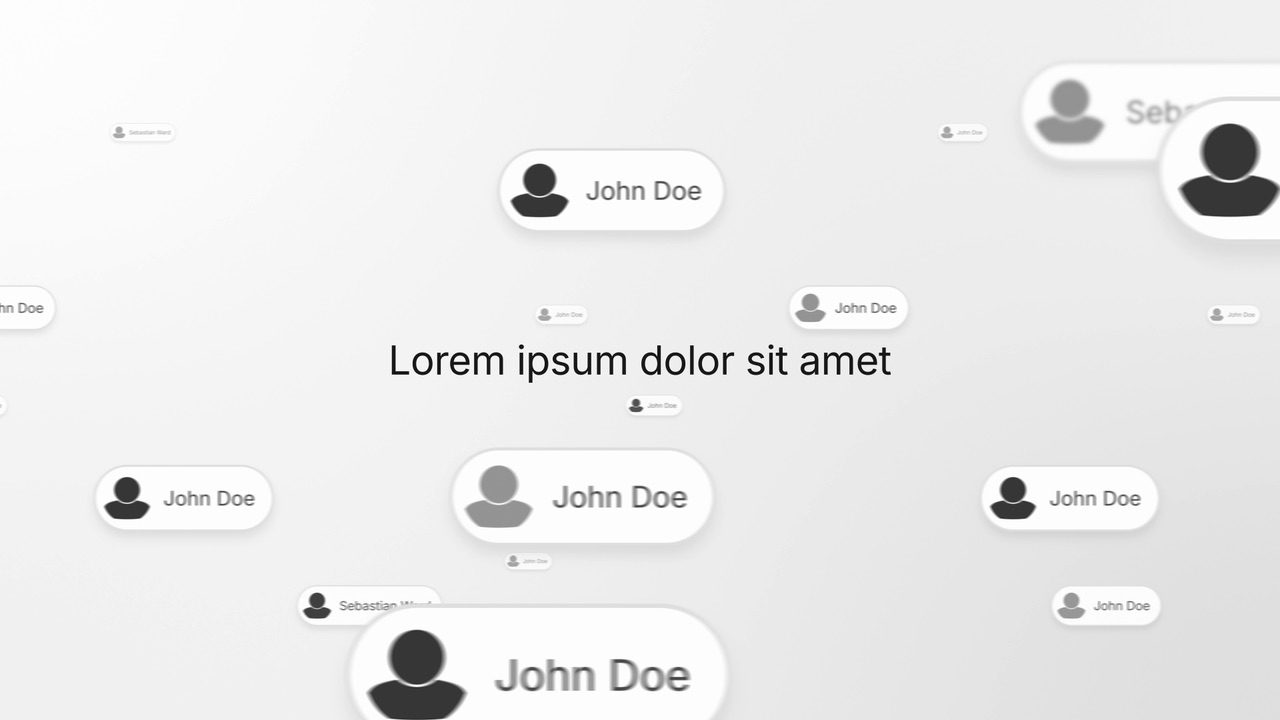
Feature
Leads Fly By
Leads Fly By is a four-second scene where a headline holds still in the middle while a deep field of people cards drifts past behind it.
Opener · your real UI
Hero Showcase
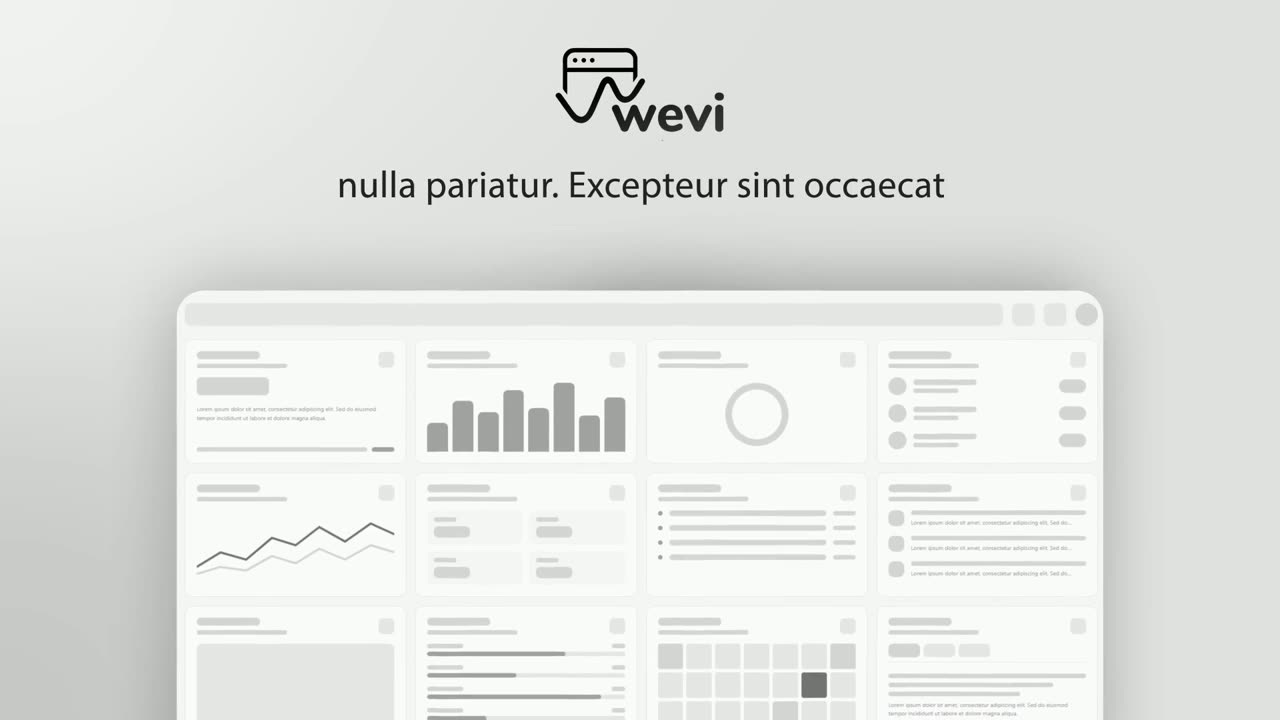
Hero Showcase is a 4-second scene that goes from your brand straight into your product: your logo sits in the center with two short headlines, then…
Ending
Call to Action
Call to Action is a call to action end screen: your logo appears, then a button that a cursor clicks, telling the viewer exactly what to do next.
Questions
How long is Depth Field?
Around a second. The voiceover should be a few words that say the headline or set it up, never a description of the components.
What if I only have one or two components?
The field repeats components when there are few, but one component in every slot looks thin. Six to twelve different ones read best. A lone icon or a single word is too small to work.
When should I use Leads Fly By instead?
Use Leads Fly By when the field should be people. Depth Field fills the field with your own interface.
Put Depth Field in your next video
Describe the video in a sentence. The Wevi Agent reads your site, captures your product, plans the scenes and renders with voiceover and music. Start free.
Or ask your assistant: Make a launch video for mysite.com with Wevi and open on the Depth Field scene