
Full Stop: a button morph animation that ends your argument
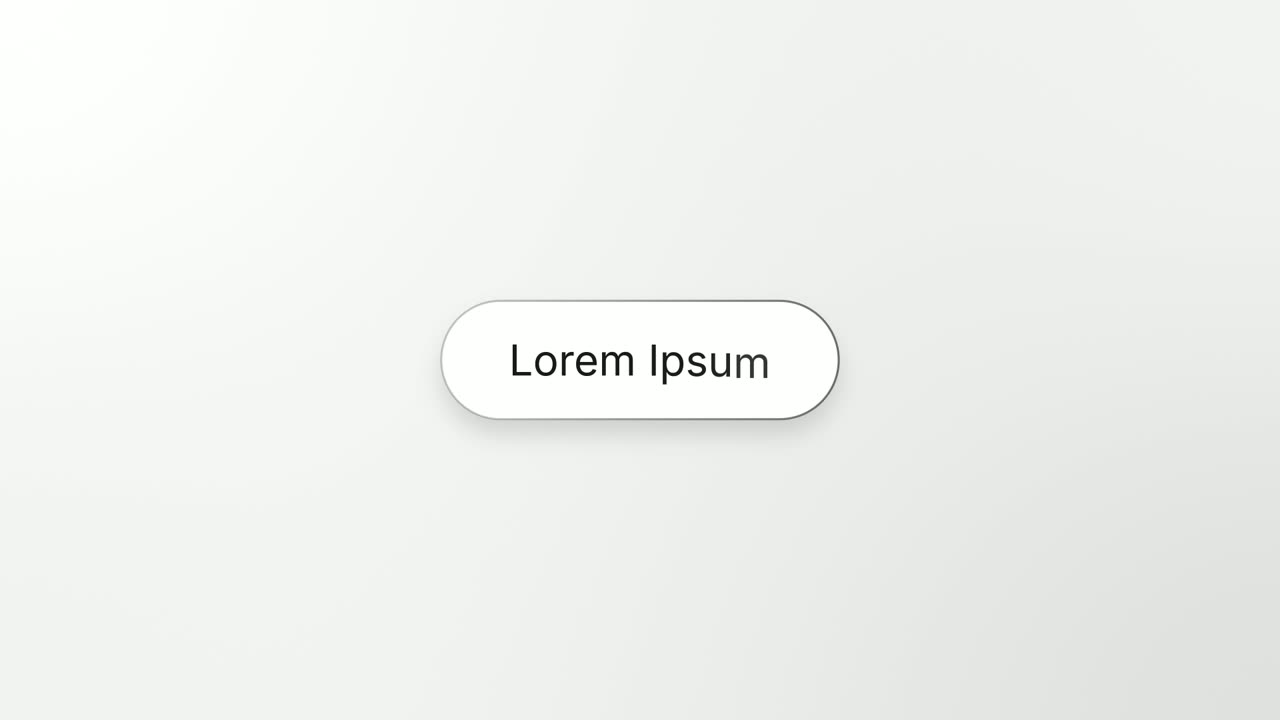
Full Stop is a four-second scene where one real element from your product, such as a button, toggle, avatar or small card, lifts out of its component, squeezes into a capsule and shrinks into a dot. That dot becomes the period of a short headline, and the line grows out of it. It suits the last statement before the call to action, when one real part of the product can stand for the conclusion.
The preview shows placeholder content. Your video uses your UI, words, logo and colors.
- Role
- Transition
- Length
- 4 seconds
- Uses
- Your real product UI
- Format
- 16:9, up to 4K
What it looks like
The scene opens close on a real element sitting in the component around it. The element lifts off and squeezes into a capsule, and the shot cuts to the capsule on its own. It rises, shrinks and runs through a run of colors until it is a dot. The dot becomes the period at the end of your headline, which grows out of it to the left while it slides to the center. The line is fully in at about 2.7 seconds.
It usually comes as the last statement before the call to action, and it feels calm and certain.
Best for
- Stating the conclusion just before the call to action
- Boiling the product down to one clear point
- Stating a result after showing where it comes from
- Turning a real control into the period of your message
What you add
- One element with a visible fill, such as a button, toggle, avatar, chip or small card
- Optionally, the component it sits in
- A headline of six words or fewer
Capture tips
- Open the page where the element sits in its component, at rest.
- Zoom the browser in far on the element so it and its component fill most of the screen.
- Select the element first, out to its outer edge with its fill. Bare text or an icon with no fill does not work as the dot.
- Optionally select the whole component second, with the element inside it. One or two selections only.
Videos this scene works in
Product launch video
The 30 to 45 second video for launch day: what it is, who it is for, why now.
Read the guideSaaS promo video
A punchy promo for ads, social and email, built from your product.
Read the guideFeature announcement video
One new feature, shown in context, in 15 to 30 seconds.
Read the guidePairs well with
Feature · your real UI
Turn & Type
Turn & Type is a card flip reveal animation: one real component from your product turns a quarter turn, empties into a clean outlined box, and a…
Transition · your real UI
Caret Collapse
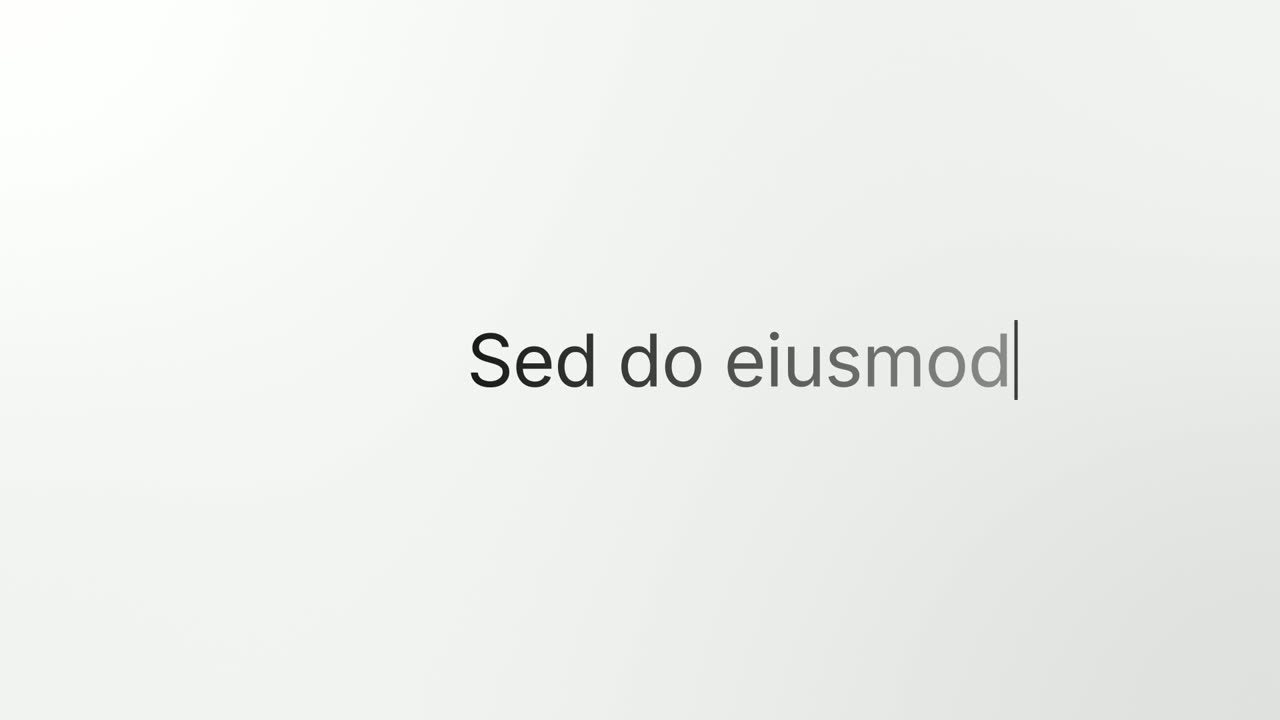
Caret Collapse is a typing cursor animation that turns your product into your message: your real page sits in a window, squeezes down into a text…
Ending
Call to Action
Call to Action is a call to action end screen: your logo appears, then a button that a cursor clicks, telling the viewer exactly what to do next.
Questions
How long can the headline be?
Six words or fewer. The scene is one short statement, and the voiceover can say it or lead into it so the key words land as the line comes in.
When should I use Turn & Type or Caret Collapse instead?
Use Turn & Type when the line is a name rather than a conclusion, and Caret Collapse when one element is not enough. Full Stop is one element and one closing point.
Can I use it in the middle of the video?
It is weaker there. It reads as the end of an argument, so place it near the close, once the story has made its case.
Put Full Stop in your next video
Describe the video in a sentence. The Wevi Agent reads your site, captures your product, plans the scenes and renders with voiceover and music. Start free.
Or ask your assistant: Make a launch video for mysite.com with Wevi and open on the Full Stop scene