
Focus Outline: a UI highlight animation that points at one thing
Focus Outline is a three-second scene where your real page is zoomed in and a glowing outline draws itself around one component. Nothing is clicked: it simply says look right here while the voiceover says why, so it can point at a key figure, a setting, a new feature or even a problem.
The preview shows placeholder content. Your video uses your UI, words, logo and colors.
- Role
- Feature
- Length
- 3 seconds
- Uses
- Your real product UI
- Format
- 16:9, up to 4K
What it looks like
Your captured page sits zoomed in, with the chosen component in its usual place and the interface around it still visible. A glowing outline draws itself around the component's rectangular or rounded edge until the whole box is traced. There is no cursor, no click and nothing else moving. It reads as a clean, premium spotlight on one target, and the viewer keeps the context of the page around it.
It can sit almost anywhere, from flagging a problem early to proving a result later, and it feels direct and premium.
Best for
- Singling out the one figure that matters on a busy dashboard
- Pointing at the setting that makes the difference
- Marking what is new in a release
- Flagging a problem on screen before showing the fix
What you add
- A page with interface around the target
- One component to outline: a card, panel, input, button or table row
Capture tips
- Open the page where the feature lives, with other interface around it for context.
- Select the card or field, not the text or heading inside it, and pick one with a clear rectangular or rounded edge.
- Scroll so the component sits fully on screen with space on every side, and zoom in a step if it is a small button.
- Avoid the whole page or a full-width section, since the outline would run off the frame.
Videos this scene works in
Pairs well with
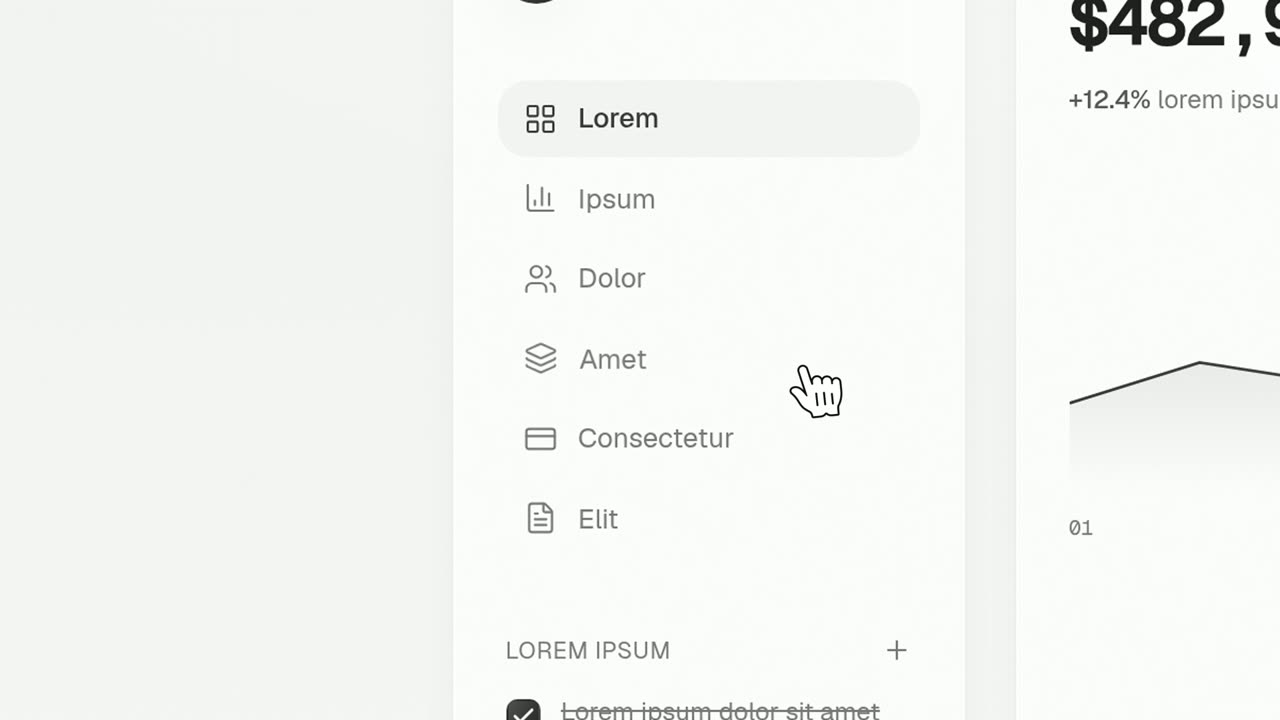
Feature · your real UI
Cursor Press
Cursor Press is a three-second close-up where one real button or control from your product sits still and a cursor glides in and presses it.
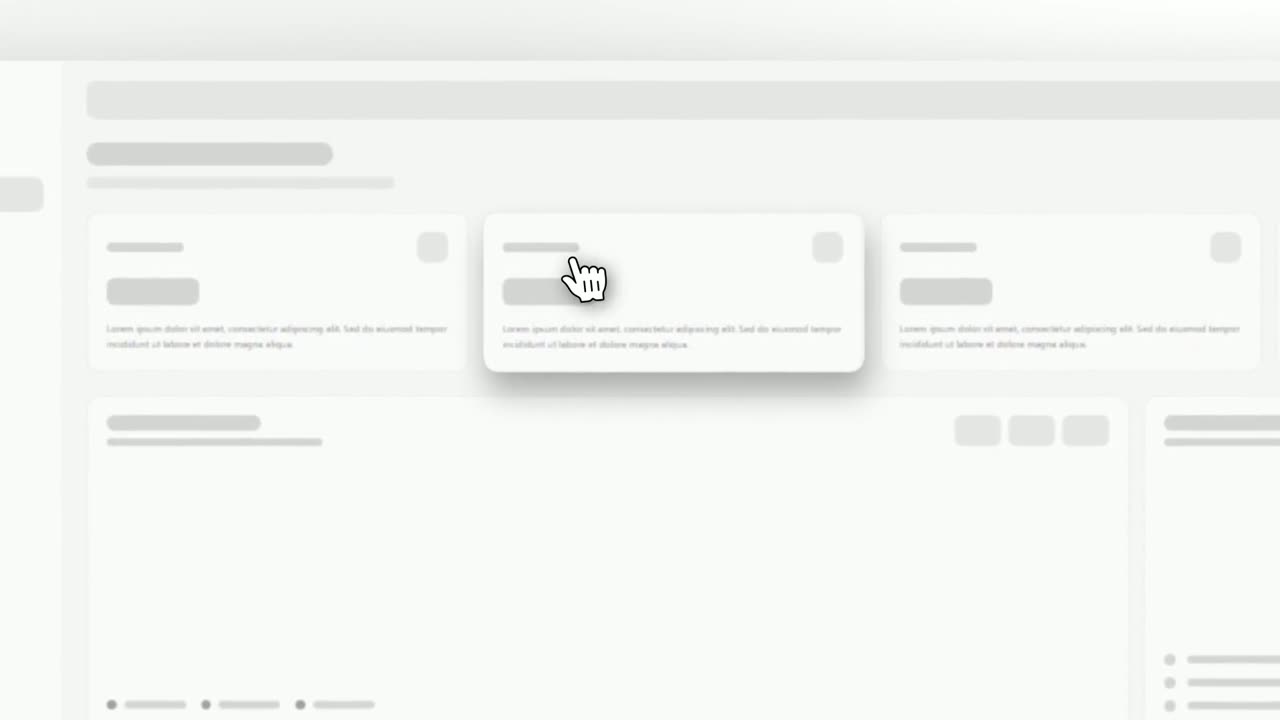
Feature · your real UI
Cursor Select
Cursor Select is a five-second scene that opens on your whole product page, moves the camera in on one control, lifts it slightly and has a cursor…
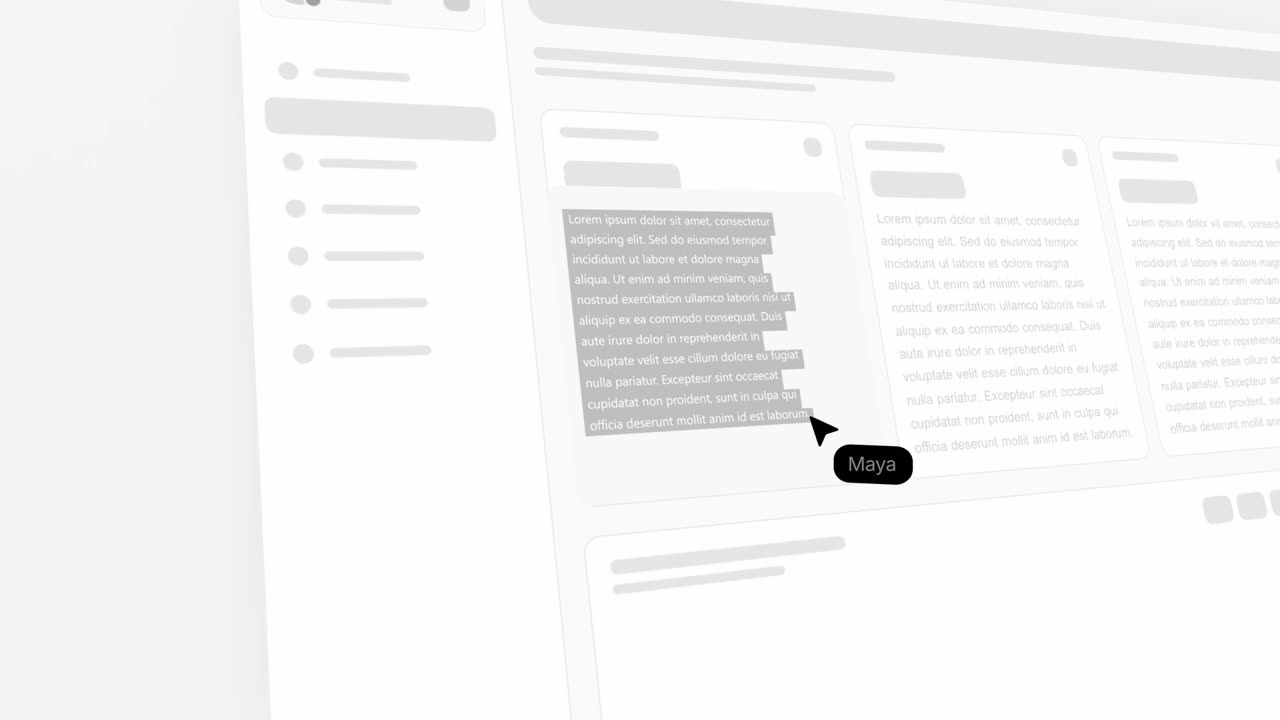
Feature · your real UI
Text Highlight
Text Highlight is a text highlight animation on your real product page: the scene opens on the page, moves in on a block of text, and a cursor drags…
Questions
Does Focus Outline click anything?
No. It only draws an outline. Use Cursor Press or Cursor Select when the thing should be clicked.
Can it point at a problem rather than a feature?
Yes. The outline only says look here and the voiceover says why, so it works for a problem as well as a feature.
Can I outline a whole section of the page?
No. It is built for one component, and a whole page or large section would run the outline off the frame.
Put Focus Outline in your next video
Describe the video in a sentence. The Wevi Agent reads your site, captures your product, plans the scenes and renders with voiceover and music. Start free.
Or ask your assistant: Make a launch video for mysite.com with Wevi and open on the Focus Outline scene