
Animated Text Bar: an animated search bar built from your real product
Animated Text Bar is a 3-second scene where your product's real search or prompt bar floats alone on a clean background and one short line types into it. It shows a single ask, such as a search, a prompt or a question, with no page around it. It suits AI tools, search products and any SaaS team that wants to open on what the user wants.
The preview shows placeholder content. Your video uses your UI, words, logo and colors.
- Role
- Opener
- Length
- 3 seconds
- Uses
- Your real product UI
- Format
- 16:9, up to 4K
What it looks like
Your search or prompt bar sits alone in the middle of the frame, cut cleanly out of your live product with its icon and send button intact. There is no page, sidebar or browser around it, only your background color, so the eye goes straight to the field. One short line then types into the bar in its own font, the way a user would enter it. The scene lasts about three seconds and ends with the complete line resting in the bar, ready to cut to the result.
It usually opens the video, or comes back near the end as an invitation to try, and it feels clean, simple and quick.
Best for
- Opening a launch video on the exact question your users ask
- Showing an AI prompt right before the answer appears
- Introducing a search product by what people type into it
- Closing a video with an invitation to try it yourself
What you add
- One search, prompt or message bar captured from your live product
- One short line of about 45 characters or fewer
- Your background color, pulled from your website
Capture tips
- Type the line you want into the field before you capture, so there is real text to pick.
- Zoom the browser in until the bar is wide on screen. Only the bar is shown, so a bigger capture means a sharper video.
- Pick the typed text first, then the whole bar around it, including its border, icon and send button.
- Close any suggestion or autocomplete list first, and keep the text to one line that does not wrap.
Videos this scene works in
AI product demo video
Show prompts, answers and agents at work without a shaky screen recording.
Read the guideProduct launch video
The 30 to 45 second video for launch day: what it is, who it is for, why now.
Read the guideWebsite hero video
A silent, looping product video for the top of your homepage.
Read the guidePairs well with
Opener · your real UI
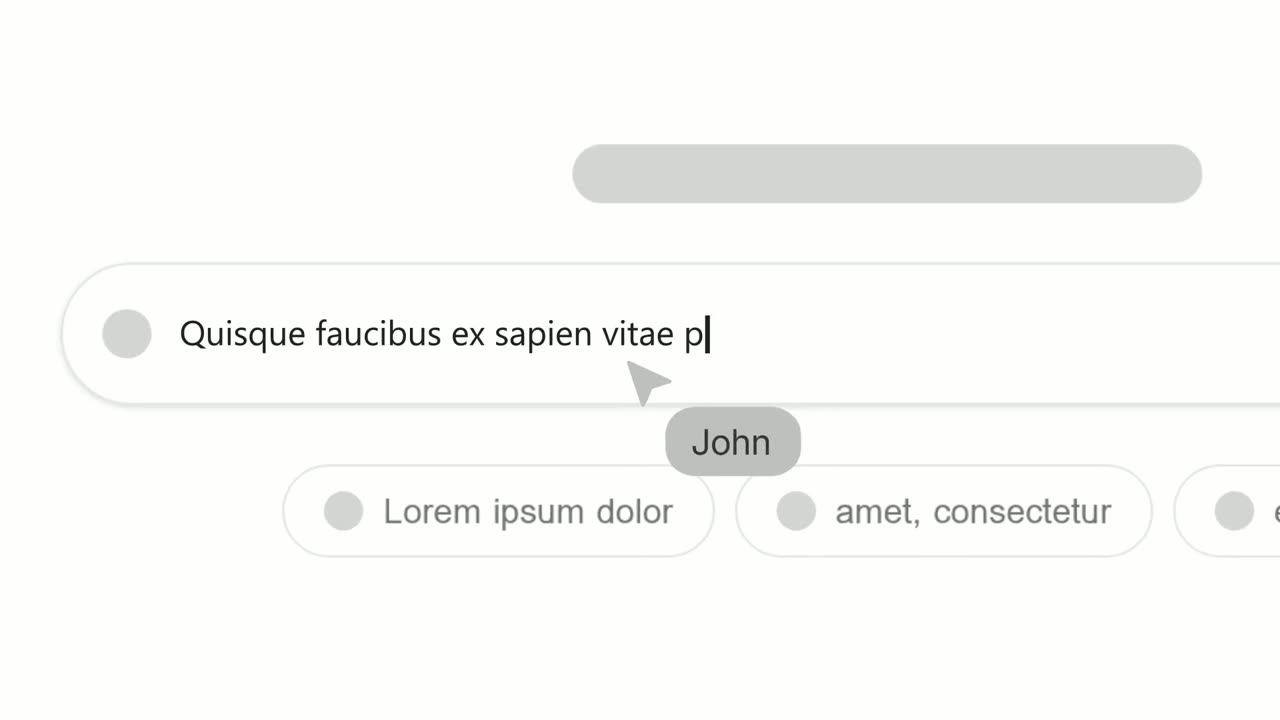
Text Typing In
Text Typing In is a 5-second scene where your real product page is on screen, a cursor clicks a field and the camera moves in while real text types…
Opener
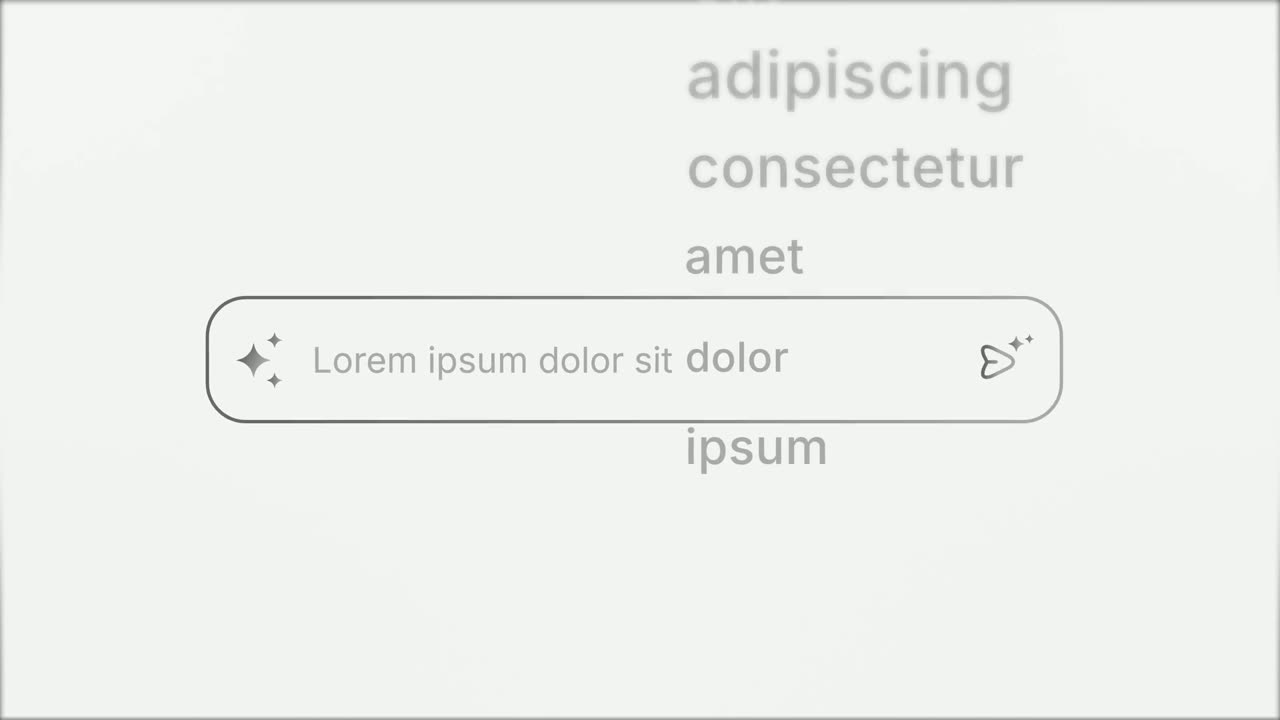
Prompt Input
Prompt Input is a 5-second scene where an icon opens into a prompt box, a request types itself in close up, then the shot goes wide and the end of…
Feature
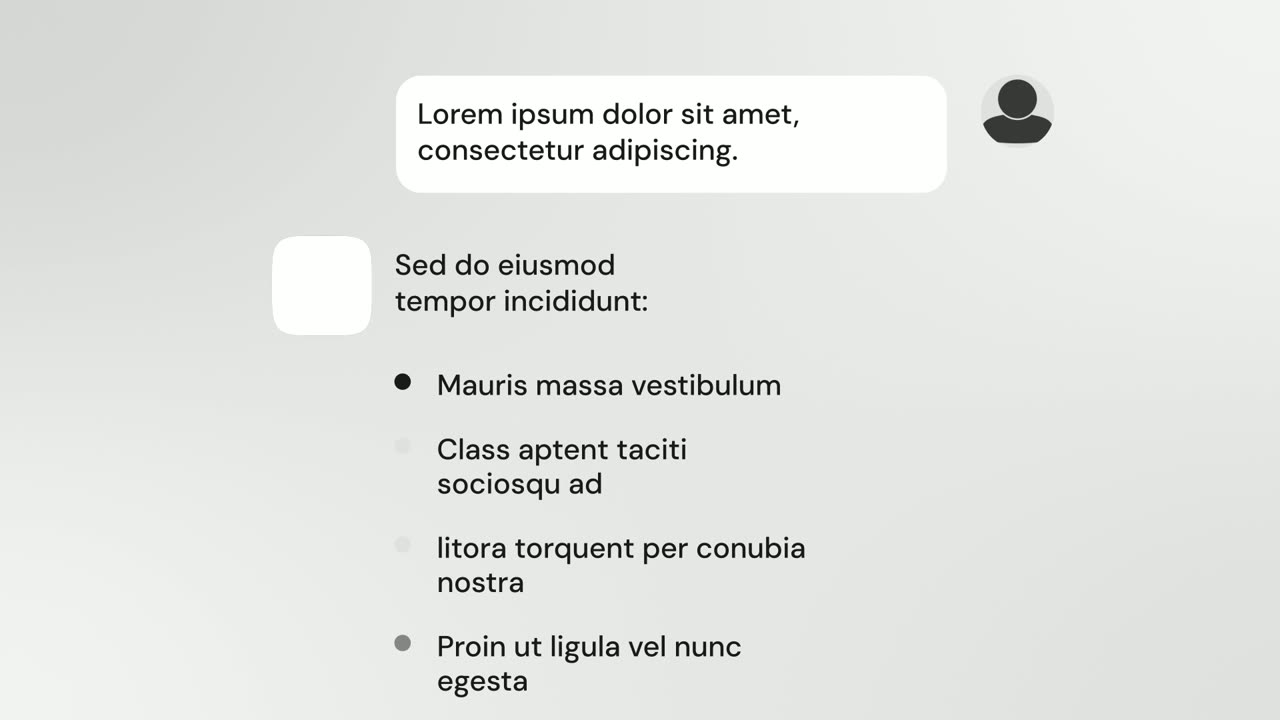
AI Chat Reply
AI Chat Reply is a five-second scene where a customer's message sits at the top, your logo appears, and your AI's reply streams in with a heading, up…
Questions
How is Animated Text Bar different from Text Typing In?
Animated Text Bar shows only the bar, with no page around it. Text Typing In keeps your whole page on screen and moves the camera in on the field, which is better when viewers should see where the input lives.
How long can the typed line be?
Keep it to one short line of about 45 characters or fewer. The scene lasts about three seconds and the text should not wrap onto a second line.
Can I use a chat or prompt box instead of a search bar?
Yes. Any search bar, prompt box or message field works, as long as you type a real line into it and capture the whole bar.
Put Animated Text Bar in your next video
Describe the video in a sentence. The Wevi Agent reads your site, captures your product, plans the scenes and renders with voiceover and music. Start free.
Or ask your assistant: Make a launch video for mysite.com with Wevi and open on the Animated Text Bar scene