
Feature Callout: kinetic typography with your real UI inside the sentence
Feature Callout is a quick, three-second scene where a few words appear, one real piece of your interface sits in the line as if it were a word, and then the sentence finishes. The viewer reads the claim and sees the actual button, badge or card in the same glance, with no page needed behind it.
The preview shows placeholder content. Your video uses your UI, words, logo and colors.
- Role
- Feature
- Length
- 3 seconds
- Uses
- Your real product UI
- Format
- 16:9, up to 4K
What it looks like
A few words animate in on a clean background. Then a small component captured from your product, like a button, toggle, status badge or integration tile, takes its place in the line at the height of the text, as if it were the next word. The rest of the sentence follows on the other side. It plays quick and fluid, and the voiceover reads the whole line as one continuous thought.
It works as an opening hook or as a fast feature mention mid-video, and it feels punchy and fluid.
Best for
- Opening a video with a punchy line that includes your product
- Mentioning a feature quickly in a run of updates
- Naming an integration with its real tile inside the sentence
- Making a status badge or a result the point of the line
What you add
- Two short pieces of text, one before and one after the component
- One small, clean component captured from your product
Capture tips
- Zoom in on the component before you capture, because only it is used and larger on screen means sharper in the video.
- Pick one compact component with its own shape, such as a button, toggle, tag, status badge, search field, small card or integration tile, ideally wider than it is tall.
- Select it out to its outer edge so nothing is cut off, and make sure it still reads at the height of one line of text.
- Avoid page sections, photos, large panels, tables, charts and anything with paragraph text.
Videos this scene works in
Feature announcement video
One new feature, shown in context, in 15 to 30 seconds.
Read the guideIntegration announcement video
Announce a new integration with both logos and the workflow it unlocks.
Read the guideLinkedIn and X product video
Product videos that work in LinkedIn and X feeds, sound off.
Read the guideSaaS promo video
A punchy promo for ads, social and email, built from your product.
Read the guidePairs well with
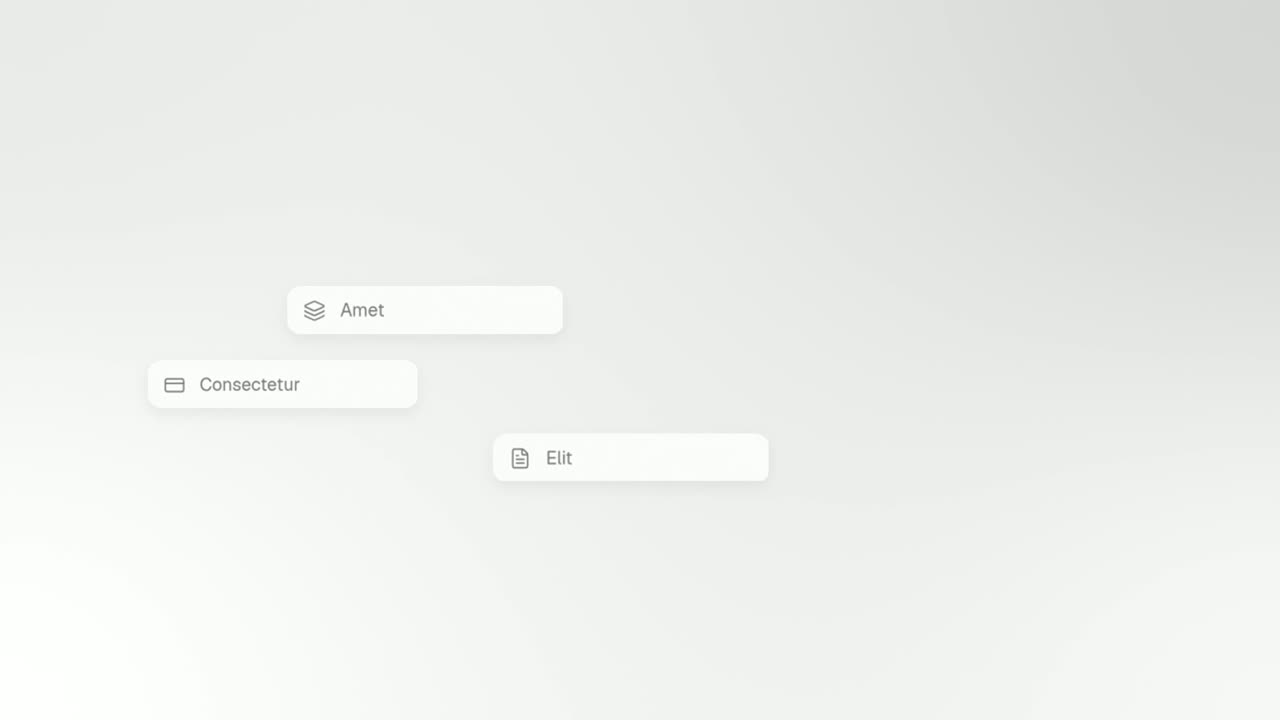
Transition · your real UI
Typecast
Typecast is a text to UI animation: a short headline appears, then up to three of its words are swapped for the real interface pieces they name, and…
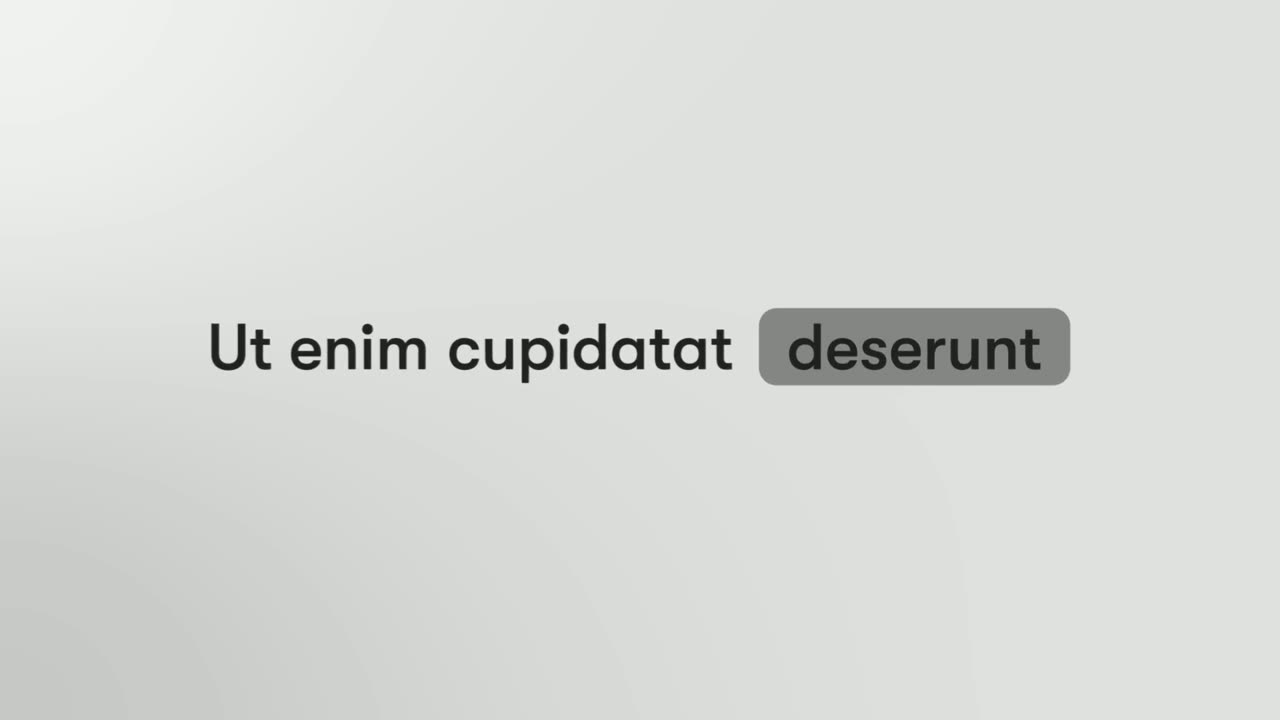
Opener
Spotlight Text Block
Spotlight Text Block is a 2-second text scene where a few words appear and one of them sits inside a pill, like a status tag in an app.
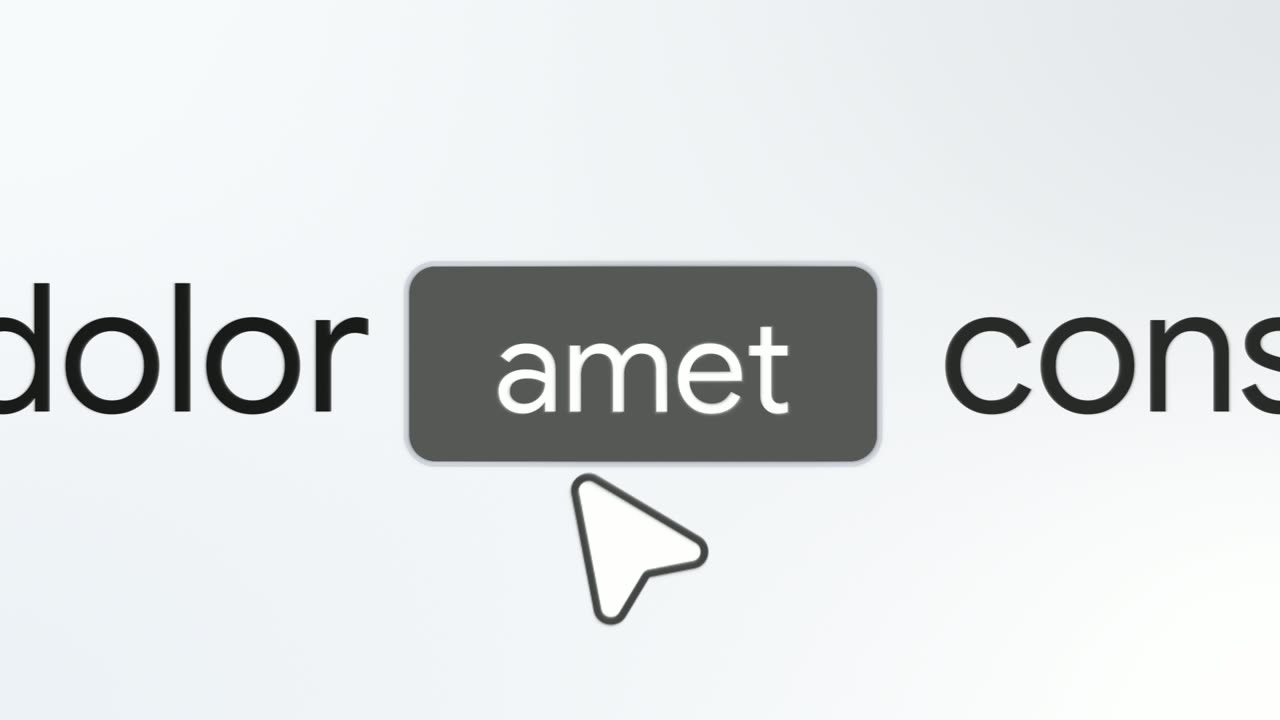
Opener
Button Word
Button Word is a 3-second text scene where one short sentence glides in with a single word sitting inside a button, then the camera punches in and a…
Questions
What kind of component works inside the sentence?
Something small and self-contained with a short label or a clear icon, like a button or a badge. Large panels, tables and charts shrink to the size of a word and become unreadable.
How is Feature Callout different from Typecast?
Feature Callout puts one component inside a short sentence. Typecast swaps up to three words for real interface pieces and then the page follows.
Does Feature Callout need a full page capture?
No. Only the one component is used, with no page behind it, which keeps the scene quick.
Put Feature Callout in your next video
Describe the video in a sentence. The Wevi Agent reads your site, captures your product, plans the scenes and renders with voiceover and music. Start free.
Or ask your assistant: Make a launch video for mysite.com with Wevi and open on the Feature Callout scene