
Rise & Reveal: a 3D dashboard animation that builds your real page
Rise & Reveal is a 3D dashboard animation where your real product page tilts back and its cards and panels rise into place one after another until the screen is full. It shows a dashboard filling with data, results arriving after a request, or a workspace coming to life. It is for teams with a component-rich product who want a cinematic payoff or a strong first look at the platform.
The preview shows placeholder content. Your video uses your UI, words, logo and colors.
- Role
- Feature
- Length
- 4 seconds
- Uses
- Your real product UI
- Format
- 16:9, up to 4K
What it looks like
The upper part of your real page tilts back in 3D. One by one, the cards and panels you picked rise up and settle into their places in reading order until the screen is full. It holds up to twelve components, more than any of the other page reveals, so a dense dashboard, a pricing page or a chat view can build piece by piece. The upward motion reads as growth, and over about four seconds the scene feels dynamic and cinematic.
It usually lands mid video as the payoff after a prompt or loading scene, or opens the video as the first look at the platform, and it feels big and cinematic.
Best for
- Revealing results right after a prompt, a click or a loading scene
- Showing a dashboard filling up with live data
- Opening a launch video on the platform coming to life
- Introducing a pricing page or workspace made of many separate panels
What you add
- A product page made of separate cards or panels
- One to twelve whole components picked from it in reading order
- Your brand colors, pulled from your website
Capture tips
- Zoom the browser in as far as you can while everything you want in the shot still fits on screen. A bigger capture stays sharper in the video.
- The scene frames the upper part of the page on its own.
- Select whole, self contained blocks such as cards, panels, tables or pricing tiers, top to bottom and left to right. Three to seven read best.
- Leave clear space between selections and never pick a panel plus something inside it, or that text rises twice and looks doubled.
Videos this scene works in
Product launch video
The 30 to 45 second video for launch day: what it is, who it is for, why now.
Read the guideAI product demo video
Show prompts, answers and agents at work without a shaky screen recording.
Read the guideProduct demo video
Show the product working, step by step, in your real interface.
Read the guideWebsite hero video
A silent, looping product video for the top of your homepage.
Read the guidePairs well with
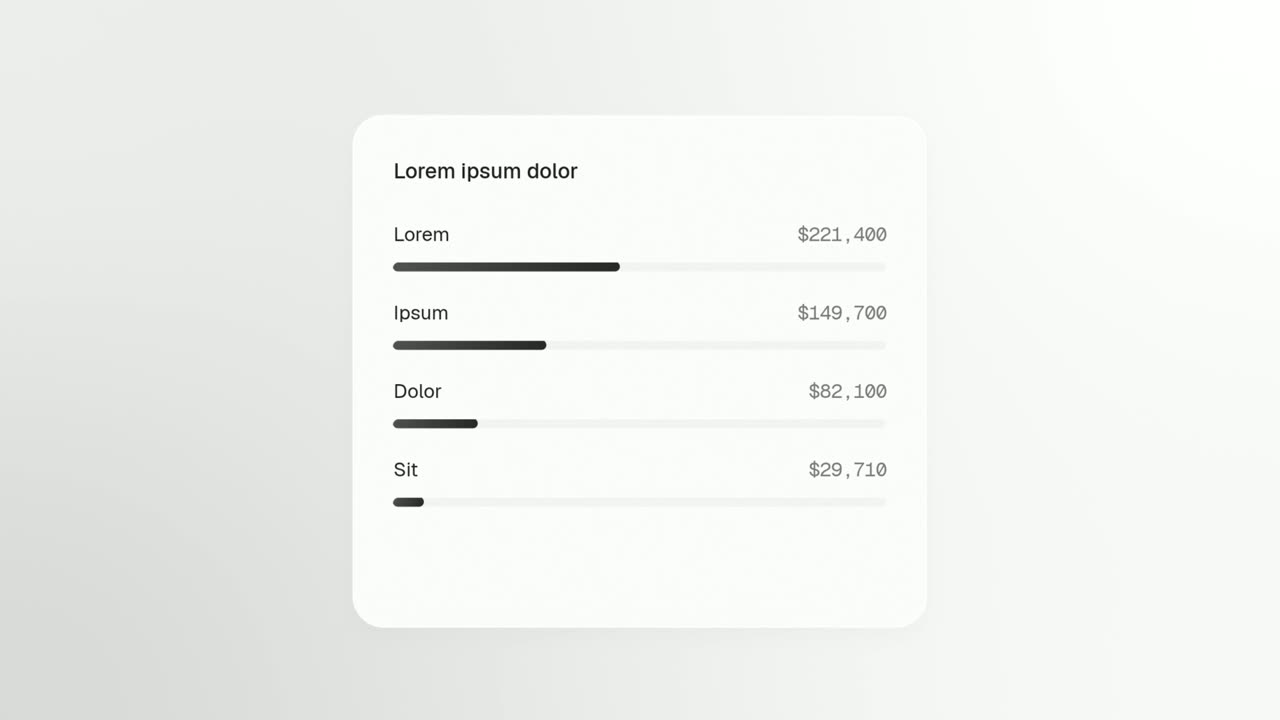
Feature · your real UI
Window Rise
Window Rise is an app window animation where one real card, panel or chat window from your product floats alone and fills itself in.
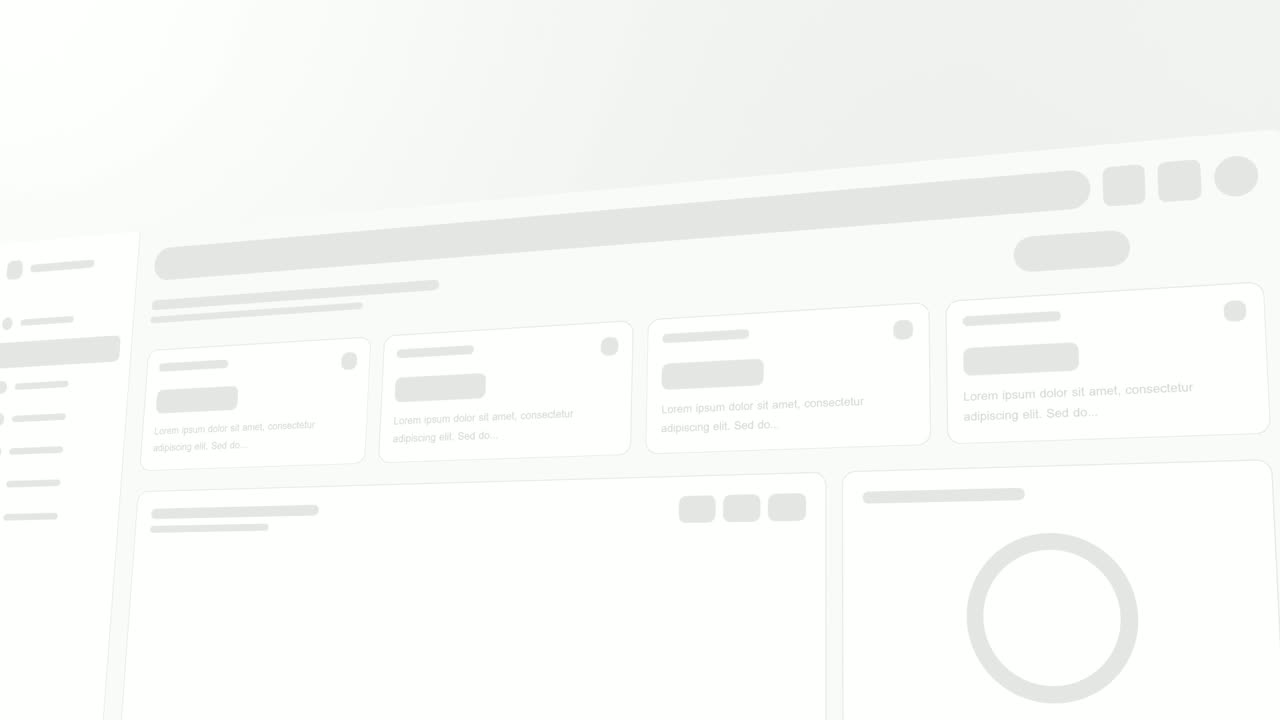
Opener · your real UI
Sweep and Reveal
Sweep and Reveal is a 4-second scene where up to seven components of your real product page appear in one gentle, continuous sweep.

Transition
Loading Dots
Loading Dots is a loading dots animation: three dots pulse on a quiet background and nothing else happens.
Questions
How many components can Rise & Reveal show?
Up to twelve, which is more than the other page reveal templates in Wevi. Three to seven usually read best.
When should I use Window Rise or Sweep and Reveal instead?
Use Window Rise when only one window should fill in rather than the whole page. Use Sweep and Reveal for a calmer, wider look at the product.
Does it work for text-heavy pages?
Not well. It needs distinct cards or panels to lift, so a long article or a page of plain text has nothing to reveal.
Put Rise & Reveal in your next video
Describe the video in a sentence. The Wevi Agent reads your site, captures your product, plans the scenes and renders with voiceover and music. Start free.
Or ask your assistant: Make a launch video for mysite.com with Wevi and open on the Rise & Reveal scene