
Logo Drag to Page: a logo to website transition with a cursor
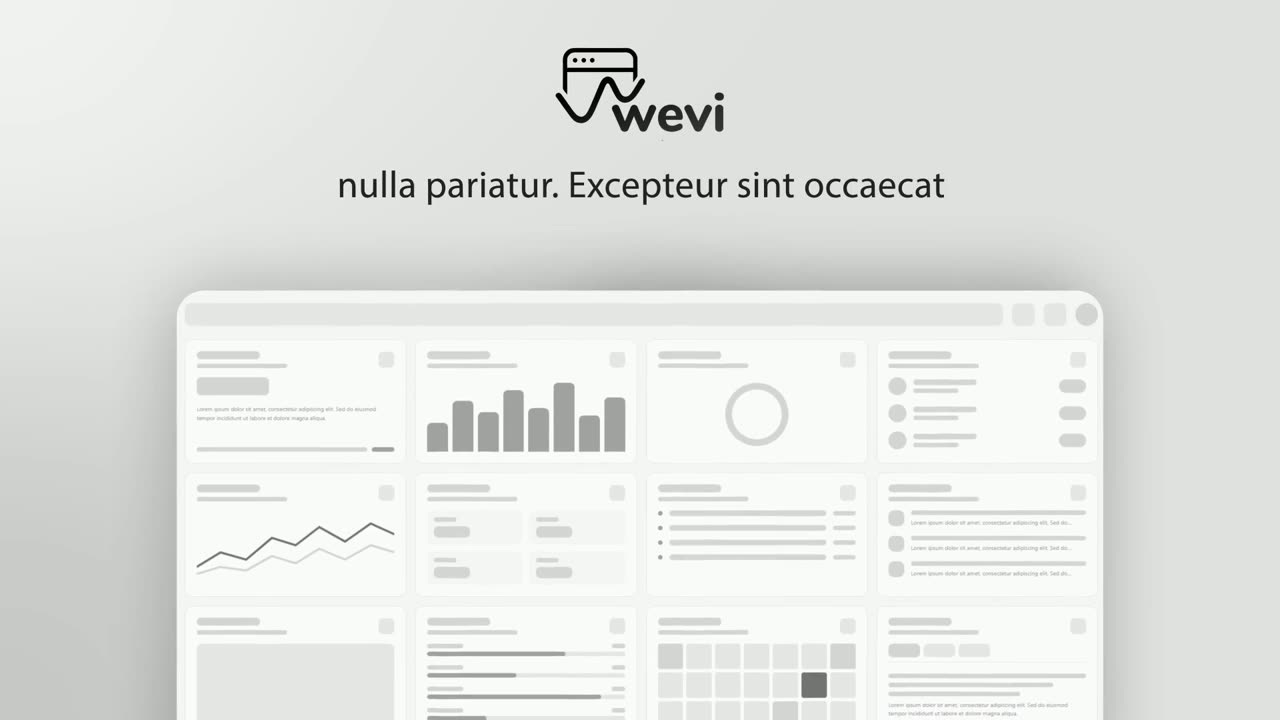
Logo Drag to Page is a four-second scene that moves from your brand into your product in one hands-on gesture. A short line sits with your logo on an app icon tile in its middle, a cursor grabs the tile, and your real product page swings down to meet it. It suits opening scenes and the bridge from a claim to the product in action.
The preview shows placeholder content. Your video uses your UI, words, logo and colors.
- Role
- Opener
- Length
- 4 seconds
- Uses
- Your real product UI
- Format
- 16:9, up to 4K
What it looks like
A short line reads through your logo, which sits on an app icon tile between the words. A cursor grabs the tile and lifts it while your product page swings down from above. The logo lands in the middle of the page and melts into it, and the page blooms out from that point and settles into its own colors at about 1.8 seconds. It feels playful and precise.
It works as the opening scene or as the bridge right after the problem, and it feels playful and direct.
Best for
- Opening a video by naming what the product lets you do, then showing it
- Bridging from the problem to the product
- Introducing your product name and its interface in one move
- Moving from a claim to the product in action
What you add
- A short line with a few words either side of the logo
- Your logo, taken from your brand
- One captured page of your product
Capture tips
- Zoom the browser in far before you capture so the page stays sharp when it fills the window.
- Capture the page at the top so its header bar comes in with it.
- Pick a page view with clear structure near its middle, because the page opens from the middle.
- Capture a page of the product itself, since the scene is about moving from the brand into it.
Videos this scene works in
Product launch video
The 30 to 45 second video for launch day: what it is, who it is for, why now.
Read the guideWebsite hero video
A silent, looping product video for the top of your homepage.
Read the guideProduct Hunt launch video
The first item in your Product Hunt gallery, made to stop the scroll.
Read the guideSaaS promo video
A punchy promo for ads, social and email, built from your product.
Read the guidePairs well with
Opener · your real UI
Hero Showcase
Hero Showcase is a 4-second scene that goes from your brand straight into your product: your logo sits in the center with two short headlines, then…

Opener · your real UI
Logo Morph
Logo Morph is a 4-second scene where your captured product page fades away while one component lifts off it, glides to the center and morphs into…
Feature · your real UI
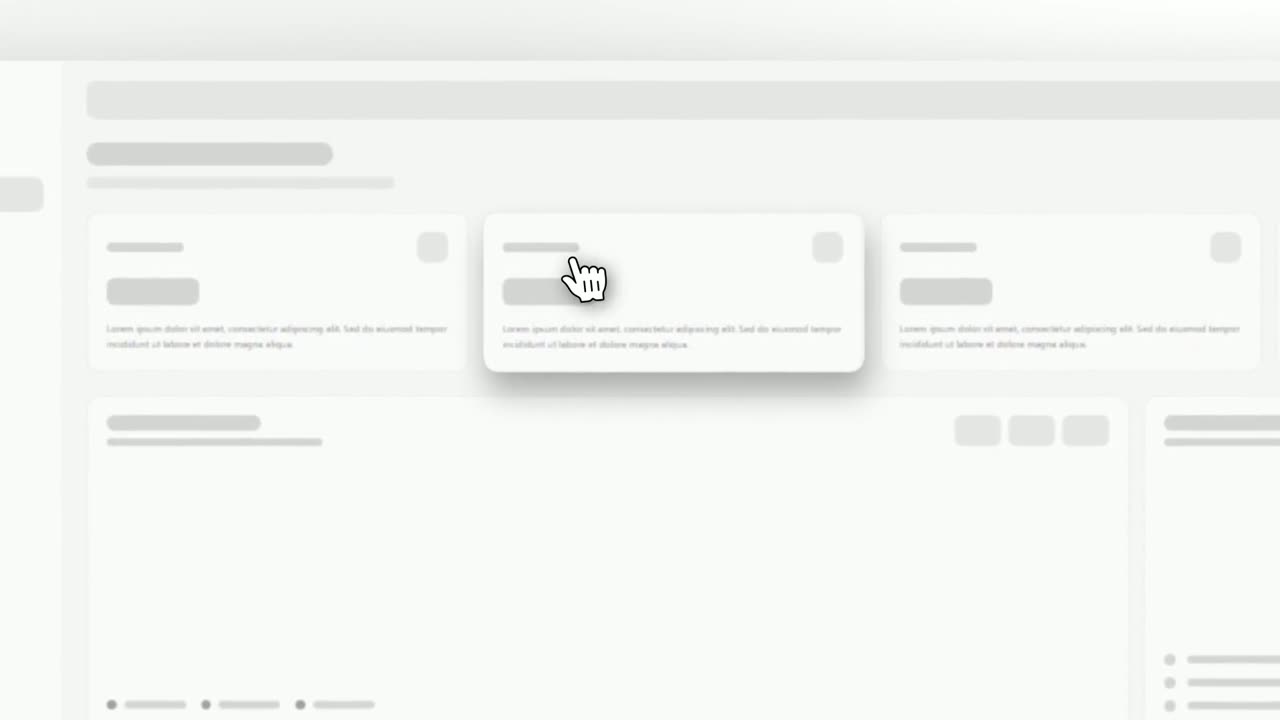
Cursor Select
Cursor Select is a five-second scene that opens on your whole product page, moves the camera in on one control, lifts it slightly and has a cursor…
Questions
How is it different from Logo Morph?
Logo Morph goes from the product to the brand. Logo Drag to Page goes the other way, from the brand into the product.
Can I use it as the closing call to action?
No. It opens or bridges into the product. End the video with a scene built for the next step, such as Call to Action.
How long can the line be?
Short, with a few words either side of the logo. Say it in the voiceover with your product name where the logo sits.
Put Logo Drag to Page in your next video
Describe the video in a sentence. The Wevi Agent reads your site, captures your product, plans the scenes and renders with voiceover and music. Start free.
Or ask your assistant: Make a launch video for mysite.com with Wevi and open on the Logo Drag to Page scene