
Search Reveal: a search bar typing animation with a whip cut into your real UI
Search Reveal is a 4-second scene where a query types itself big and alone in the middle of the frame, then a whip cut reveals it is being typed into your product's real search bar, where it keeps typing in close up until the phrase is complete. It introduces a product by what people search for or type into it. It suits search tools, AI products and any app built around one main input.
The preview shows placeholder content. Your video uses your UI, words, logo and colors.
- Role
- Opener
- Length
- 4 seconds
- Uses
- Your real product UI
- Format
- 16:9, up to 4K
What it looks like
The frame is empty except for your query, typing itself out in large letters right in the center. Partway through, a fast whip cut swings the view to your real search bar, captured from your live product, and the same query keeps typing inside it in close up. The phrase completes in the bar at about 1.8 seconds, and the scene hands off to the next one with a match cut. It lasts about four seconds.
It opens the video or sets up a need, then hands off to the next scene, and it feels curious and direct.
Best for
- Opening a video on what your users search for
- Putting a customer need into their own words
- Introducing a search or AI product through its main input
What you add
- Your search field or prompt box, captured with the query typed in
- A query of up to 8 words
Capture tips
- Type the query you want into your search field before capturing, and leave the field otherwise at rest with no suggestion list open.
- Zoom the browser in far so the bar fills most of the screen. A bigger capture gives a sharper close up.
- Select the whole field out to its outer border, with its icons and buttons, then select the words you typed. Two picks only.
- Do not pick only the input line, a label or the whole toolbar around the field.
Videos this scene works in
AI product demo video
Show prompts, answers and agents at work without a shaky screen recording.
Read the guideProduct demo video
Show the product working, step by step, in your real interface.
Read the guideProduct launch video
The 30 to 45 second video for launch day: what it is, who it is for, why now.
Read the guidePairs well with

Opener · your real UI
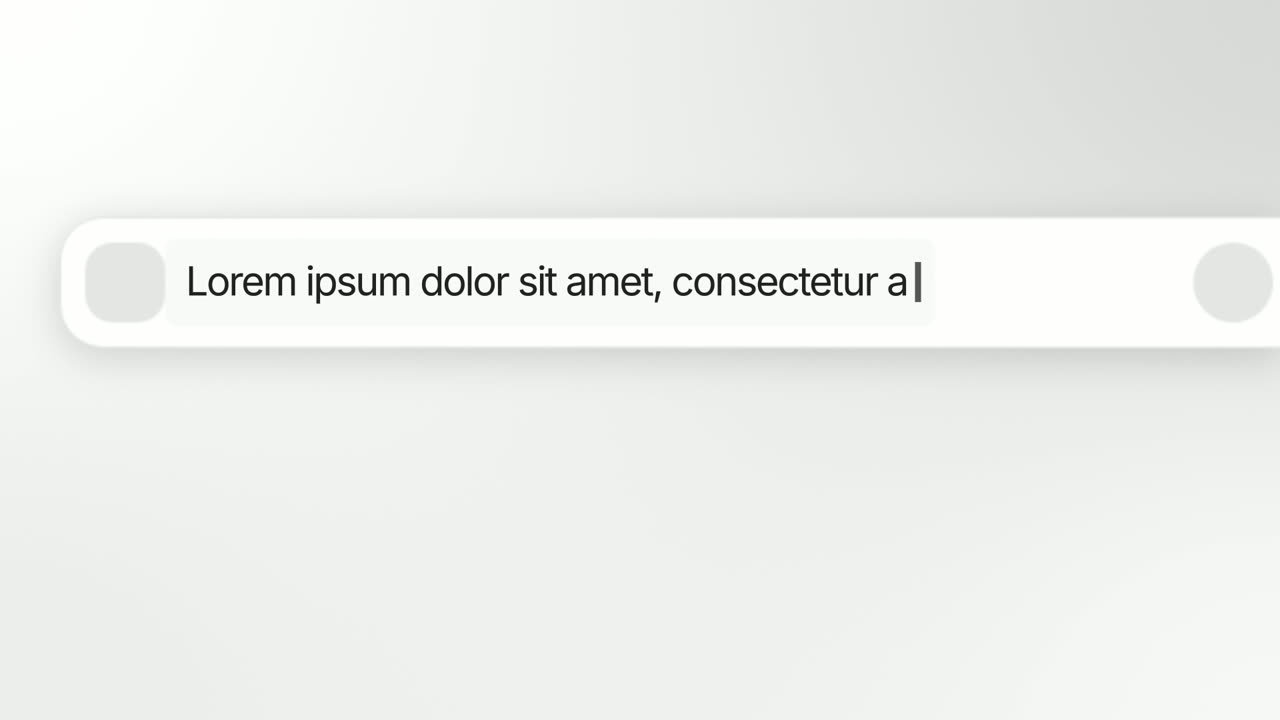
Search Spotlight
Search Spotlight is a 4-second scene where a query types into your product's real search bar in extreme close up while the camera pushes in, speeding…
Opener · your real UI
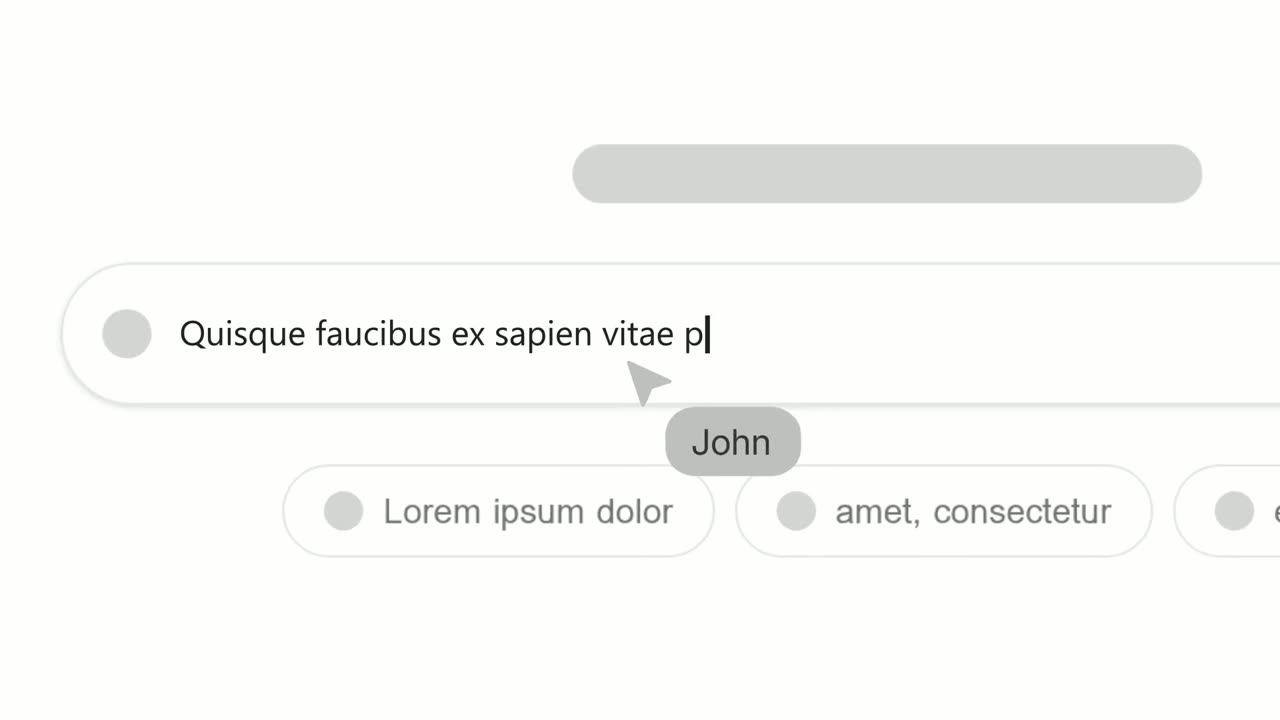
Animated Text Bar
Animated Text Bar is a 3-second scene where your product's real search or prompt bar floats alone on a clean background and one short line types into…
Opener · your real UI
Text Typing In
Text Typing In is a 5-second scene where your real product page is on screen, a cursor clicks a field and the camera moves in while real text types…
Questions
How long can the query be?
Up to about 8 words. Longer queries scroll and the start of the phrase leaves the frame.
How is it different from Search Spotlight?
Search Reveal ends in the bar with no word shot at the end. Search Spotlight pushes in and hard cuts to one key word alone on screen.
Does it work with a prompt box as well as a search bar?
Yes. Any search field or prompt box works, as long as you capture the whole field and the text you typed into it.
Put Search Reveal in your next video
Describe the video in a sentence. The Wevi Agent reads your site, captures your product, plans the scenes and renders with voiceover and music. Start free.
Or ask your assistant: Make a launch video for mysite.com with Wevi and open on the Search Reveal scene