
Dock Lift: an app icon animation that lifts your brand above the stack
Dock Lift is an app icon animation: five icons sit in a dock with your brand in the middle, and after a short hold your icon lifts out of the row and grows while the others close ranks beneath it. It places your product among the tools your audience already uses, as the one that connects them, replaces them or stands out. It suits SaaS products that integrate with or consolidate other apps.
The preview shows placeholder content. Your video uses your UI, words, logo and colors.
- Role
- Transition
- Length
- 4 seconds
- Uses
- Your words and logo
- Format
- 16:9, up to 4K
What it looks like
A dock of five app icons sits on screen, with your logo in the middle and two other tools on each side. After a short hold, your icon lifts up out of the row and grows a little, while the four icons beneath it slide together to close the gap. There is no button or text on screen, so the voiceover names the idea. It runs about four seconds and feels calm, premium and sure of itself.
It usually appears once, early or mid video, right after the crowded stack of tools comes up, and it feels calm and premium.
Best for
- Showing your product as the hub that connects familiar tools
- Positioning your app as the one that replaces tool sprawl
- Announcing integrations with apps your audience already knows
- Making your brand stand out in a crowded category
What you add
- Your logo, pulled from your website
- Four logos of real integrations or familiar tools, each from a different company
- A one sentence voiceover that names your brand as it lifts
No recording needed
This scene is built from your words, logo and brand colors. Add your website and Wevi pulls your logo, colors and fonts, so it matches your product without design work.
Videos this scene works in
Integration announcement video
Announce a new integration with both logos and the workflow it unlocks.
Read the guideProduct launch video
The 30 to 45 second video for launch day: what it is, who it is for, why now.
Read the guideSaaS promo video
A punchy promo for ads, social and email, built from your product.
Read the guidePairs well with
Feature
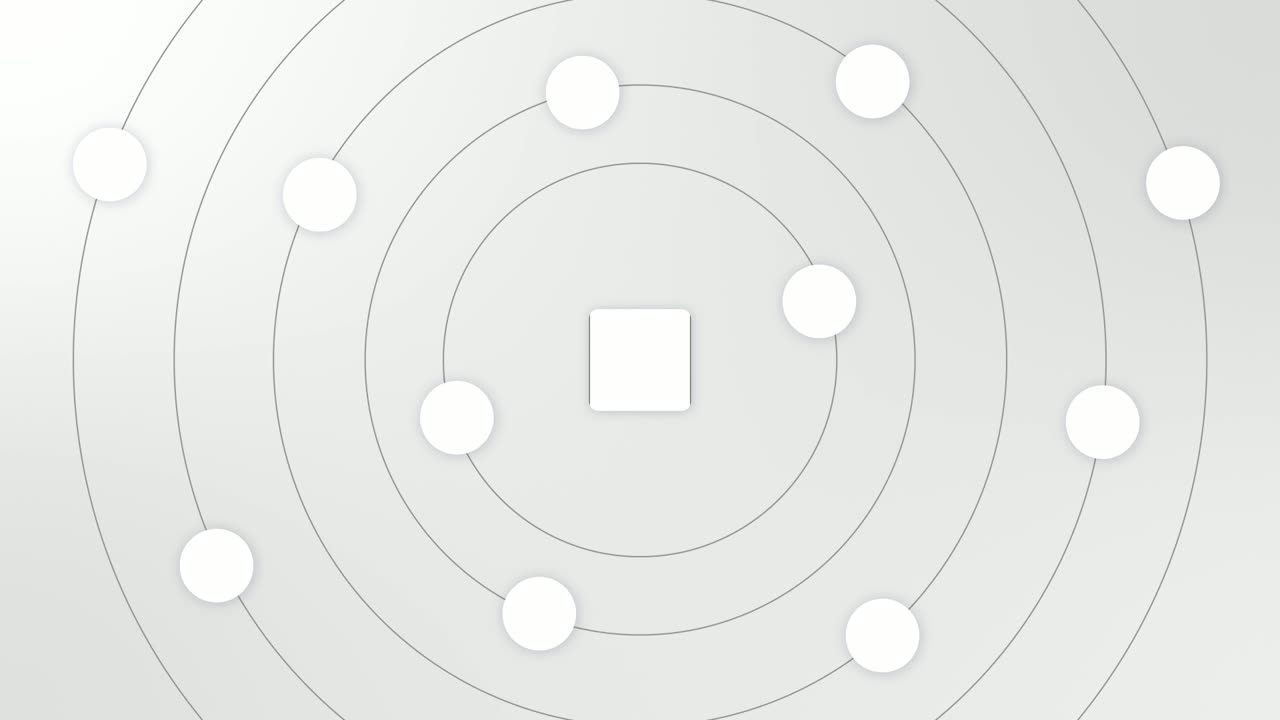
Integration Orbit
Integration Orbit is a five-second scene where your brand logo sits in the middle while up to eleven other logos circle it on rings.
Feature
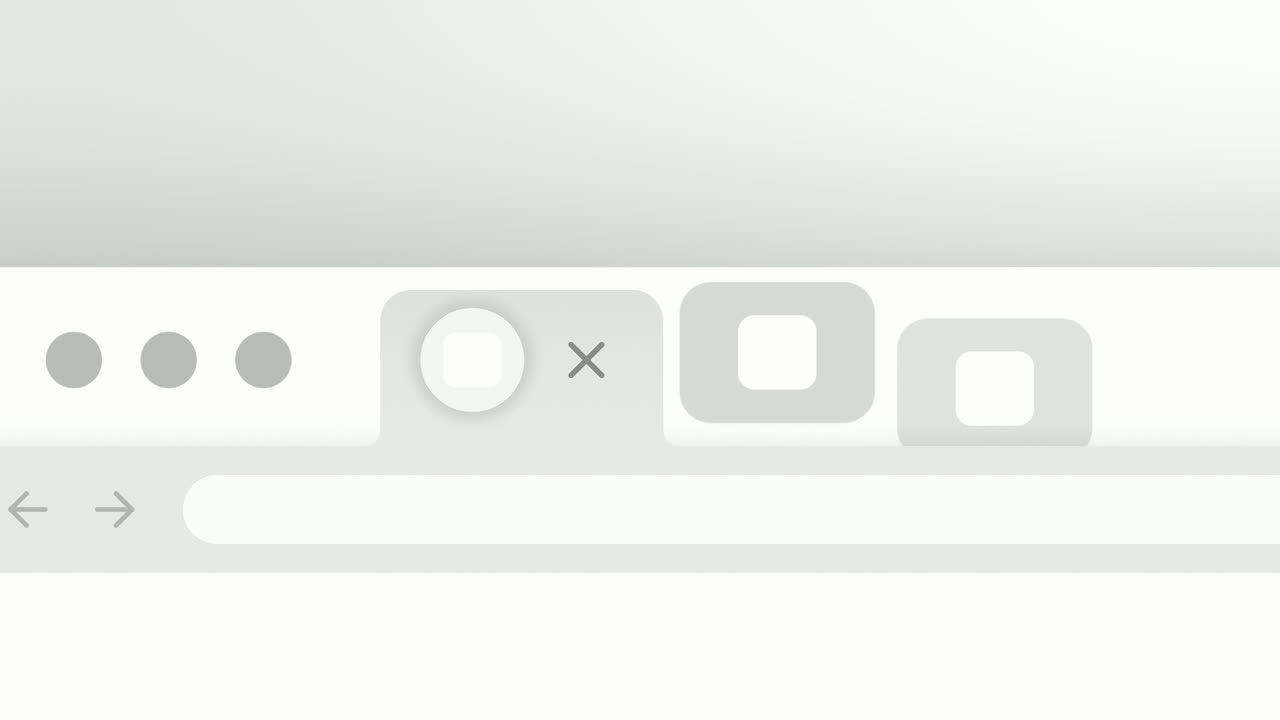
Close the Tabs
Close the Tabs is a three-second scene where a crowded browser tab strip, full of the tools your audience juggles, slides past and the tabs drop away…
Opener
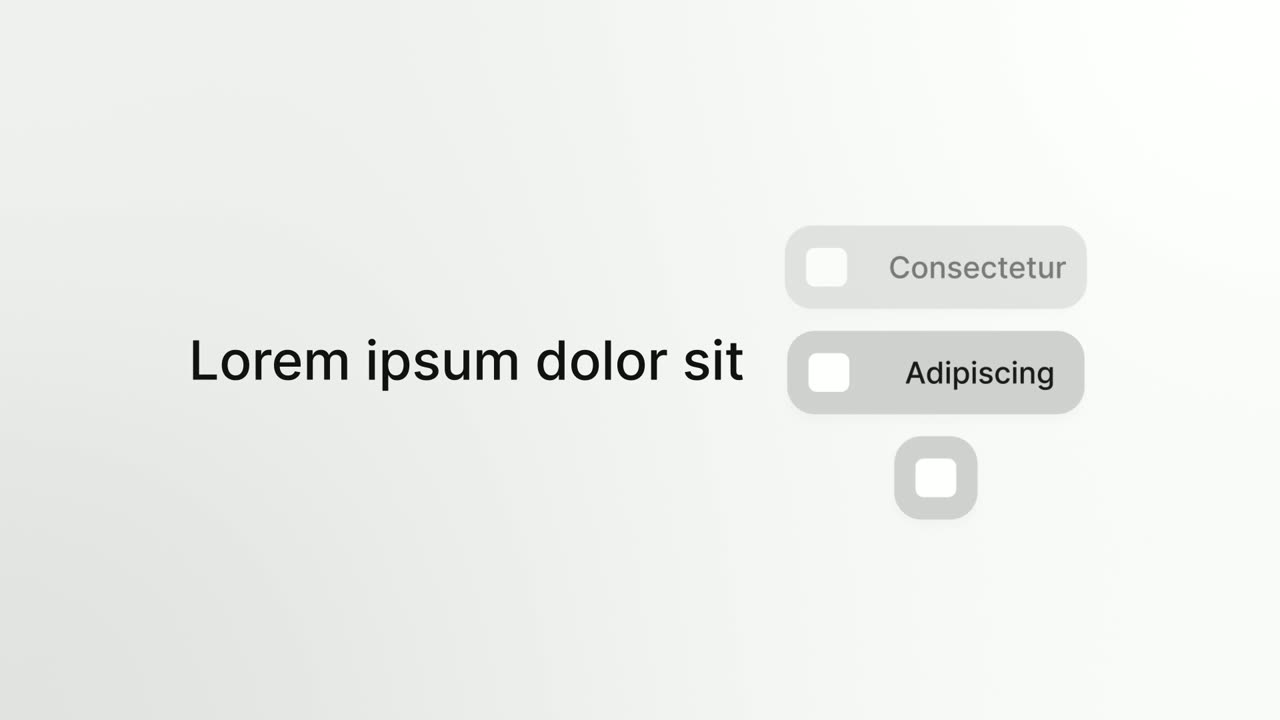
Platform Roll
Platform Roll is a 3-second scene where a short headline sits beside a column of pills that roll past one by one, each showing the name and logo of…
Questions
Which logos should go beside mine?
Real integrations or familiar tools from the same world as your product, each from a different company. If you are not sure which tools you integrate with, use everyday apps and do not claim an integration in the voiceover.
Can I put competitor logos in the dock?
Avoid it unless you are deliberately making a comparison. The side icons are meant to be tools your audience already uses.
Can Dock Lift end the video?
It has no button or link on screen, so it is not a call to action. Use it once, earlier in the video, and close with Call to Action.
Put Dock Lift in your next video
Describe the video in a sentence. The Wevi Agent reads your site, captures your product, plans the scenes and renders with voiceover and music. Start free.
Or ask your assistant: Make a launch video for mysite.com with Wevi and open on the Dock Lift scene