
Team Wall: a meet the team video scene with sixteen profile cards
Team Wall is a meet the team scene: sixteen profile cards float in 3D, each with a face, a name, a role and two short lines of detail, and the camera pulls back from one featured person to the whole group. Use it when the story is about people rather than the product, such as your team, your community or the people your platform connects. It suits founders and companies who want to put real faces behind a claim.
The preview shows placeholder content. Your video uses your UI, words, logo and colors.
- Role
- Feature
- Length
- 3 seconds
- Uses
- Your words and logo
- Format
- 16:9, up to 4K
What it looks like
The scene opens close on one featured profile card showing a photo, a name, a role and two short lines of detail. The camera then pulls back and the frame fills with sixteen of these cards floating in 3D space, a wall of people around the first one. Every card holds a different person. The move takes about three seconds and turns one face into a crowd, so it feels warm, proud and human rather than salesy.
It usually appears once, mid video or toward the end, when the story turns from the product to the people, and it feels warm and proud.
Best for
- Introducing the team behind the company
- Showing the members or community already on your platform
- Presenting the experts or providers your product connects people with
- Putting faces on a sales or support team
- Adding a human moment to a funding announcement
What you add
- Sixteen headshots, one per person, with no repeats
- Sixteen names of up to 22 characters
- Sixteen roles of up to 28 characters
- Two short lines of detail for each person
No recording needed
This scene is built from your words, logo and brand colors. Add your website and Wevi pulls your logo, colors and fonts, so it matches your product without design work.
Videos this scene works in
Funding announcement video
Pair the funding news with what customers get from it.
Read the guideLinkedIn and X product video
Product videos that work in LinkedIn and X feeds, sound off.
Read the guideSaaS explainer video
Problem, solution, proof. Explain what your software does in under a minute.
Read the guidePairs well with
Feature · your real UI
User Connection
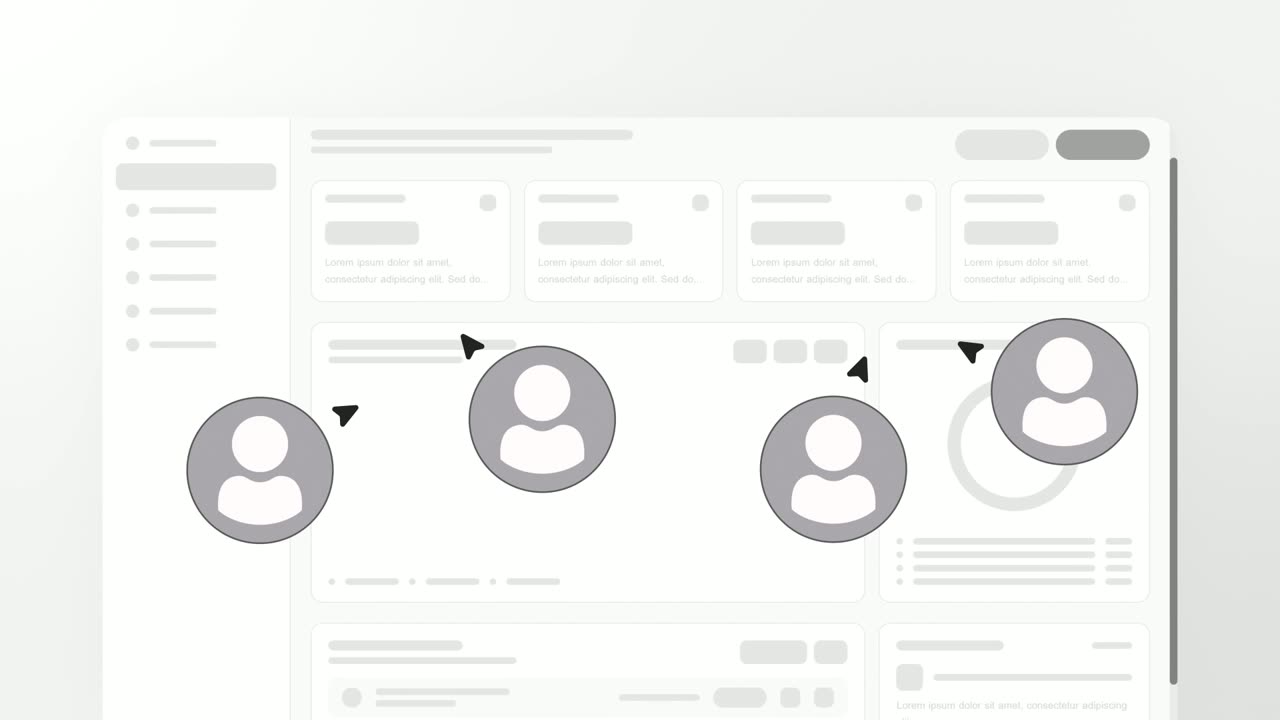
User Connection is a team collaboration animation: your real product page sits in a window while four people appear around it as avatars with moving…

Feature · your real UI
Global Data Flow Dashboard
Global Data Flow Dashboard is a four-second scene where a rotating globe appears over your real product page, with four people pinned to it and lines…
Feature
Avatar Stat Line
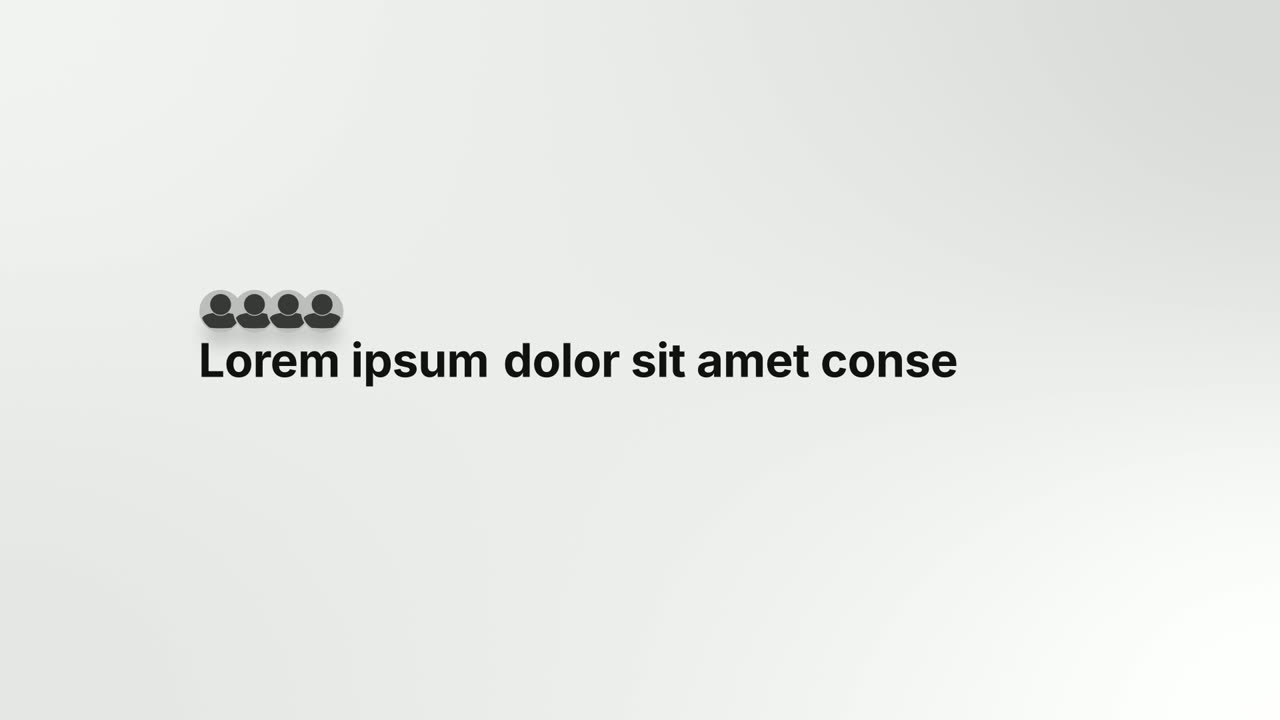
Avatar Stat Line is a three-second scene that builds one short claim about people: a stack of up to five overlapping avatar photos sits above the…
Questions
Do I need to fill all sixteen cards?
Yes. All sixteen must hold different people with different photos, so plan for a full set before you pick this scene.
Can I use Team Wall for testimonials or customer logos?
It is built for people, such as your team, members or community, not for quotes or company logos. For a crowd of logos, Image Ring is the better fit.
Can it show product features or metrics?
No. Team Wall is about people only, so features, numbers and interface belong in other scenes. Use it once per video.
Put Team Wall in your next video
Describe the video in a sentence. The Wevi Agent reads your site, captures your product, plans the scenes and renders with voiceover and music. Start free.
Or ask your assistant: Make a launch video for mysite.com with Wevi and open on the Team Wall scene