
Text Typing In: a typing animation video inside your real product
Text Typing In is a 5-second scene where your real product page is on screen, a cursor clicks a field and the camera moves in while real text types into it. It shows where the action happens and exactly what a user would write, whether a prompt, a search, a message or a name. It is the everyday input scene and fits almost any product demo.
The preview shows placeholder content. Your video uses your UI, words, logo and colors.
- Role
- Opener
- Length
- 5 seconds
- Uses
- Your real product UI
- Format
- 16:9, up to 4K
What it looks like
Your full product page appears first, so viewers know where they are. A cursor, which can carry a name label, moves to a field and clicks it. The camera then moves in on the field while your text types itself in, letter by letter, in the field's own font and color. The words read like something a real person would enter. After about five seconds the line is complete and the scene is ready for the next step.
It can appear anywhere a user enters something, often as the first step of a sequence, and it feels native and effortless.
Best for
- Showing a prompt or search being entered in your product
- Starting a how-it-works sequence before a click or a result
- Voicing a user's request or pain in the words they would type
- Showing where on the page an action happens
What you add
- A capture of the page with real looking text typed into the field
- One line of input that fits inside the field
- An optional name for the cursor label
Capture tips
- Zoom the browser in as far as you can while everything you want in the shot still fits on screen. A bigger capture stays sharper in the video.
- Type real looking input into the field before you capture, such as a prompt, a search or a message.
- Select only that typed text, not the field, a label, a placeholder or a button.
- Keep it to one line that fits inside the field.
Videos this scene works in
Product demo video
Show the product working, step by step, in your real interface.
Read the guideAI product demo video
Show prompts, answers and agents at work without a shaky screen recording.
Read the guideSaaS explainer video
Problem, solution, proof. Explain what your software does in under a minute.
Read the guideFeature announcement video
One new feature, shown in context, in 15 to 30 seconds.
Read the guidePairs well with
Transition · your real UI
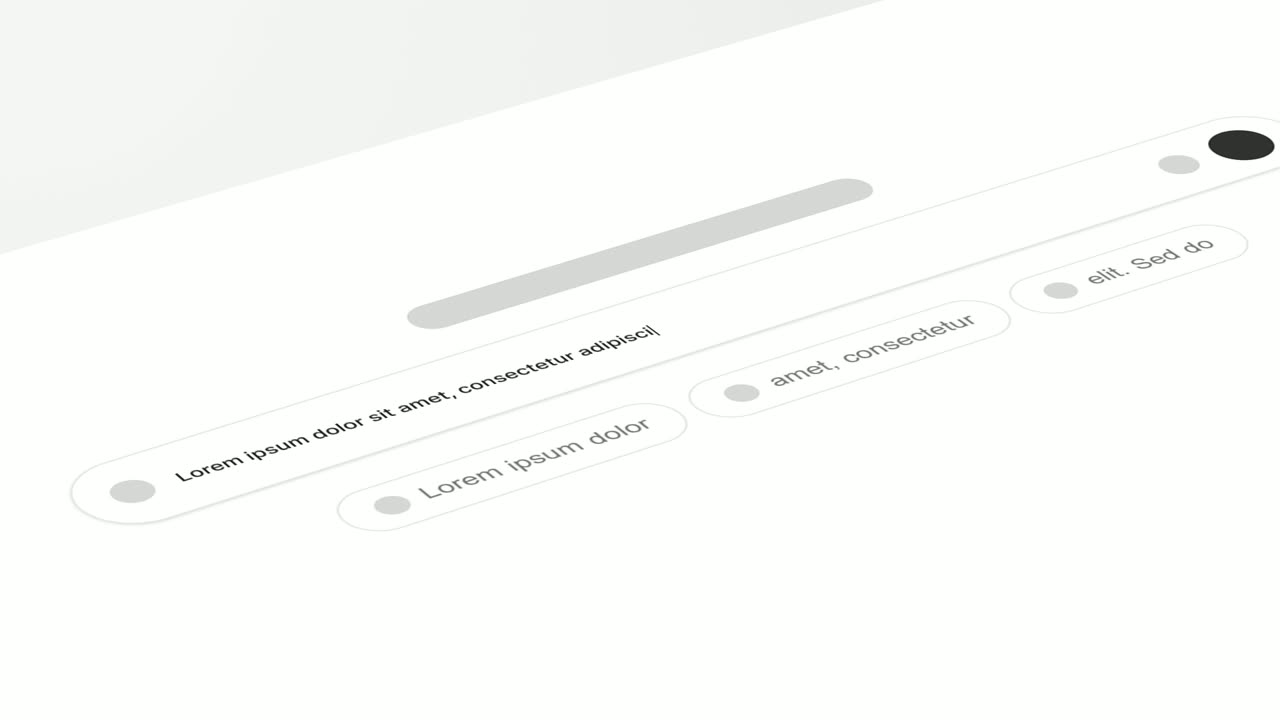
Tilted Type-In
Tilted Type-In is a 3D typing animation: your real product screen lies tilted back and the camera glides along one line as it types itself into a…
Feature · your real UI
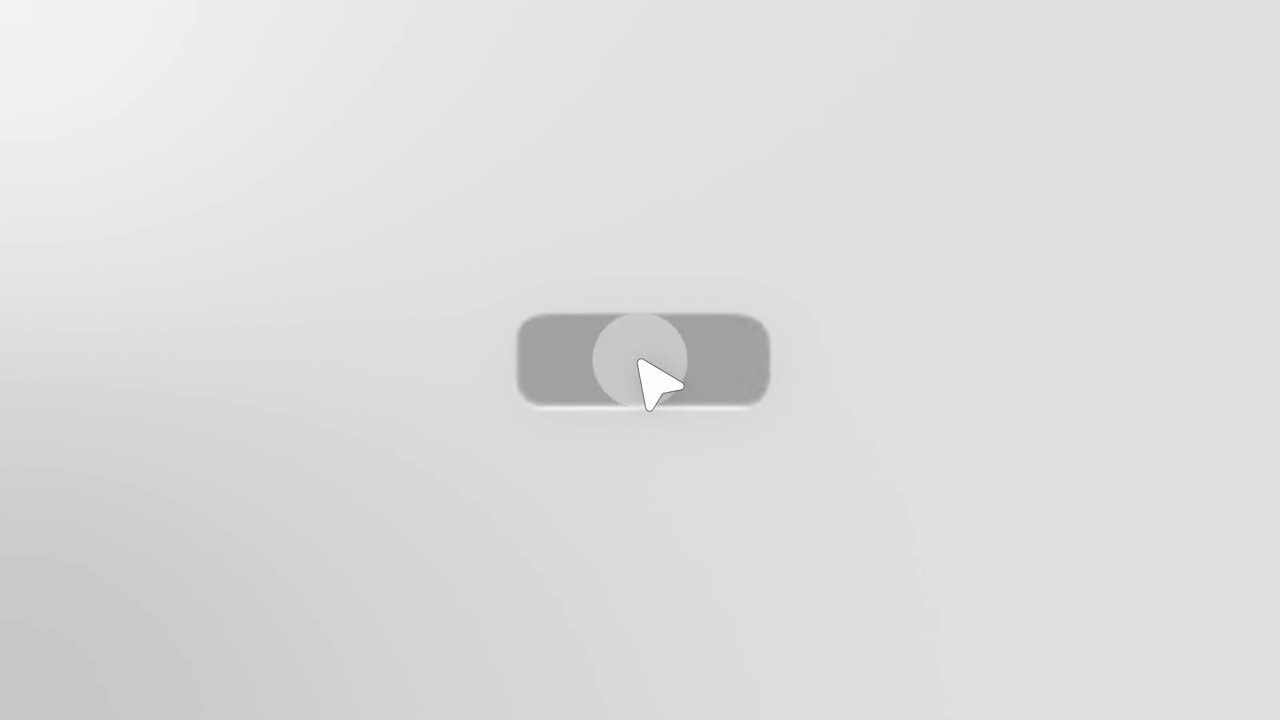
Simple Button Press
Simple Button Press is a button press animation that puts one real button from your product alone on a clean background and has a cursor click it.

Transition
Loading Dots
Loading Dots is a loading dots animation: three dots pulse on a quiet background and nothing else happens.
Questions
What should I type into the field?
Something a real person would type there, like a prompt, a search, a message, a name or an address. Avoid labels, button words and UI words like Password or Submit.
Can I use it more than once in a video?
Yes. It is the everyday input scene and can be used often, usually followed by a click, a loading scene or a result.
Is there a more cinematic version?
Yes. Tilted Type-In lays your screen back in 3D and glides along the line as it types.
Put Text Typing In in your next video
Describe the video in a sentence. The Wevi Agent reads your site, captures your product, plans the scenes and renders with voiceover and music. Start free.
Or ask your assistant: Make a launch video for mysite.com with Wevi and open on the Text Typing In scene