
Button Word: a button text animation that lands your key word with a click
Button Word is a 3-second text scene where one short sentence glides in with a single word sitting inside a button, then the camera punches in and a cursor clicks it. It turns the word your message hinges on into an action. It suits founders and marketers who want a playful, precise line about what their product lets people do.
The preview shows placeholder content. Your video uses your UI, words, logo and colors.
- Role
- Opener
- Length
- 3 seconds
- Uses
- Your words and logo
- Format
- 16:9, up to 4K
What it looks like
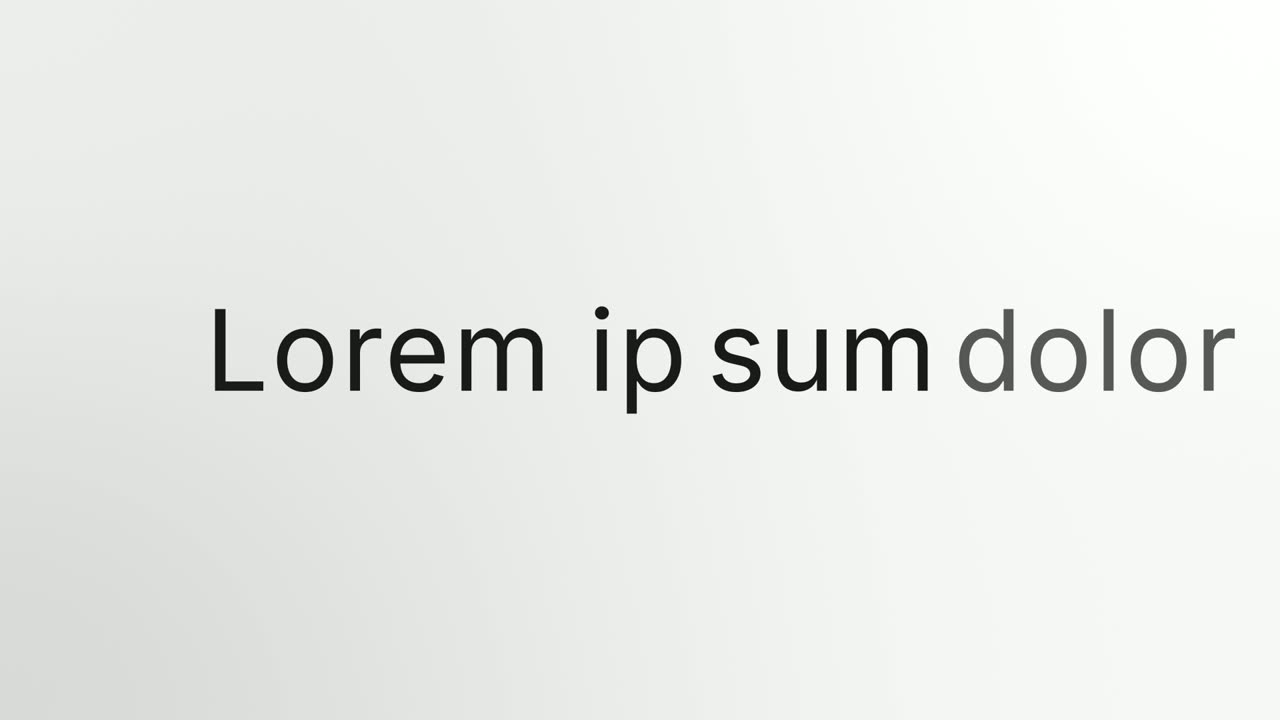
A sentence of four to seven words glides onto the screen in three parts: a few opening words, a button holding the key word, and one or two closing words. As soon as the line reads as one sentence, the camera punches in tight on the button. A cursor moves in and clicks it, and the press lands the word. The text, the button and the colors follow your brand, and the whole scene runs about three seconds.
It works as the opening line or as a turn in the middle of the video, and it feels playful and precise.
Best for
- Naming the one action your product lets people take
- Opening a video on a line that ends in a clear next step
- Marking the moment a choice is made in the middle of a story
- Making a feature name feel like something you can click
What you add
- A sentence of four to seven words, split into start, button word and end
- A button word of one or two words
- Your brand colors and font, pulled from your website
No recording needed
This scene is built from your words, logo and brand colors. Add your website and Wevi pulls your logo, colors and fonts, so it matches your product without design work.
Videos this scene works in
Product launch video
The 30 to 45 second video for launch day: what it is, who it is for, why now.
Read the guideSaaS promo video
A punchy promo for ads, social and email, built from your product.
Read the guideFeature announcement video
One new feature, shown in context, in 15 to 30 seconds.
Read the guideLinkedIn and X product video
Product videos that work in LinkedIn and X feeds, sound off.
Read the guidePairs well with
Opener
Hook Text Pop
Hook Text Pop is a 2-second text scene where the first words of a line type themselves out and the rest pop in at once in a highlight color.

Feature · your real UI
Simple Button Press
Simple Button Press is a button press animation that puts one real button from your product alone on a clean background and has a cursor click it.
Feature · your real UI
Cursor Press
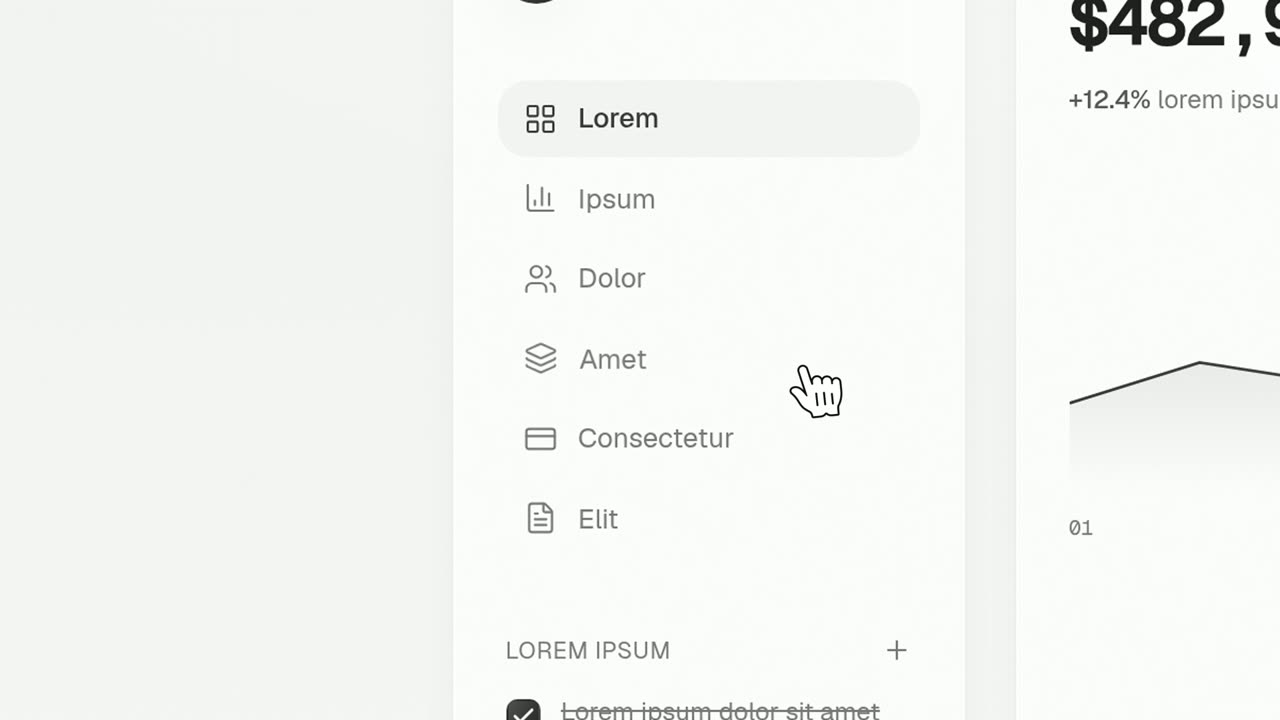
Cursor Press is a three-second close-up where one real button or control from your product sits still and a cursor glides in and presses it.
Questions
Does Button Word need a capture of my app?
No. The button is designed by the template and styled with your brand, so nothing is captured. To show your real button being clicked, use Simple Button Press or Cursor Press.
How should I write the sentence?
Use four to seven words that read as one sentence, and put the word the line turns on inside the button, such as the action a viewer can take. Keep the button word to one or two words.
Should the voiceover say the same line?
Yes. It works best when the narration speaks the on-screen sentence and stresses the button word as the cursor clicks.
Put Button Word in your next video
Describe the video in a sentence. The Wevi Agent reads your site, captures your product, plans the scenes and renders with voiceover and music. Start free.
Or ask your assistant: Make a launch video for mysite.com with Wevi and open on the Button Word scene