
Push & Press: a sidebar menu animation where a new item arrives and gets clicked
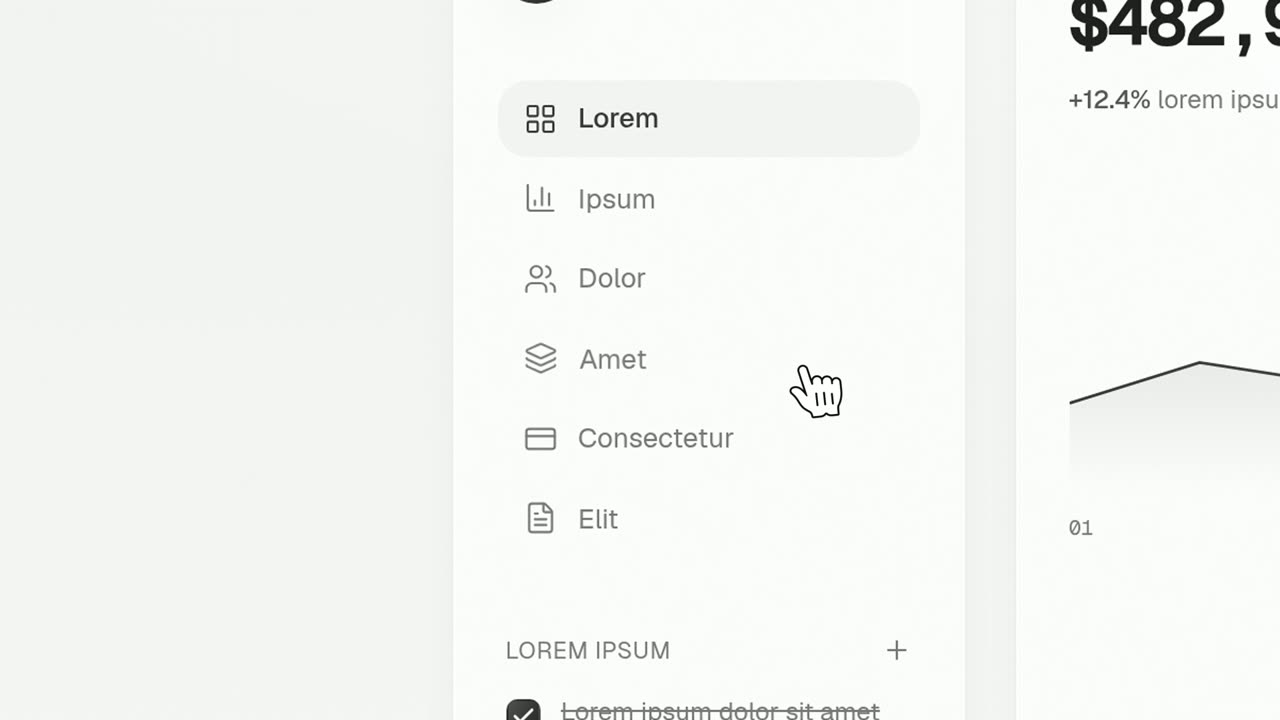
Push & Press is a four-second close-up on a real list in your product where a new item appears. Everything under one spot snaps down to open a gap, the new item rises into it, and a cursor glides in, hovers and clicks it. It suits the reveal of a new feature or a fresh result, right before the scene that shows what it opens.
The preview shows placeholder content. Your video uses your UI, words, logo and colors.
- Role
- Feature
- Length
- 4 seconds
- Uses
- Your real product UI
- Format
- 16:9, up to 4K
What it looks like
The camera sits close on a list such as a sidebar, a menu, a set of rows or a feed. The items below one spot build up and snap down, and the new item rises into the gap. A cursor then glides in and hooks onto it, its hover state lights up, and it gets clicked at about 2.9 seconds. The page and the item stay exactly as they look in your product.
It sits in the product part of the video, right before the scene that shows what the new item opens, and it feels short and upbeat.
Best for
- Revealing a new feature in the sidebar
- Showing a fresh result arriving in a feed and being opened
- Leading into the scene that shows what the item opens
- Announcing a new section or menu item in a release
What you add
- One item captured from a list, with other items under it
- A short voiceover sentence that names what is new
Capture tips
- Open the page where the item lives, such as a sidebar, a menu, a list or a feed, and leave it at rest with no hover.
- Zoom the browser in far on the list so it fills most of the screen.
- Select the one new item out to its full row width, with its icon, label and any badge.
- Pick an item that has other items under it in the same list, since they are what moves down to make room.
Videos this scene works in
Pairs well with
Feature · your real UI
Cursor Press
Cursor Press is a three-second close-up where one real button or control from your product sits still and a cursor glides in and presses it.
Feature · your real UI
Push Down
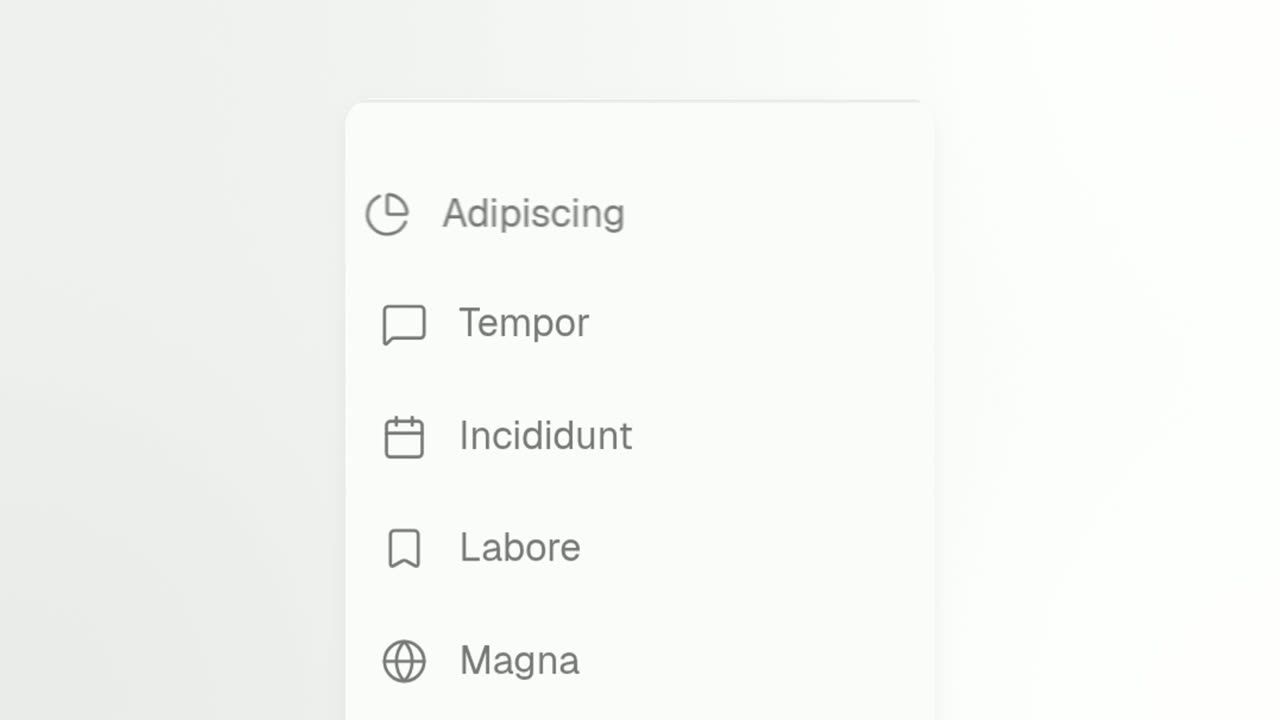
Push Down is a short activity feed animation built from a list captured in your own product.
Feature · your real UI
Make Room
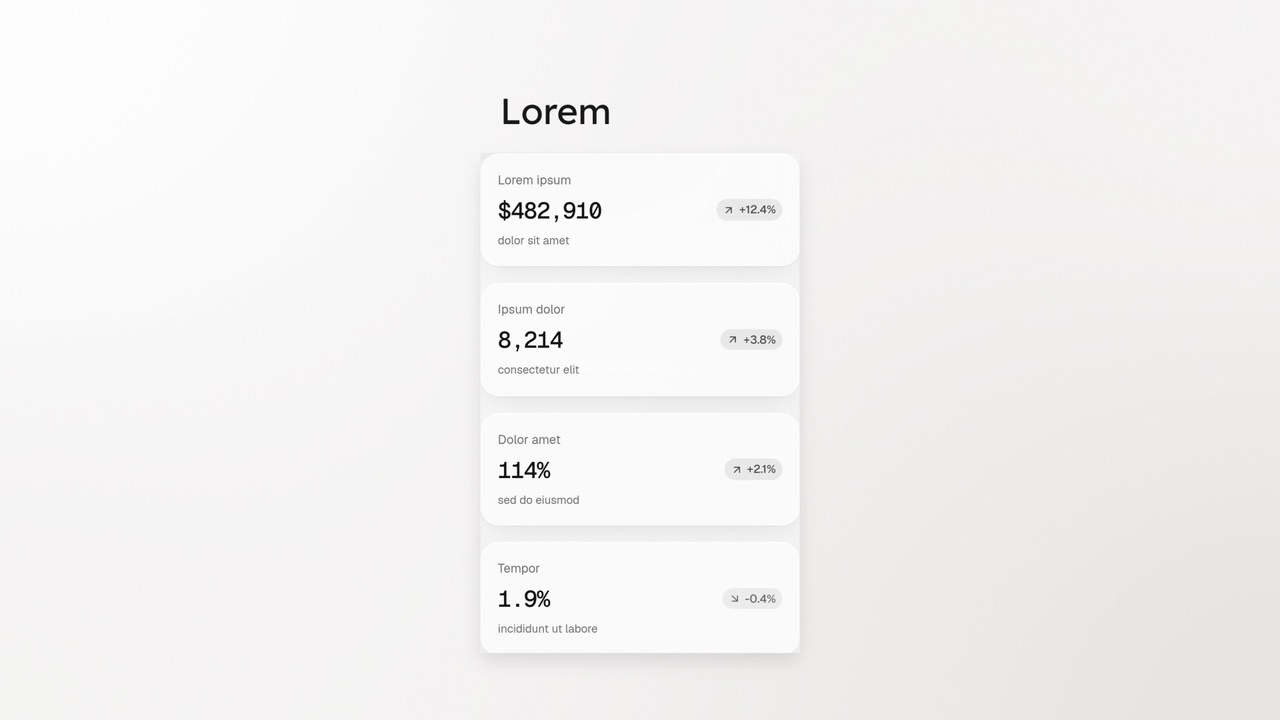
Make Room is a four-second scene where a real window from your product makes room for something new.
Questions
Can it work on a single button?
Not well. It needs a list with items below the new one, because they move down to make room. For a lone button, use Cursor Press.
How is it different from Push Down?
Push Down shows several rows arriving at the top of a list. Push & Press is about one new item that gets clicked.
Can it show several steps?
No. It is one new item and one click, so keep the voiceover to one sentence.
Put Push & Press in your next video
Describe the video in a sentence. The Wevi Agent reads your site, captures your product, plans the scenes and renders with voiceover and music. Start free.
Or ask your assistant: Make a launch video for mysite.com with Wevi and open on the Push & Press scene