
Cursor Select: a screen zoom animation that shows exactly where to click
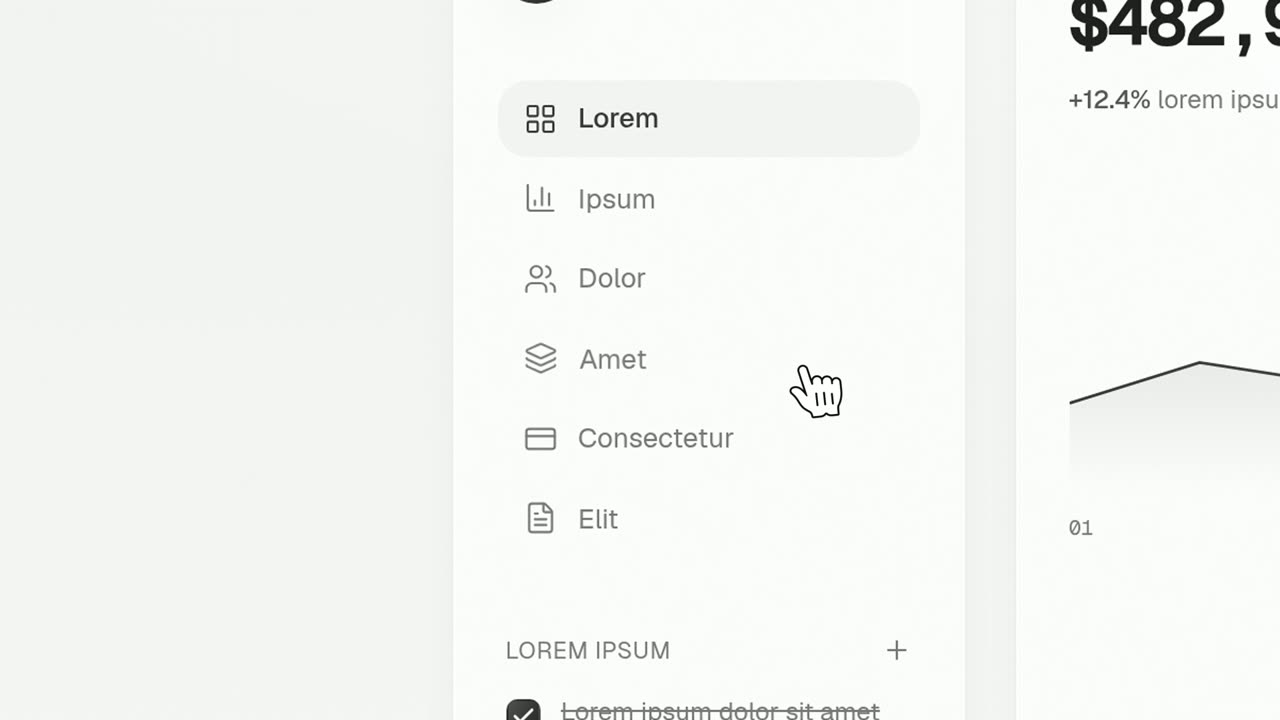
Cursor Select is a five-second scene that opens on your whole product page, moves the camera in on one control, lifts it slightly and has a cursor click it. It shows the route from the big picture to the exact spot, which suits walkthroughs, onboarding videos and explainers.
The preview shows placeholder content. Your video uses your UI, words, logo and colors.
- Role
- Feature
- Length
- 5 seconds
- Uses
- Your real product UI
- Format
- 16:9, up to 4K
What it looks like
The scene starts wide on your full captured page so the viewer knows where they are. The camera then glides in toward one button, tab, menu item or toggle. As the shot closes in, that control lifts slightly off the page, and a cursor moves to it and clicks. It is one click, clear and patient, with enough of the surrounding interface in view to keep the viewer oriented.
It sits in the walkthrough part of a video, one step at a time, and feels clear and patient.
Best for
- Showing one step of a how-to in context
- Pointing out a feature people rarely find
- Opening a workflow with its first click
- Guiding new users through an onboarding or explainer video
What you add
- A product page filled with real-looking data
- The one control a user would click, captured from that page
Capture tips
- Zoom the browser in as far as you can while everything you want in the shot still fits on screen. A bigger capture stays sharper in the video.
- Fill the page with real-looking data first, since the full interface shows in the opening wide shot.
- Select the exact control a user would click, the whole button with its background shape, and nothing bigger.
- Avoid cards, panels, full-width bars, and bare labels or tiny icons without a button shape.
Videos this scene works in
Pairs well with
Feature · your real UI
Cursor Press
Cursor Press is a three-second close-up where one real button or control from your product sits still and a cursor glides in and presses it.

Feature · your real UI
Floating Button Press
Floating Button Press is a five-second scene that starts on your full interface in 3D, lifts a single button out of it to float alone in the center…
Opener · your real UI
Text Typing In
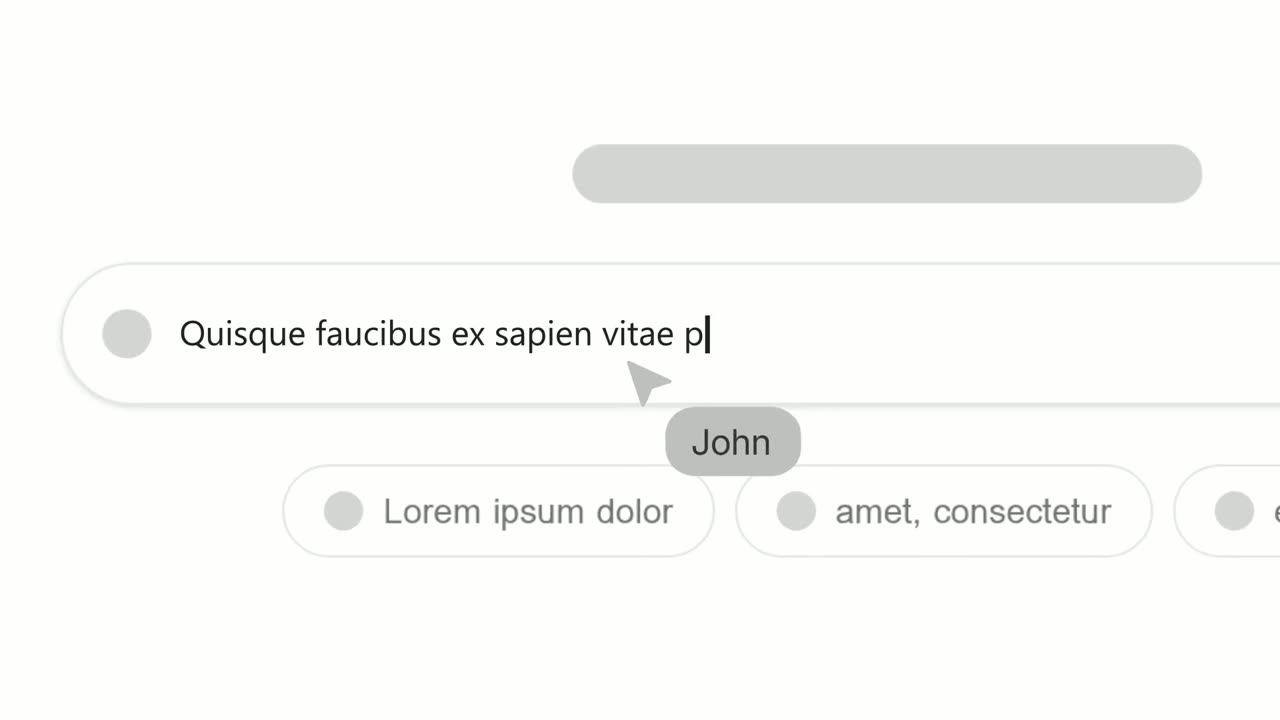
Text Typing In is a 5-second scene where your real product page is on screen, a cursor clicks a field and the camera moves in while real text types…
Questions
When should I use Cursor Select instead of Cursor Press?
When the location matters as much as the action. Cursor Select shows the whole page first, while Cursor Press stays in close up on the click alone.
Can it walk through a multi-step process?
Each Cursor Select scene is one click. For a longer walkthrough, give each key step its own scene and keep each voiceover line to that step.
Will viewers see my whole page?
Yes, at the start. The scene opens on the full page before zooming in, so close popups and fill the page with realistic data before you capture.
Put Cursor Select in your next video
Describe the video in a sentence. The Wevi Agent reads your site, captures your product, plans the scenes and renders with voiceover and music. Start free.
Or ask your assistant: Make a launch video for mysite.com with Wevi and open on the Cursor Select scene